|
Author
|
Message
|
|
fvardin122
|
fvardin122
Posted 7 Years Ago
|
|
Group: Forum Members
Last Active: 6 Years Ago
Posts: 2,
Visits: 26
|
Hi face 3d tracker does not recognize my camera. the camera works fine I checked it with the camera application. I also checked programs that can access the webcam in my pc and face 3d tracker is not even on the list.
please let me know how can I solve this problem.
best regards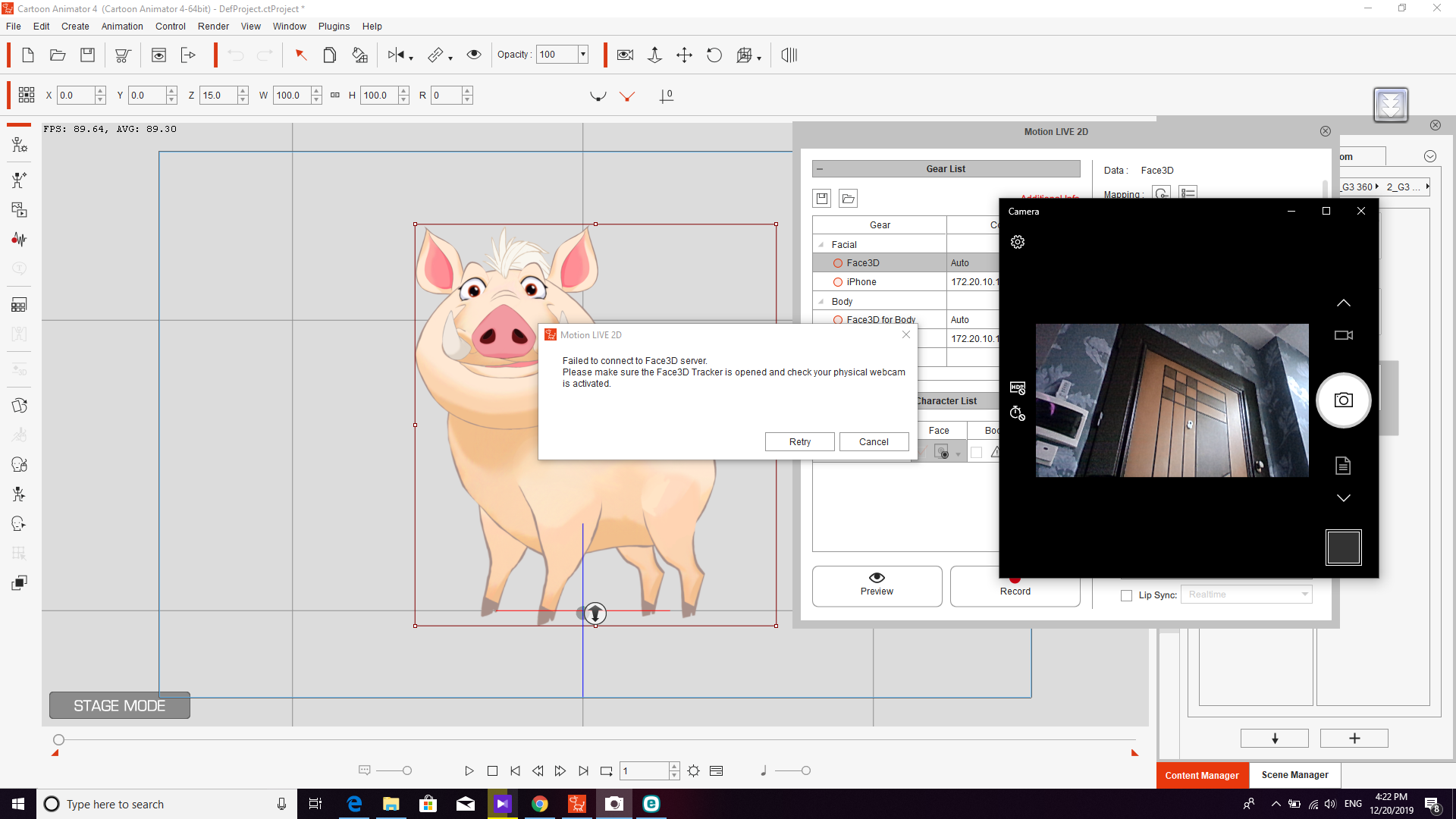 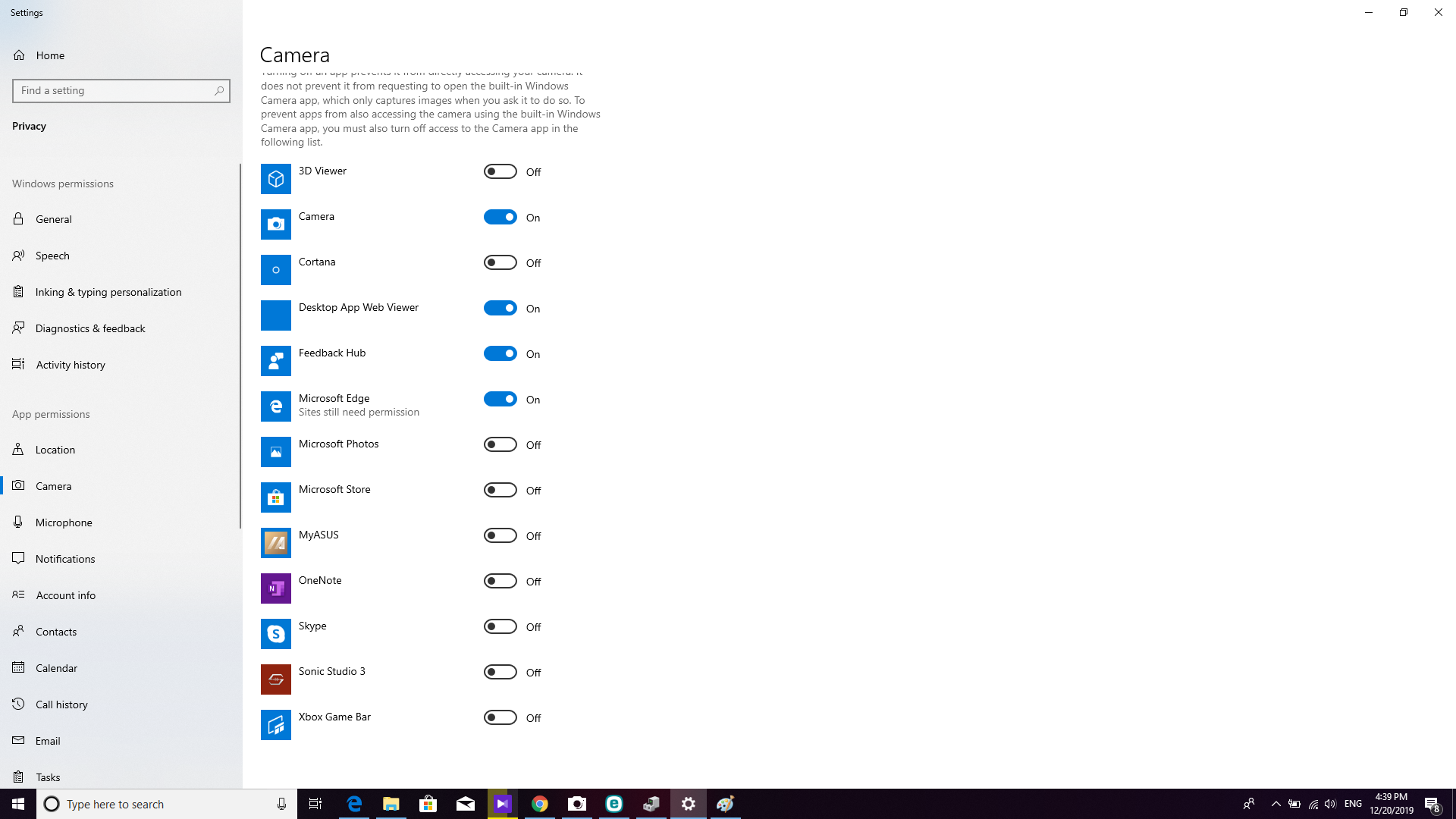
|
|
|
|
|
kylelee
|
kylelee
Posted 7 Years Ago
|
|
Group: Forum Members
Last Active: 4 Years Ago
Posts: 462,
Visits: 4.2K
|
You have to launch the Face3D Tracker application first. 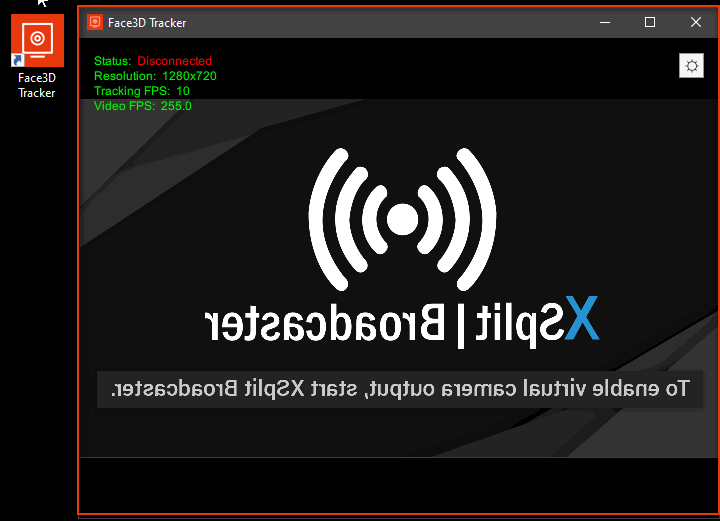
|
|
|
|
|
fvardin122
|
fvardin122
Posted 7 Years Ago
|
|
Group: Forum Members
Last Active: 6 Years Ago
Posts: 2,
Visits: 26
|
Thank you for the answer but that is not the problem. I did launch the 3d face tracker first. problem is the 3d face tracker application does not recognize my camera. you can see what I mean. as there is no option in the camera list, I do not have a clue about what needs to be done. 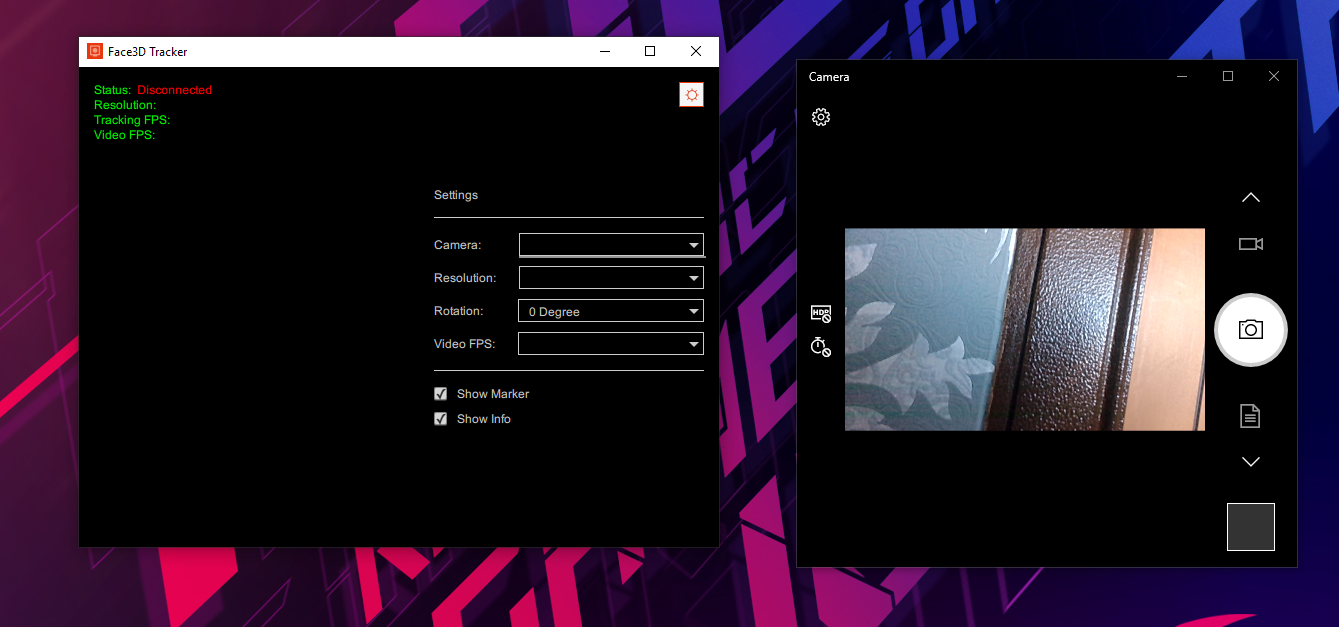
|
|
|
|
|
Mushkateer
|
Mushkateer
Posted 6 Years Ago
|
|
Group: Forum Members
Last Active: Last Year
Posts: 6,
Visits: 16
|
I would like to state that I have the exact same Problem and no clue how to solve it. As well. My camera works fine online and with the win10 microsoft cam app. A response would be greatly appreciated. Wether or not I am willing to purchase this software really depends on its functionality. I am not prepared to spend another 100+ for a new high resolution webcam because issues are not being adressed. Thank you.
|
|
|
|
|
Mushkateer
|
Mushkateer
Posted 6 Years Ago
|
|
Group: Forum Members
Last Active: Last Year
Posts: 6,
Visits: 16
|
|
|
|
|
|
Peter (RL)
|
Peter (RL)
Posted 6 Years Ago
|
|
Group: Administrators
Last Active: 2 Years Ago
Posts: 23.1K,
Visits: 36.6K
|
stmcorres (2/28/2020)
I would like to state that I have the exact same Problem and no clue how to solve it. As well. My camera works fine online and with the win10 microsoft cam app.
A response would be greatly appreciated. Wether or not I am willing to purchase this software really depends on its functionality. I am not prepared to spend another 100+ for a new high resolution webcam
because issues are not being adressed.
Thank you.
Hi... From your screenshot it appears the webcam is only being identified as a generic USB PC Camera with no identifying information. This would indicate that your webcam does not have correct drivers installed. I would try getting the latest Windows 10 drivers from your webcam manufacturers website and install those to see if it makes a difference. If you do need to get a new webcam you won't need to spend $100. Even a cheap Logitech 720p HD webcam will only cost around $30 and will work fine with Face3D.
Peter
Forum Administrator www.reallusion.com
|
|
|
|
|
crantic
|
crantic
Posted 6 Years Ago
|
|
Group: Forum Members
Last Active: 3 Years Ago
Posts: 47,
Visits: 223
|
It took me a while to figure out that I needed to also download Face 3D Tracker. A simple answer for the complete newbie like me. :)
|
|
|
|
|
nils1971
|
nils1971
Posted 6 Years Ago
|
|
Group: Forum Members
Last Active: 5 Years Ago
Posts: 8,
Visits: 38
|
First I thought, why doesn't it work... But I only forgot to chose the right webcam in the Face 3D Tracker settings. So, now it works great! :-) Couldn't delete my post, sorry.
Join my 2D animation collaboration project!
My animation blog
|
|
|
|
|
arganx216
|
arganx216
Posted 6 Years Ago
|
|
Group: Forum Members
Last Active: 3 Years Ago
Posts: 2,
Visits: 42
|
OK, so where and how do I install the "Face 3d Tracker" on my Mac? So frustrating.
|
|
|
|
|
DanielC_RL
|
DanielC_RL
Posted 6 Years Ago
|
|
Group: Forum Members
Last Active: 3 Years Ago
Posts: 68,
Visits: 646
|
Please describe to us the problem you are facing now, if it is an install-related issue, please refer to this URL If it’s a setting-related issue, please refer to this post If the above information does not solve your problem Please contact our Technical Support using the link below, and will be able to assist you with this issue.
|
|
|
|