|
Author
|
Message
|
|
dogged2003
|
dogged2003
Posted 7 Years Ago
|
|
Group: Forum Members
Last Active: 2 Years Ago
Posts: 418,
Visits: 4.5K
|
Peter (RL)
Hello! A new version 7.22 has been released, the bugs are not all fixed. We have to duplicate errors in the new forum thread, and duplicate for the new version in Feedback Tracker? Thank you.
My YouTube channel.
|
|
|
|
|
Peter (RL)
|
Peter (RL)
Posted 7 Years Ago
|
|
Group: Administrators
Last Active: Last Year
Posts: 23.1K,
Visits: 36.6K
|
dogged2003 (6/4/2018)
Peter (RL)
Hello! A new version 7.22 has been released, the bugs are not all fixed. We have to duplicate errors in the new forum thread, and duplicate for the new version in Feedback Tracker? Thank you. The primary purpose of the 7.22 update is to add support for Motion Live. However it does also include a number of bug fixes which are explained HERE. Other known issues will be fixed in the next larger 7.3 update. So if you have previously reported any issues that are not fixed in 7.22, you do not have to report them again in the Feedback Tracker.
Peter
Forum Administrator www.reallusion.com
|
|
|
|
|
dogged2003
|
dogged2003
Posted 7 Years Ago
|
|
Group: Forum Members
Last Active: 2 Years Ago
Posts: 418,
Visits: 4.5K
|
Why does "Modifying and Fixing Motions" disable "Align Actor Motion"? A lot of questions about the movements of actors. My series of questions and tickets. Let's make iClone the best! Why does "Modifying and Fixing Motions" disable "Align Actor Motion"? Let's put the actor in an arbitrary position. Note: "Animation >> Motion Setting Options >> Align Actor Motion" Let us apply the motion. Modifying and Fixing Motions The action "Align Actor Motion" was canceled. Error! I did not order this.Issue 3941
Thank you.
My YouTube channel.
|
|
|
|
|
dogged2003
|
dogged2003
Posted 7 Years Ago
|
|
Group: Forum Members
Last Active: 2 Years Ago
Posts: 418,
Visits: 4.5K
|
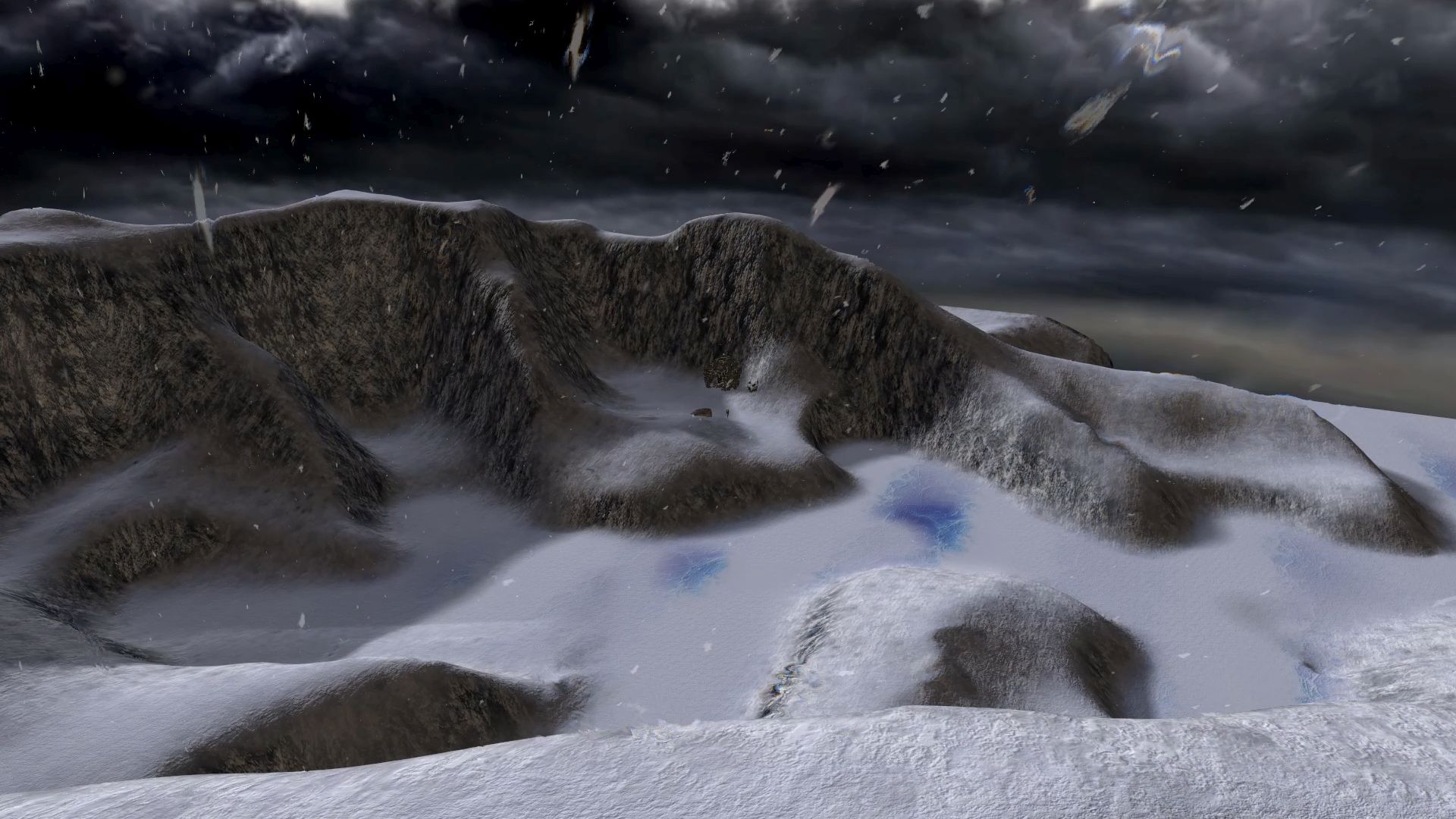
This is not a full screen in iClone 7.22: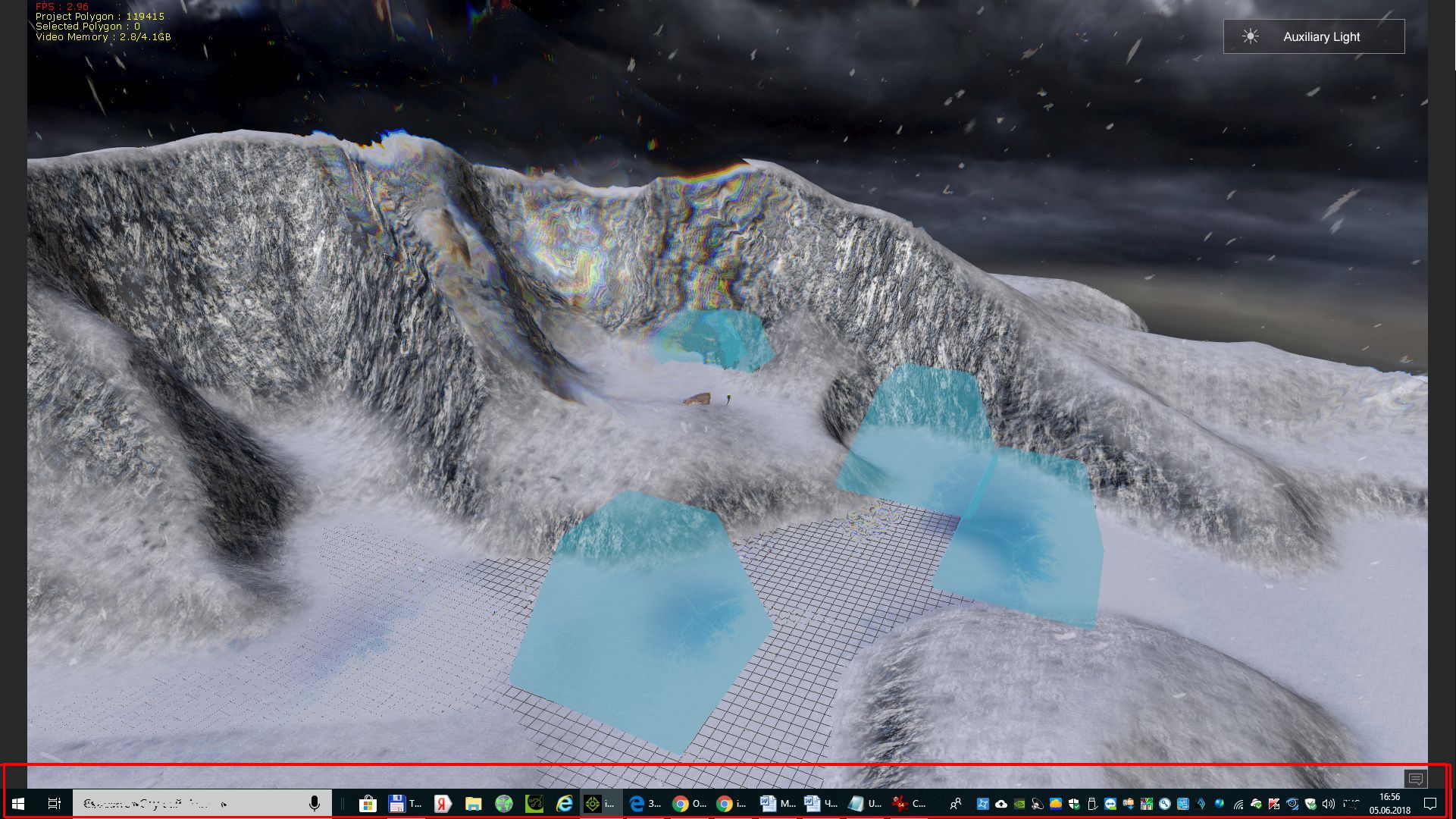 Here is the full screen in video pleer (there is no WINDOWS menu!) Here is the full screen in video pleer (there is no WINDOWS menu!)
My YouTube channel.
|
|
|
|
|
wires
|
|
|
Group: Forum Members
Last Active: 4 Months Ago
Posts: 5.7K,
Visits: 26.5K
|
This is full screen on my system: 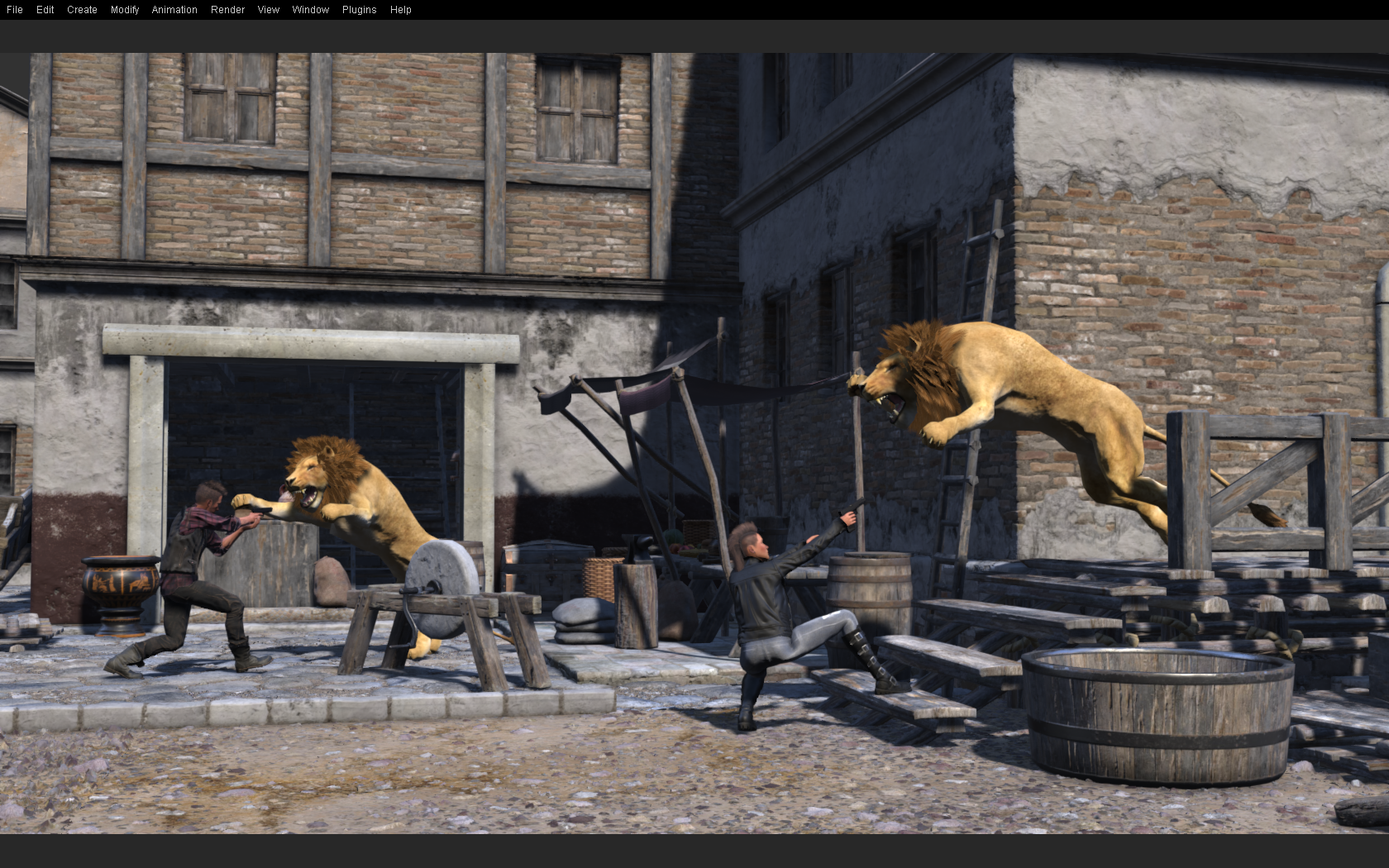 No Taskbar visible. Added: And here's Full screen with the Menu Bar turned off - Ctrl+F11: 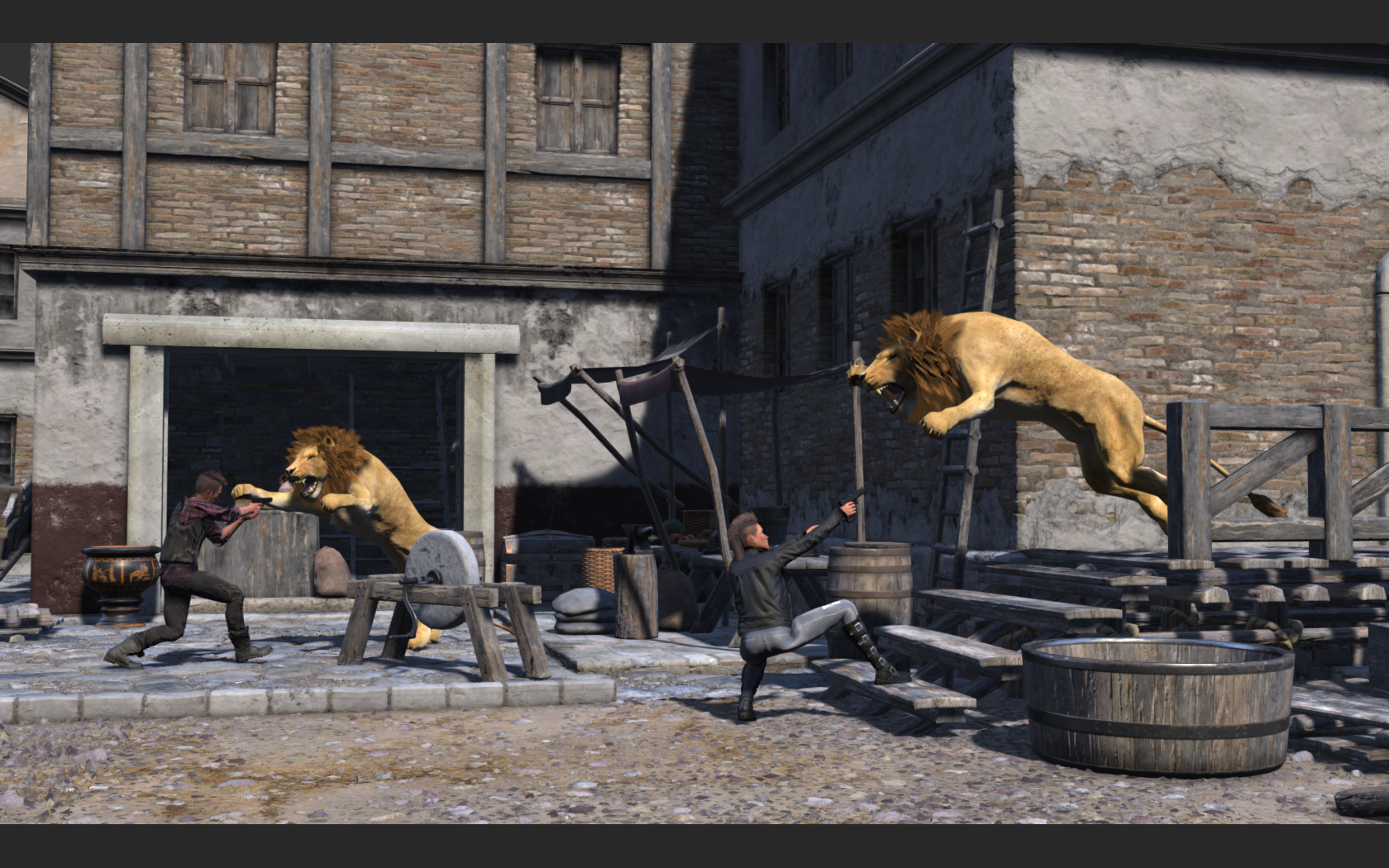 Gerry
Gerry
System: Win 10 Pro (21H2), Asus X99-E WS, CPU i7-5930K -3,5 GHz, 32 GB DDR4 2666-16 RAM, NVidia GTX 1080 Ti GPU - 11 GB VRAM(Driver Studio-536.99), Samsung 850 Pro 512 GB SSD, 6 TB HD storage.
|
|
|
|
|
dogged2003
|
dogged2003
Posted 7 Years Ago
|
|
Group: Forum Members
Last Active: 2 Years Ago
Posts: 418,
Visits: 4.5K
|
wires (6/5/2018)
This is full screen on my system:
......
Perfectly! I want the same. I have two displays. These settings:
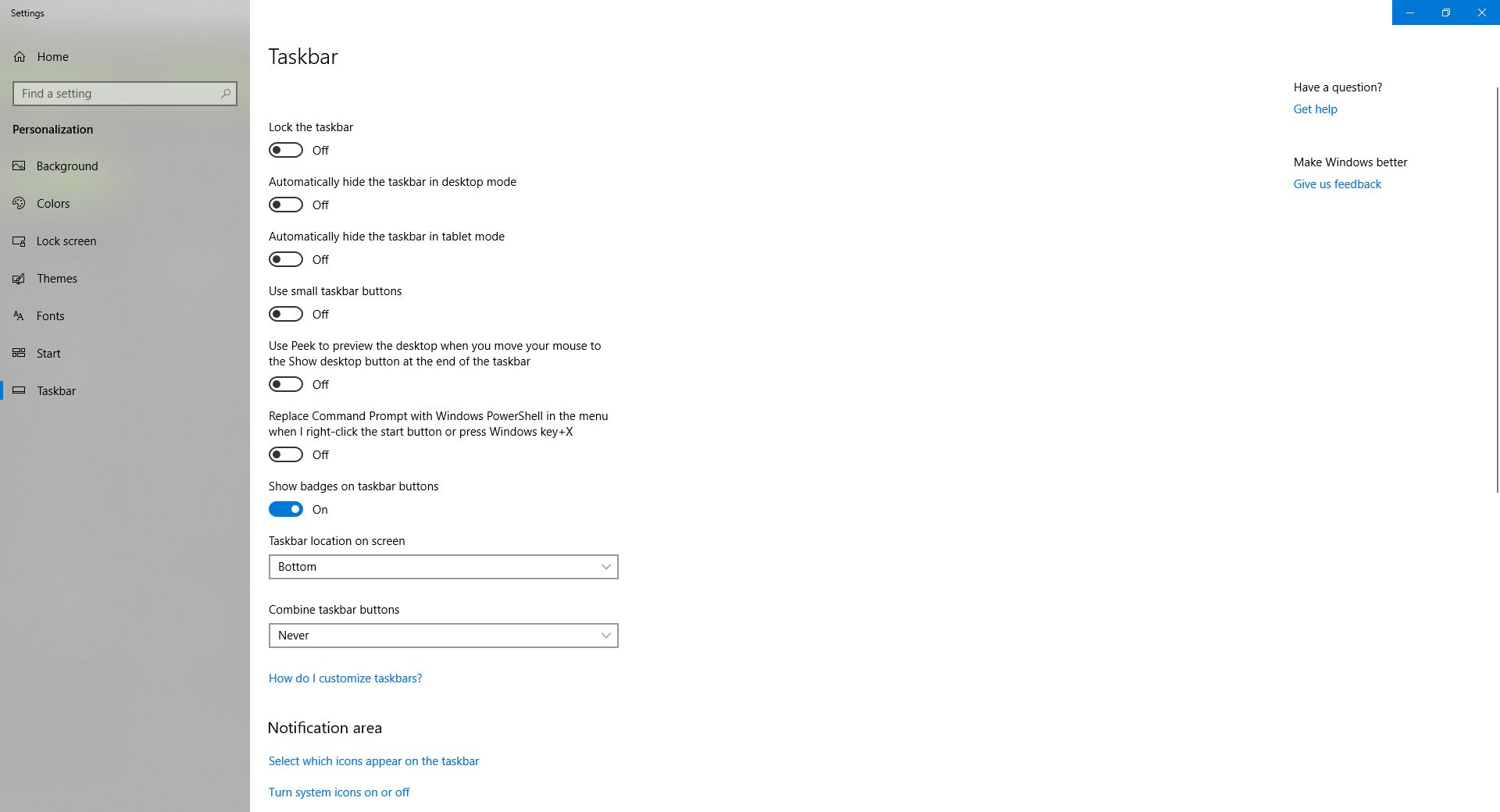
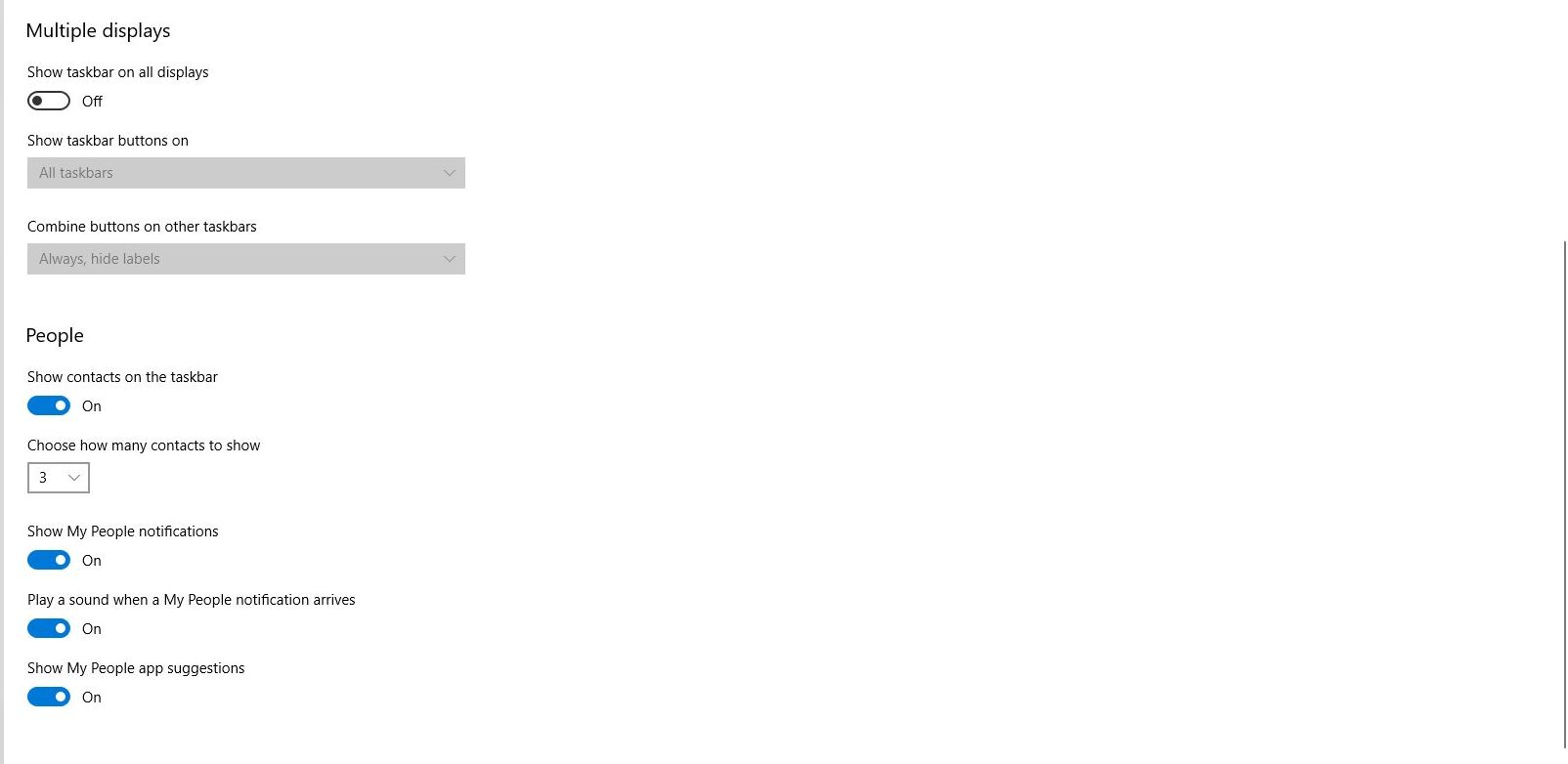
My YouTube channel.
|
|
|
|
|
Rogue Anime
|
Rogue Anime
Posted 7 Years Ago
|
|
Group: Forum Members
Last Active: 2 Years Ago
Posts: 548,
Visits: 3.4K
|
I'm running 5 displays & I have no problems there with iClone - HOWEVER - It WOULD be nice if we could increase the size of the alternative camera viewport to full screen for those of us running multiple monitors. ~V~
Val RogueAnanda
|
|
|
|
|
Kelleytoons
|
Kelleytoons
Posted 7 Years Ago
|
|
Group: Forum Members
Last Active: Last Year
Posts: 9.2K,
Visits: 22.1K
|
7.22 shrunk the interface again! Sigh -- why do the devs (all of whom are very young with good eyes) think we need a SMALLER interface? I'm going to see if the manifest trick will still work but I'm not hopeful (I didn't have to do the manifest thing with 7.21 because the largest icon size was fine on my machine. But now I can barely see things even on my 28" dual monitors).
Alienware Aurora R16, Win 11, i9-149000KF, 3.20GHz CPU, 64GB RAM, RTX 4090 (24GB), Samsung 870 Pro 8TB, Gen3 MVNe M-2 SSD, 4TBx2, 39" Alienware Widescreen Monitor
Mike "ex-genius" Kelley
|
|
|
|
|
dogged2003
|
dogged2003
Posted 7 Years Ago
|
|
Group: Forum Members
Last Active: 2 Years Ago
Posts: 418,
Visits: 4.5K
|
The size of the Motion Puppet window. I have several screens. It would be convenient to resize the Motion Puppet window. And the controls must be redistributed throughout the window, for quick access.
My YouTube channel.
|
|
|
|
|
dogged2003
|
dogged2003
Posted 7 Years Ago
|
|
Group: Forum Members
Last Active: 2 Years Ago
Posts: 418,
Visits: 4.5K
|
Thanks to Roberto, we can put the motion of iMotion in "Motion Puppet". I propose improvements: All movements in "Motion Puppet". "Motion Puppet" understands the extensions of iMotion and rlMotion. Gizmo must behave in accordance with the menu of Animation-Motions Settings Options. Issue 3947
|
|
|
|