As 4u2ges said, you have to (batch) convert them in 3DX.
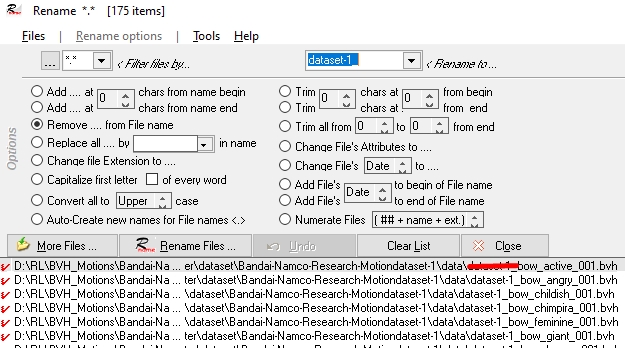
I used the first dataset from Bandai (175 bvh files) and shortened the names with the Renamer (optional):
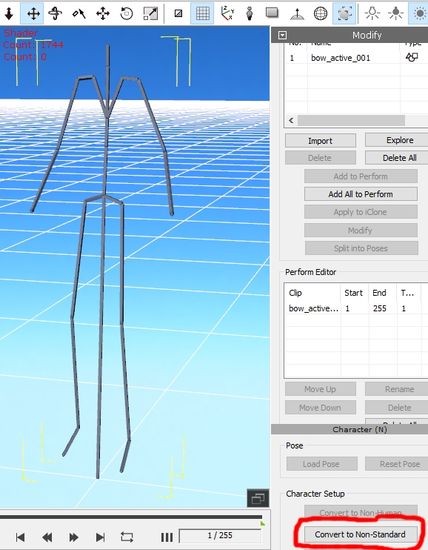
Then I dragged the first motion in 3DX and converted it to a Non-Standard Character:
Therefore, I used and loaded the Profile from 4u2ges and converted the Character:

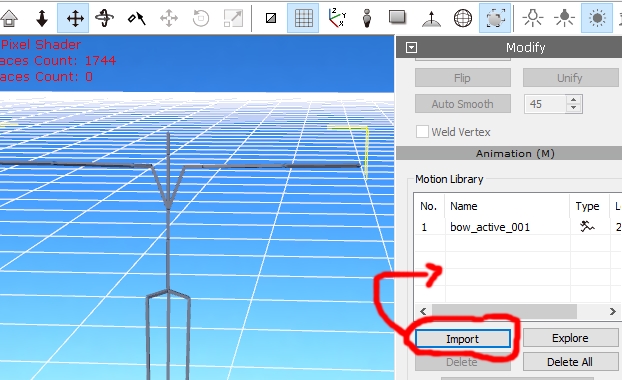
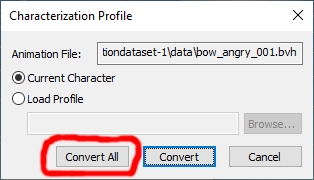
Afterwards, I imported and converted all other bvh files (174):
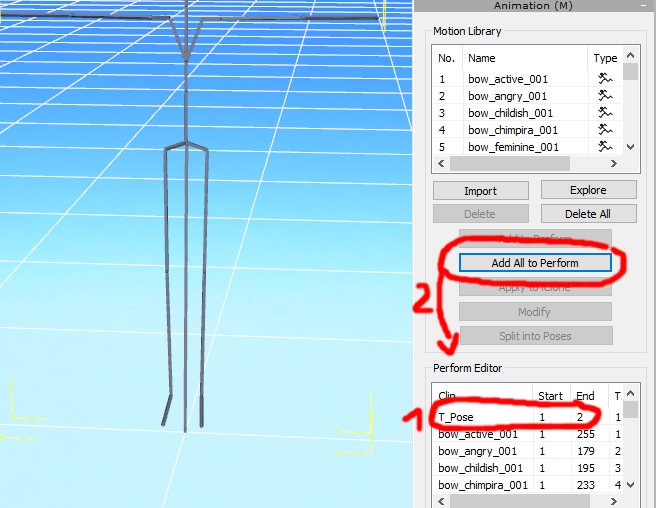
Then I shortened my converted clip to frame 2 and renamed it to "T_Pose" and added all clips (175) from the Motion library to the Perform Editor:
Now you only need to rename the data and export the motions (click "Export Animation" and "Export rlmotion") with or without the character ("Export Gemetry"):

Ready!
--------------------------------------------------