|
Author
|
Message
|
|
4u2ges
|
4u2ges
Posted 6 Years Ago
|
|
Group: Forum Members
Last Active: 3 days ago
Posts: 5.3K,
Visits: 16.8K
|
Taking high heels from some characters does not restore feet pose. One of the affected characters is a Base female. So far I have encountered that on 2 characters This is happening in both CC and iClone 
|
|
|
|
|
Galfridus
|
Galfridus
Posted 6 Years Ago
|
|
Group: Forum Members
Last Active: 2 Years Ago
Posts: 727,
Visits: 2.2K
|
Kevin L (7/25/2020)
Hello, I have been working on shader type effects for iClone, for the last six months for the marketplace, and after updating to 7.8, the $time variable no longer works for substances in iClone. Here is an example of one of the effects and how it should work.
Here is another effect that doesn't work anymore this plasma effect no longer animates.
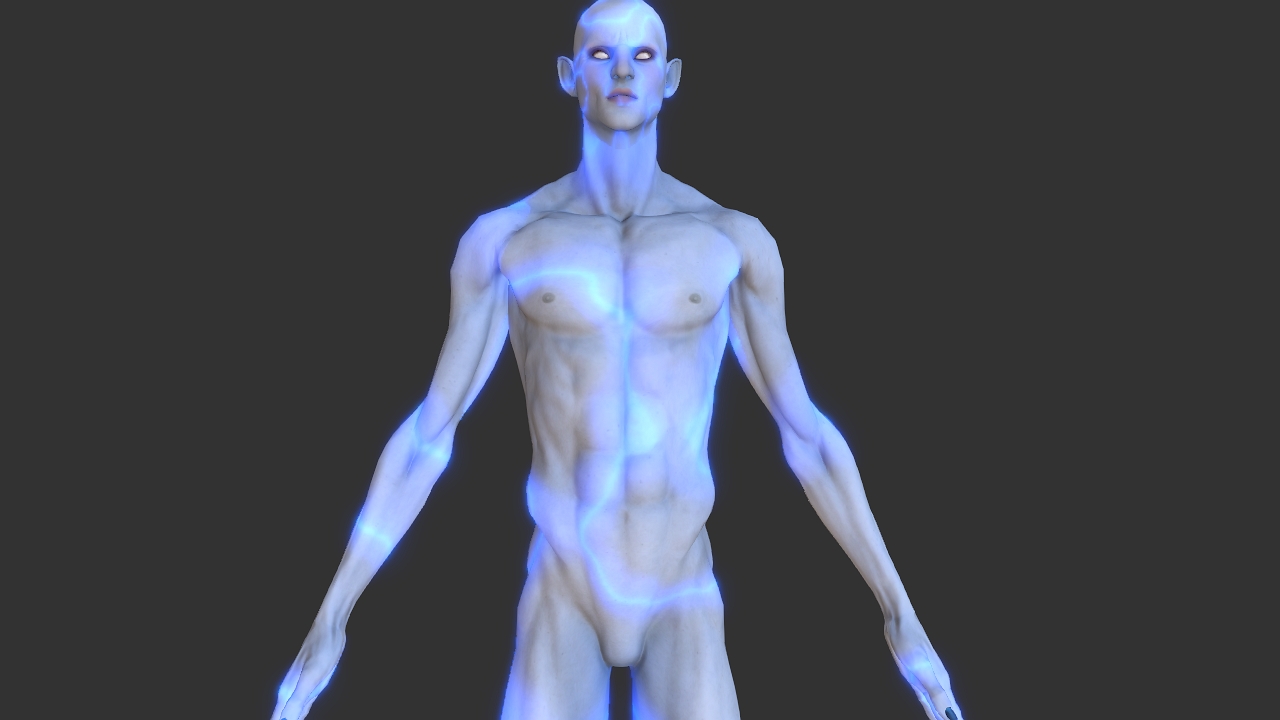
Best Regards. Kevin L. Many Thanks for posting this Kevin. You have saved me a lot of time today. After a long day of updates , new content downloads etc. I discovered that the animated substance materials in the RL Substance Power 200 pack no longer work correctly. E.G. Waves and water droplets amongst others. It was too late yesterday to investigate any futher and then I read your posting this morning. All I`ve done is checked that they still animate in my substance player, which they do. Unfortunately no longer in the new IC7.8 as you stated. Lets hope RL will be able to swiftly restore this functionality to good order. The sample material you posted looks excellent. kind regards Geoff.
|
|
|
|
|
dltanner99
|
dltanner99
Posted 6 Years Ago
|
|
Group: Forum Members
Last Active: 2 Years Ago
Posts: 7,
Visits: 341
|
I have tried 3 times now to install iClone 7.8, and it has failed each time. I have manually uninstalled 7.7, cleared any remaining registry entries and tried again twice. I always get the same popup error message:  I have an AM3+ Motherboard with 16 Gigs of Ram, an AMD Radeon R7 graphic card and I am running on Windows 7 64-bit. It also refused to be installed using Hub, although it did uninstall 7.7.
|
|
|
|
|
Peter (RL)
|
Peter (RL)
Posted 6 Years Ago
|
|
Group: Administrators
Last Active: 2 Years Ago
Posts: 23.1K,
Visits: 36.6K
|
Thank you all for the feedback. We are sorry to hear that some of you are experiencing issues since the update. The iClone team is monitoring this thread but please remember for critical issues which are seriously affecting your use of iClone 7.8 you can contact Technical Support for assistance. And for non-critical issues, please report them in the Feedback Tracker. They will then get checked and any relevant feedback will be given there. Thank you.
Peter
Forum Administrator www.reallusion.com
|
|
|
|
|
Peter (RL)
|
Peter (RL)
Posted 6 Years Ago
|
|
Group: Administrators
Last Active: 2 Years Ago
Posts: 23.1K,
Visits: 36.6K
|
dltanner99 (7/26/2020)
I have tried 3 times now to install iClone 7.8, and it has failed each time. I have manually uninstalled 7.7, cleared any remaining registry entries and tried again twice. I always get the same popup error message: I have an AM3+ Motherboard with 16 Gigs of Ram, an AMD Radeon R7 graphic card and I am running on Windows 7 64-bit. It also refused to be installed using Hub, although it did uninstall 7.7. Although Windows 7 is still on our list of supported operating systems, it is strongly recommended that you upgrade to Windows 10 for best performance and stability. Sadly as Windows 7 is now no longer supported by Microsoft it really is time to consider an upgrade as future versions of our software may not support Windows 7 at all. For now I would advise checking that you have installed the Platform update below. This is very important. Also do update your graphics drivers to the latest available as outdated drivers are known to cause issues, especially as the error message you show refers to a graphics issue. https://www.microsoft.com/en-US/download/details.aspx?id=36805
Peter
Forum Administrator www.reallusion.com
|
|
|
|
|
rcruzmar
|
rcruzmar
Posted 6 Years Ago
|
|
Group: Forum Members
Last Active: 6 Years Ago
Posts: 1,
Visits: 59
|
** ISSUE SOLVED!! ** Through interaction with Reallusion support I realized I needed to test Live Link on a new, empty Unreal Engine 4.25 project. Transfer and animation of character worked! I then decided to create a new project and migrate my old project to the new one. I was able to successfully transfer the character and animate through Live Link. Problem solved! My assumption is that something within the original UE 4.24 project was interfering with Live Link transfer and animation functionality. My project started as a 4.22, then updated to 4.23 then 4.24. Something may have caused a problem for Live Link. I'm just glad it was not a more serious issue. I am leaving the original message, below, for reference. -------------------------------------------------------------------- Good day! The only situation I have faced with iClone 7.8 is when using Live Link. I can get my character to transfer from iClone to Unreal 4.24.3 however I believe there is a problem with the bones. Animation makes the character look like the alien from the end of "Close Encounters of the Third Kind". Like when after all "little" aliens come out of mother ship there is one, very tall alien with long arms and long fingers... then is what my character looks like. I've made sure I have the proper version for CC_Shaders and Plug-in installed (Auto Setup 1.1 for 4.24). Upon inspecting the skeleton of the newly imported character it seems to have the bones in a different order but the names seem to be the same. Not sure if that is causing the problem I am experiencing with the animation being brought over by iClone. I appreciate any suggestions anyone may have regarding this topic. I've checked all the most recent YT tutorials and I believe I do have this setup correctly. 
|
|
|
|
|
kent_310387
|
kent_310387
Posted 6 Years Ago
|
|
Group: Forum Members
Last Active: 4 Years Ago
Posts: 12,
Visits: 114
|
Took standard CC3+ character from iclone to unreal engine with Live Link transfer. Tried packaging Unreal for IOS. When building the shaders it failed to compile the STD_SKIN_HEAD_PBR_HQ_INST material for SF_METAL. Now all characters just have grey faces. Anything I can do so that this material can be compiled for SF_METAL?
|
|
|
|
|
animagic
|
animagic
Posted 6 Years Ago
|
|
Group: Forum Members
Last Active: 3 Weeks Ago
Posts: 15.8K,
Visits: 31.4K
|
I have noticed a strange saving behavior in 7.8. I save a project and star after the filename disappears to indicate that the file is saved. Then, iClone does something (title bar says "Not responding') and after that the star reappears after the filename. The file has been saved properly the first time, and I didn't change anything to it, so what is iClone doing?
|
|
|
|
|
Peter (RL)
|
Peter (RL)
Posted 6 Years Ago
|
|
Group: Administrators
Last Active: 2 Years Ago
Posts: 23.1K,
Visits: 36.6K
|
kent_310387 (8/2/2020)
Took standard CC3+ character from iclone to unreal engine with Live Link transfer. Tried packaging Unreal for IOS. When building the shaders it failed to compile the STD_SKIN_HEAD_PBR_HQ_INST material for SF_METAL. Now all characters just have grey faces. Anything I can do so that this material can be compiled for SF_METAL?Thanks for the feedback. Please do remember to post issues in the Feedback Tracker if you believe this to be a defect or bug. The team will then investigate. Thanks. https://www.reallusion.com/FeedBackTracker/
Peter
Forum Administrator www.reallusion.com
|
|
|
|
|
Peter (RL)
|
Peter (RL)
Posted 6 Years Ago
|
|
Group: Administrators
Last Active: 2 Years Ago
Posts: 23.1K,
Visits: 36.6K
|
Hi everyone, Thanks for your feedback. Smart Gallery v1.11 just released to fix some critical issues listed below. Please update the plug-in from Reallusion Hub.- Fixed: The Smart Gallery causes iClone/CC to freeze for 20 seconds after pressing the Close button on the welcome screen in some environments.
- Fixed: When switching to Offline Mode, the Smart Gallery still tries to connect to the server and shows an error. (Feedback Tracker #7086, reported by blindman)
- Fixed: The Smart Gallery panel does not remember the open/close status and location on the workspace.(Reported by wires and Data Juggler)
- Fixed: The second Search in the Smart Gallery does not reset search filter causing a fail. (Reported by animagic)
- Fixed: Quickly docking and undocking the Smart Gallery panel will cause a program crash in some environments.
- Fixed: Cannot initial iClone/CC in some environments, but it will work when removing the Smart Gallery Plug-in.
Reallusion Team
Peter
Forum Administrator www.reallusion.com
|
|
|
|