|
Author
|
Message
|
|
RobertoColombo
|
RobertoColombo
Posted 8 Years Ago
|
|
Group: Forum Members
Last Active: 4 Years Ago
Posts: 1.6K,
Visits: 3.0K
|
Hi,
I am experiencing the following problem: I loaded a video in IC7.1 (CTRL+DRAG) and it stops playing before the real video end, e.g. around frame 1000 and something (the project length is set to 5000 frames).
The same video, loaded in IC6.54 plays fine till the end.
Regards
Roberto
My PC:
OS: Windows 10 Pro English 64-bit / CPU: Intel i7-9700 3.6GHz / MB: ASUS ROG Strix Z390 RAM: 32GB DDR4 2.6GHz / HD: 2TB+3TB / SSD: 2x512GB Samsung 860 EVO + 1x2TB Samsung
VB: Palit GTX2080 TI GamingPro 11GB / AB: embedded in the MB and VB (audio from the MOTU M4 I/F) / DirectX: 12
|
|
|
|
|
wires
|
|
|
Group: Forum Members
Last Active: 4 Months Ago
Posts: 5.7K,
Visits: 26.5K
|
I can't reproduce the video not playing to the end issue. With a project length of 15000 frames - 4 mins. - I am able to play any clip shorter than that all the way through to the end.
Gerry
System: Win 10 Pro (21H2), Asus X99-E WS, CPU i7-5930K -3,5 GHz, 32 GB DDR4 2666-16 RAM, NVidia GTX 1080 Ti GPU - 11 GB VRAM(Driver Studio-536.99), Samsung 850 Pro 512 GB SSD, 6 TB HD storage.
|
|
|
|
|
alexesquer
|
alexesquer
Posted 8 Years Ago
|
|
Group: Forum Members
Last Active: Last Year
Posts: 1,
Visits: 173
|
Does anyone else have seen an issue with the transform data?
I'm not sure if it's only me, but in my case, when a character is playing an animation where it moves around, the gizmo follows the character, but in the transform section at the modify panel everything stays on zero. Apparently, the only way to see numbers over there is by moving the gizmo manually, but the numbers will remain the same (it only happens with avatars, as far as I know). And all motion setting options are checked. Is there someone else that have seen this happening?
|
|
|
|
|
animagic
|
animagic
Posted 8 Years Ago
|
|
Group: Forum Members
Last Active: Last Month
Posts: 15.8K,
Visits: 31.4K
|
I have a strange problem that happens occasionally and is hard to reproduce, where the view port suddenly "freezes" and is no longer updated. The rest of the UI still works. However, today I was working on a very simple project, which seems to cause the view port to freeze almost every time. I've reported it in FT as issue #3664. Now we all seem to have bugs that appear and then disappear, so I don't know about this one...:unsure:
|
|
|
|
|
rollasoc
|
rollasoc
Posted 8 Years Ago
|
|
Group: Forum Members
Last Active: 5 Months Ago
Posts: 188,
Visits: 3.1K
|
I've been reporting a freezing viewport issue for the last three versions of 7. With mine though, the viewport goes black and then tiles. Happens when I resize the view port (i,e, when I resize a panel, e.g. drag the timeline up to make it bigger).
I will try your project this evening to see what it does.
Home built PC:- i9 9900K 32GB RAM, Zotac 1080TI mini.
Band Music:- https://thehairthieves.bandcamp.com/
Solo Instrumentals:- https://sineglidermusic.bandcamp.com/
|
|
|
|
|
wires
|
|
|
Group: Forum Members
Last Active: 4 Months Ago
Posts: 5.7K,
Visits: 26.5K
|
animagic (11/27/2017)
I have a strange problem that happens occasionally and is hard to reproduce, where the view port suddenly "freezes" and is no longer updated. The rest of the UI still works. However, today I was working on a very simple project, which seems to cause the view port to freeze almost every time. I've reported it in FT as issue #3664. Now we all seem to have bugs that appear and then disappear, so I don't know about this one...:unsure: I just downloaded your test project from your FT post for testing, and I can't reproduce the issue. Camera: 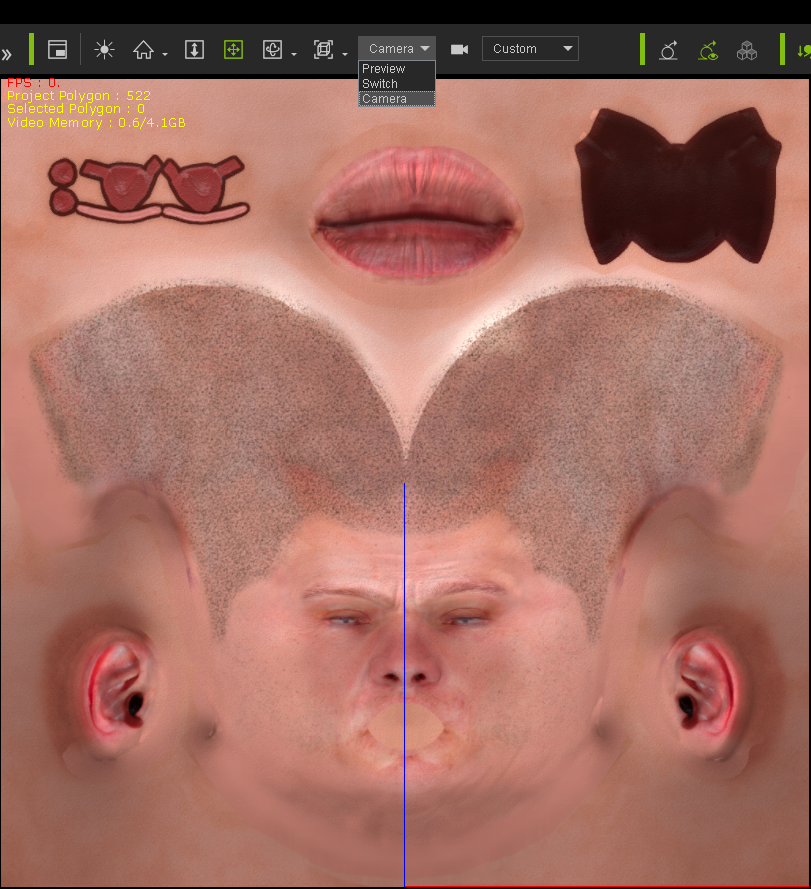 Preview Camera: 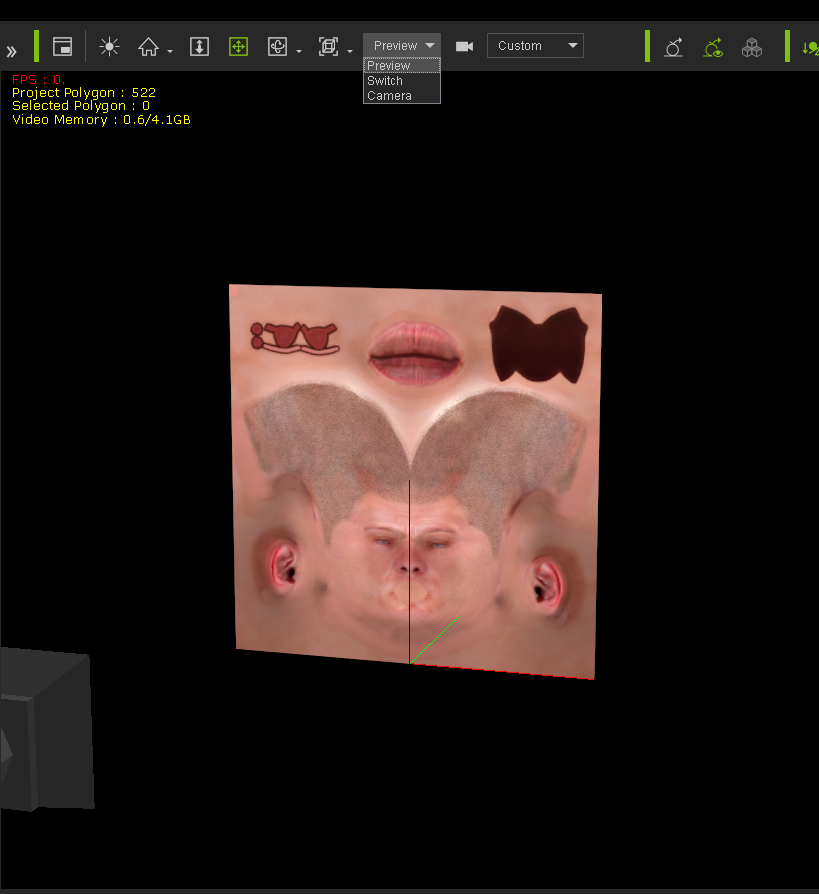 Light rotate 1: 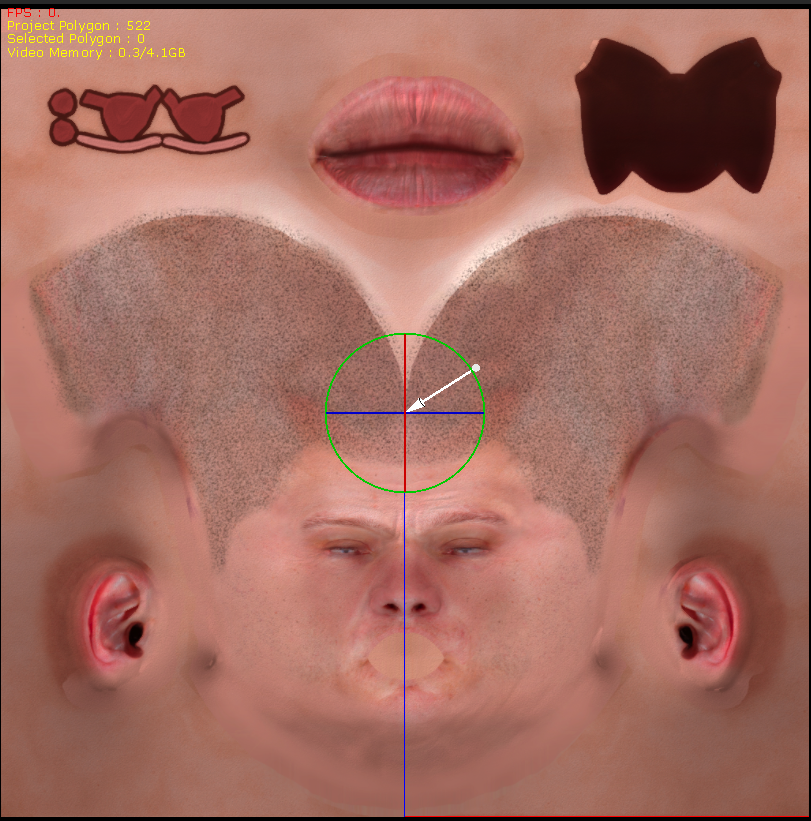 Light rotate 2: 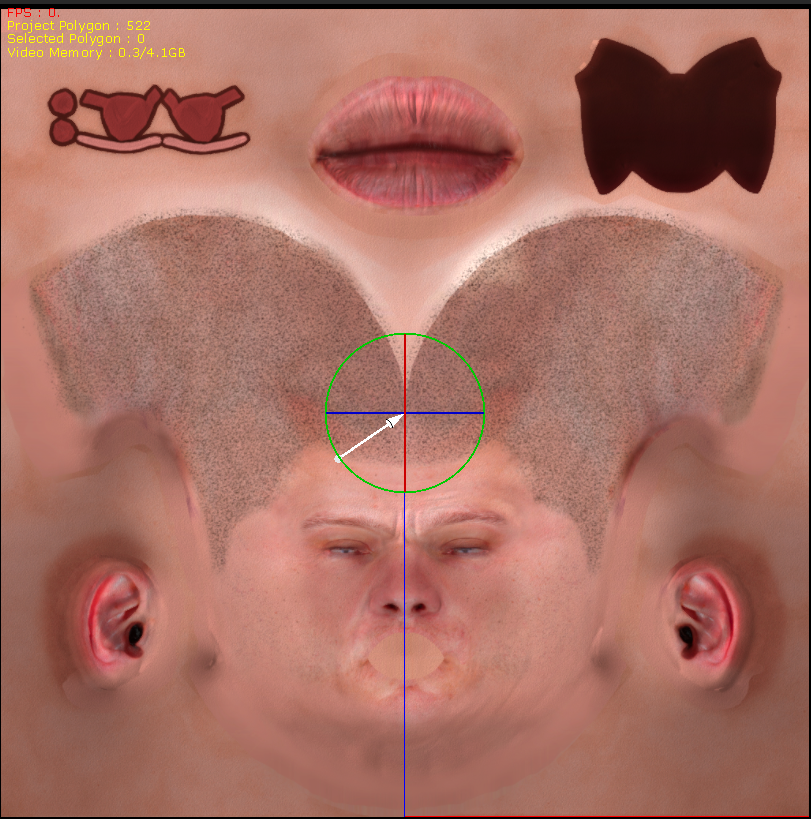 Gerry
Gerry
System: Win 10 Pro (21H2), Asus X99-E WS, CPU i7-5930K -3,5 GHz, 32 GB DDR4 2666-16 RAM, NVidia GTX 1080 Ti GPU - 11 GB VRAM(Driver Studio-536.99), Samsung 850 Pro 512 GB SSD, 6 TB HD storage.
|
|
|
|
|
animagic
|
animagic
Posted 8 Years Ago
|
|
Group: Forum Members
Last Active: Last Month
Posts: 15.8K,
Visits: 31.4K
|
Thanks, Gerry, for checking. It may be unique and just me...:crying:
|
|
|
|
|
wires
|
|
|
Group: Forum Members
Last Active: 4 Months Ago
Posts: 5.7K,
Visits: 26.5K
|
There's nothing worse than one-off random issues. :crazy::angry::w00t:
Gerry
System: Win 10 Pro (21H2), Asus X99-E WS, CPU i7-5930K -3,5 GHz, 32 GB DDR4 2666-16 RAM, NVidia GTX 1080 Ti GPU - 11 GB VRAM(Driver Studio-536.99), Samsung 850 Pro 512 GB SSD, 6 TB HD storage.
|
|
|
|
|
TonyDPrime
|
TonyDPrime
Posted 8 Years Ago
|
|
Group: Forum Members
Last Active: Last Year
Posts: 3.4K,
Visits: 12.4K
|
How do you guys get the Speedtrees to show?
Okay, I add them and they don't show. I close down iClone, then add again to a new scene, and nothing...
So I add the ivisi-trees to a new scene, save scene, close, then restart iClone, load scene, and still nothing.
So when it was mentioned that "restarting" got the trees to show, was that referring to closing iClone and then reopening, and then adding in tree new, or loading old scene. or something else?:crying:
Oh No! Speedtrees not showing in older scenes either!
I thought iClone was supposed to be going Green, protecting the Rain-forests, and all!
|
|
|
|
|
TonyDPrime
|
TonyDPrime
Posted 8 Years Ago
|
|
Group: Forum Members
Last Active: Last Year
Posts: 3.4K,
Visits: 12.4K
|
UPDATED FIND:
The same SpeedTrees are working just fine when drag n dropped into iClone 6. This reveals issue not related soley/directly to:
(1) folder management (old vs new),
(2) product integrity (files are not corrupted),
(3) GPU
(4) GPU driver version
Consistent with a V 7.1 bug. (was working in 7.02 for me)
|
|
|
|