Case 5 - Embedded SSS demo project: Different rectangular lights.The embedded SSS demo project in iClone contains several rectangular lights for each gummy/candy bear.
When this scene is sent to Omniverse to render under RTX Path-Traced mode, it becomes extremely bright.
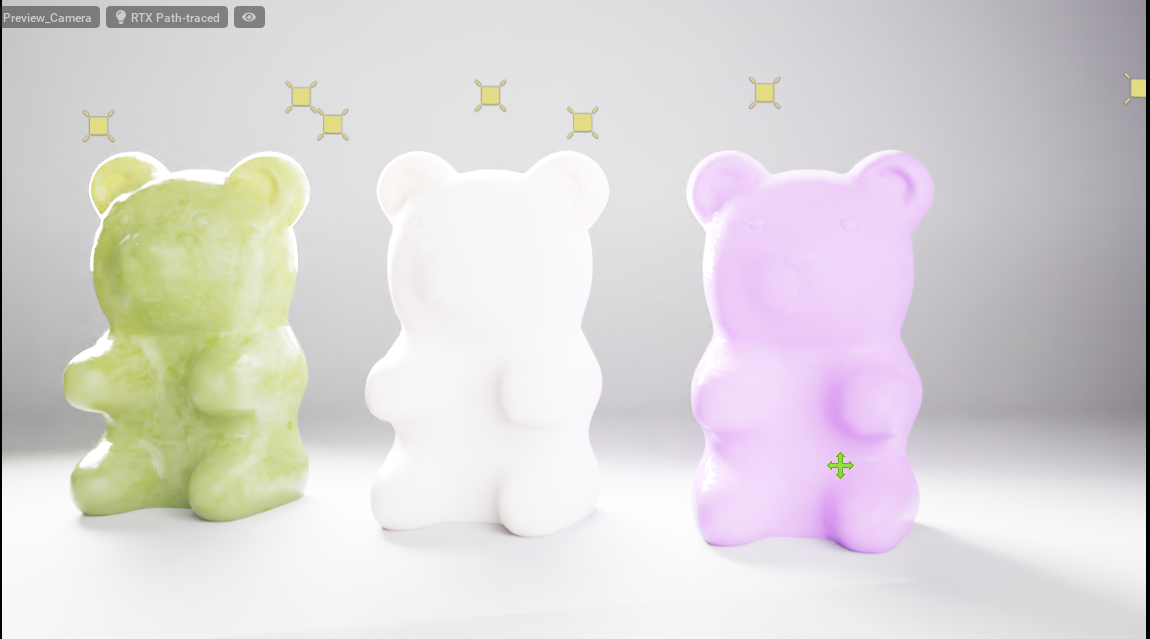
The extreme brightness is is due to the fact that iClone's Rectangle Light differ in implementation to Omniverse's Rectangle Light. Rectangle Light in iClone is actually a spot light with a rectangular shape, while the Omniverse Rectangle Light is not a spot light, therefore it does not have a shape of a cone, nor the
fall-off that comes with it to temper the emission strength.
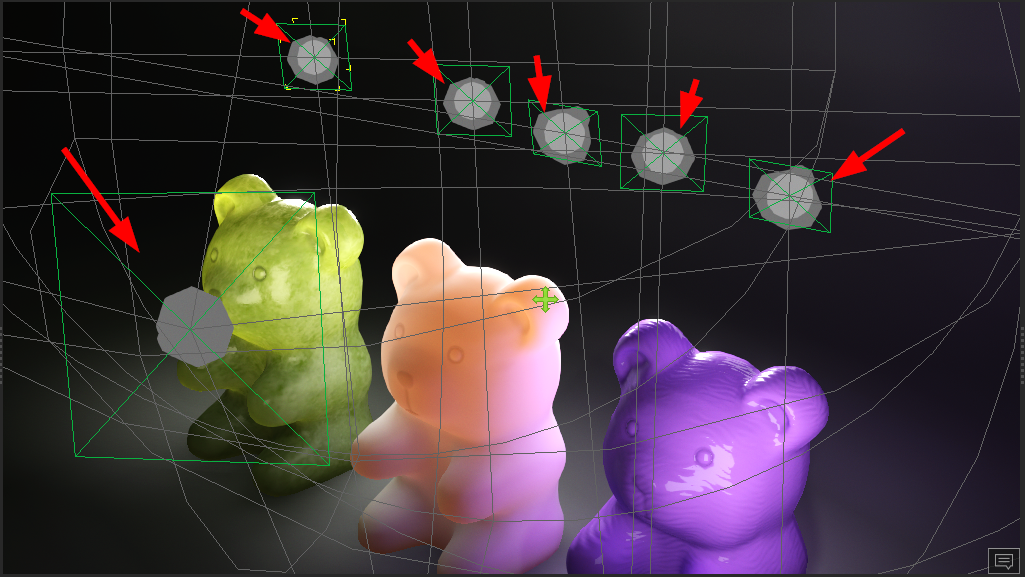
iClone's Rectangle Light is a spot light with rectangular shape:
Omniverse Rectangle Lights have rectangular shapes with no fall-off:
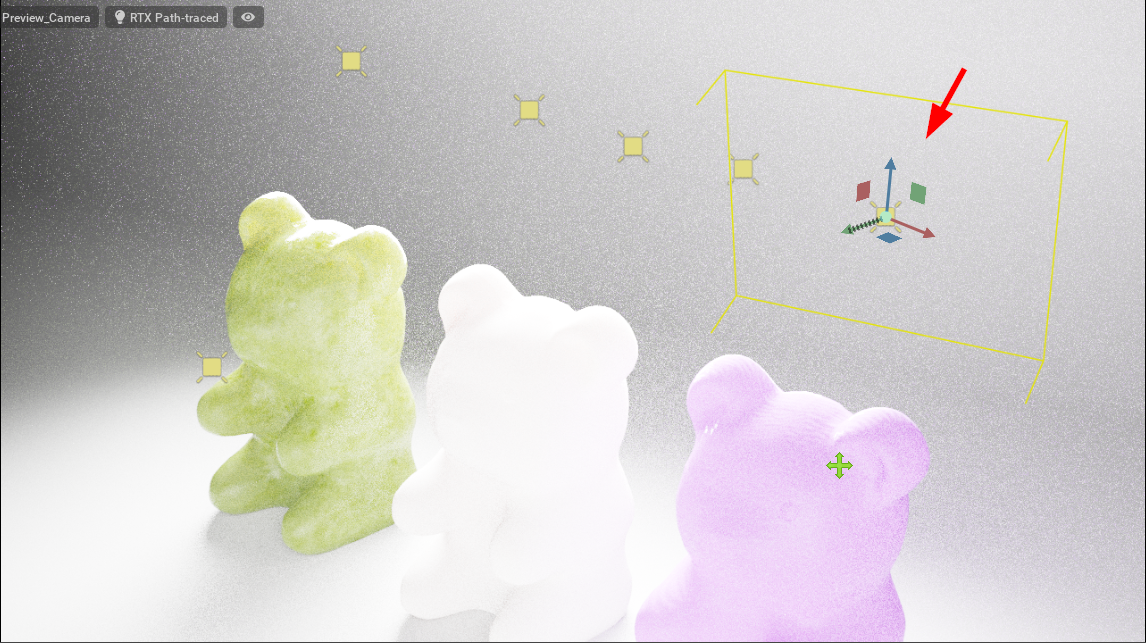
In order to reduce the brightness to a reasonable range, we can simply dial down the light intensity, for example, dividing the value by 100. And by applying the appropriate SSS shader, we can get a result that resembles the following image:
