|
Author
|
Message
|
|
gvraju.666
|
gvraju.666
Posted 8 Years Ago
|
|
Group: Forum Members
Last Active: 7 Years Ago
Posts: 16,
Visits: 65
|
1 = Hey so i'm new to crazy talk animator 3 and i'm trying to make a custom G2 character. For some reason in the sprite editor I cant replace the sprites for different angles. First i put the template G2 dummy character in stage and then switch to composer mode.I then click on left forearm and sprite editor button to change it success.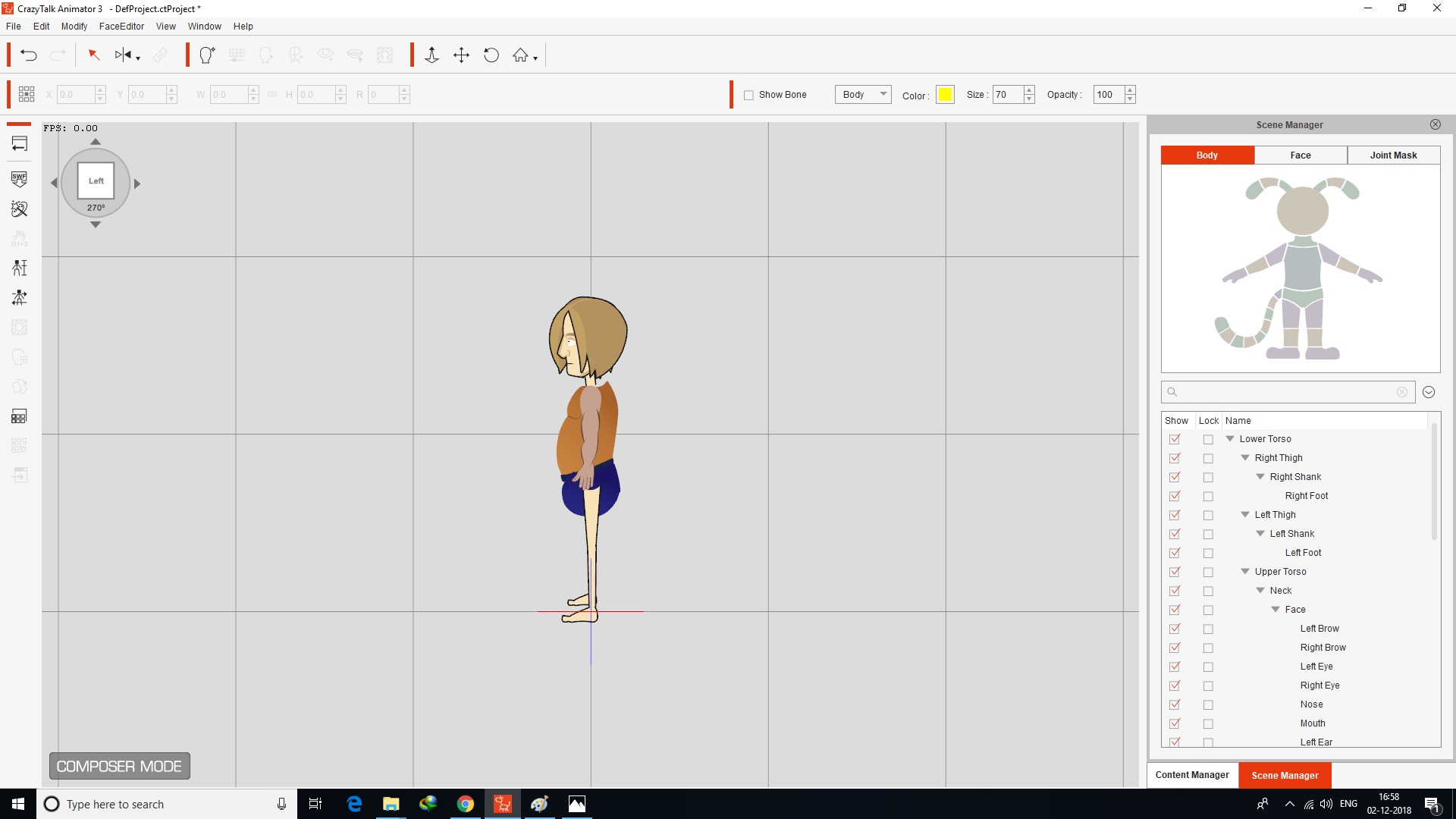 When i open the it in stage mode 270 it is not visible to me.in other angles also it get same problem -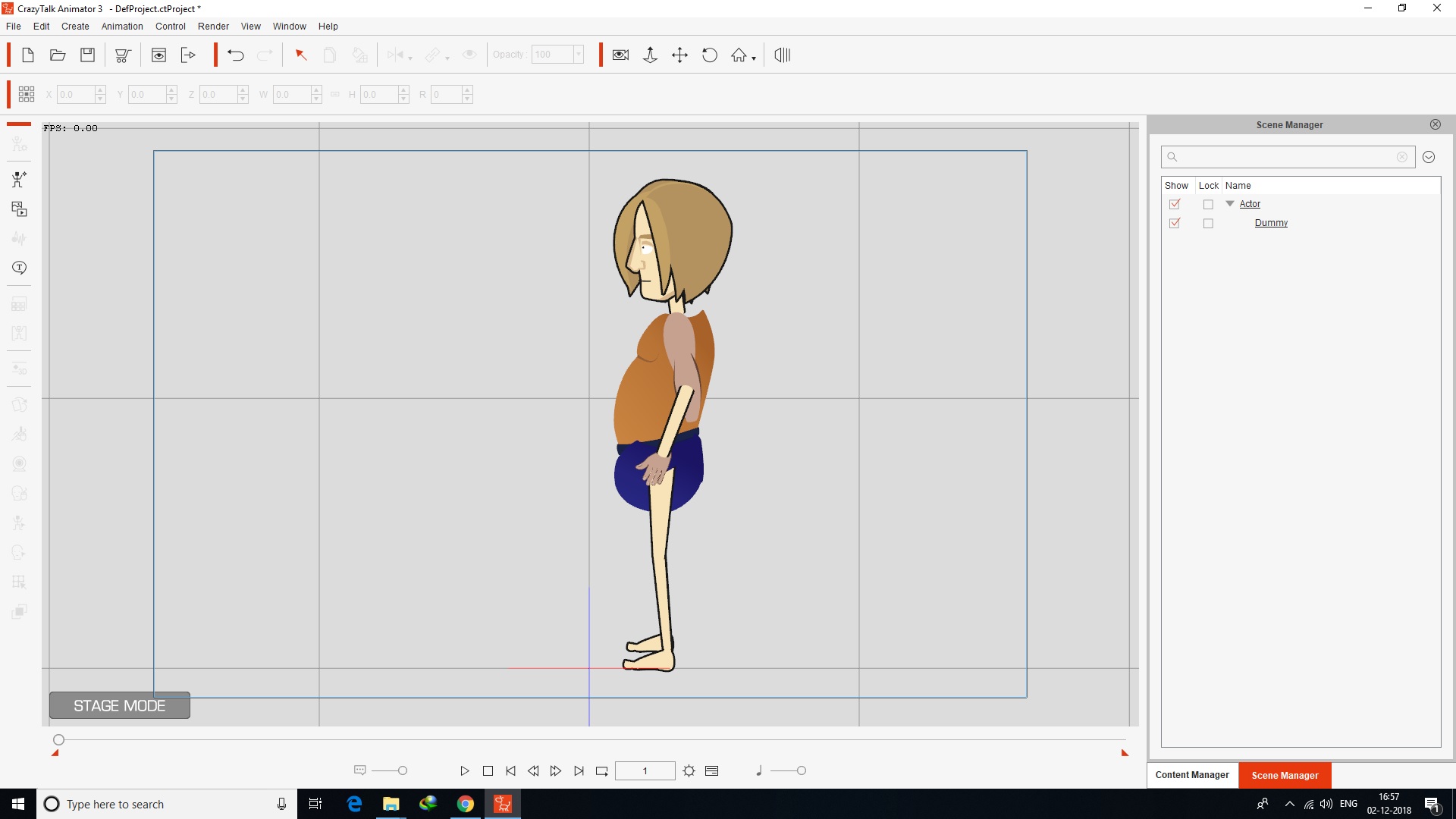 again tried to fix the sprite replacement run time composer..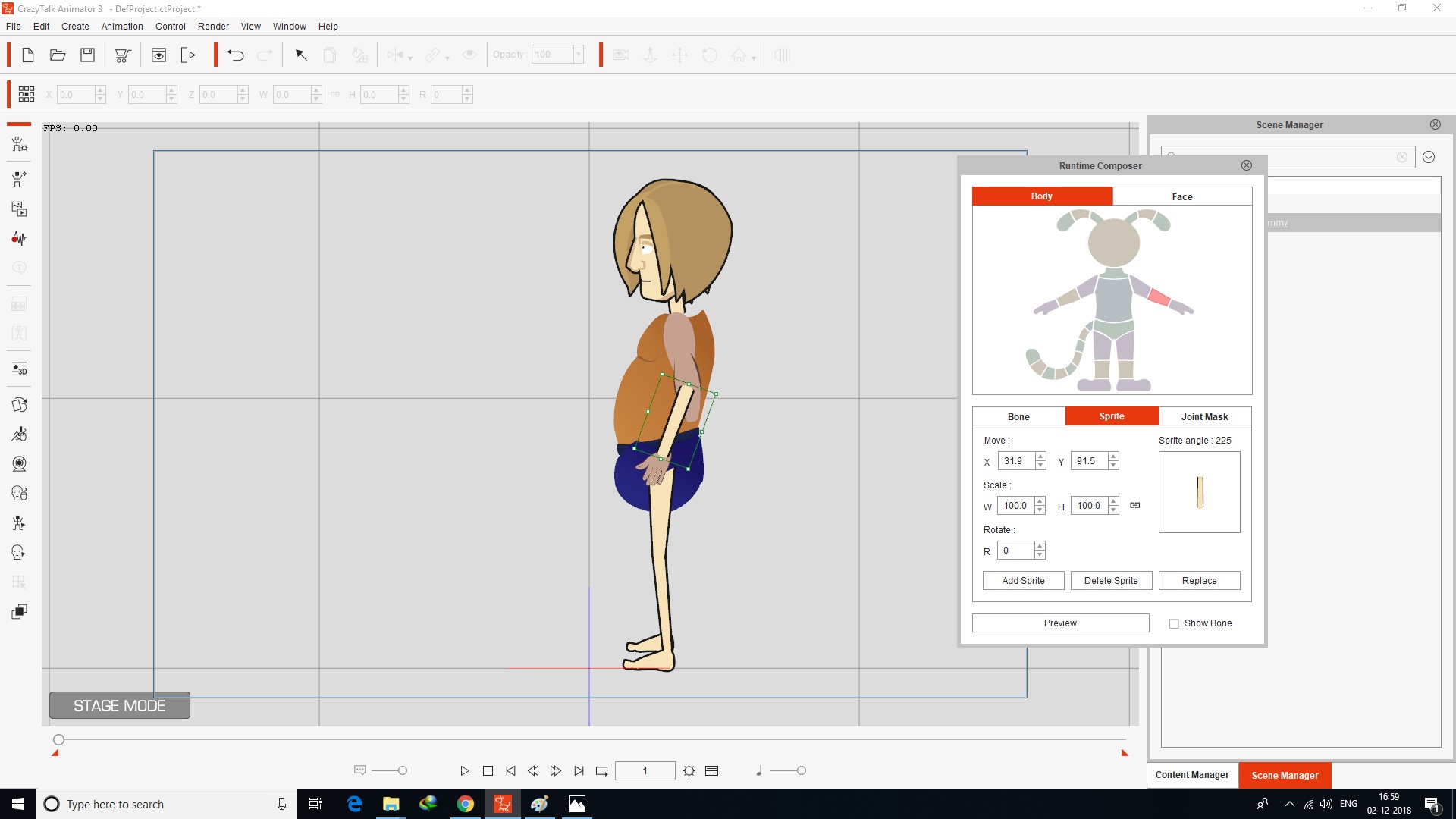 then i open the composer mode it visible..when i mirror it at right side
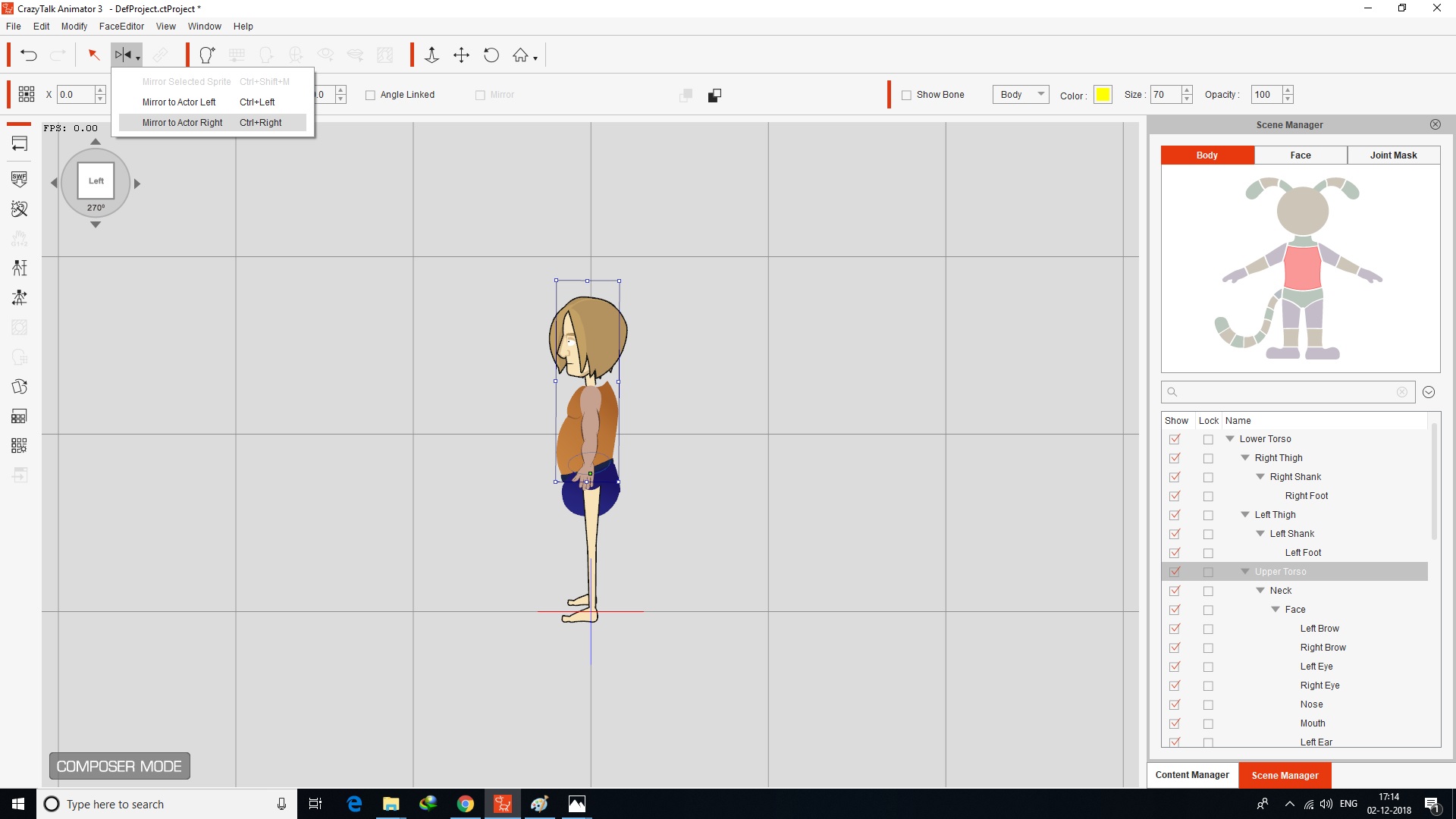
again in stage mode
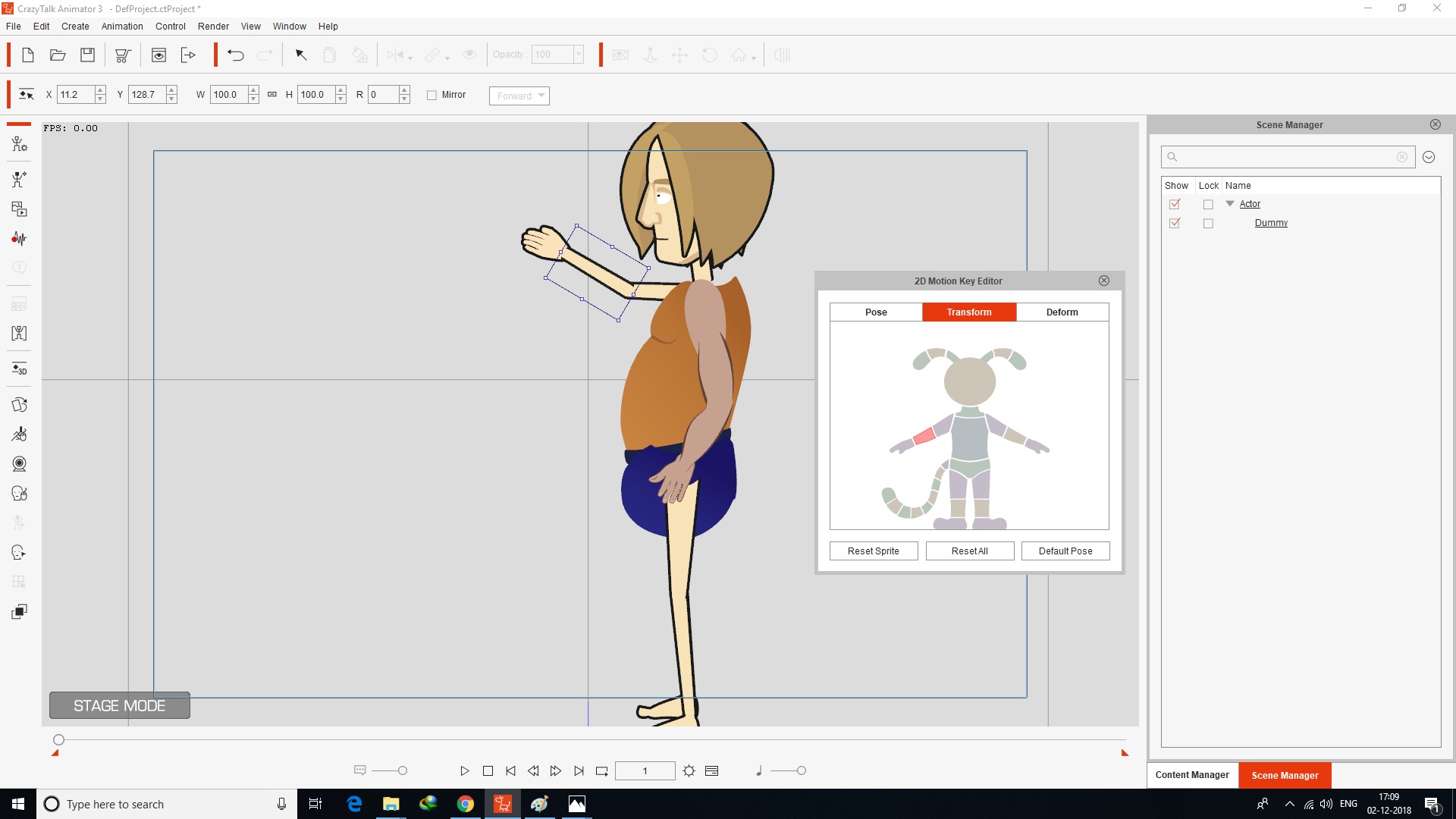
and test it in stage mode with 2d motion key editor the sprits of other side is not visible pls tell us the right way to how to add sprits in different angle 0-45-90-135-180-225-270-315- we already seen the tutorial of basic character creation -with sprite replacement in 0 angle.. we need 45 and 270 angled base tutorial ... in crazytalk animator 3 ... And with flash white paper Pipeline_Template_and_Tools
|
|
|
|
|
jlittle
|
jlittle
Posted 8 Years Ago
|
|
Group: Forum Members
Last Active: 2 Years Ago
Posts: 1.9K,
Visits: 17.3K
|
After you edit a character in Composer Mode and return to the stage it will show at the angle before it went into composer mode. While in Composer or Stage Mode you can rotate the character using the bracket ("[", "]") keys. To replace sprites at any angle, in Composer Mode, rotate the character to that angle. If you have the Sprite Editor open, with a sprite selected, you can see the sprite change as you rotate the character. At the selected rotation angle,select and replace the sprite using the "Replace Current Angle" function (Ctrl+Shift+R). Size, rotate, and position the new sprite as needed. Rinse and repeat for the other sprites and angles. Jeff
Get my Plugin Manager and TaskNotes plugins for iClone.
Check out EZColors and Other products for CTA/CA. EZColors: the easy way to change Render Styled (RS) colors!
See my CTA Tutorials on the YouTube channel CTAStepByStep
|
|
|
|
|
gvraju.666
|
gvraju.666
Posted 8 Years Ago
|
|
Group: Forum Members
Last Active: 7 Years Ago
Posts: 16,
Visits: 65
|
sir
we r not able to get the YouTube tutorial the sprite using the replace current angle " function based tutorial link in step by step crazy talk animator 3
pls send us url link of that ,pls help us ..
|
|
|
|
|
gvraju.666
|
gvraju.666
Posted 8 Years Ago
|
|
Group: Forum Members
Last Active: 7 Years Ago
Posts: 16,
Visits: 65
|
|
|
|
|
|
jlittle
|
jlittle
Posted 8 Years Ago
|
|
Group: Forum Members
Last Active: 2 Years Ago
Posts: 1.9K,
Visits: 17.3K
|
Here is a short video showing step by step G2 character sprite replacment.
Get my Plugin Manager and TaskNotes plugins for iClone.
Check out EZColors and Other products for CTA/CA. EZColors: the easy way to change Render Styled (RS) colors!
See my CTA Tutorials on the YouTube channel CTAStepByStep
|
|
|
|
|
gvraju.666
|
gvraju.666
Posted 8 Years Ago
|
|
Group: Forum Members
Last Active: 7 Years Ago
Posts: 16,
Visits: 65
|
HELLO SIR THANK U FOR SEND VIDEO TO US .WE TRIED IT ..PLS SEE THIS PICS
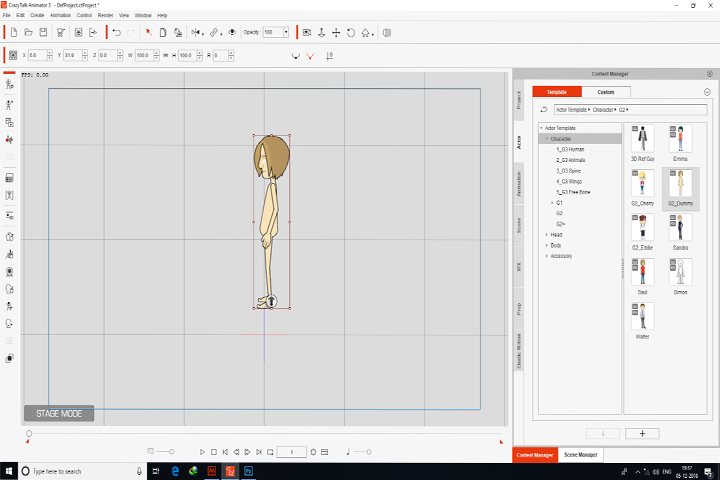
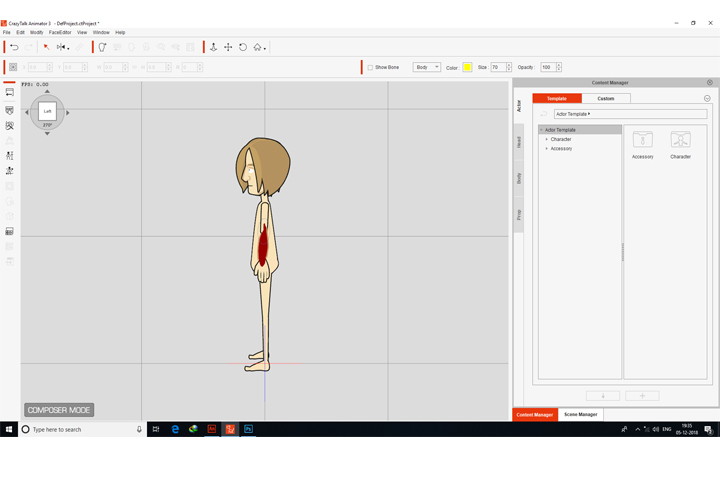 WE APPLIED A SPRITE IN 270 ANGLE .. IN COMPOSER MODE IN COMPOSER MODE WE SEEN ALL THE ANGELS NO PROBLEM FOUND ..THEN WE BACK TO STAGE MODE. IN STAGE MODE THE SPRITE NOT VISIBLE IN 270 ANGLE SEE THE PIC
|
|
|
|
|
jlittle
|
jlittle
Posted 8 Years Ago
|
|
Group: Forum Members
Last Active: 2 Years Ago
Posts: 1.9K,
Visits: 17.3K
|
Do the sprite replacement on the character. Save the character from the Stage. Right click on saved character in Content Manager and use "Find File" to locate character file. Zip file and post here as attachment. That way I can see the issue using your character. Jeff
Get my Plugin Manager and TaskNotes plugins for iClone.
Check out EZColors and Other products for CTA/CA. EZColors: the easy way to change Render Styled (RS) colors!
See my CTA Tutorials on the YouTube channel CTAStepByStep
|
|
|
|
|
gvraju.666
|
gvraju.666
Posted 8 Years Ago
|
|
Group: Forum Members
Last Active: 7 Years Ago
Posts: 16,
Visits: 65
|
HELLO SIR WE DON AS U SAID ..SEE ONCE RAR FILE AND PIC 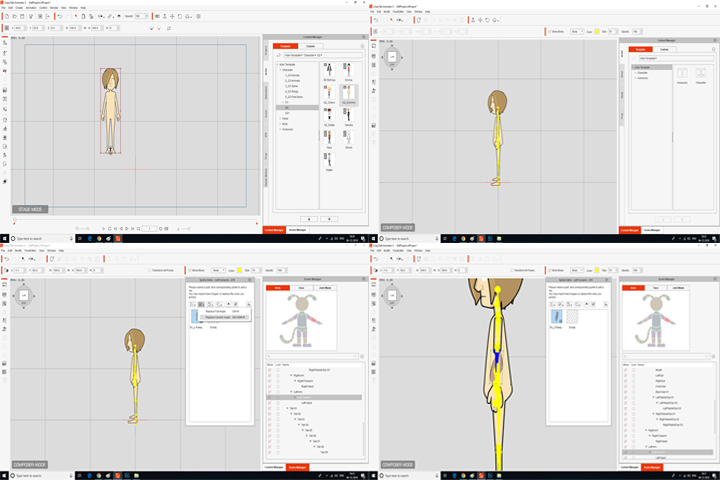 AND IN COMPOSER MODE 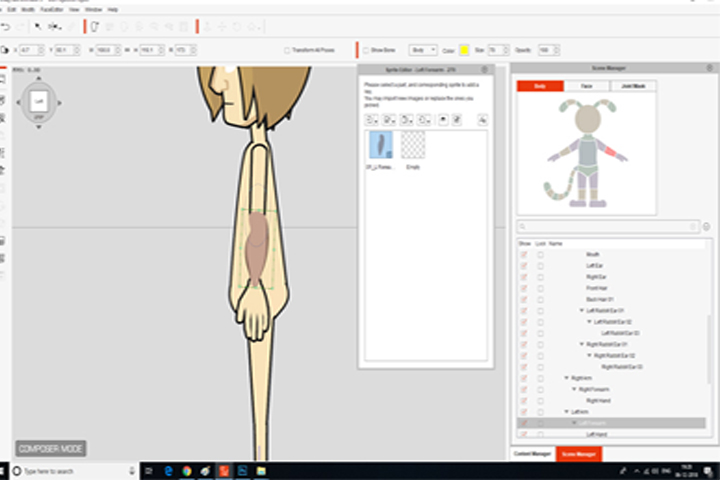 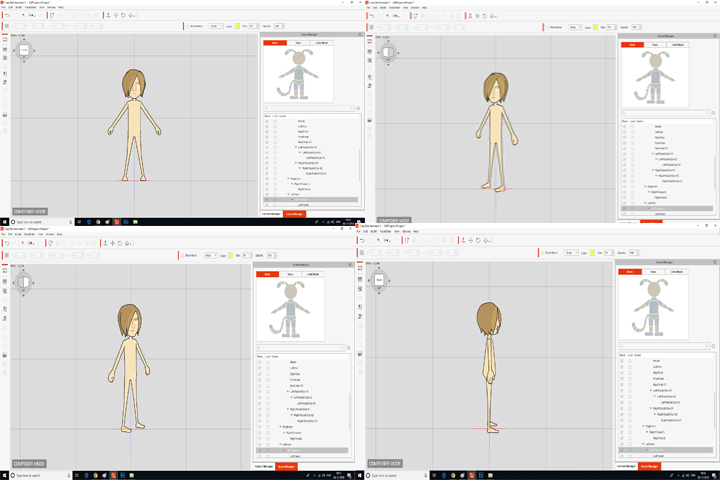 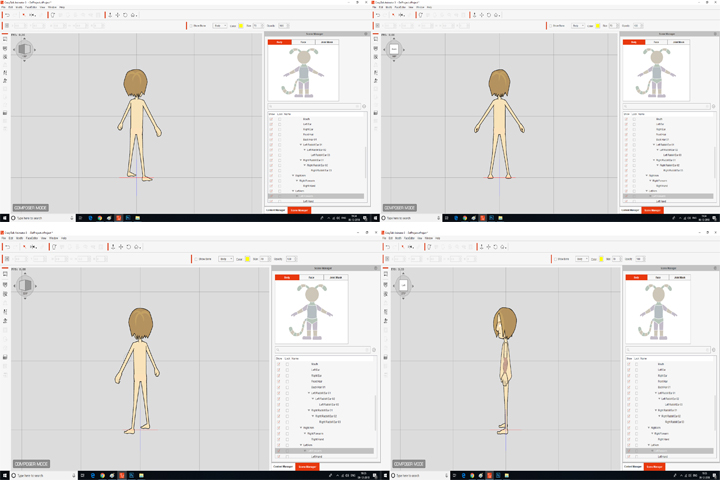 IN STAGE MODE 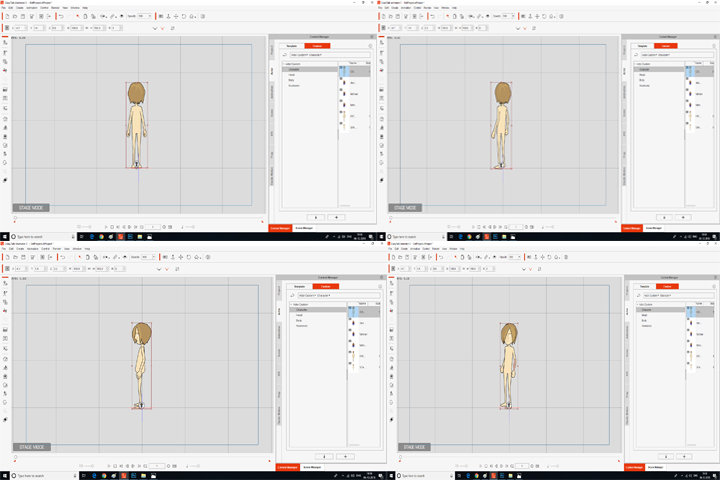 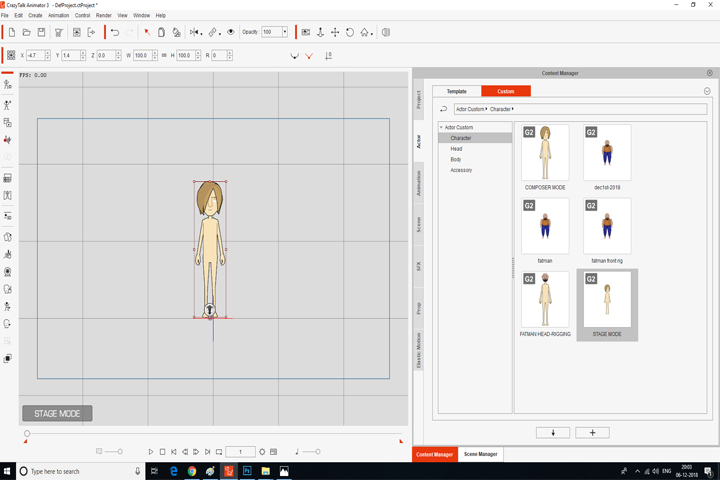 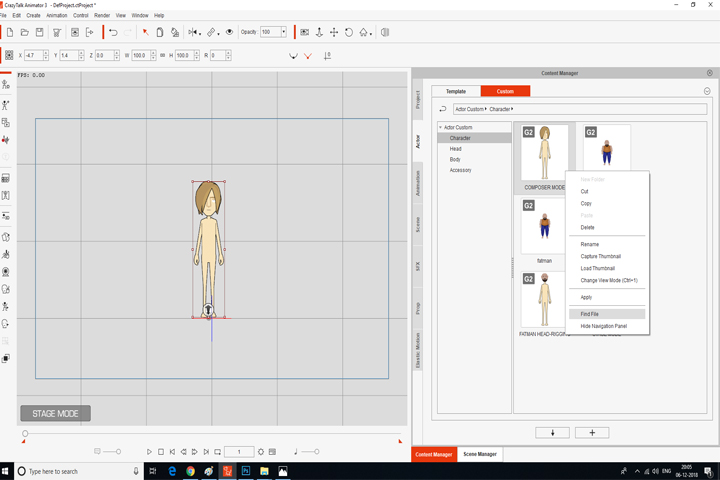 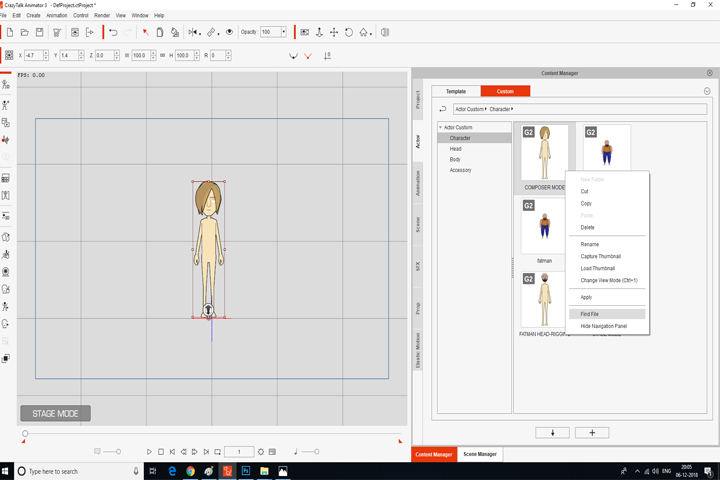 THIS THE PROBLEM WE GOT WE OR SENDING { THE STAGE MODE SAVED FILE } AND ALSO { COMPOSER MODE SAVED FILE } ...IF WE HAVE DON ANY WRONG WAY TELL US THE PROPER WAY ... PLS RECTIFY OUR PROBLEM SIR .... AFTER RECTIFYING THIS PROBLEM PLS SEND A VIDEO FILE TUTORIAL RECOVER THIS .... WE U R HELP
|
|
|
|
|
jlittle
|
jlittle
Posted 8 Years Ago
|
|
Group: Forum Members
Last Active: 2 Years Ago
Posts: 1.9K,
Visits: 17.3K
|
Ok, I see the issue now. What the problem is, is that the Fore Arm is not at the same angle as the character is. This seems to be an issue even with the 3D Ref Guy character so might be present in all characters. See the picture below with your character and 3D Ref Guy character at angle 270. 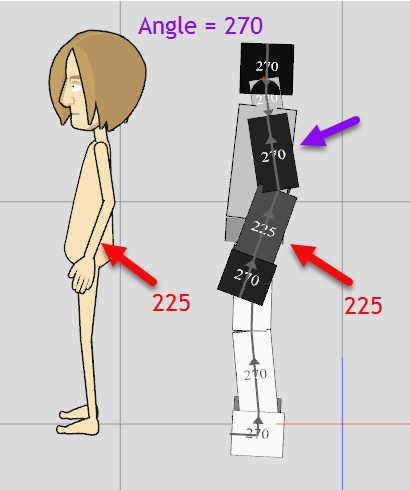 Note that the Fore Arm is at angle 225, not 270. Rotating the characters to angle 315 we see: 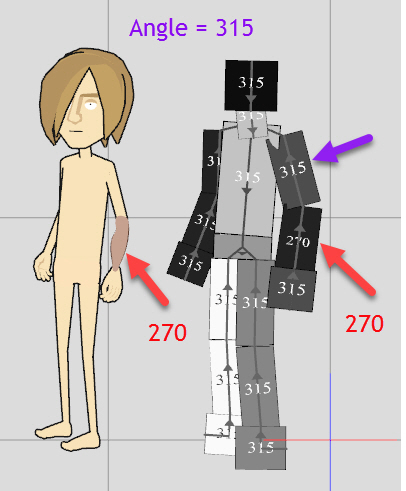 That the characters Fore Arm is at 270 instead of 315 and your 270 sprite now shows up. You can use the 3D Motion Key Editor to correct this. 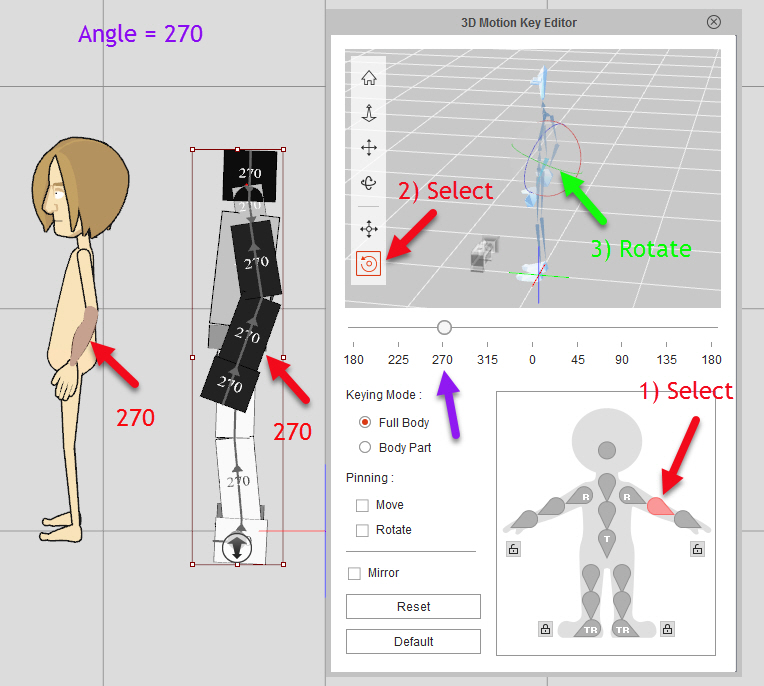 Once corrected the Fore Arm sprite will now be in sync with each character angle. Jeff
Get my Plugin Manager and TaskNotes plugins for iClone.
Check out EZColors and Other products for CTA/CA. EZColors: the easy way to change Render Styled (RS) colors!
See my CTA Tutorials on the YouTube channel CTAStepByStep
|
|
|
|
|
gvraju.666
|
gvraju.666
Posted 8 Years Ago
|
|
Group: Forum Members
Last Active: 7 Years Ago
Posts: 16,
Visits: 65
|
hello sir thank u sir .. sir we need help that in your tutorials potato character is rigged in 0 and pasted in 45 and 315 angles . we need 270 and 315 angels and other angels to rig in crazy talk animator ...is their any possibilities to do it in only crazy talk animator with out using flash or animate cc ..templates files pls help us to rig 270 ,315 angles and in which angles we use to comping sprites similar to in other angles in 270 an 315 ... 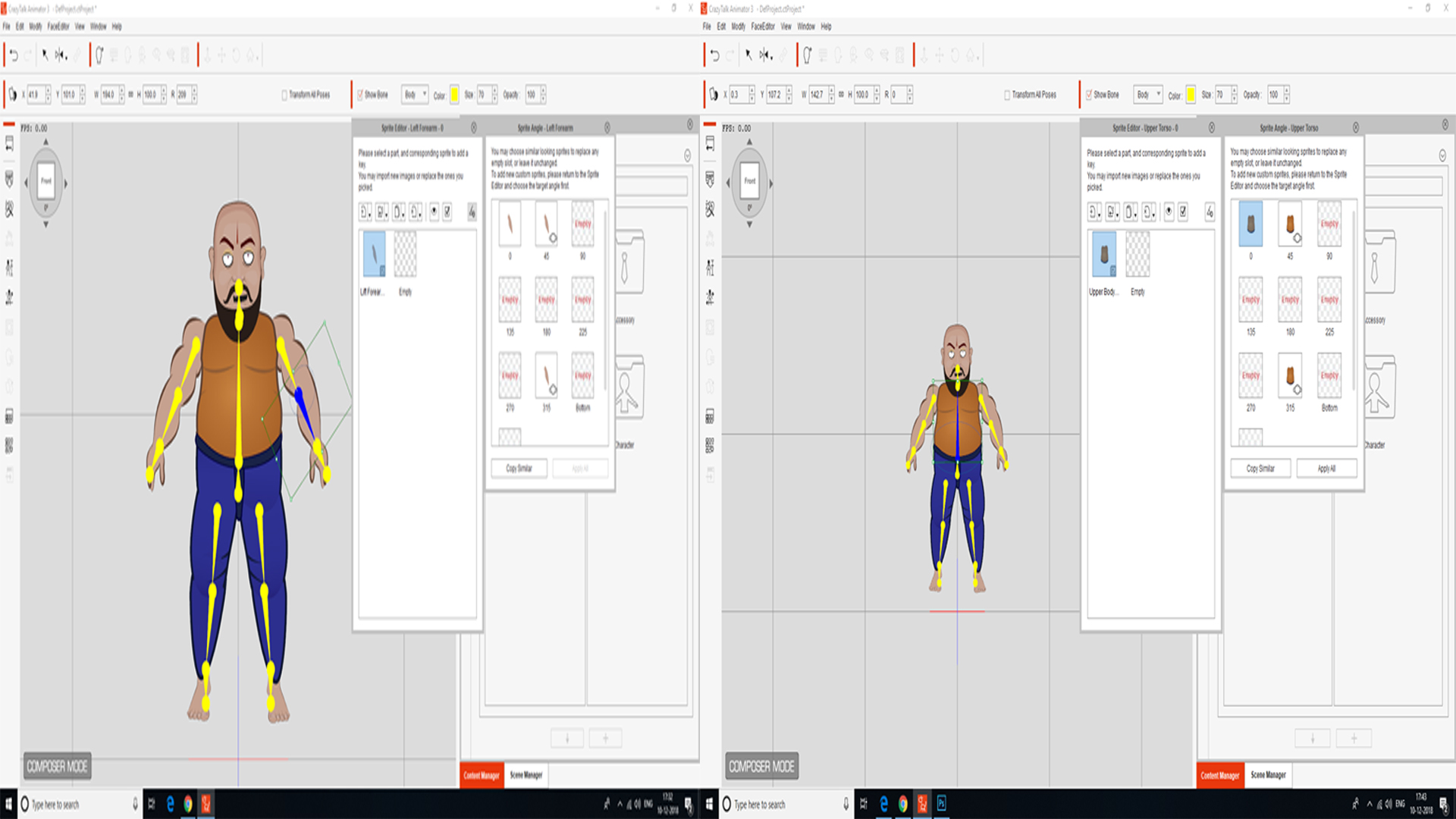 pls help us again we r getting the stage mode problem which i posted Posted 3 days ago earlier to u sir is they any problem in software any possibility to re download it ..pls inform us sir
|
|
|
|