|
Author
|
Message
|
|
gvraju.666
|
gvraju.666
Posted 8 Years Ago
|
|
Group: Forum Members
Last Active: 7 Years Ago
Posts: 16,
Visits: 65
|
crazy talk animator 3.3.3007.1 mirror problem in 270 angle as we posted last week pls help us we r eagerly waiting for u r answer .. 270 mirror ..we need video tutorial with URL link of youtube
|
|
|
|
|
gvraju.666
|
gvraju.666
Posted 8 Years Ago
|
|
Group: Forum Members
Last Active: 7 Years Ago
Posts: 16,
Visits: 65
|
CRAZY TALK ANIMATOR G2 DUMMY CHARACTER 270 ANGLE MIRROR SPRITE PROBLEM HELLO SIR
WE HAVE A ISSUE IN 270 ANGLE 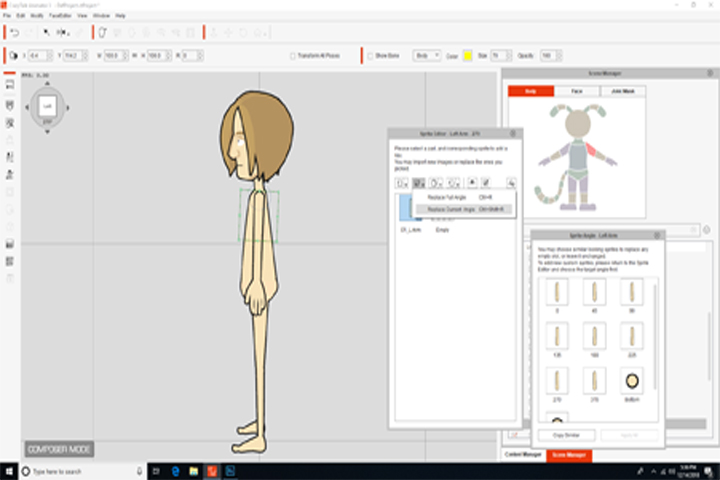 AFTER THE LEFT UPPER HAND SPRITE IN LEFT SIDE 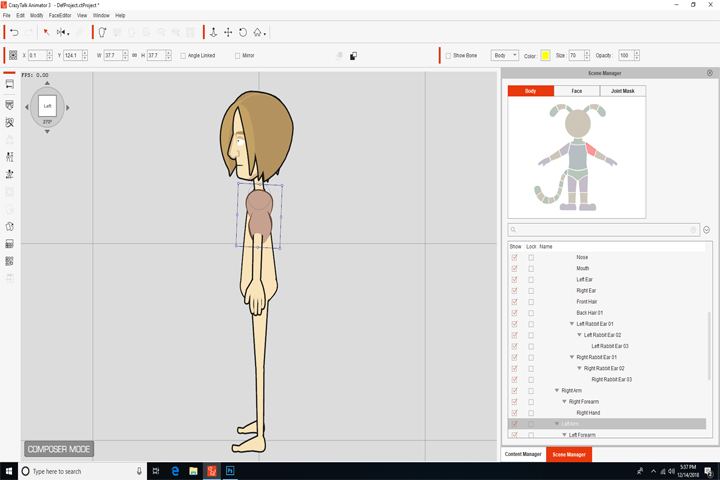 WHEN WE MIRROR TO RIGHT WHEN WE MIRROR TO RIGHT 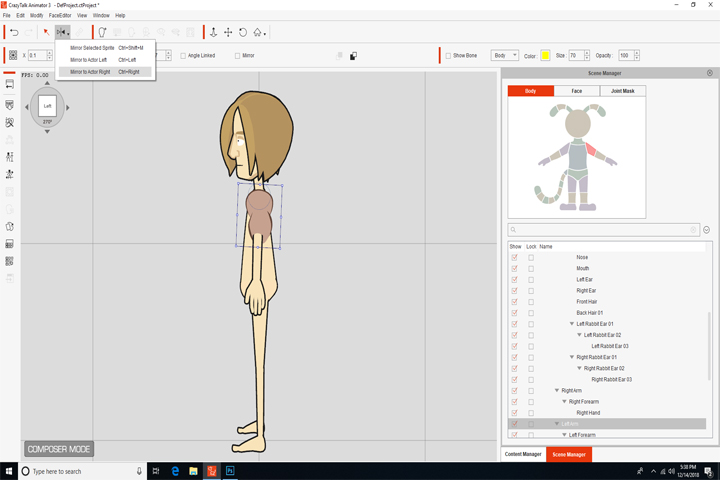 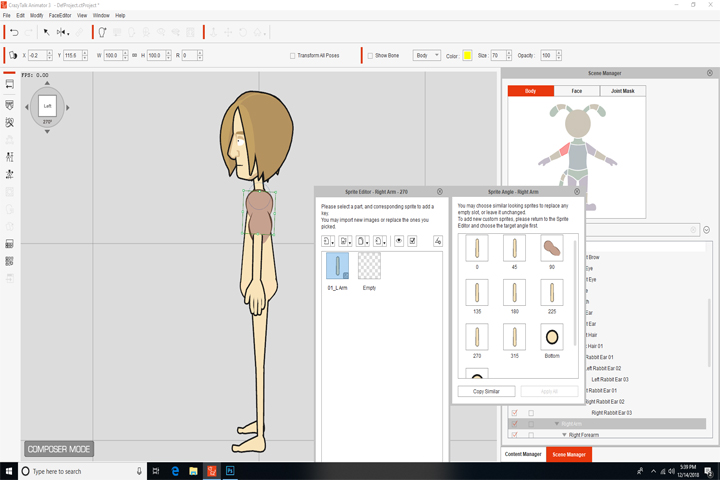 WE OR NOT GETTING THE SPRITE WHICH IS MIRROR TO RIGHT SIDE BUT IT WAS SHOWING IN 90 ANGLE 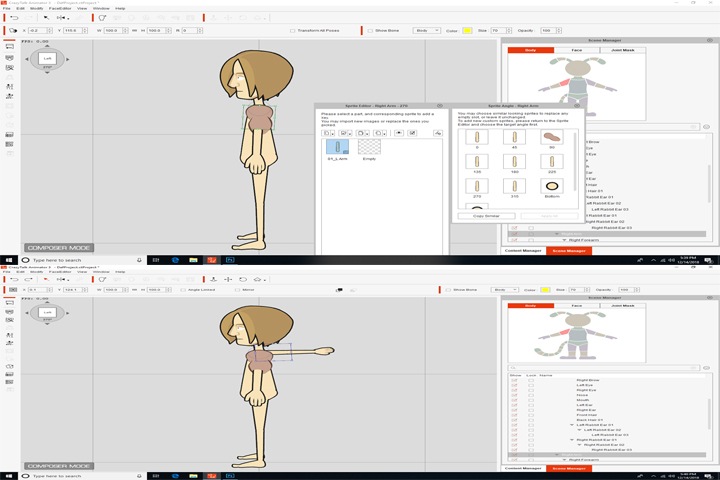 SIR WE REQUEST U TO TELL US HOW TO RIG IN 270 ANGLE ,PLS SEND US A VIDEO FILE. WE ALREADY SEEN THE CRAZY TALK TUTORIAL THE SPRITE REPLACEMENT IN 0 ANGLE PLS SEND US 270 ANGLE RIG VIDEO IN CRAZY TALK ANIMATOR 3 G2 CHARACTER AND {{{ IN STEP BY STEP CRAZY TUTORIAL WE R NOT GETTING PROPER TUTORIAL PLS SEND US WITH URL YOUTUBE LINK}}}
|
|
|
|
|
gvraju.666
|
gvraju.666
Posted 8 Years Ago
|
|
Group: Forum Members
Last Active: 7 Years Ago
Posts: 16,
Visits: 65
|
sir we r getting mirror problem sir in 270 when add a sprite to left it is not mirror at right..in 270 angle but it shows in 90 angle right this main problem yesterday we posted sir
pls give video file to recover this problem sir
|
|
|
|
|
gvraju.666
|
gvraju.666
Posted 8 Years Ago
|
|
Group: Forum Members
Last Active: 7 Years Ago
Posts: 16,
Visits: 65
|
hello sir thank u sir
we r not getting this pls send a video file to us pls sir
|
|
|
|
|
jlittle
|
jlittle
Posted 8 Years Ago
|
|
Group: Forum Members
Last Active: 2 Years Ago
Posts: 1.9K,
Visits: 17.3K
|
Without using/opening a copy of your character I would guess that the arm part is rotated to another angle thus showing a different sprite. In Composer Mode, to check that the sprite is in the correct position, select the body part then open the Sprite editor and click on the Full Angles button. This will show the sprites for each angle for just that body part.  To check if the right sprite is showing in Stage Mode, select your character, rotate to position, then open the Runtime Composer. Select the body part from the Runtime Composer character model and check that the angle showing matches the characters rotation angle and that the sprite showing is correct.  If the correct sprite is NOT showing, then use the 3D Motion Editor to rotate the arm to the correct position as I showed previously. Jeff
Get my Plugin Manager and TaskNotes plugins for iClone.
Check out EZColors and Other products for CTA/CA. EZColors: the easy way to change Render Styled (RS) colors!
See my CTA Tutorials on the YouTube channel CTAStepByStep
|
|
|
|
|
gvraju.666
|
gvraju.666
Posted 8 Years Ago
|
|
Group: Forum Members
Last Active: 7 Years Ago
Posts: 16,
Visits: 65
|
HELLO SIR
THANK U
LAST 6 DAY S AGO U HAVE GIVEN A ANSWER FOR MY ISSUE IT WAS CLEARED ..BUT WE HAVE A ANOTHER ISSUE IN MIRROR
1-- WE START MIRROR IN 0 ANGLE IT IS WORKING 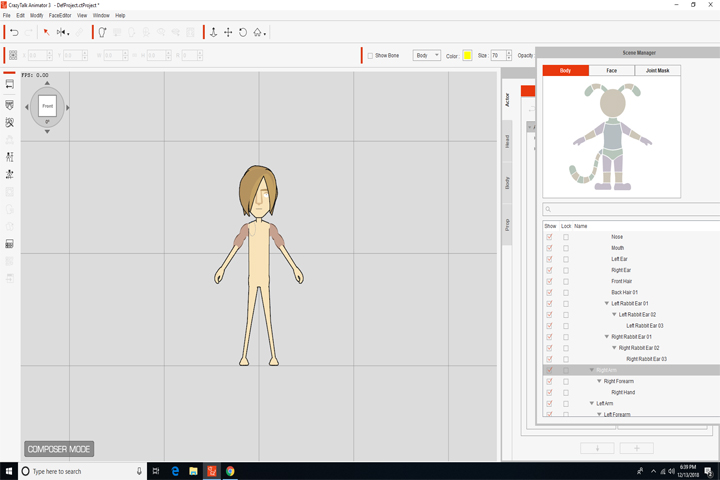
2-- IN 270 ANGLE THE LEFT UPPER HAND SPRITE ..WHEN WE MIRROR IT .. RIGHT UPPER HAND SPRITE WHICH WAS MIRRORED IS NOT VISIBLE IN 270 ANGLE IN COMPOSER MODE AND STAGE MODE 3 -- IT APPEARS IN 90 ANGLE RIGHT
THIS IS OUR PROBLEM PLS GIVE A VALUABLE ANSWER TO RECOVER ...THAT PROBLEM SIR PLS HELP US SIR
WE R WAITING FOR U R ANSWER SIR ...AS EARLY AS POSSIBLE
|
|
|
|
|
jlittle
|
jlittle
Posted 8 Years Ago
|
|
Group: Forum Members
Last Active: 2 Years Ago
Posts: 1.9K,
Visits: 17.3K
|
You can create individual .png images for each sprite and angle and import/replace that angle with those images. Use any paint or drawing program that creates .png files to create the sprite. Jeff
Get my Plugin Manager and TaskNotes plugins for iClone.
Check out EZColors and Other products for CTA/CA. EZColors: the easy way to change Render Styled (RS) colors!
See my CTA Tutorials on the YouTube channel CTAStepByStep
|
|
|
|
|
gvraju.666
|
gvraju.666
Posted 8 Years Ago
|
|
Group: Forum Members
Last Active: 7 Years Ago
Posts: 16,
Visits: 65
|
hello sir thank u sir .. sir we need help that in your tutorials potato character is rigged in 0 and pasted in 45 and 315 angles . we need 270 and 315 angels and other angels to rig in crazy talk animator ...is their any possibilities to do it in only crazy talk animator with out using flash or animate cc ..templates files pls help us to rig 270 ,315 angles and in which angles we use to comping sprites similar to in other angles in 270 an 315 ... 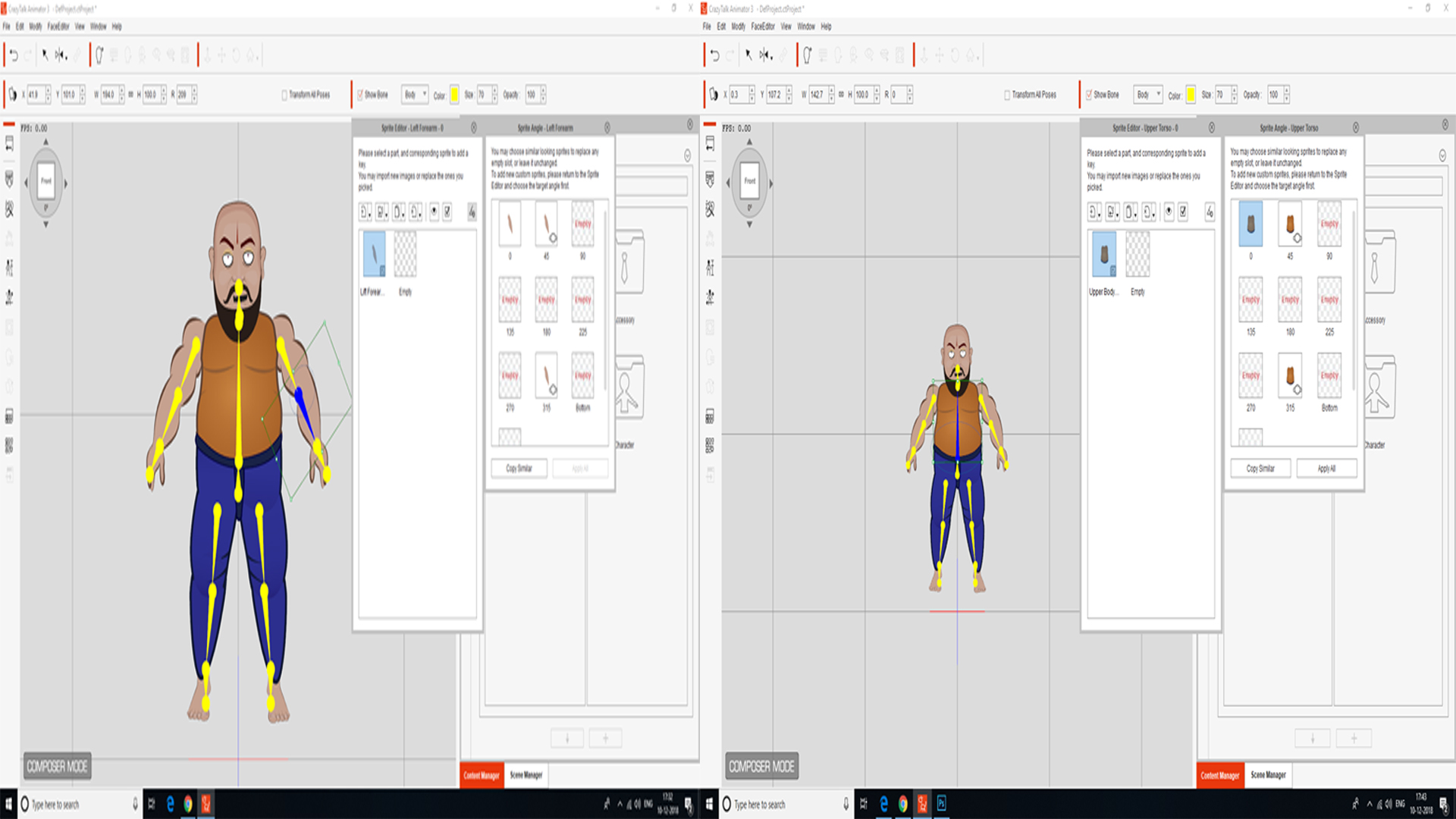 pls help us again we r getting the stage mode problem which i posted Posted 3 days ago earlier to u sir is they any problem in software any possibility to re download it ..pls inform us sir
|
|
|
|
|
jlittle
|
jlittle
Posted 8 Years Ago
|
|
Group: Forum Members
Last Active: 2 Years Ago
Posts: 1.9K,
Visits: 17.3K
|
Ok, I see the issue now. What the problem is, is that the Fore Arm is not at the same angle as the character is. This seems to be an issue even with the 3D Ref Guy character so might be present in all characters. See the picture below with your character and 3D Ref Guy character at angle 270. 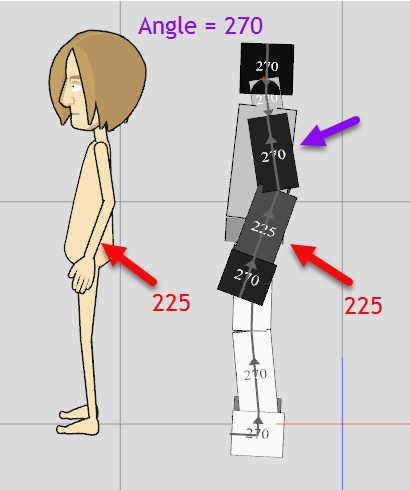 Note that the Fore Arm is at angle 225, not 270. Rotating the characters to angle 315 we see: 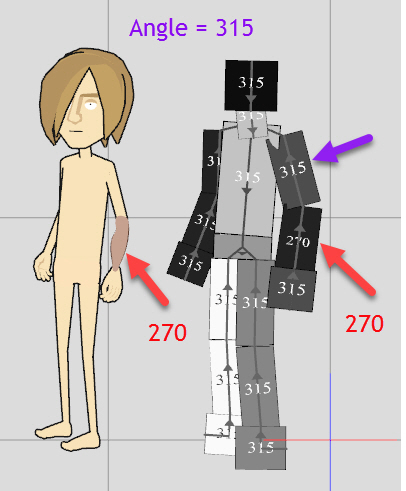 That the characters Fore Arm is at 270 instead of 315 and your 270 sprite now shows up. You can use the 3D Motion Key Editor to correct this. 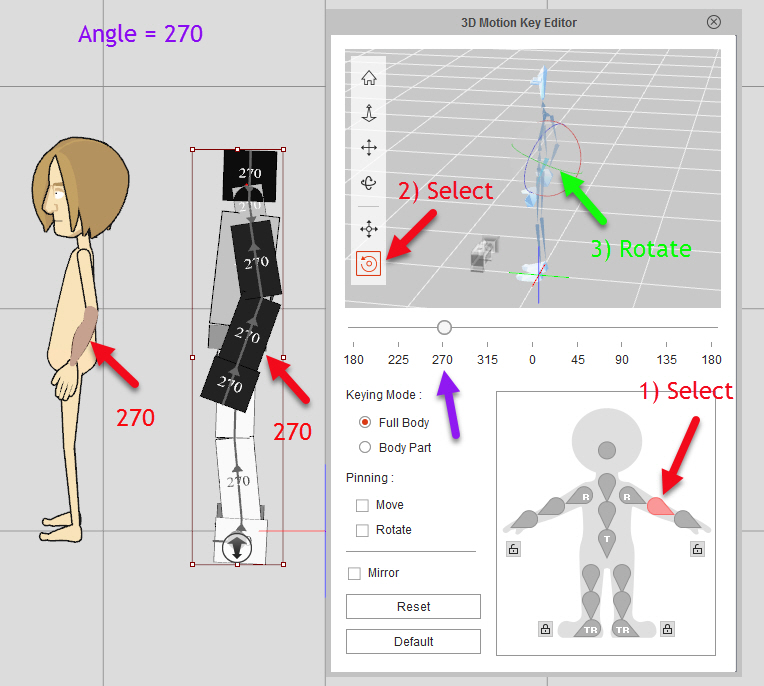 Once corrected the Fore Arm sprite will now be in sync with each character angle. Jeff
Get my Plugin Manager and TaskNotes plugins for iClone.
Check out EZColors and Other products for CTA/CA. EZColors: the easy way to change Render Styled (RS) colors!
See my CTA Tutorials on the YouTube channel CTAStepByStep
|
|
|
|
|
gvraju.666
|
gvraju.666
Posted 8 Years Ago
|
|
Group: Forum Members
Last Active: 7 Years Ago
Posts: 16,
Visits: 65
|
HELLO SIR WE DON AS U SAID ..SEE ONCE RAR FILE AND PIC 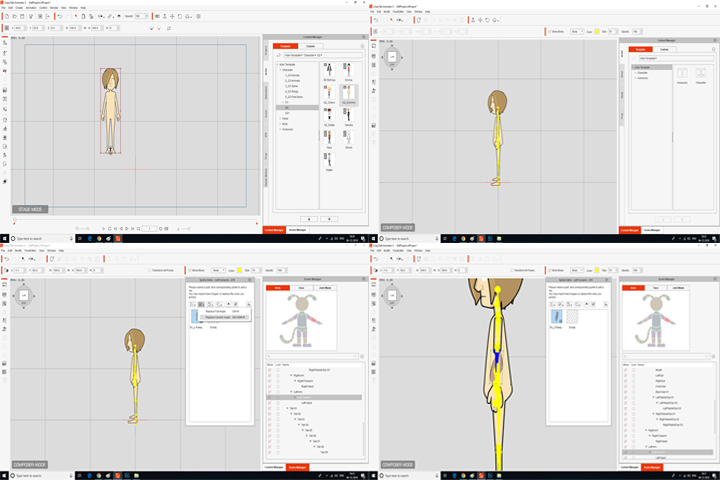 AND IN COMPOSER MODE 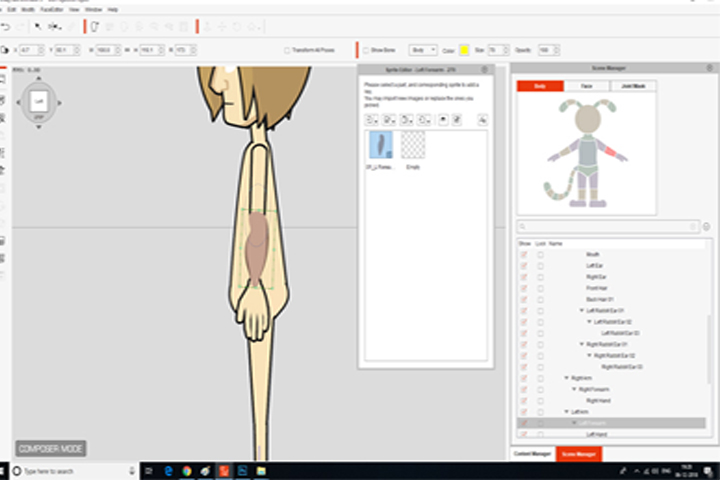 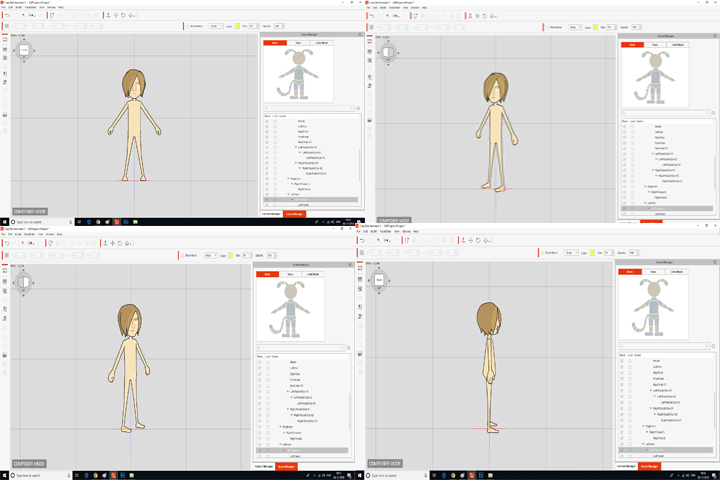 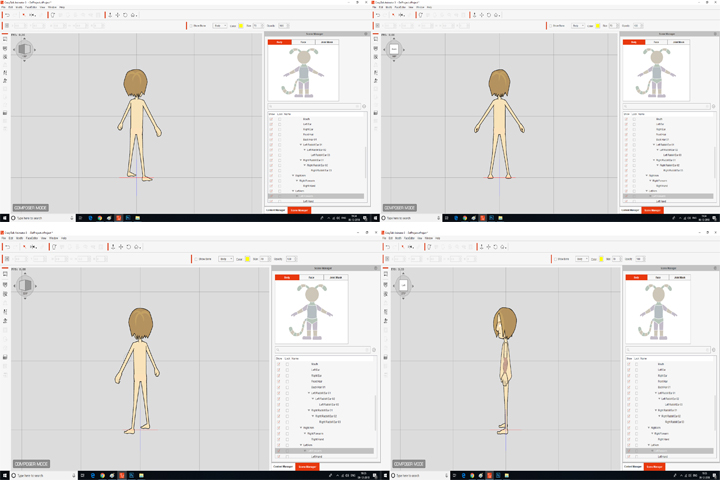 IN STAGE MODE 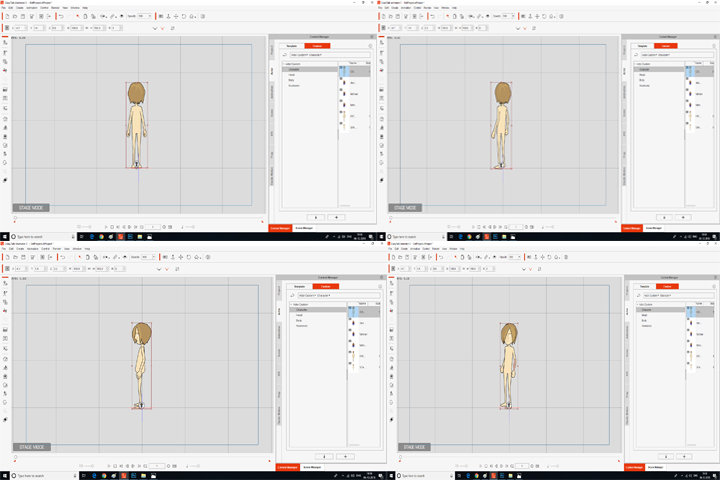 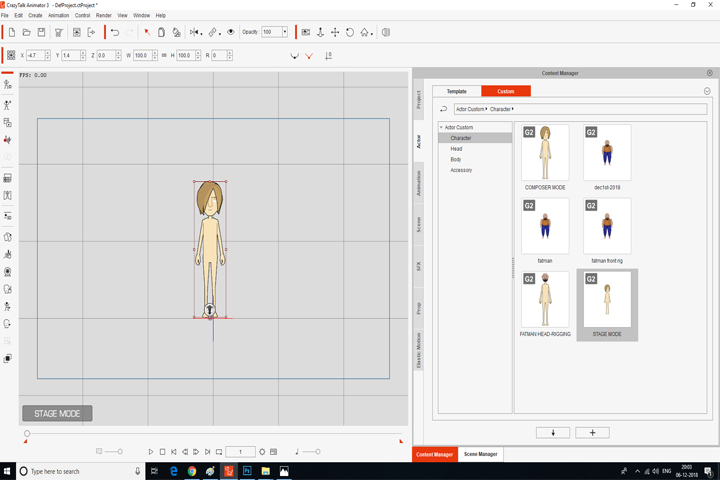 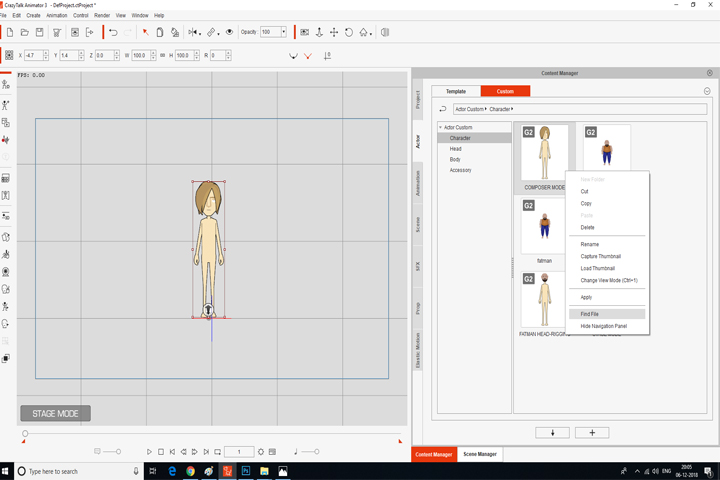 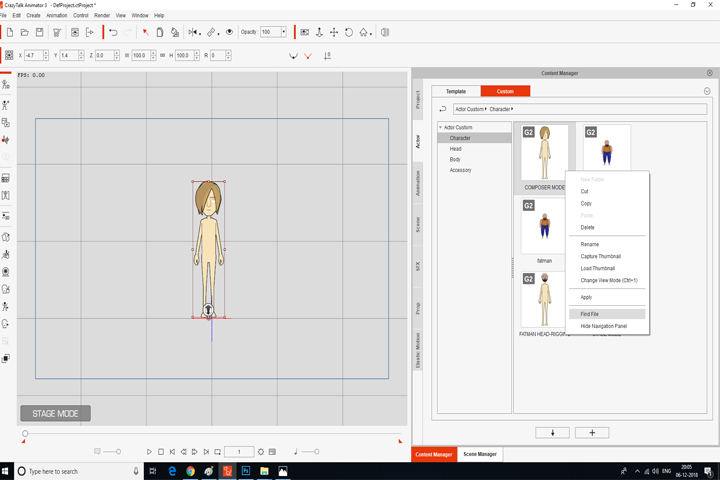 THIS THE PROBLEM WE GOT WE OR SENDING { THE STAGE MODE SAVED FILE } AND ALSO { COMPOSER MODE SAVED FILE } ...IF WE HAVE DON ANY WRONG WAY TELL US THE PROPER WAY ... PLS RECTIFY OUR PROBLEM SIR .... AFTER RECTIFYING THIS PROBLEM PLS SEND A VIDEO FILE TUTORIAL RECOVER THIS .... WE U R HELP
|
|
|
|