Profile Picture

Less Feature Updates MORE PERFORMANCE

Posted By greggoryaddison 6 Years Ago
Rated 5 stars based on 3 votes.
1
2
3
4
5
6
7

Author
Message
AutoDidact
AutoDidact
Posted 6 Years Ago
View Quick Profile
Distinguished Member

Distinguished Member (6.1K reputation)Distinguished Member (6.1K reputation)Distinguished Member (6.1K reputation)Distinguished Member (6.1K reputation)Distinguished Member (6.1K reputation)Distinguished Member (6.1K reputation)Distinguished Member (6.1K reputation)Distinguished Member (6.1K reputation)Distinguished Member (6.1K reputation)

Group: Forum Members
Last Active: 2 Months Ago
Posts: 2.1K, Visits: 13.6K
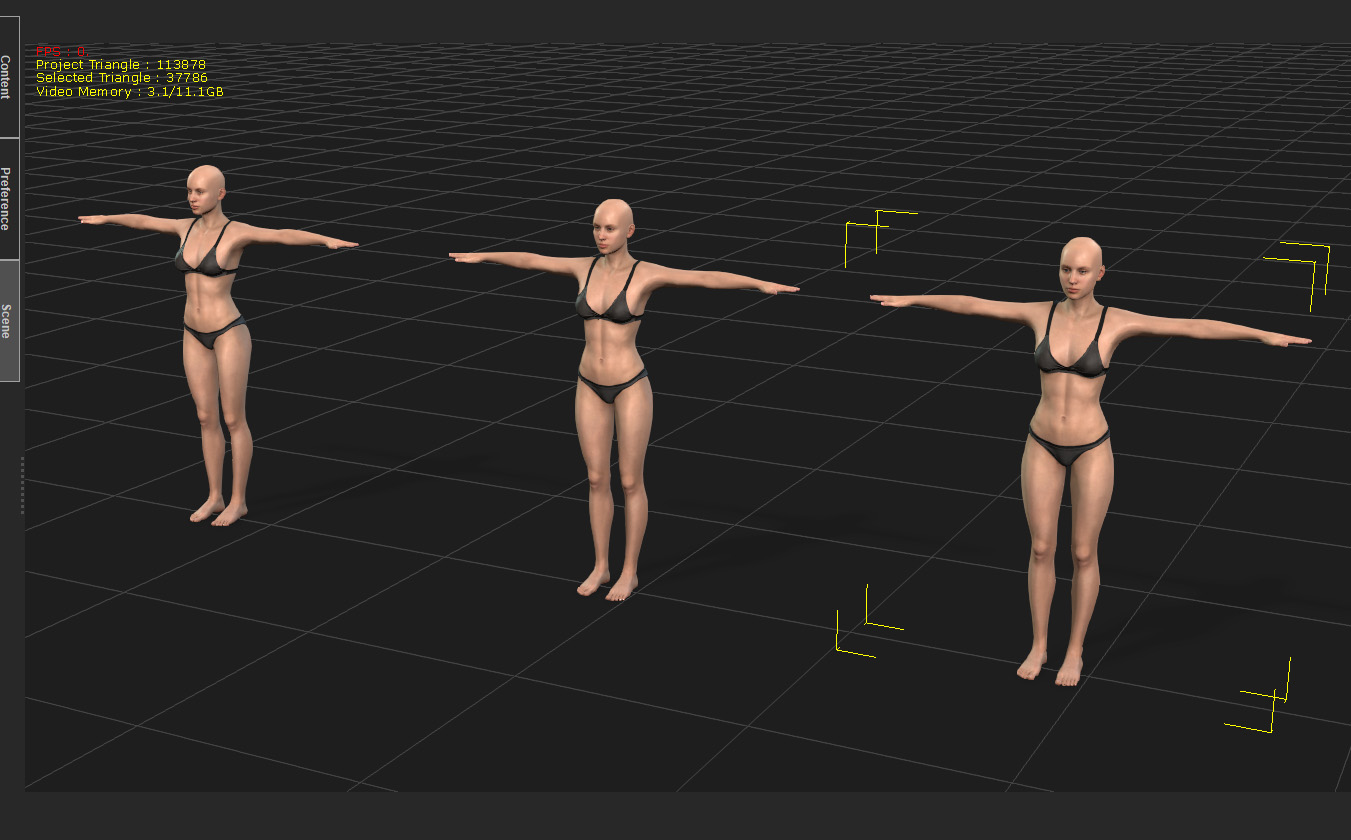
From what I am reading and seeing with the New CC3+ figures,
it seems obvious to me that sadly Reallusion is falling victim to 
"Daz Genesis Syndrome"
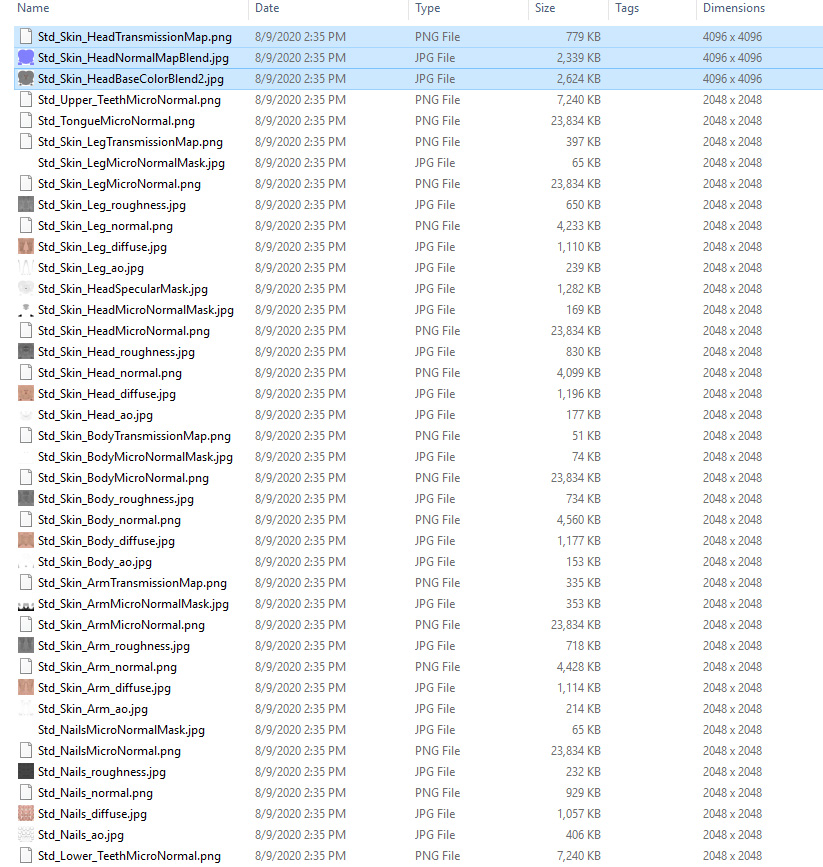
By this I mean Character resource bloat from stuffing so many layers of Data 
into each individual Avatar ,in the pursuit of up close still portrait microrealism,
that such avatars become only  viable for ..well...up close ,still portraits and not much
else.
This is the current state of the the Daz Genesis figures and content over in Daz studio.
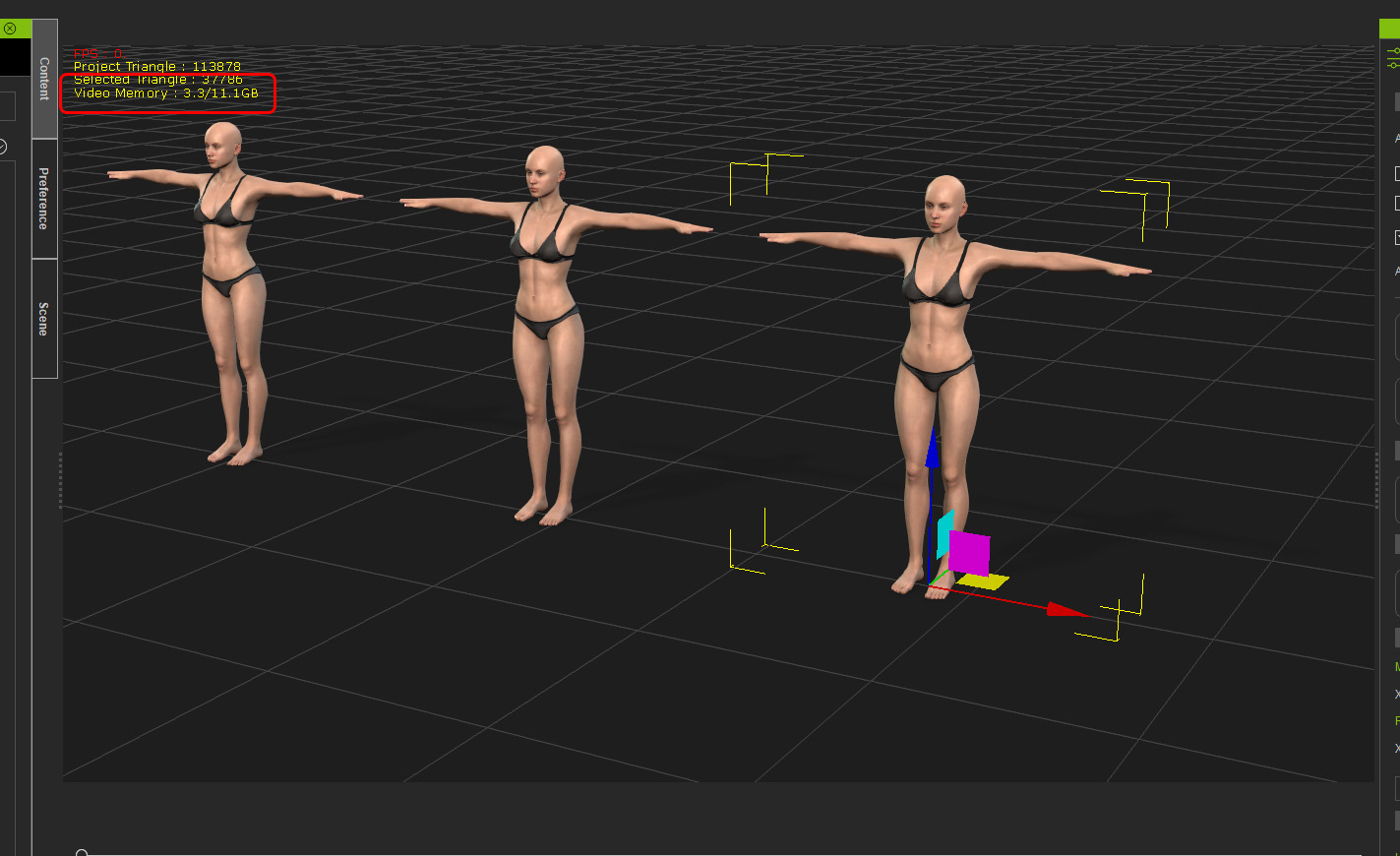
I have read numerous horror stories of situations such as ONE bikini Consuming 4GB of Video RAM
in Daz studio.
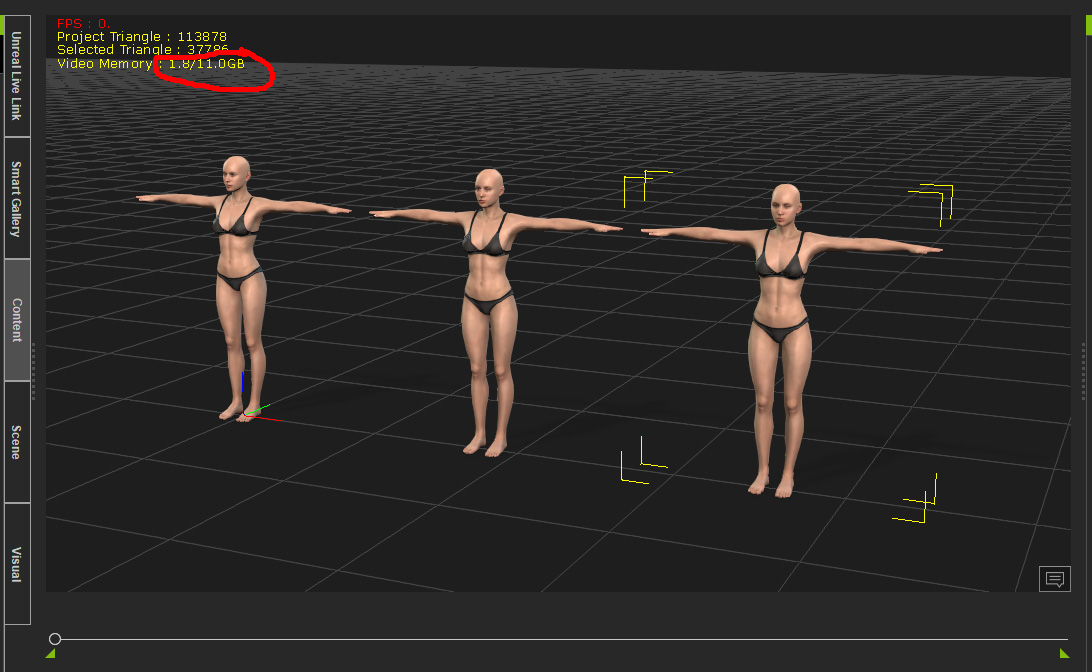
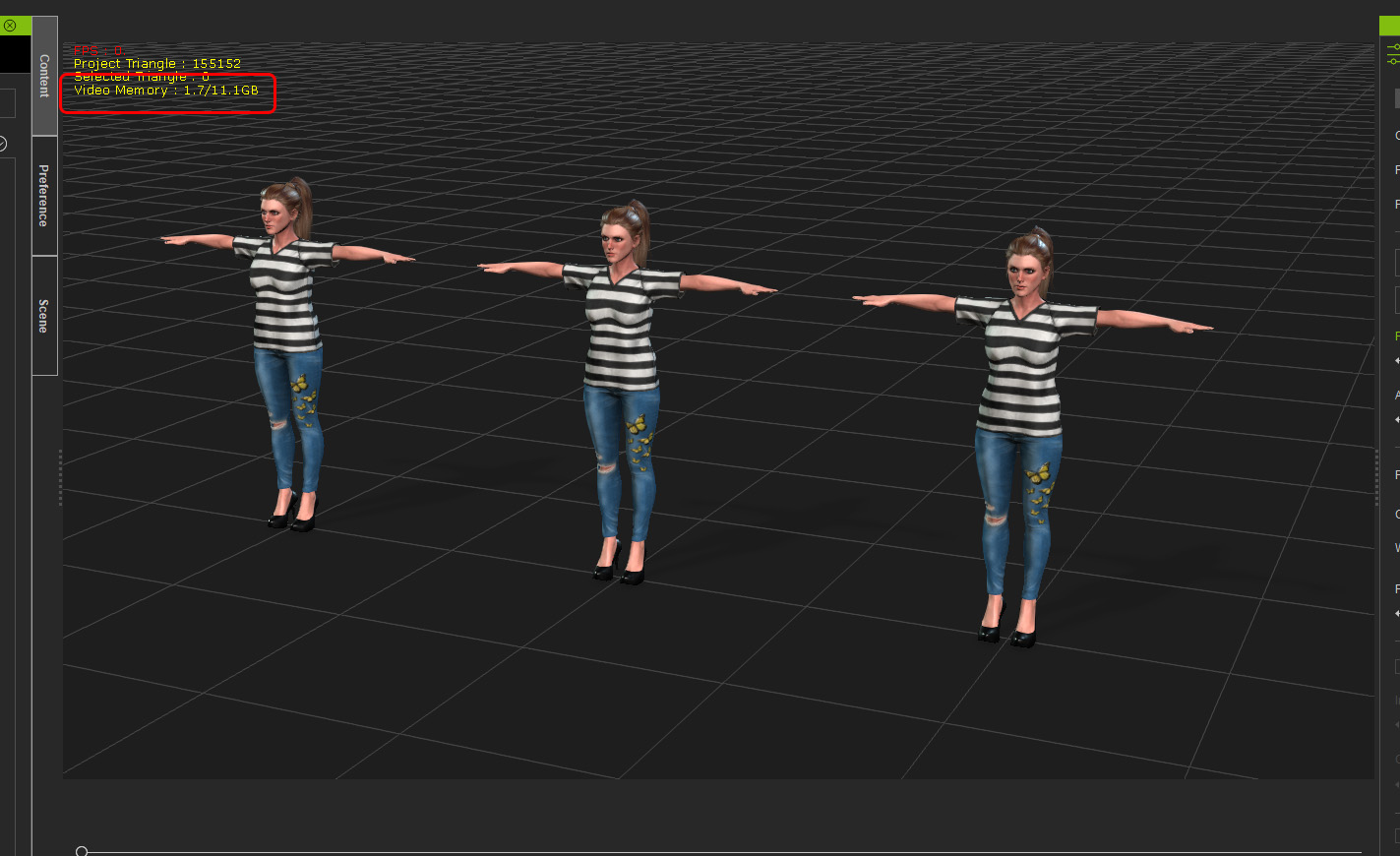
Kellytoons talks about "a couple of Iclone Avatars" choking his 12GB titan.
LOL!! I know of a detailed SUV vehicle prop for Daz studio
with a detailed undercarriage and ridiculous 4K TEXTURES on every brake pad,lug nut,Axle & Differential section
,that will Stop your 12 GB titan dead in its tracks before you even get to load a single figure 
And as Iclone native Avatars begin to finally approach the hyper detailed realism of Daz content
you see more& more performance issues.
I get it... really.... no one wants to go back to the bad old days of  IClone 5.5 with "creepy" Chuck& Gwen.
And the new CC3+ Avatars with Skingen look great
But there has to be a rational balance.
Now if people want 4K hyperrealism in a real time render engine
it is not impossible..just Have a look at the latest Microsoft Flight simulator.
But you need to upgrade your Core Application architecture to accomodate such
resource intensive content or employ render tricks such instancing etc. because telling users to just "buy a bigger graphics card"
is not really a solution when the problem is systemic just as it is with Daz studio an their Bloatware content.


RAG DOLL COLLISION ANIMATIONS FOR ICLONE 8 & 7
---------------------------------------------------------------------------------------------------------------------
Ghost Origins
My latest Feature length film created with Iclone.
https://forum.reallusion.com/uploads/images/adf9b210-df59-4cb6-aa1b-9de5.jpg
My Sci- Fi Graphic Novel on Amazon: https://a.co/d/9k3cwoY


Shoob
Shoob
Posted 6 Years Ago
View Quick Profile
Junior Member

Junior Member (107 reputation)Junior Member (107 reputation)Junior Member (107 reputation)Junior Member (107 reputation)Junior Member (107 reputation)Junior Member (107 reputation)Junior Member (107 reputation)Junior Member (107 reputation)Junior Member (107 reputation)

Group: Forum Members
Last Active: 5 Years Ago
Posts: 3, Visits: 50
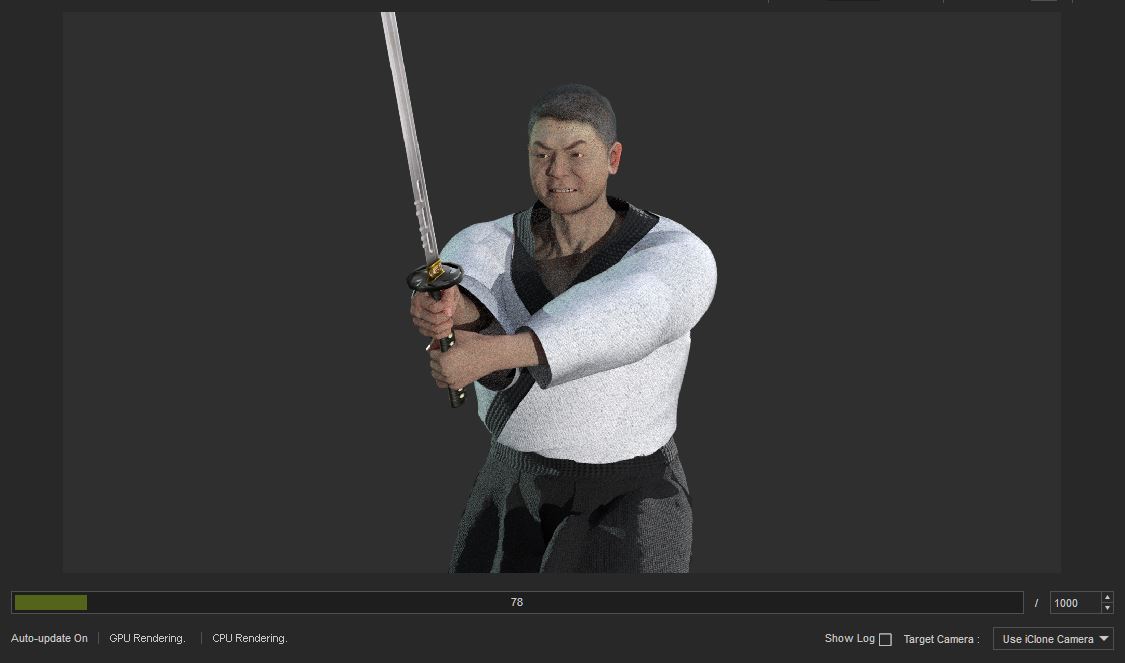
I agree with all of this. My processor and 128GB ram and two GTX 1080 ti’s can’t make SkinGen to update the materials to 4K, I can’t do it one by one either, it crashes, if you hit flatten, it crashes, I only have 8 layers, when I merge them in 4K it crashes. I just don’t know how to fix this and I have a deadline. Can anyone help me?
Lamias
Lamias
Posted 6 Years Ago
View Quick Profile
Distinguished Member

Distinguished Member (5.4K reputation)Distinguished Member (5.4K reputation)Distinguished Member (5.4K reputation)Distinguished Member (5.4K reputation)Distinguished Member (5.4K reputation)Distinguished Member (5.4K reputation)Distinguished Member (5.4K reputation)Distinguished Member (5.4K reputation)Distinguished Member (5.4K reputation)

Group: Forum Members
Last Active: 3 Years Ago
Posts: 646, Visits: 2.9K
Guys I fully agree with everything said here. It happens to me as well. But sadly I don't know if RL will fix these performance issues. 

I mean, both the implementation of iRay (which is used for stills) and the Unreal Live Link show that RL might have chosen another path: To appeal more to the game making audience. They keep adding features that are amazing, but sadly cannot be used inside iClone besides stills due to the performance issues. So they probably steer anyone who wants to create films towards Unreal, which has the horsepower and the tools to support these features. After all they have a deal with Unreal, don't they? They are partners. 

That's the only explanation I can find. I mean, why else would they add features that make a SINGLE character consume 4 GB of VRAM? A simple conversation of 3 characters kills an Nvidia Titan. :unsure:


___________________________________________________________________

My YouTube Channel
Phoenix   ;)


Kelleytoons
Kelleytoons
Posted 6 Years Ago
View Quick Profile
Distinguished Member

Distinguished Member (37.8K reputation)Distinguished Member (37.8K reputation)Distinguished Member (37.8K reputation)Distinguished Member (37.8K reputation)Distinguished Member (37.8K reputation)Distinguished Member (37.8K reputation)Distinguished Member (37.8K reputation)Distinguished Member (37.8K reputation)Distinguished Member (37.8K reputation)

Group: Forum Members
Last Active: 2 Years Ago
Posts: 9.2K, Visits: 22.1K
I think one feature RL could implement that would be fairly easy is a proxy system inside of CC3.  When you press "Send Avatar to iClone" it doesn't send the full res version, but a very low-res standin that is only swapped at render time.  You'd most likely have to generate this first via the various lower res and material options we have, but then you could save both the high res and low res versions on disk so that when you do press "Send" it sends only the lower with a link to the higher res.  At render time it looks to see if there is a proxy link to a higher res and, if so, subs it in at that first render pass (where it also gathers up all the other info about the scene).  At the very least this would make working with dozens of high res avatars in iClone a very easy and real possibility.


Alienware Aurora R16, Win 11, i9-149000KF, 3.20GHz CPU, 64GB RAM, RTX 4090 (24GB), Samsung 870 Pro 8TB, Gen3 MVNe M-2 SSD, 4TBx2, 39" Alienware Widescreen Monitor
Mike "ex-genius" Kelley
animagic
animagic
Posted 6 Years Ago
View Quick Profile
Distinguished Member

Distinguished Member (33.4K reputation)Distinguished Member (33.4K reputation)Distinguished Member (33.4K reputation)Distinguished Member (33.4K reputation)Distinguished Member (33.4K reputation)Distinguished Member (33.4K reputation)Distinguished Member (33.4K reputation)Distinguished Member (33.4K reputation)Distinguished Member (33.4K reputation)

Group: Forum Members
Last Active: 4 Months Ago
Posts: 15.8K, Visits: 31.4K
Except for the face sometimes, you don't need 4k textures for everything. I use 2k for the face and 1k for the rest and do the animation mostly in quick mode. 

Kelley's idea of a proxy system would be great as this is the way this is often done in professional productions. It takes 10,000 or more computers to render a PIxar movie so obviously they need to do something during development. The answer is proxies.

And, I make movies, in iClone...:P


https://forum.reallusion.com/uploads/images/436b0ffd-1242-44d6-a876-d631.jpg

ultimativity
ultimativity
Posted 6 Years Ago
View Quick Profile
Distinguished Member

Distinguished Member (3.9K reputation)Distinguished Member (3.9K reputation)Distinguished Member (3.9K reputation)Distinguished Member (3.9K reputation)Distinguished Member (3.9K reputation)Distinguished Member (3.9K reputation)Distinguished Member (3.9K reputation)Distinguished Member (3.9K reputation)Distinguished Member (3.9K reputation)

Group: Forum Members
Last Active: 6 Months Ago
Posts: 356, Visits: 737
I am running a Ryzen 9 3900x on an x570 mobo. Previously had a GTX 1080 with only 8 gb Ram. Purchased a Radeon VII with 16 gb ram and saw immediate improvement. Simply waiting for September 1 now - nvidia with 20 - 24 gb vram.

Nathan

greggoryaddison
greggoryaddison
Posted 6 Years Ago
View Quick Profile
Veteran Member

Veteran Member (526 reputation)Veteran Member (526 reputation)Veteran Member (526 reputation)Veteran Member (526 reputation)Veteran Member (526 reputation)Veteran Member (526 reputation)Veteran Member (526 reputation)Veteran Member (526 reputation)Veteran Member (526 reputation)

Group: Forum Members
Last Active: Last Year
Posts: 15, Visits: 235
A program should be optimized to scale to current and next gen cards. The software already expensive as hell now in order to get a good experience I need a graphic card that’s the same price as a whole new computer. Not acceptable! Happy for you though but my 1080 won’t get upgraded for at least a year maybe less but worst case a year.
Lamias
Lamias
Posted 6 Years Ago
View Quick Profile
Distinguished Member

Distinguished Member (5.4K reputation)Distinguished Member (5.4K reputation)Distinguished Member (5.4K reputation)Distinguished Member (5.4K reputation)Distinguished Member (5.4K reputation)Distinguished Member (5.4K reputation)Distinguished Member (5.4K reputation)Distinguished Member (5.4K reputation)Distinguished Member (5.4K reputation)

Group: Forum Members
Last Active: 3 Years Ago
Posts: 646, Visits: 2.9K
By the way, if I remember correctly (can't search it now), RL says in their online manual that a GTX 970 is recommended.

My only guess is that they have forgotten to update this, but people who buy the product for the first time are in for a big surprise. 

___________________________________________________________________

My YouTube Channel
Phoenix   ;)


abcliu
abcliu
Posted 6 Years Ago
View Quick Profile
Senior Member

Senior Member (473 reputation)Senior Member (473 reputation)Senior Member (473 reputation)Senior Member (473 reputation)Senior Member (473 reputation)Senior Member (473 reputation)Senior Member (473 reputation)Senior Member (473 reputation)Senior Member (473 reputation)

Group: Forum Members
Last Active: 3 Years Ago
Posts: 24, Visits: 172
I had bought Iray render plugin last month and returned and got a refund after a few days usages,  it is really slow to my computer that makes it useless to me.
planetstardragon
planetstardragon
Posted 6 Years Ago
View Quick Profile
Distinguished Member

Distinguished Member (24.1K reputation)Distinguished Member (24.1K reputation)Distinguished Member (24.1K reputation)Distinguished Member (24.1K reputation)Distinguished Member (24.1K reputation)Distinguished Member (24.1K reputation)Distinguished Member (24.1K reputation)Distinguished Member (24.1K reputation)Distinguished Member (24.1K reputation)

Group: Forum Members
Last Active: Last Year
Posts: 11.5K, Visits: 46.0K
I'm trying to fix a weightmap for an item i made,  it's literally taking me 5+ minutes "PER CLICK"  -  when I adjust the weight map,  not exaggerating,  I just timed it  I've been monitoring my video card - CC3 is taking up less than 3gigs ( of my 8 gigs )   -  and my gpu is barely under 3% processing  clocking in at 1632 mhz,   -  but my internet is taking a beating because apparently the software is using my internet data channels to burst data to my video card resulting in a bottleneck in my system.  I was expecting my vram to be maxed out from how poorly the software was performing, 

Not trying to bash iclone or cc3,  but I want this software to run better so I can spend more time being an artist and not some frustrated techie trying to figure out yet another work around.

Now Imagine trying to fix this at 5 minutes per click, and while we are here,  the weight maps transfer needs to be fixed too and please stop trashing my internet connection,  I'm not the first to bring that up either.  My Video card is not the problem,  cc3 is barely using it!

https://forum.reallusion.com/uploads/images/dfd1fa56-eb68-468d-bf31-39c7.jpg


☯🐉
"To define Tao is to defile it" - Lao Tzu


1
2
3
4
5
6
7


Reading This Topic