Profile Picture

Remove Material Keyframes

Posted By plan111 4 Years Ago
You don't have permission to rate!
Author
Message
plan111
plan111
Posted 4 Years Ago
View Quick Profile
Distinguished Member

Distinguished Member (1.3K reputation)Distinguished Member (1.3K reputation)Distinguished Member (1.3K reputation)Distinguished Member (1.3K reputation)Distinguished Member (1.3K reputation)Distinguished Member (1.3K reputation)Distinguished Member (1.3K reputation)Distinguished Member (1.3K reputation)Distinguished Member (1.3K reputation)

Group: Forum Members
Last Active: 8 Months Ago
Posts: 80, Visits: 226

Hi.

Is there a way toremove the "Diffuse Color, Opacity and Self illumination" keyframes in the material tab?

I've opened theMaterial properties on the timeline, but there are no keyframes there. I evenopened all the timeline properties and I don't see any keyframes anywhere. Ialso tried re-applying the materials to the windows, but the keyframes remainthere (see included screenshot

Right-clicking on theobject and  clicking "Remove ObjectAnimation" doesn't do anything either, besides driving completely nuts ofcourse.

Haven't found anythingon the web and the manual, well, it's the iClone manual.

Thanks
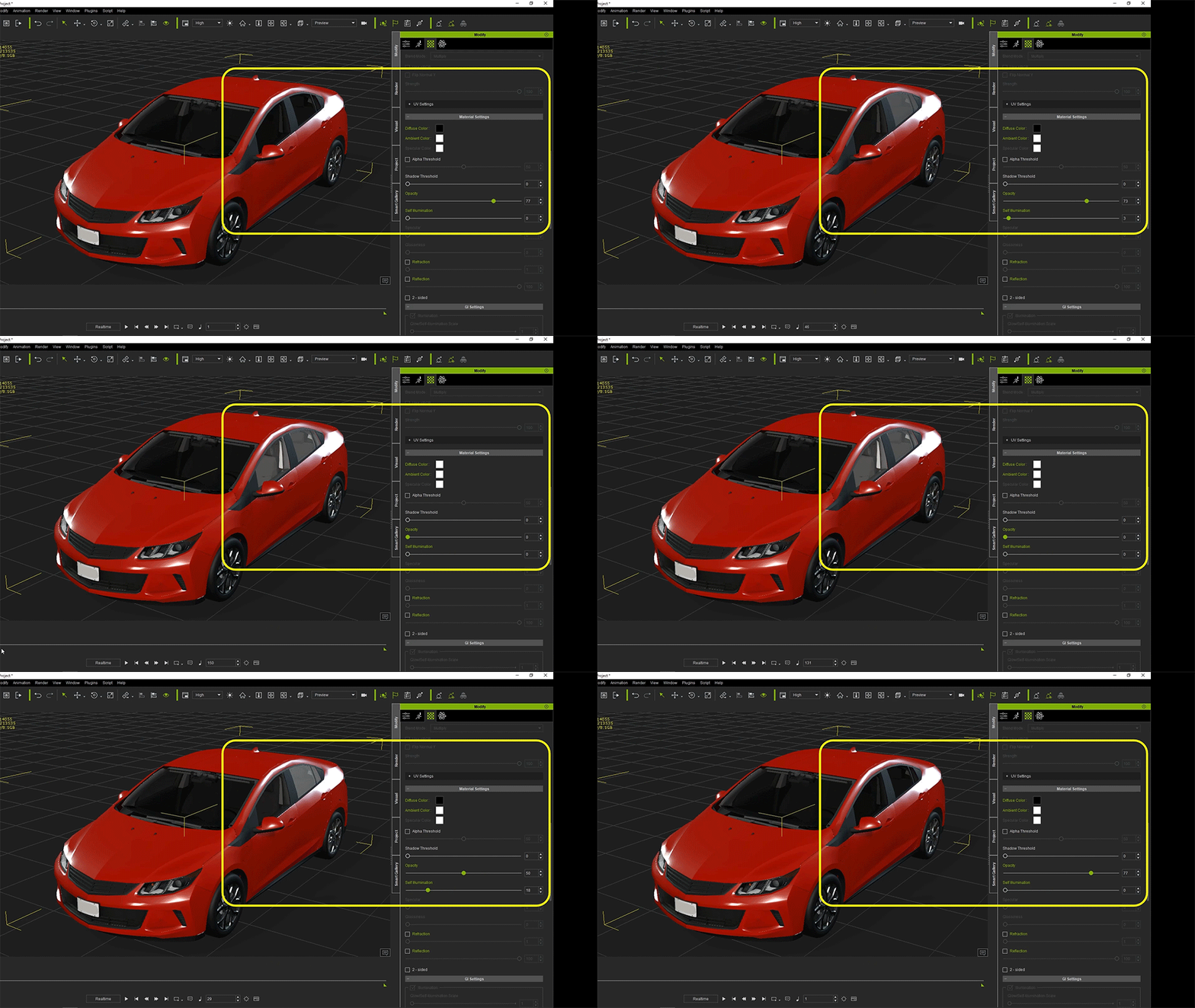
https://forum.reallusion.com/uploads/images/c85a3564-2988-4555-9079-802c.gif


Reading This Topic