|
Author
|
Message
|
|
dd30300
|
dd30300
Posted 8 Years Ago
|
|
Group: Forum Members
Last Active: 8 Years Ago
Posts: 26,
Visits: 94
|
Hi all, I m Looking about Roman Clothes. Anyone can help me I have blender, but I m not shure how create my proper clothes 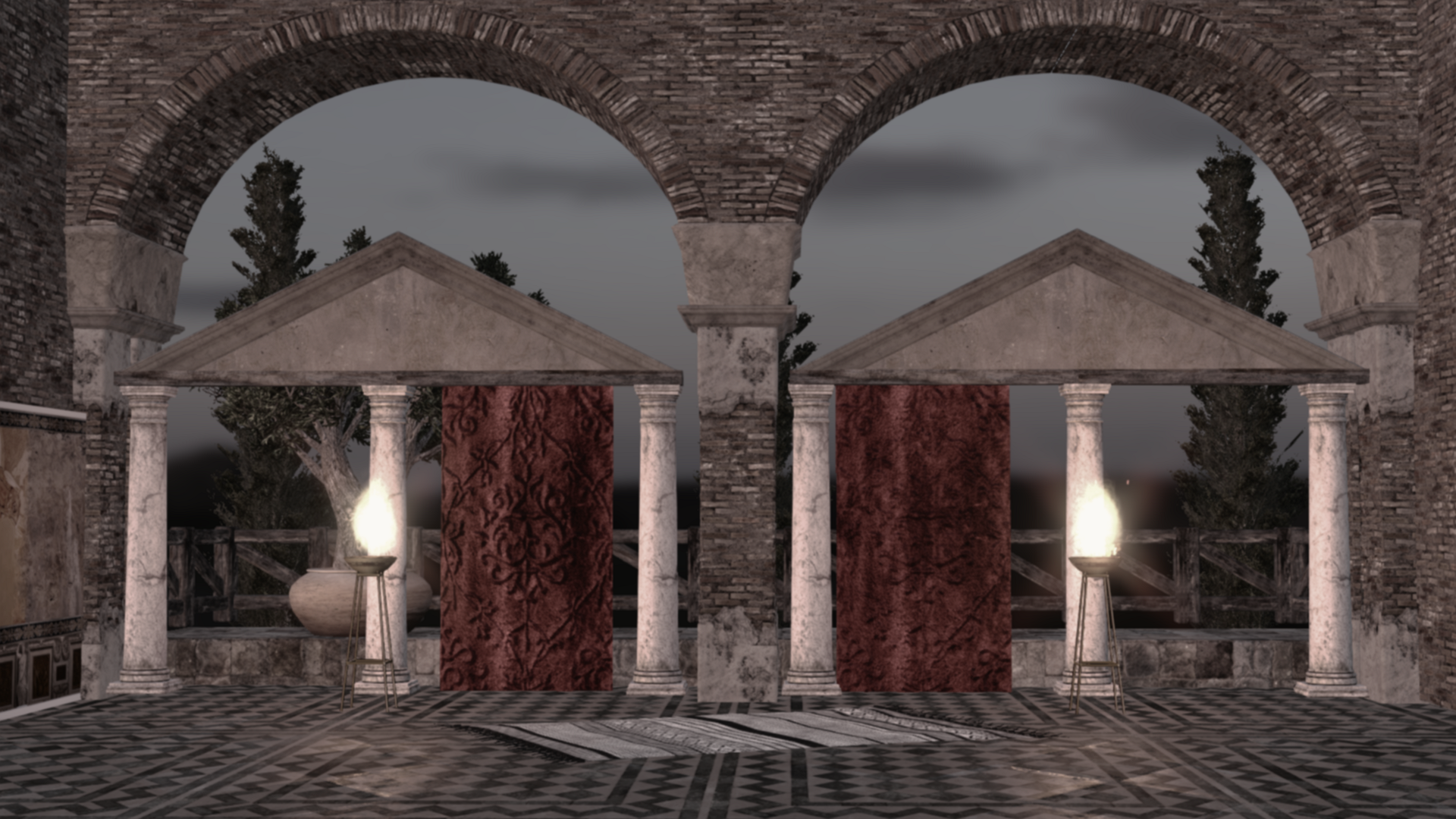 I hope i post a a good space Best regards
|
|
|
|
|
wires
|
|
|
Group: Forum Members
Last Active: Last Month
Posts: 5.7K,
Visits: 26.5K
|
If you go to the Marketplace and type Roman in the Keywords field you will see that there is already a selection of Roman clothing available for both CC characters and older iClone characters.
Gerry
System: Win 10 Pro (21H2), Asus X99-E WS, CPU i7-5930K -3,5 GHz, 32 GB DDR4 2666-16 RAM, NVidia GTX 1080 Ti GPU - 11 GB VRAM(Driver Studio-536.99), Samsung 850 Pro 512 GB SSD, 6 TB HD storage.
|
|
|
|
|
dd30300
|
dd30300
Posted 8 Years Ago
|
|
Group: Forum Members
Last Active: 8 Years Ago
Posts: 26,
Visits: 94
|
Many thanks for your information.
I already check but the price is realy expensive for the less quality.
Best regards
|
|
|
|
|
Kelleytoons
|
Kelleytoons
Posted 8 Years Ago
|
|
Group: Forum Members
Last Active: 2 Years Ago
Posts: 9.2K,
Visits: 22.1K
|
Then go to Daz -- you can use ANY Daz clothing in Character Creator (you will need to convert it but it's easy).
Alienware Aurora R16, Win 11, i9-149000KF, 3.20GHz CPU, 64GB RAM, RTX 4090 (24GB), Samsung 870 Pro 8TB, Gen3 MVNe M-2 SSD, 4TBx2, 39" Alienware Widescreen Monitor
Mike "ex-genius" Kelley
|
|
|
|
|
dd30300
|
dd30300
Posted 8 Years Ago
|
|
Group: Forum Members
Last Active: 8 Years Ago
Posts: 26,
Visits: 94
|
Thanks Kelleytoons, As you understands I just beging using Iclone & Character Creator. May be I can Found Tuto to covert Daz creation in CC (Many thanks for your Help). I found This, I think it will be ok to start my project...  Best regards
|
|
|
|
|
Kelleytoons
|
Kelleytoons
Posted 8 Years Ago
|
|
Group: Forum Members
Last Active: 2 Years Ago
Posts: 9.2K,
Visits: 22.1K
|
I'm not sure if you're saying you DID find tutorials, or you need to find them, but I've done quite a few of them (I'll just link to one below) as have a lot of other folks:
Alienware Aurora R16, Win 11, i9-149000KF, 3.20GHz CPU, 64GB RAM, RTX 4090 (24GB), Samsung 870 Pro 8TB, Gen3 MVNe M-2 SSD, 4TBx2, 39" Alienware Widescreen Monitor
Mike "ex-genius" Kelley
|
|
|
|
|
dd30300
|
dd30300
Posted 8 Years Ago
|
|
Group: Forum Members
Last Active: 8 Years Ago
Posts: 26,
Visits: 94
|
Really thank you for your help. If I buy a pack at DAZ, I can turn it into .obj with Blender and not DAZ.
As you can see I am really a novice. I just see your tutorial quickly, it looks complicated anyway
|
|
|
|
|
justaviking
|
justaviking
Posted 8 Years Ago
|
|
Group: Forum Members
Last Active: 2 Years Ago
Posts: 8.2K,
Visits: 26.5K
|
dd30300 (8/13/2018)
As you can see I am really a novice. I just see your tutorial quickly, it looks complicated anyway
Fear not.
Here is my approach to "complicated" tutorials:
1) Watch the tutorial, observing only, hands off mouse.
2) Blindly do the tutorial, step-by-step. Expect lots of pausing and rewinding. Don't worry if you don't understand everything.
3) Do the totorial a second time. You should beging to understand more about the process and commands.
4) Try to do a simple project of your own, similar to the totorial, reference the tutorial when you forget menu picks and mouse clicks.
It really won't take that long, and I think you'll find it to be good investment of your time. Soon you will be answering our questions. :)
iClone 7... Character Creator... Substance Designer/Painter... Blender... Audacity...
Desktop (homebuilt) - Windows 10, Ryzen 9 3900x CPU, GTX 1080 GPU (8GB), 32GB RAM, Asus X570 Pro motherboard, 2TB SSD, terabytes of disk space, dual monitors.
Laptop - Windows 10, MSI GS63VR STEALTH-252, 16GB RAM, GTX 1060 (6GB), 256GB SSD and 1TB HDD
|
|
|
|
|
dd30300
|
dd30300
Posted 8 Years Ago
|
|
Group: Forum Members
Last Active: 8 Years Ago
Posts: 26,
Visits: 94
|
Thank For you help. But I Buy a Pack on Daz but the extension DSF can be open in blender or in 3Dexchange. I don t have Daz . 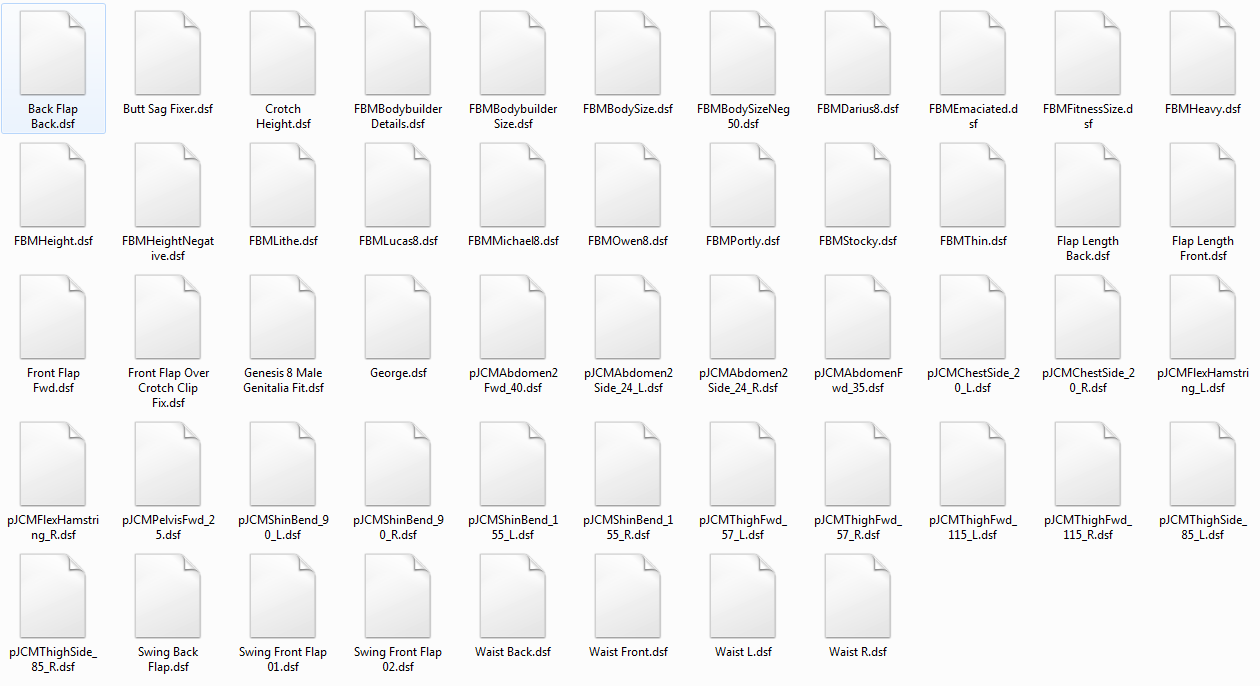
|
|
|
|
|
Kelleytoons
|
Kelleytoons
Posted 8 Years Ago
|
|
Group: Forum Members
Last Active: 2 Years Ago
Posts: 9.2K,
Visits: 22.1K
|
Daz is a free download (from Daz). You must install it, and then install your Daz purchase into it (there is a free installer as part of this process -- you can also copy it over manually if you want, but you will need to know enough to do this). Once you have it in Daz you can export it as an OBJ which then can be imported into Blender as I show in the tutorial (in a couple of months you won't even need Blender, but just the paid version of CC3).
Alienware Aurora R16, Win 11, i9-149000KF, 3.20GHz CPU, 64GB RAM, RTX 4090 (24GB), Samsung 870 Pro 8TB, Gen3 MVNe M-2 SSD, 4TBx2, 39" Alienware Widescreen Monitor
Mike "ex-genius" Kelley
|
|
|
|