|
Grace (RL)
|
Grace (RL)
Posted 8 Years Ago
|
|
Group: Administrators
Last Active: Last Year
Posts: 497,
Visits: 5.1K
|
PopcornFX Plug-in for iClone v1.01 (1.01.1519.1) released on April 11th, 2018
PopcornFX Plug-in Enhancements
1. (*.pkfx) can be dragged and dropped via the viewport. There is no need to use Plugins > PopcornFX > Import PKFX.
2. The universal Adjust Color panel is now usable with PopcornFX texture channels.
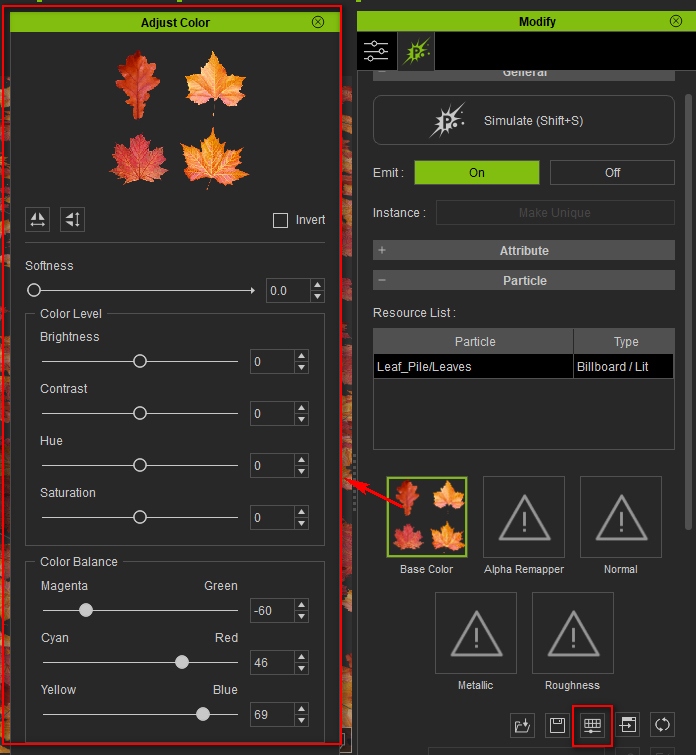
3. Loading (*.pkfx) files for Lit Particle Material types will generate PBR metallic and roughness textures which can then be modified with Adjust Color tools.
Case in point:
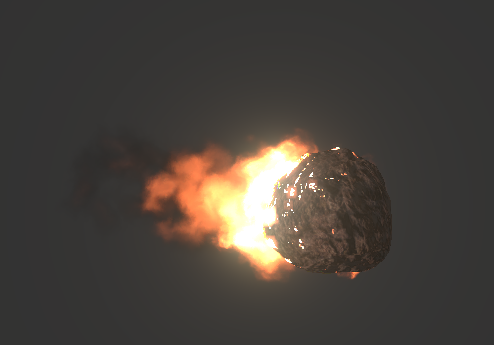
iClone 7.2 vs 7.21 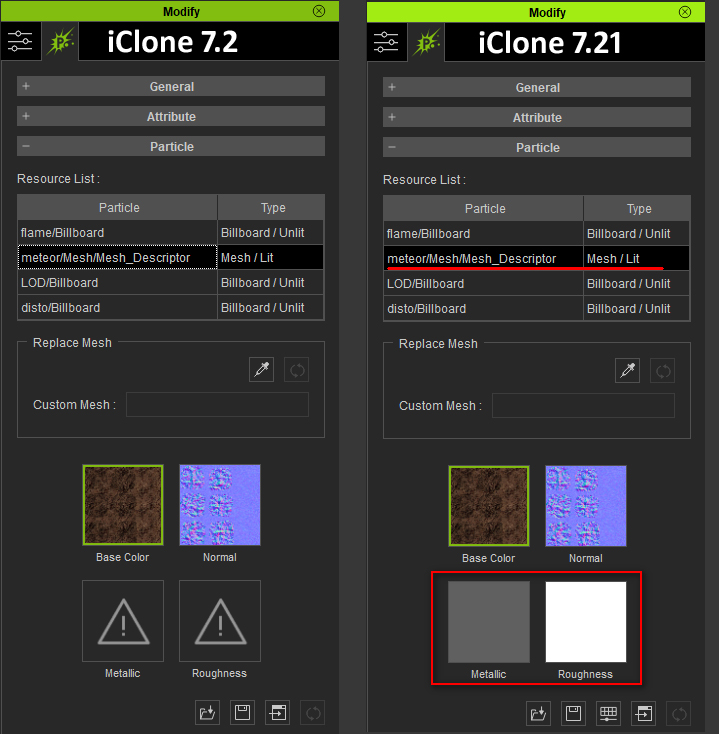
PopcornFX Super Tools Bug Fixes To have these enhanced features take effect, you'll need to load the new Super Tools and then apply your attributes and settings again.- Texture & Distortion Emitter
- The orientation of the Gizmo was not taken into consideration when the align mode was set to Horizontal.
[Before] [After]
- Mesh Emitter
- The resulting rotation was incorrect when Forward to Velocity was disabled.
- The emitted mesh was erroneously rotated when Spin Speed along Velocity was set to 0.
- Scale Y and Scale Z attributes were mistakenly swapped.
- The behavior of Initial Rotate (X/Y/Z) and Free Rotation Speed (X/Y/Z) was improved by mimicking those of the conventional 3D tools.
- Ribbon Emitter
- There was incorrect behavior with the Radius Increment Fade Out attribute.
- There was no effect from the green channel of Texture for Emission, which is used to determine the size of the Ribbon.
- Velocity (X/Y/Z) gave incorrect results.
- There was no effect from the Size Randomness attribute.
- Distortion Intensity for Ribbon was ineffectual and therefore removed from the new Ribbon Emitter tool.
- Added Z-axis to the Ribbon Twist Direction attribute.
|