Hi Everyone,
Here are a list of exciting enhancement and important bug fixes we have included with iClone v6.42.
iClone 6.42 Version History:
2016-03-28, v6.42.2728.1
Fixed: Abnormally high specularity and glossiness on the eye material when imported from RLHead.
Fixed: Failed to adjust Material Settings for Eye and Cornea after imported RLHead.
2016-03-25, v6.42.2725.1
Fixed: Video loop setting does not export with the video.
Fixed: Failed to import popVideo from the main menu.
2016-03-24, v6.42.2724.1
Added: Compatible with popVideo Converter 3.
Please watch the video below to see how to bring your new popVideos into iClone 6.42.
Added: Compatible with the new .RLHead format for future 3D Head content release
Added: RL Head category under Content Manager / Actor / Head for future 3D Head content release.
Added: CC Gloves category under Content Manager / Actor / Part for future CC Cloth pack release.
Added: Option to Confine Face puppet area to 3D viewport under Preference / Control
(Especially helpful to multi-screen users, which greatly reduces the puppet mouse movement range.)
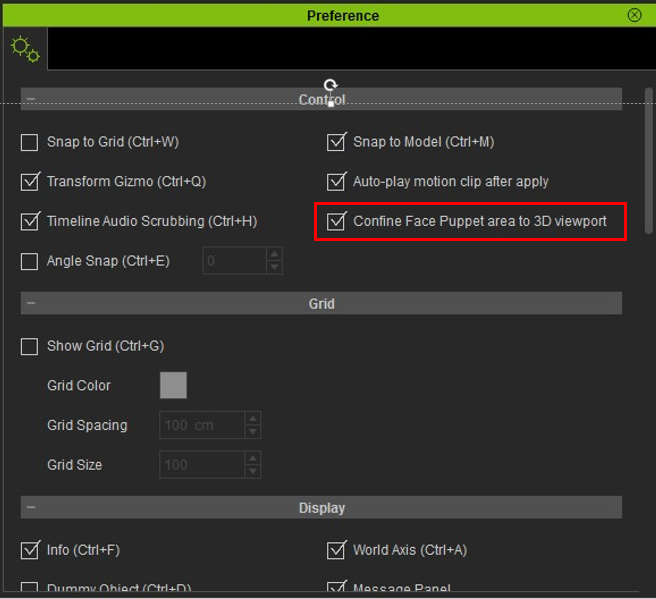
We set …… ON by default.
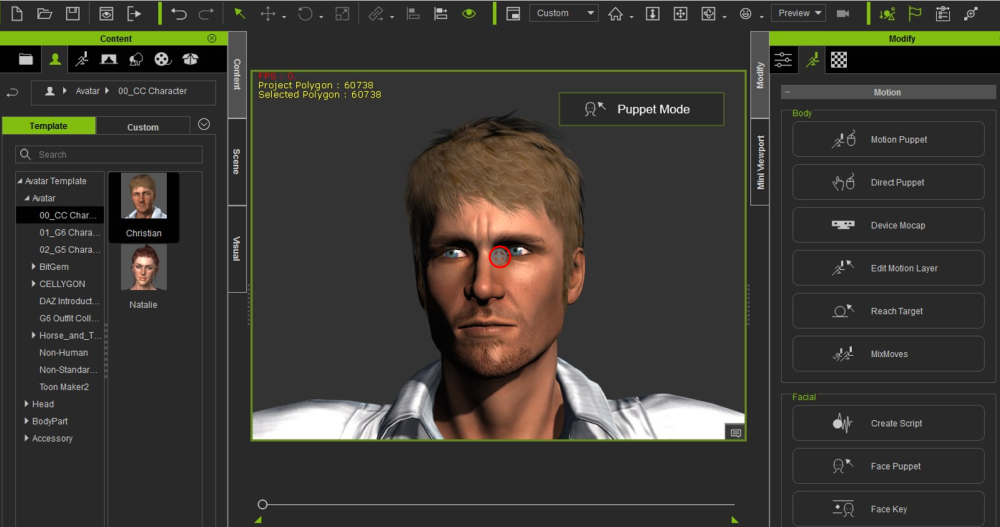
And you can see a new frame around the 3D render area when in puppet mode.
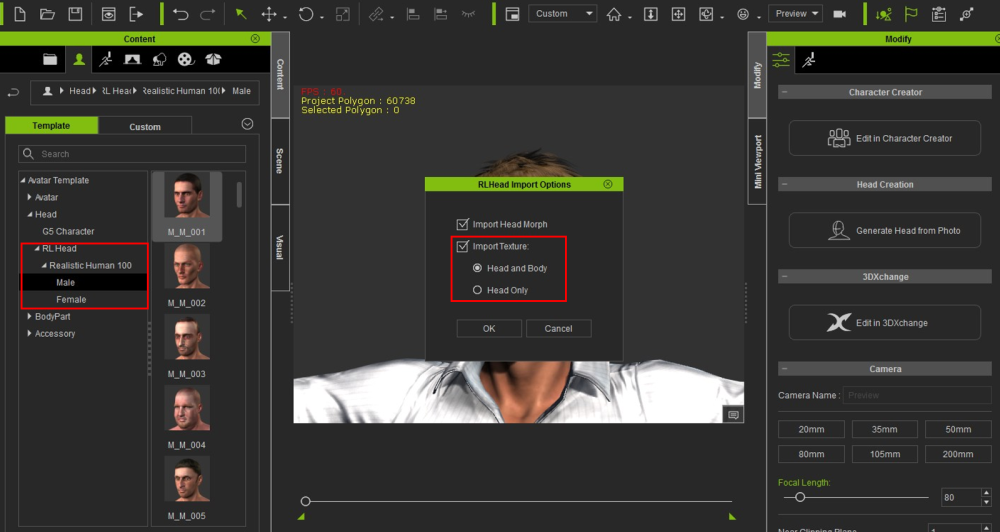
Enhanced: Import Body Texture in RLHead Import Options, for removing neck seam when importing RLHead.
If you check the Head and Body option, iClone will automatically match the body skin tone to the imported RLHead facial texture; if you check Head Only, then you can keep the original body color tone, but you might need to manually resolve the head and body color inconsistency.
Fixed: All animations in the scene will play at 50% speed, after using 50% Face Puppet Recording at end of project export range.
Fixed: Lip-sync animation did not match with the audio source file, after using 50% Face Puppet Recording at end of project export range.
Fixed: G3 & G5 Character's eye blinking did not work when left-clicking mouse in Face Puppet.
Fixed: Decreased SpeedTree preview render, or experienced export flickering when only using Spotlights in the scene.
Fixed: Visual / Shadow / Bias did not work for Spotlight.
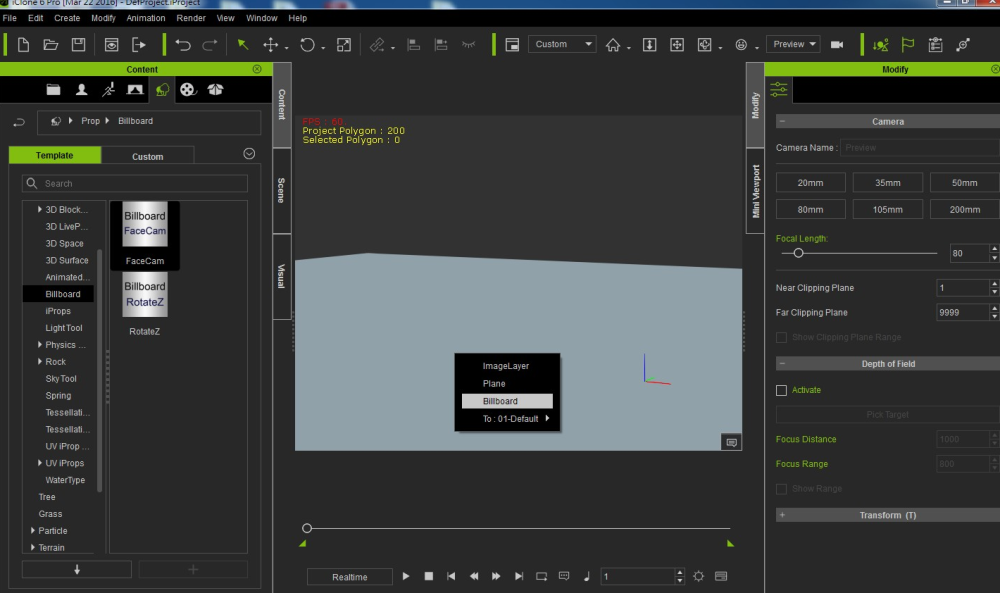
Fixed: Billboard failed to cast shadow.
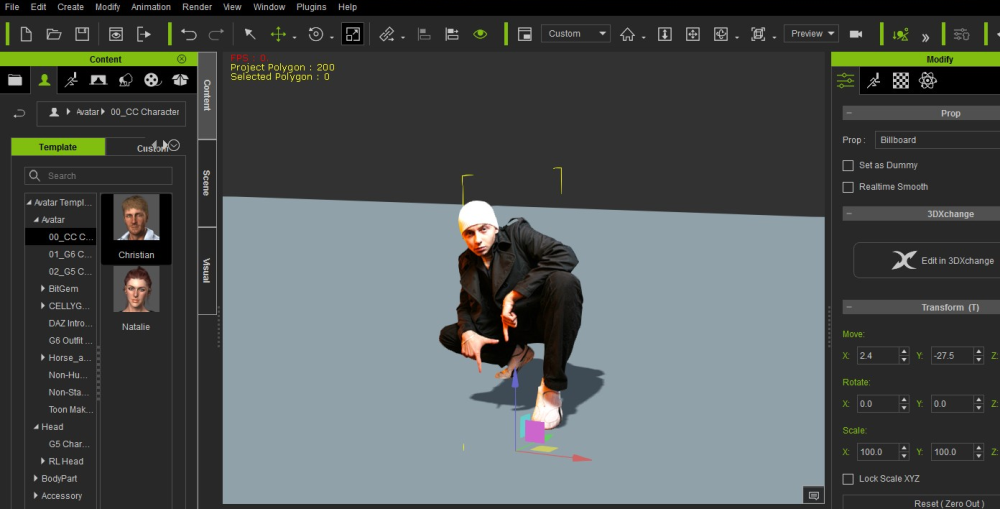
Fixed: 'Align Actor Motion' and 'Reset Motion Root' did not work. Character jumped back to root after each motion, instead of staying aligned with the previous motion.
Fixed: Failed to Collect Clip for a Non-human character: Motion clip saved but the scene character turned into an un-textured G5 character.
Fixed: Failed to import RLHead after CC Character loaded materials to Skin_Head, Eye, Cornea.
Fixed: Failed to get the same 3D head creation result as iClone 5 via the Create Head template face type. There was wrong data in Create Face combobox / Neutral, Female.
Fixed: Failed to export smooth video when there were numerous video textures in the scene.
Fixed: Certain AMD video cards exported fuzzy videos. Provided "Hardware Video Encoder" checkbox under Render / Format.
Fixed: Failed to scroll down to Material List via Down Arrow Key or Mouse Wheel when the amount of Material was over 6.
Fixed: Image Layer failed to Offset/Tiling correctly in Modify / Texture Settings / UV Settings
Fixed: Certain props downloaded from 3D Warehouse were not supported and caused iClone crash.
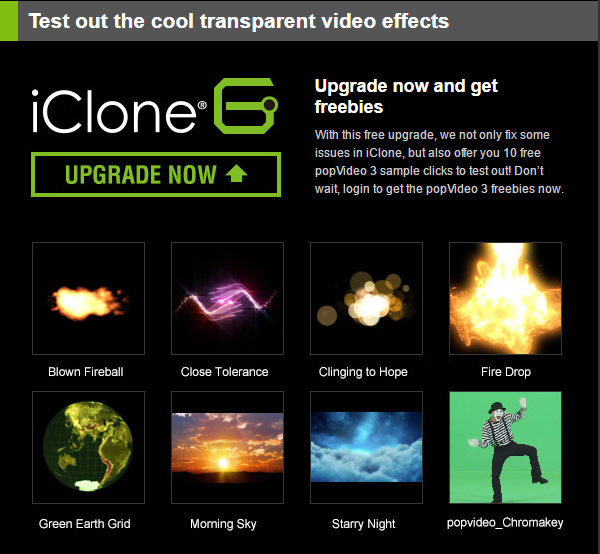
Great News!... iClone 6 users who upgrade to iClone 6.42 can now download a bonus selection of popVideo 3 content totally free. Please download the bonus pack from your Member Account by clicking the "Patch/Bonus" link for iClone 6.
Peter
Forum Administrator
www.reallusion.com