Hi, folks, friendly neighborhood Martok here with another tip on having characters move where you want them to, and then fixing up any glitches along the way.
Ok.....this (yet another sci-fi based) tutorial is generally applicable for characters being animated in custom made sets where you have been trying like heck to get the floors to act like "terrain" in Director Mode. And when you try to record your character walking in DM, the character wants to fall through the floor a little bit...well, fear not, there is a quick and painless fix for that. And it's easier than paths. :)
This comes in handy when your character is walking on a floor that may have varying heights as well, such as walking up a ramp, or steps that connect to a level above or below the floor that your character is walking on.
Once again, I will use part of my Battlestar Galactica project to help demonstrate.
The first thing to do is "not panic". :)
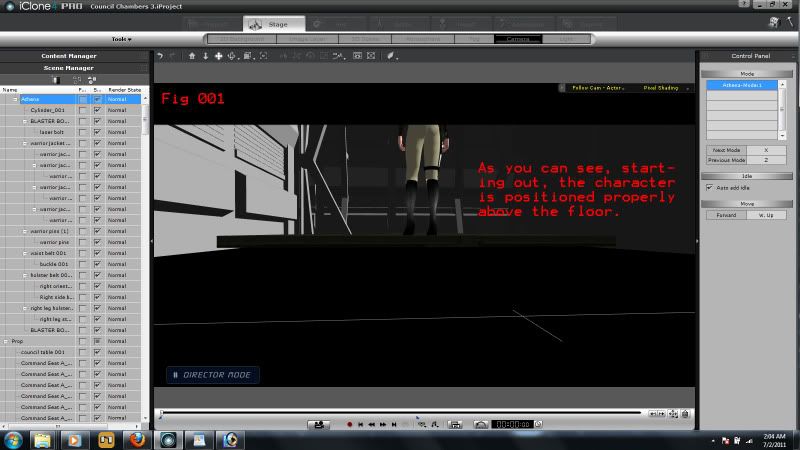
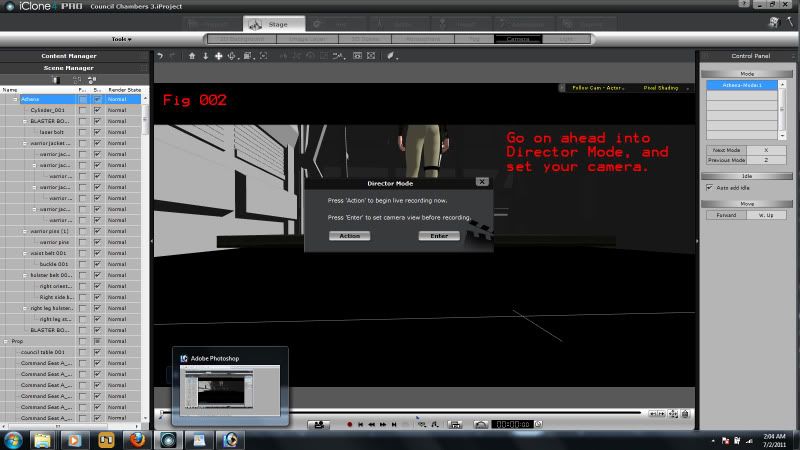
The second thing to do is go into "Director Mode", (Fig 001-002) set up your camera to follow your character, and walk your character in whichever direction you have it going, using the W, A, S, D keys, just like in a first person shooter. W=Forward, A=turn left, S=move back, D=turn right.

"Incompetence will always prevail so long as evil men stand by and do nothing."
-Martok2112