|
Author
|
Message
|
|
Wyrmaster
|
Wyrmaster
Posted 2 Years Ago
|
|
Group: Forum Members
Last Active: Last Year
Posts: 49,
Visits: 328
|
As the title says. It just does not load anything, but the starting pose. I have used the same settings as this video. Export DAZ Animation to iClone 8 (youtube.com)Mixamo FBX's work a treat, but I want to use Daz aniblocks too. Thanks in advance
|
|
|
|
|
AutoDidact
|
AutoDidact
Posted 2 Years Ago
|
|
Group: Forum Members
Last Active: 3 Months Ago
Posts: 2.1K,
Visits: 13.6K
|
H i for clarity,are baking the aniblocks to the Daz studio timeline before export to FBX ?
|
|
|
|
|
Wyrmaster
|
Wyrmaster
Posted 2 Years Ago
|
|
Group: Forum Members
Last Active: Last Year
Posts: 49,
Visits: 328
|
Yes I baked the aniblocks and did it again this morning, just creates a pose and no animation, Mixamo poses are no problem at all.
This is very frustrating 😤
|
|
|
|
|
AutoDidact
|
AutoDidact
Posted 2 Years Ago
|
|
Group: Forum Members
Last Active: 3 Months Ago
Posts: 2.1K,
Visits: 13.6K
|
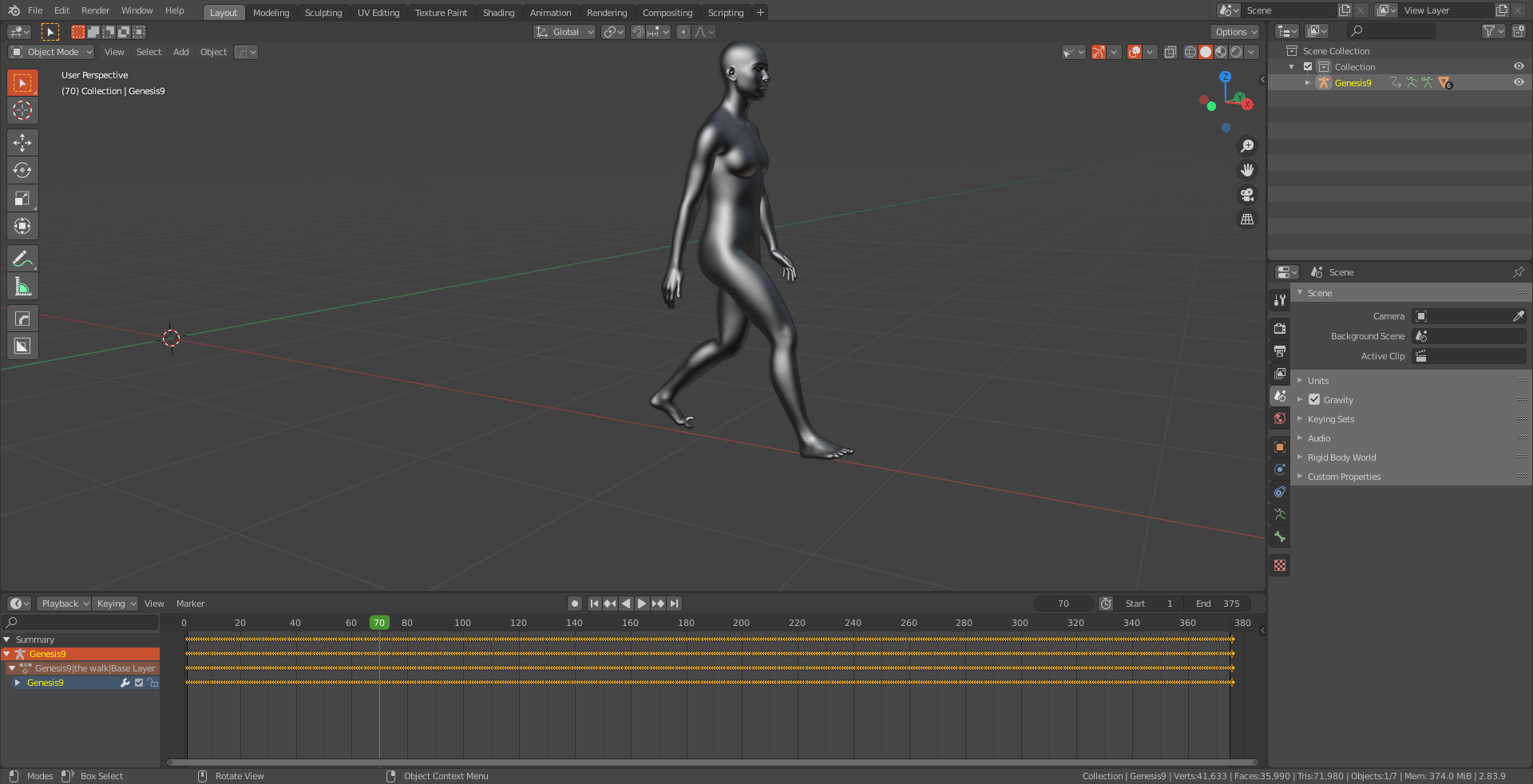
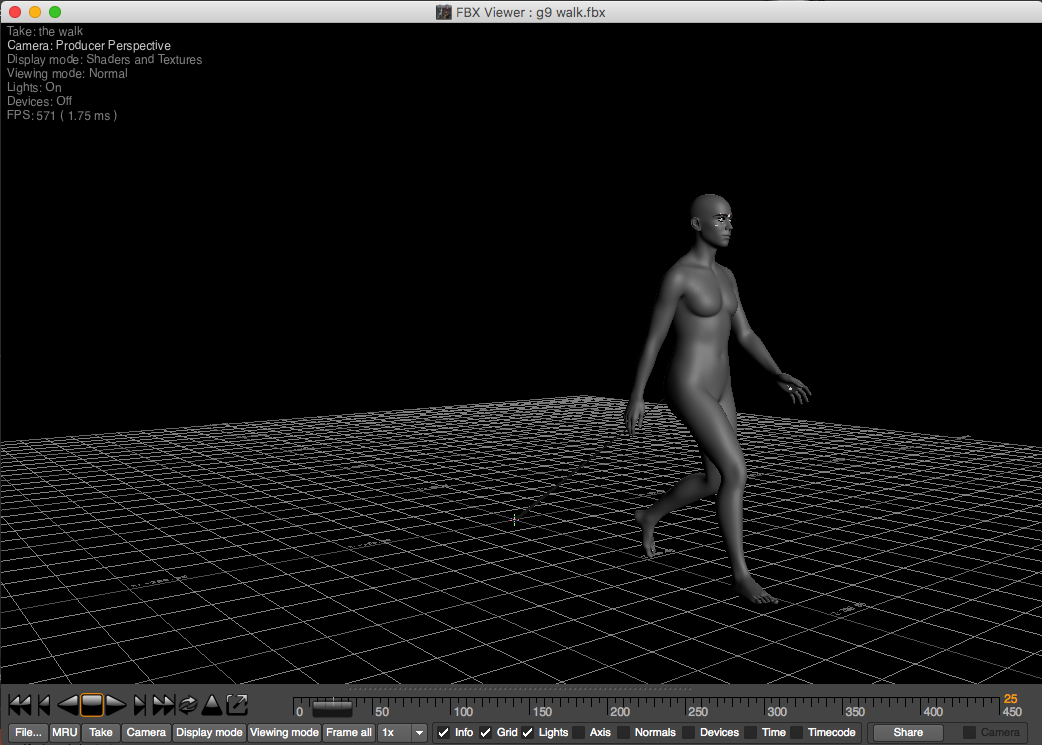
Indeed seems it should be straight forward (as in the video you linked) sorry I cant be of more help except to suggest reviewing your exported Daz FBX in a third party app like Blender or the free FBX review app from Autodesk. if you see the DAZ FBX character moving ok ,in another app, you can narrow your problem down to the iclone importer settings etc.
|
|
|
|
|
Wyrmaster
|
Wyrmaster
Posted 2 Years Ago
|
|
Group: Forum Members
Last Active: Last Year
Posts: 49,
Visits: 328
|
Most appreciated, I think it's Daz, as loading the same fbx back into Daz the result is the same, that will never get fixed if it is, much like trying to import obj's, ones created in Daz are always problems 99% of the time.
|
|
|
|
|
AutoDidact
|
AutoDidact
Posted 2 Years Ago
|
|
Group: Forum Members
Last Active: 3 Months Ago
Posts: 2.1K,
Visits: 13.6K
|
What version of Daz studio are you running on which OS and what figure generation are you exporting ? I only ask because lately I have not had any issues with FBX exports I even have a Commercial product that relies on FBX IMPORT into Daz studio from Mixamo.
|
|
|
|
|
Wyrmaster
|
Wyrmaster
Posted 2 Years Ago
|
|
Group: Forum Members
Last Active: Last Year
Posts: 49,
Visits: 328
|
Updated to Daz3d 4.22 tried a different aniblock, works in Blender, yet neither will export anything but the pose to Iclone?
|
|
|
|
|
AutoDidact
|
AutoDidact
Posted 2 Years Ago
|
|
Group: Forum Members
Last Active: 3 Months Ago
Posts: 2.1K,
Visits: 13.6K
|
Must be an issue on the Iclone side then
I am still on Iclone version 7 so i am afraid I can't run any useful tests for you on my end O.T. BTW you would not happen to be the same “Wyrmaster" from the old Poser Community, who made the "Voluptuous Vicky & Massive Mike figures would you?
|
|
|
|
|
Wyrmaster
|
Wyrmaster
Posted 2 Years Ago
|
|
Group: Forum Members
Last Active: Last Year
Posts: 49,
Visits: 328
|
No sorry I never made any figures at all, until CC4
|
|
|
|
|
AutoDidact
|
AutoDidact
Posted 2 Years Ago
|
|
Group: Forum Members
Last Active: 3 Months Ago
Posts: 2.1K,
Visits: 13.6K
|
Wyrmaster (1/17/2024)
No sorry I never made any figures at all, until CC4I see, well I hope you get this Daz aniblock to FBX issue resolved soon.
Best wishes.
|
|
|
|