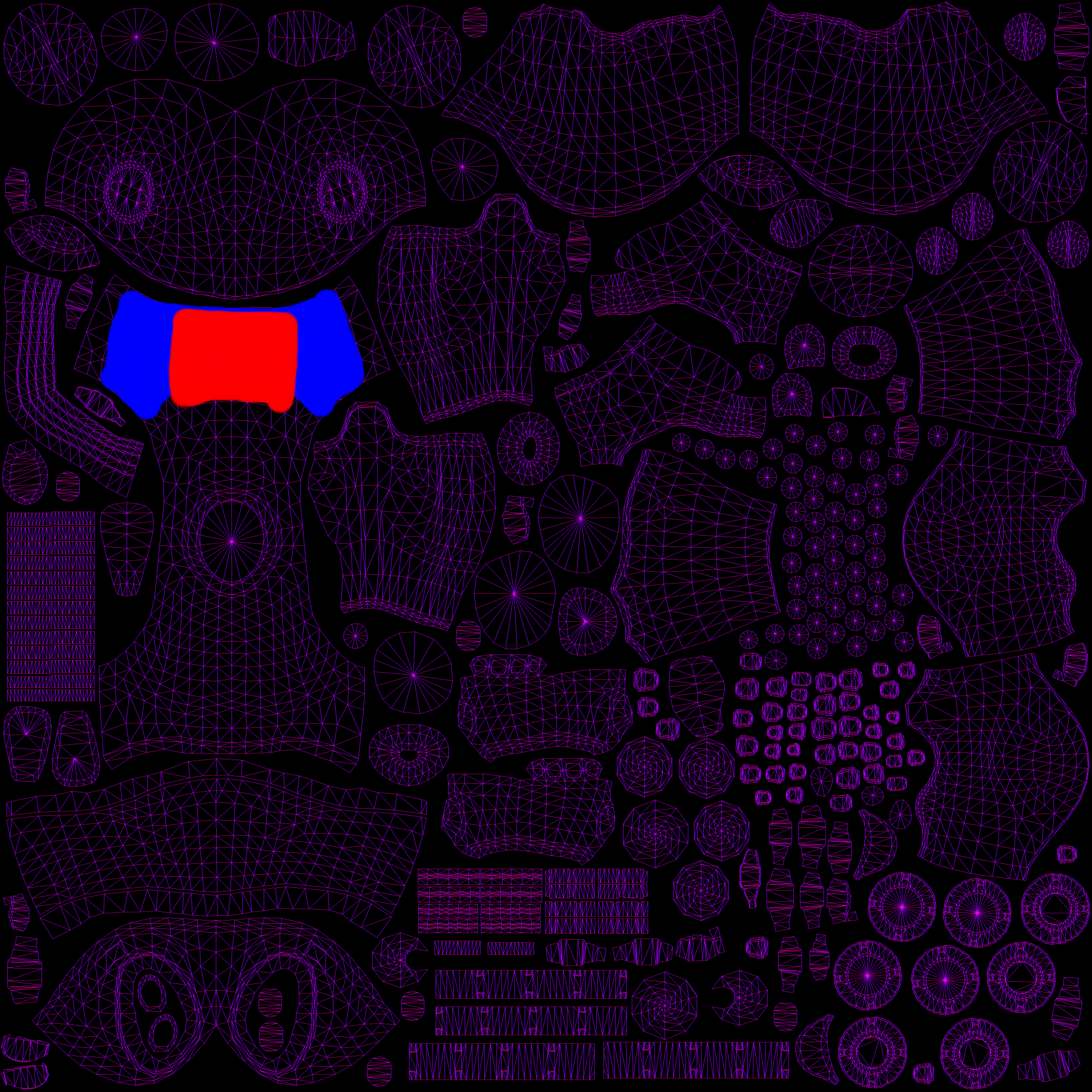
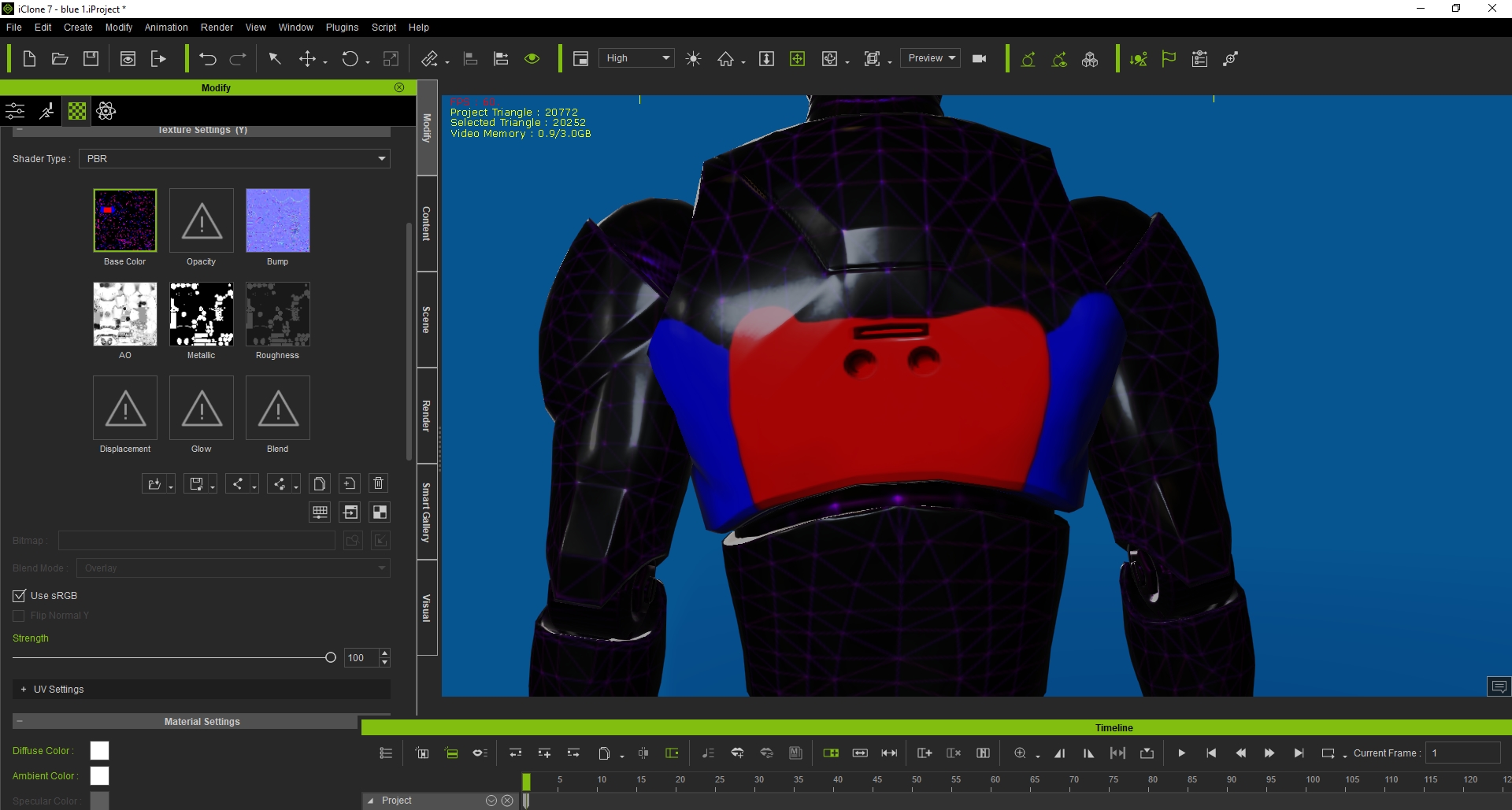
If you are using the male motion dummy from iClone, here is the back of the robot from the the UV map.
What you can do is, spray paint the back area red. Then spray paint the rest white on the UV map.
Then use a fill tool on the red back section. Use black to fill in the red, and you should have your opacity map.
Screenshot of uv map and also motion dummy where blue represents the back. You can be more accurate than me.
I just did a trial and error to find the back. I always thank God for helping me. I have no college education or any training
in 3D. What I have learned, is from watching Youtube videos, reading the manual, the Reallusion forum, and going outside the box.
I hope you found this helpful. If not, that is OK.
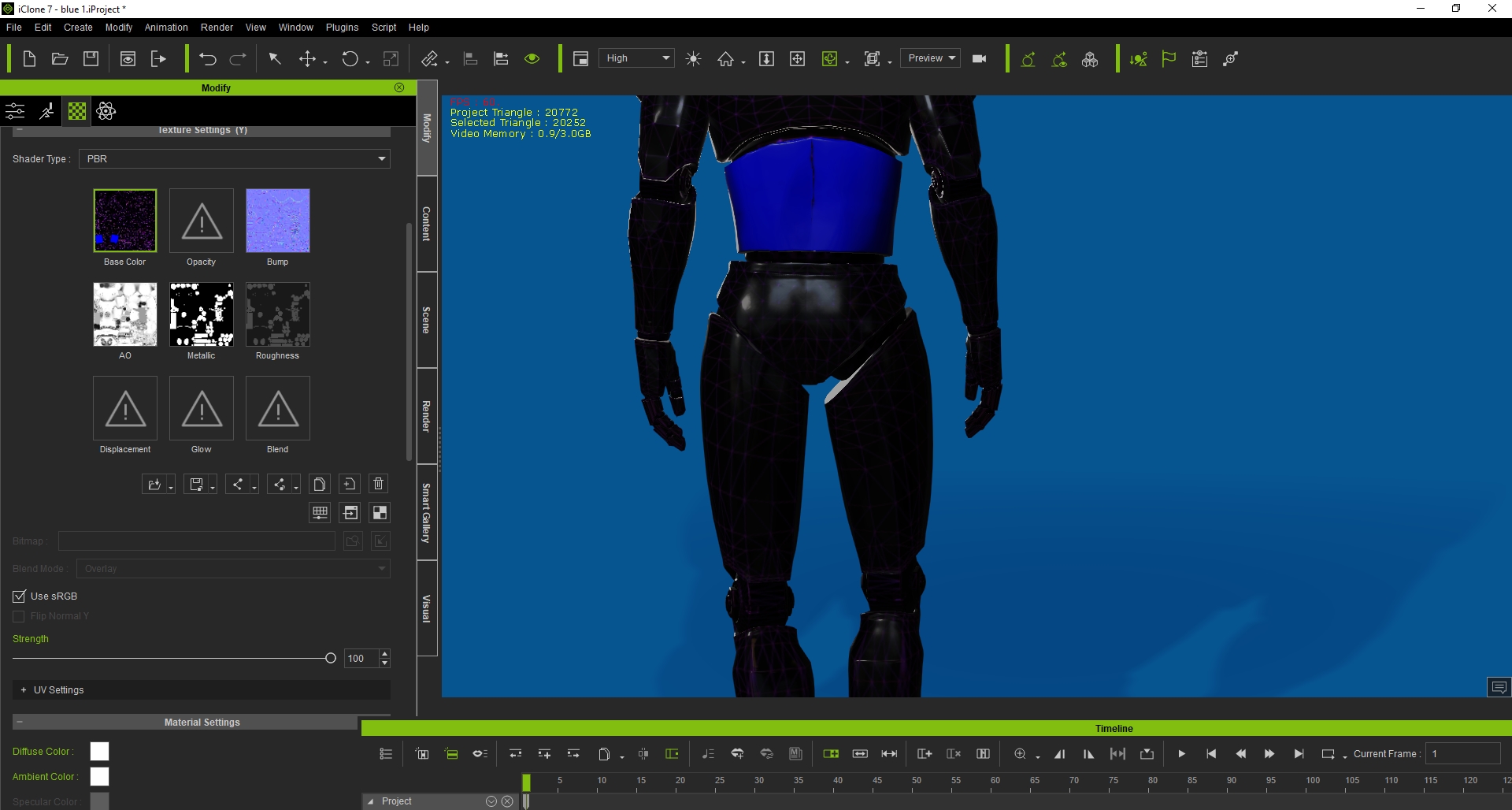
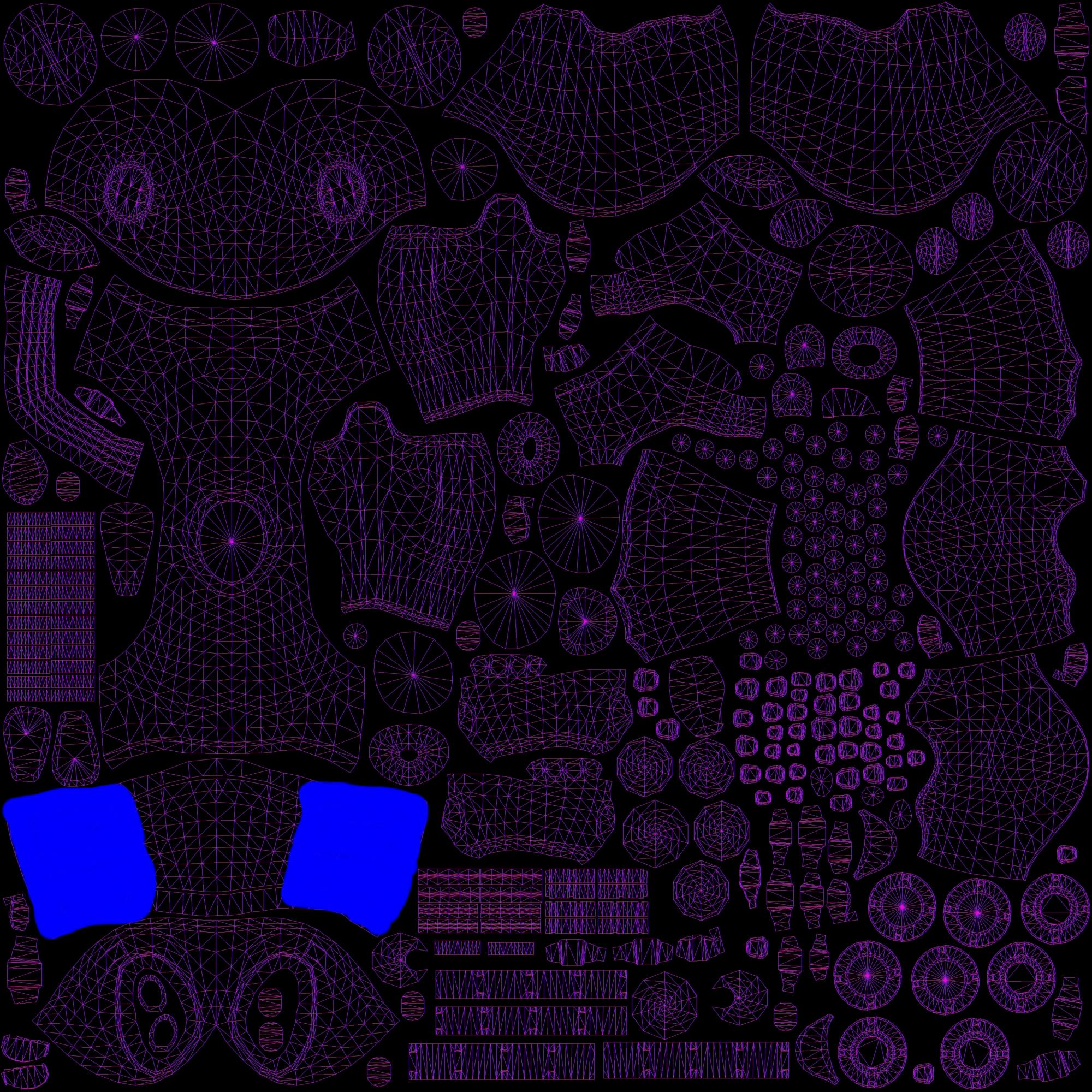
It looks like I picked the wrong area for your back door. I am sorry. I did a trial and error again and I think I might have found a close enough area for you.
I know you will be more accurate. New photos.