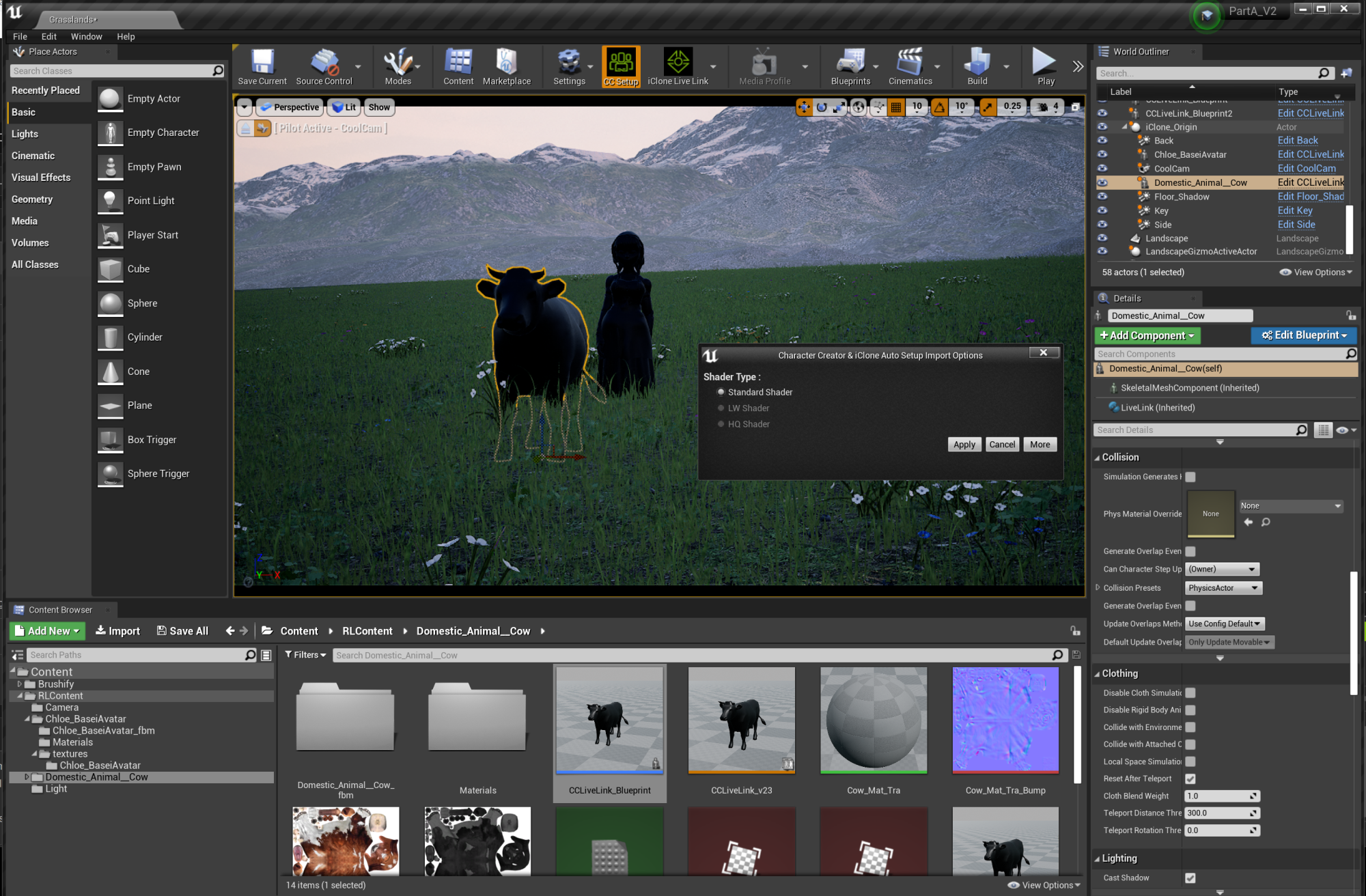
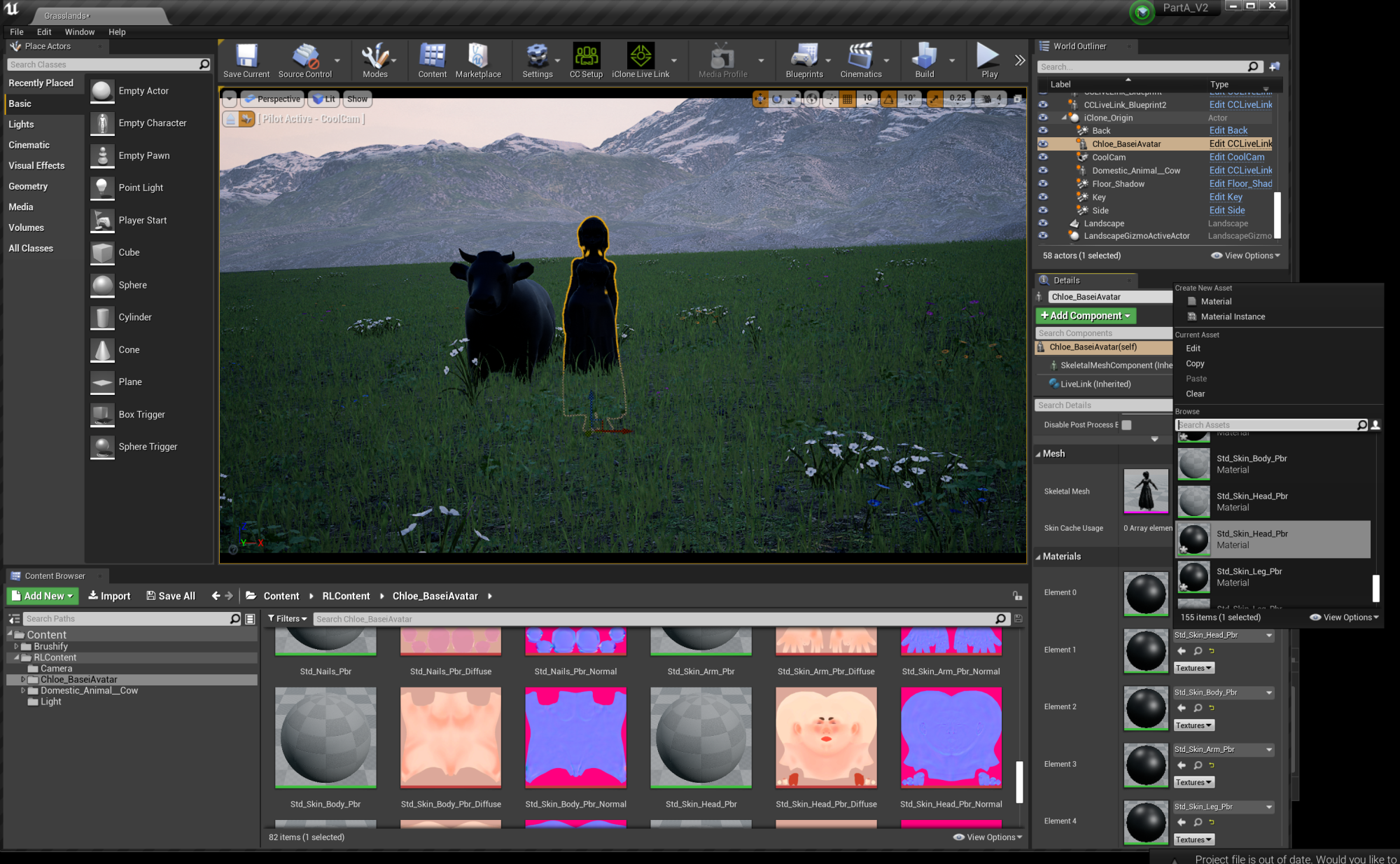
Hey guys, I need some help with a problem I'm having with Live Link. The issue is with missing and/or unlinked materials and I was wondering if anyone else has had this problem. All of the tutorials I have watched load the characters in from iClone to Unreal and the materials are in place, no problem! However mine come in black/ without the materials linked every single time. I have no problem playing back animation or camera movement, so the link is working, just not this part.
Here are some screenshots. I'm not quite sure how to solve this. In one case I was able to manually re-link each material because they showed up as options in the materials drop down menu next to each element, but now there are missing. As you can see, the PBR diffuse materials are available in the content folder, but I cannot drag them over into the element panel for my blueprint character. Also is it kind of strange that CC setup only has "standard shader" as an option and everything else is greyed out? Not sure if that's complicating anything.
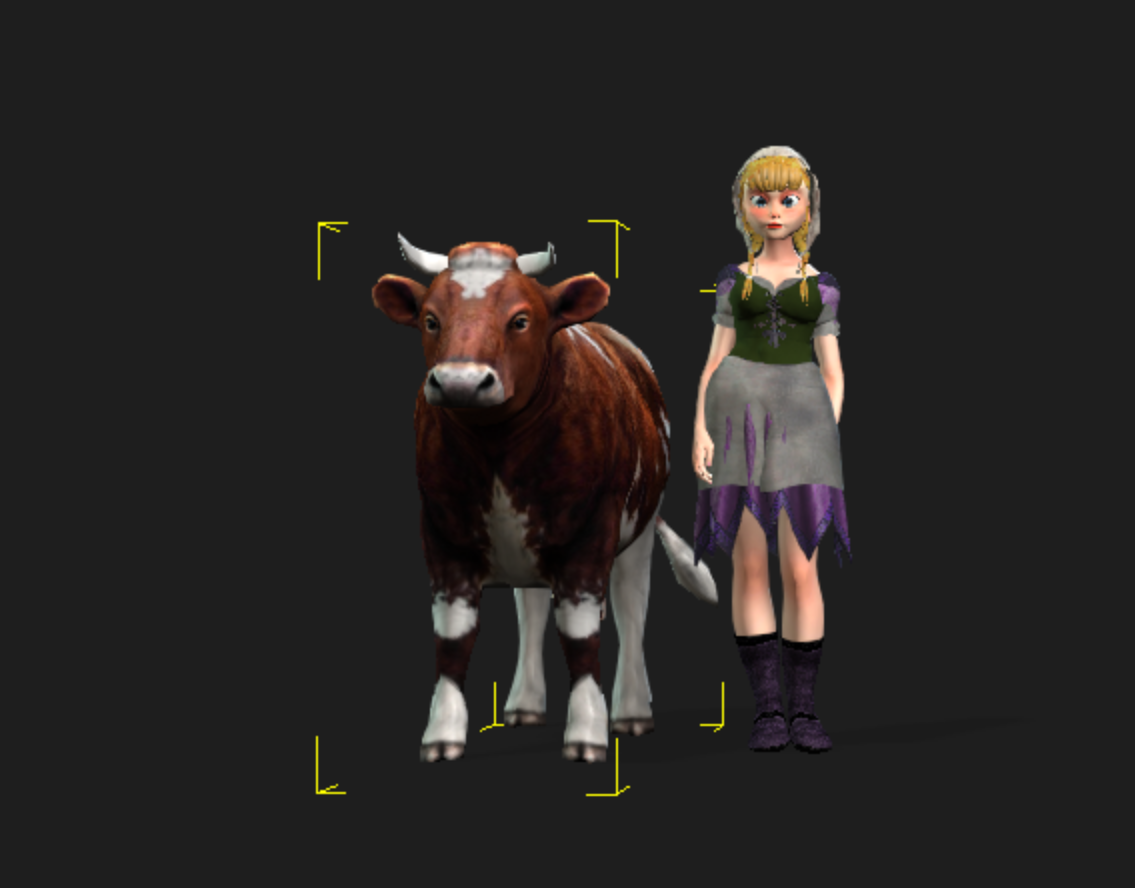
Thanks y'all. I'm new to Unreal and the learning curve seems steep! If you have tips please explain it in the dumbest way possible. Here are screen shots, the first one is in iClone of how they are supposed to look.