Profile Picture

OFFICIAL iClone 7.8, 7.81, 7.82 and 7.83 Issues Thread

Posted By Peter (RL) 5 Years Ago
You don't have permission to rate!
1
2
3
4
5
6
7

Author
Message
animagic
animagic
Posted 4 Years Ago
View Quick Profile
Distinguished Member

Distinguished Member (33.4K reputation)Distinguished Member (33.4K reputation)Distinguished Member (33.4K reputation)Distinguished Member (33.4K reputation)Distinguished Member (33.4K reputation)Distinguished Member (33.4K reputation)Distinguished Member (33.4K reputation)Distinguished Member (33.4K reputation)Distinguished Member (33.4K reputation)

Group: Forum Members
Last Active: Last Month
Posts: 15.8K, Visits: 31.4K
Arie, I'm afraid it is a very long teaser in my case.

To test your finding I started iClone and also a stopwatch. It's now about 12 minutes in...:crazy:


https://forum.reallusion.com/uploads/images/436b0ffd-1242-44d6-a876-d631.jpg

pinguintje
pinguintje
Posted 4 Years Ago
View Quick Profile
Distinguished Member

Distinguished Member (7.7K reputation)Distinguished Member (7.7K reputation)Distinguished Member (7.7K reputation)Distinguished Member (7.7K reputation)Distinguished Member (7.7K reputation)Distinguished Member (7.7K reputation)Distinguished Member (7.7K reputation)Distinguished Member (7.7K reputation)Distinguished Member (7.7K reputation)

Group: Forum Members
Last Active: 2 Years Ago
Posts: 834, Visits: 1.1K
The "Please wait" is a teaser. (for iClone and Character Creator)
It takes about 45 seconds before  "Please wait"  disappears and iClone/Character Creator begins to start.  
I think it has something to do with the Smart Gallery. (imo the "please wait" started after installing the Smart Gallery a few months ago).
Maybe RL knows what causes this problem. 

Since a few days I have also a problem in the Timeline. I could always delete a motion or other things in the Timeline with my keybord. 
But now the character disappears. 
Deleting in the timeline is only possible with a R-mouseclick-delete.

Best Regards,
Arie

animagic
animagic
Posted 4 Years Ago
View Quick Profile
Distinguished Member

Distinguished Member (33.4K reputation)Distinguished Member (33.4K reputation)Distinguished Member (33.4K reputation)Distinguished Member (33.4K reputation)Distinguished Member (33.4K reputation)Distinguished Member (33.4K reputation)Distinguished Member (33.4K reputation)Distinguished Member (33.4K reputation)Distinguished Member (33.4K reputation)

Group: Forum Members
Last Active: Last Month
Posts: 15.8K, Visits: 31.4K
In the last few days a weird problem has cropped up where iClone will not launch. The splash screen says "Please wait "and then it just sits there. :doze:

I have to kill the process and then on the second try iClone launches normally.

To add: This evening I clicked the splash screen, which closed after which iClone launched. So perhaps it has something to do with the splash screen that makes iClone hang.

One change I made the other day is that I updated my NVIDIA drivers to the latest Studio version (461.72).


https://forum.reallusion.com/uploads/images/436b0ffd-1242-44d6-a876-d631.jpg

mark
mark
Posted 4 Years Ago
View Quick Profile
Distinguished Member

Distinguished Member (12.8K reputation)Distinguished Member (12.8K reputation)Distinguished Member (12.8K reputation)Distinguished Member (12.8K reputation)Distinguished Member (12.8K reputation)Distinguished Member (12.8K reputation)Distinguished Member (12.8K reputation)Distinguished Member (12.8K reputation)Distinguished Member (12.8K reputation)

Group: Forum Members
Last Active: Last Year
Posts: 4.9K, Visits: 16.7K
Francois...might be good to have your computer's system specs as well.;)


PROMO-BACK2
Click here to go to my YouTube Channel filled with iClone Tutes and Silly Stuff

Visit ANIMATED PROJECTIONS Powered by iCLONE

Intel Core i7 3960X @ 3300MHz Overclocked to 4999.7 MHz Sandy Bridge 24.0GB DDR3 @ 833MHz Graphic Display HP ZR30w 
GeForce GTX 980Ti 6GB  Microsoft Windows 7 Professional 64-bit SP1 ASUSTeK COMPUTER INC. P9X79 WS (LGA2011)


SagaStudios
SagaStudios
Posted 4 Years Ago
View Quick Profile
Distinguished Member

Distinguished Member (1.7K reputation)Distinguished Member (1.7K reputation)Distinguished Member (1.7K reputation)Distinguished Member (1.7K reputation)Distinguished Member (1.7K reputation)Distinguished Member (1.7K reputation)Distinguished Member (1.7K reputation)Distinguished Member (1.7K reputation)Distinguished Member (1.7K reputation)

Group: Forum Members
Last Active: Last Year
Posts: 69, Visits: 314
I tried that as well. I even deleted the content folders when I Uninstaller the program.
francois_850163
francois_850163
Posted 4 Years Ago
View Quick Profile
New Member

New Member (8 reputation)New Member (8 reputation)New Member (8 reputation)New Member (8 reputation)New Member (8 reputation)New Member (8 reputation)New Member (8 reputation)New Member (8 reputation)New Member (8 reputation)

Group: Forum Members
Last Active: 2 Years Ago
Posts: 1, Visits: 29
Issue 7648
Hair & Cloth Physics Freak out & iClone CRASH

Hello
I am brand new to Reallusion software and must still learn everything about everything.
There is so much potential but the learning curve is extremely overwhelming!

I am running into some freaky physics results and not sure whether it is a bug or whether it is my system?

I have a character with hair and dress I sent from CC3 to iClone 7 - Please see image #1.
(I also imported iAvatars I exported from CC3, but the same thing happens)

I have not changed any settings in the physics, except for making the cloth weight map less bright.
I have added a motion to the character, and have enabled character hand and foot collisions.

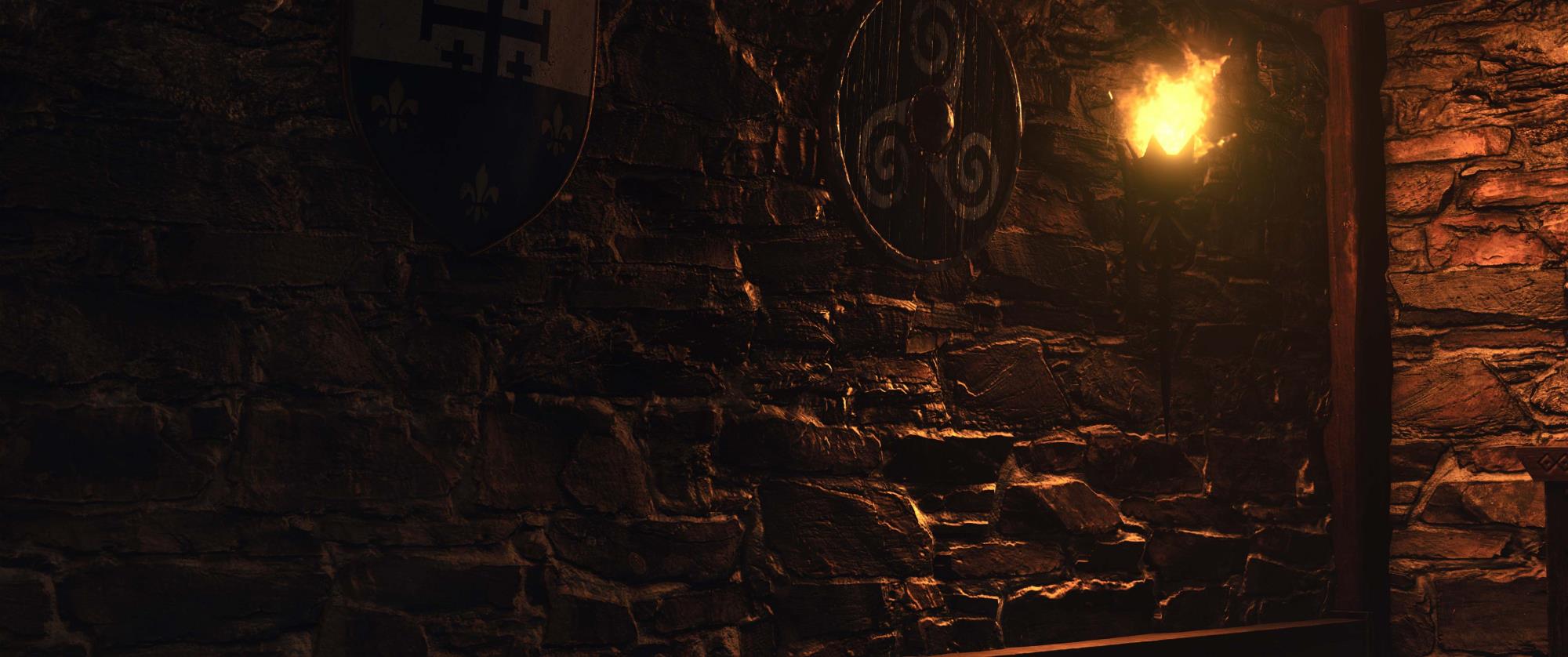
When I play the sequence, the cloth and hair physics have extreme results - please see image #2
(I have a screen recording .ZIP video file which I can also share?)


Also, my iClone has been crashing multiple times since I started this project - see image #3:


What is happening? Why? And why is my software crashing constantly?
Your assistance is very much appreciated!
Regards
lianchiu
lianchiu
Posted 4 Years Ago
View Quick Profile
Veteran Member

Veteran Member (645 reputation)Veteran Member (645 reputation)Veteran Member (645 reputation)Veteran Member (645 reputation)Veteran Member (645 reputation)Veteran Member (645 reputation)Veteran Member (645 reputation)Veteran Member (645 reputation)Veteran Member (645 reputation)

Group: Forum Members
Last Active: 4 Years Ago
Posts: 214, Visits: 1.5K
SagaStudios (2/17/2021)
My issue is this:
I am trying to just load a Dragon from the Dragon Pack it starts to add it and gets hung at 70% every time.  It happens on The Imp Pack and the The Wheeper.  Haven't tested any others.  I have done clean install, which by the way it would help if your installer removed everything including the Reallusion Hub service because with it staying on it doesn't allow the system to delete other folders associated.  This includes AppData as well.  I have done an install without plugins and with plugins same result.https://forum.reallusion.com/uploads/images/9d51866a-77de-4513-b847-0e94.png
I left it on for two hours.  I tried to upload the dmp file but your system says it is too large.
I have attached a screen shot as well.
I am running a MSI GE75 Raider with 32GB RAM two 1 TB SSD and has a RTX 2080 Super so should be enough to handle this.


try this
SagaStudios
SagaStudios
Posted 4 Years Ago
View Quick Profile
Distinguished Member

Distinguished Member (1.7K reputation)Distinguished Member (1.7K reputation)Distinguished Member (1.7K reputation)Distinguished Member (1.7K reputation)Distinguished Member (1.7K reputation)Distinguished Member (1.7K reputation)Distinguished Member (1.7K reputation)Distinguished Member (1.7K reputation)Distinguished Member (1.7K reputation)

Group: Forum Members
Last Active: Last Year
Posts: 69, Visits: 314
My issue is this:
I am trying to just load a Dragon from the Dragon Pack it starts to add it and gets hung at 70% every time.  It happens on The Imp Pack and the The Wheeper.  Haven't tested any others.  I have done clean install, which by the way it would help if your installer removed everything including the Reallusion Hub service because with it staying on it doesn't allow the system to delete other folders associated.  This includes AppData as well.  I have done an install without plugins and with plugins same result.https://forum.reallusion.com/uploads/images/9d51866a-77de-4513-b847-0e94.png
I left it on for two hours.  I tried to upload the dmp file but your system says it is too large.
I have attached a screen shot as well.
I am running a MSI GE75 Raider with 32GB RAM two 1 TB SSD and has a RTX 2080 Super so should be enough to handle this.

Peter (RL)
Peter (RL)
Posted 4 Years Ago
View Quick Profile
Distinguished Member

Distinguished Member (124.4K reputation)Distinguished Member (124.4K reputation)Distinguished Member (124.4K reputation)Distinguished Member (124.4K reputation)Distinguished Member (124.4K reputation)Distinguished Member (124.4K reputation)Distinguished Member (124.4K reputation)Distinguished Member (124.4K reputation)Distinguished Member (124.4K reputation)

Group: Administrators
Last Active: Last Year
Posts: 23.1K, Visits: 36.6K
JoeGideon (1/5/2021)
There is a major bug in iClone 7.83.

If you animate a character and use the "look at camera" or "pick target" (and have the character look at an object), the animation is fine in iClone, HOWEVER, if you export the animation to FBX (using the correct settings and, yes, the bake constraint key), the exported character's eyes badly malfunction. They shudder and shake and look in wrong directions. In addition, this same problem happens if you try to save the animation to a Motion Plus. 

I have reported this bug to technical support, to the Feedback tracker, and elsewhere in the Forum. I am still waiting for someone from Reallusion to address this issue. Reallusion needs to fix this bug ASAP.

Here is a link to my YouTube video demonstrating this bug:

https://www.youtube.com/watch?v=qb7qSiVD_Ek

https://forum.reallusion.com/uploads/images/a44de976-a2ca-4ba2-97f4-0da1.png


This issue should be fixed in the upcoming version 7.9. Apologies for the inconvenience this bug has caused. 


Peter
Forum Administrator

www.reallusion.com


lianchiu
lianchiu
Posted 4 Years Ago
View Quick Profile
Veteran Member

Veteran Member (645 reputation)Veteran Member (645 reputation)Veteran Member (645 reputation)Veteran Member (645 reputation)Veteran Member (645 reputation)Veteran Member (645 reputation)Veteran Member (645 reputation)Veteran Member (645 reputation)Veteran Member (645 reputation)

Group: Forum Members
Last Active: 4 Years Ago
Posts: 214, Visits: 1.5K
bmacdonald1986 (1/30/2021)
I cannot bake Accessory LookAt information to MotionPlus.
I have a lookat constraint on my characters accessory, its a two handed prop. One hand is parenting the accessory and then the accessory is looking at the other hand:


I am following the guide and checking off the correct boxes in the MotionPlus collect clip dialog:


According to the 6.0 guide this feature was available. Was it removed from 7.0+?


 Could you record your workflow?

1
2
3
4
5
6
7


Reading This Topic