|
Author
|
Message
|
|
Eric C (RL)
|
Eric C (RL)
Posted 6 Years Ago
|
|
Group: Administrators
Last Active: 4 days ago
Posts: 552,
Visits: 6.0K
|
Pose Manager ( Sample Script for March 2020)
In the previous Python of the Month, the Reallusion Python Team introduced the Spring Joints sample script; An exercise that highlights a way to easily apply spring physics to hierarchical objects.
This time, we'd like to introduce our seventh Python of the Month: Pose Manager. Pose Manager can be used to record a character’s pose selected from a motion clip, hand gesture library, or custom FK/IK editing. It can also automatically generate thumbnail images from pose snapshots. These poses added into the list can be edited, renamed, overwritten, and saved as part of a Pose Library.
It also serves as a pose mixer which can be used to mirror and create combine poses by masking and blending. You can retarget these poses to any other character with compatible rigging.
In practical applications, Pose Manager helps you to create pose-to-pose animation, build animation loops, or easily layout keyframes for further Motion Curve Editing. .Pose Snapshot .Library Management .Mirror Pose .Mix Poses .XYZ Posing Constraints .Pose-to-pose Animation
You can visit the following links and access the resources needed for your learning.
- You can download the script from the Marketplace.
- To explore how it works, please visit Python Wiki.
- To get the source code, please visit our GitHub.
Important Notice: iClone 7.72 is Required!If you have any questions about the plug-in and the sample code, please feel free to let us know by replying to this post.
Relevant Fundamental Courses
Be sure to read this first to help you understand how this sample plug-in works.
You should familiarize yourself with the following fundamental lessons before you proceed:
- List View - Learn to create a Qt list view and add functionality to edit list entries.
- Icons and Image - Learn to deploy icons and images inside a user interface.
This is the same course that was present in the last Python of the Month, so we have added another course Basic Math to last month's fundamental lessons. - Serialize Pose - Learn to serialize a character's pose data for file storage.
- Screenshotting - Take advantage of features in Qt to grab screenshots.
- Saving JSON - Know how to handle JSON data for file storage.
For more courses and links to other Python of the Month activities, please visit here.
Enjoy!
Reallusion Python Team
|
|
|
|
|
linus10111
|
linus10111
Posted 6 Years Ago
|
|
Group: Forum Members
Last Active: Last Year
Posts: 164,
Visits: 2.0K
|
This will definitely come in handy. Thanks RL
______________________________________________________________________________________________________________
System: Win 11_Home, CPU i9-10850k (3.60GHz), 32GB RAM, RTX3080 GPU (10GB VRAM), 2TB SSD, 2TB HDD. It's definitely time for an upgrade!
|
|
|
|
|
planetstardragon
|
planetstardragon
Posted 6 Years Ago
|
|
Group: Forum Members
Last Active: Last Year
Posts: 11.5K,
Visits: 46.0K
|
I like it, thank you! :) 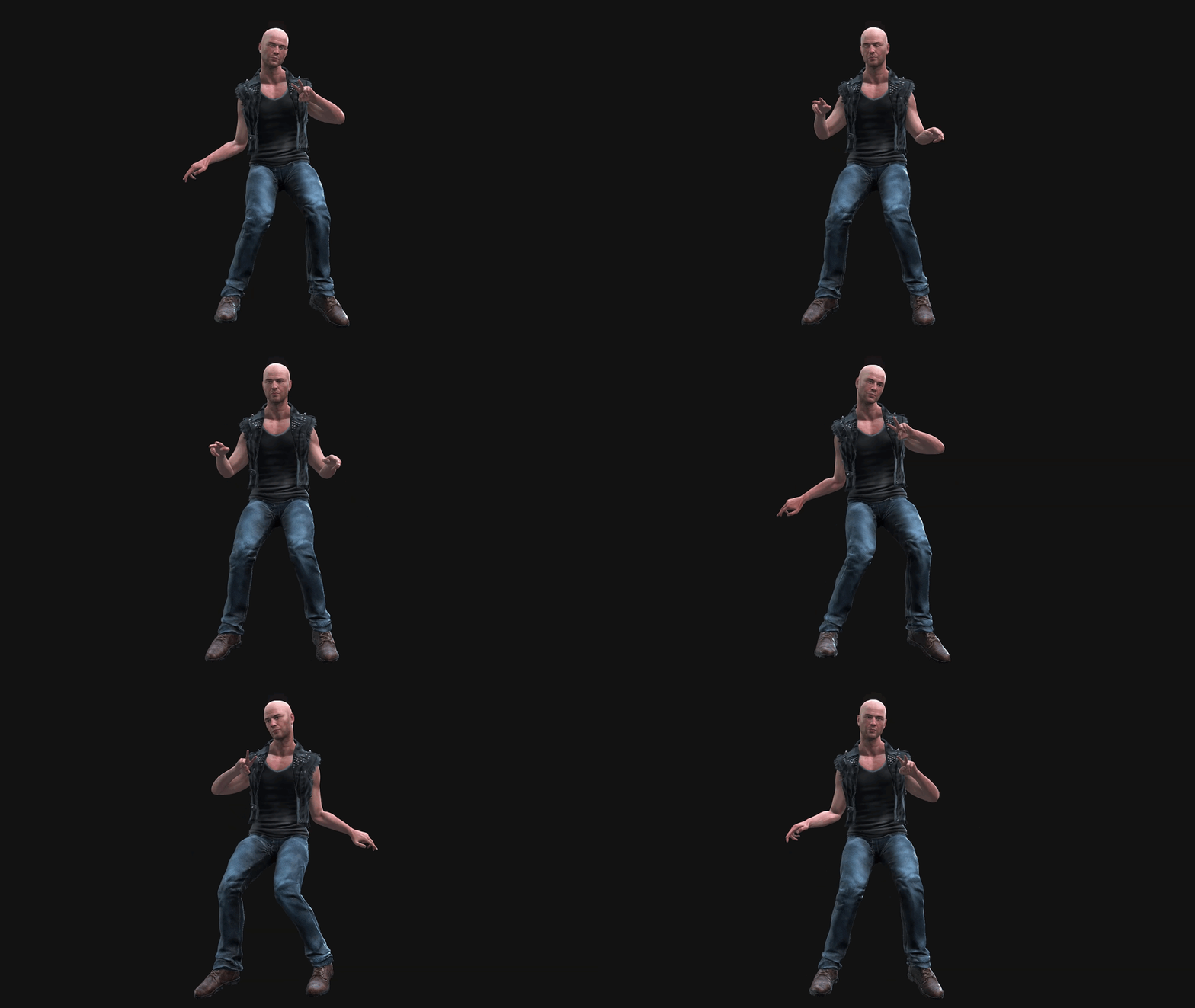
☯🐉 "To define Tao is to defile it" - Lao Tzu
|
|
|
|
|
mycreativemind
|
mycreativemind
Posted 6 Years Ago
|
|
Group: Forum Members
Last Active: 3 Years Ago
Posts: 1,
Visits: 124
|
I can't download it from the marketplace. There is no download link after the purchase or in my Inventory. Any Idea of how to download this plugin? 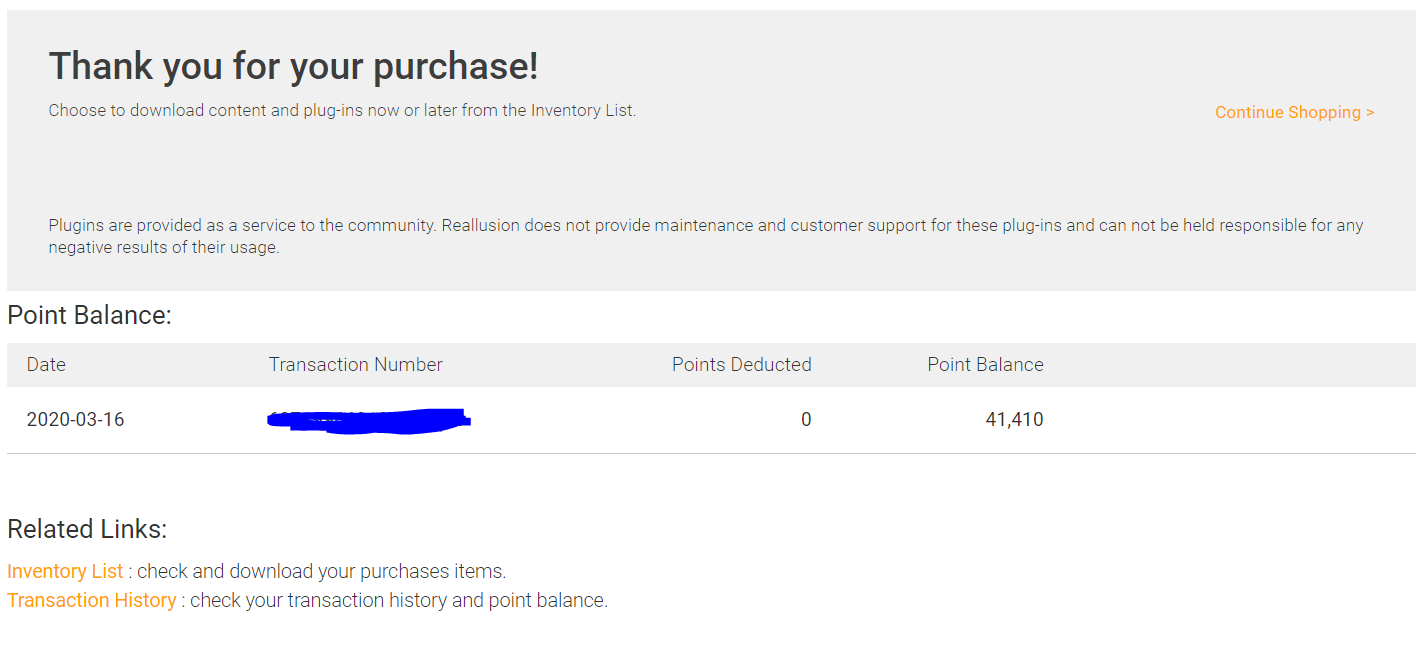 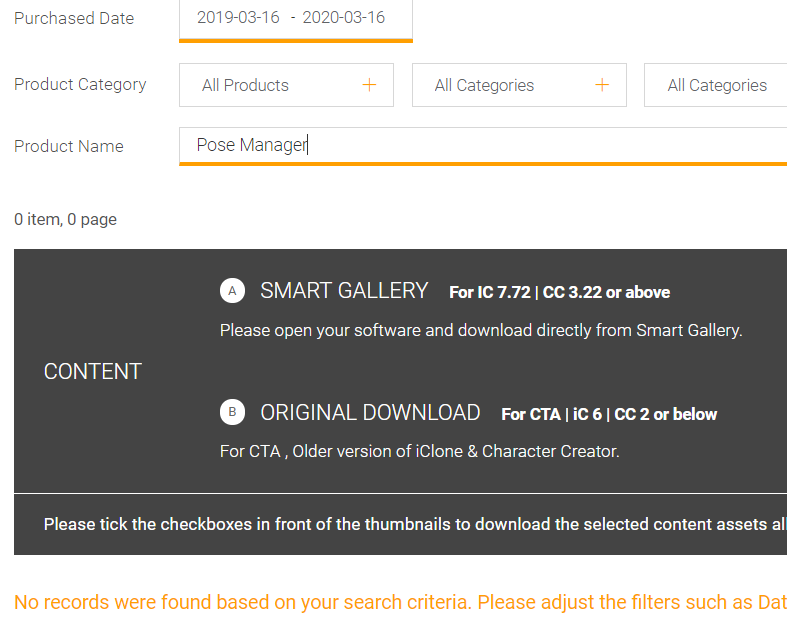
|
|
|
|
|
animagic
|
animagic
Posted 6 Years Ago
|
|
Group: Forum Members
Last Active: Last Month
Posts: 15.8K,
Visits: 31.4K
|
Same here. No download link after purchase and not in my Inventory either...:unsure: Good that it was only 0 points...:P EDIT: So I tried to purchase it again and now it said that it was already in my Inventory. I clicked the Inventory link and the Pose Manager was listed.
|
|
|
|
|
Eric C (RL)
|
Eric C (RL)
Posted 6 Years Ago
|
|
Group: Administrators
Last Active: 4 days ago
Posts: 552,
Visits: 6.0K
|
@mycreativemind, @animagic Hi all, You will need to purchase and complete product checkout first. After the process is complete, go to your "inventory list" and select plugin. That's the place where you download the plugin. Good luck! 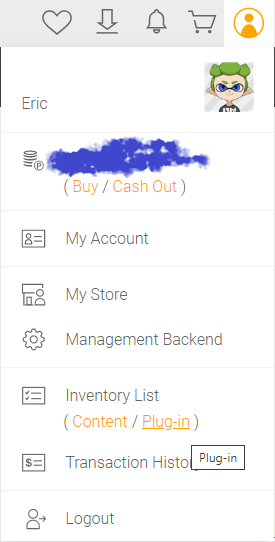
|
|
|
|
|
Marty3DGuru
|
Marty3DGuru
Posted 6 Years Ago
|
|
Group: Forum Members
Last Active: 2 Years Ago
Posts: 73,
Visits: 89
|
Nice plugin this one.
I love it, great work. :D
|
|
|
|
|
fsilva
|
fsilva
Posted 6 Years Ago
|
|
Group: Forum Members
Last Active: 2 Years Ago
Posts: 78,
Visits: 718
|
I got around the inventory issue. So now that I've downloaded it, how do I install it?
Hope everyone's safe,
Thanks!
Frank
|
|
|
|
|
fsilva
|
fsilva
Posted 6 Years Ago
|
|
Group: Forum Members
Last Active: 2 Years Ago
Posts: 78,
Visits: 718
|
Never Mind! I found it reading the Wiki. Thanks to Mike Kelly. His guidance has been a blessing for me, as I'm sure for us all!
|
|
|
|
|
ultimativity
|
ultimativity
Posted 6 Years Ago
|
|
Group: Forum Members
Last Active: 8 Months Ago
Posts: 356,
Visits: 737
|
Just downloaded and installed. Thanks very much for offering this. Looking forward to accelerating my animation projects with this plugin. Very happy that saved poses can be applied to characters of different proportions.
Nathan
|
|
|
|