|
juliein3d
|
juliein3d
Posted 6 Years Ago
|
|
Group: Forum Members
Last Active: 11 Months Ago
Posts: 22,
Visits: 97
|
I make my character in CC, I export it to iClone, I'm animating well in iClone, just what I want body movement and lipsync, use the collection line, send first the character, then the character with the animations to 3DXchange and then export as exactly prescribed in the tutorials from 3DXchange - pick Unity, turn off mesh, etc. I always set all things as headed toward Unity in the dialog boxes, .. However, my animation is 100% borked in Unity, that crazy polygon thing happens during the animation. As in even if I move the play head to line up the green dots as suggested in the unity it is just more crazy. I can get the character into Unity by doing the .fbx export out of iClone7 but that doesn't move the animation so really I'm lost here on this. Feel like I'm following the pipeline to the letter but weeks of trying and bork, bork! I do the whole make it humanoid part so that isn't the issue. I was wondering about frame rate but seems ok there set to 30, I've checked that I'm picking Unity every time...kind of out of what to try to find my mistake.
The moment I get to the animation selected and try the polygons go crazy. I wonder if this is some obvious thing I'm doing wrong. Clearly I am missing something on this so wondering if someone can advise.
. I've attached some snaps to see if they help. Thanks for any insight.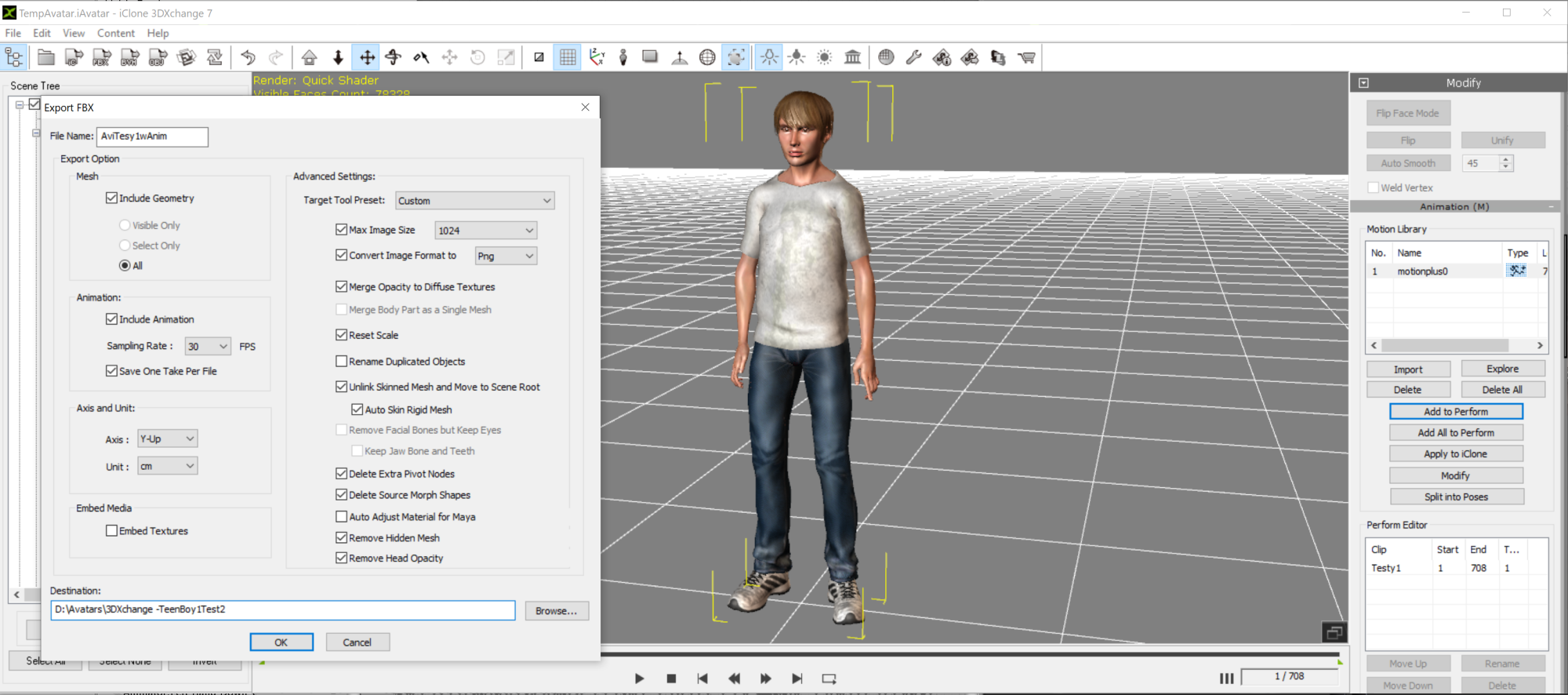 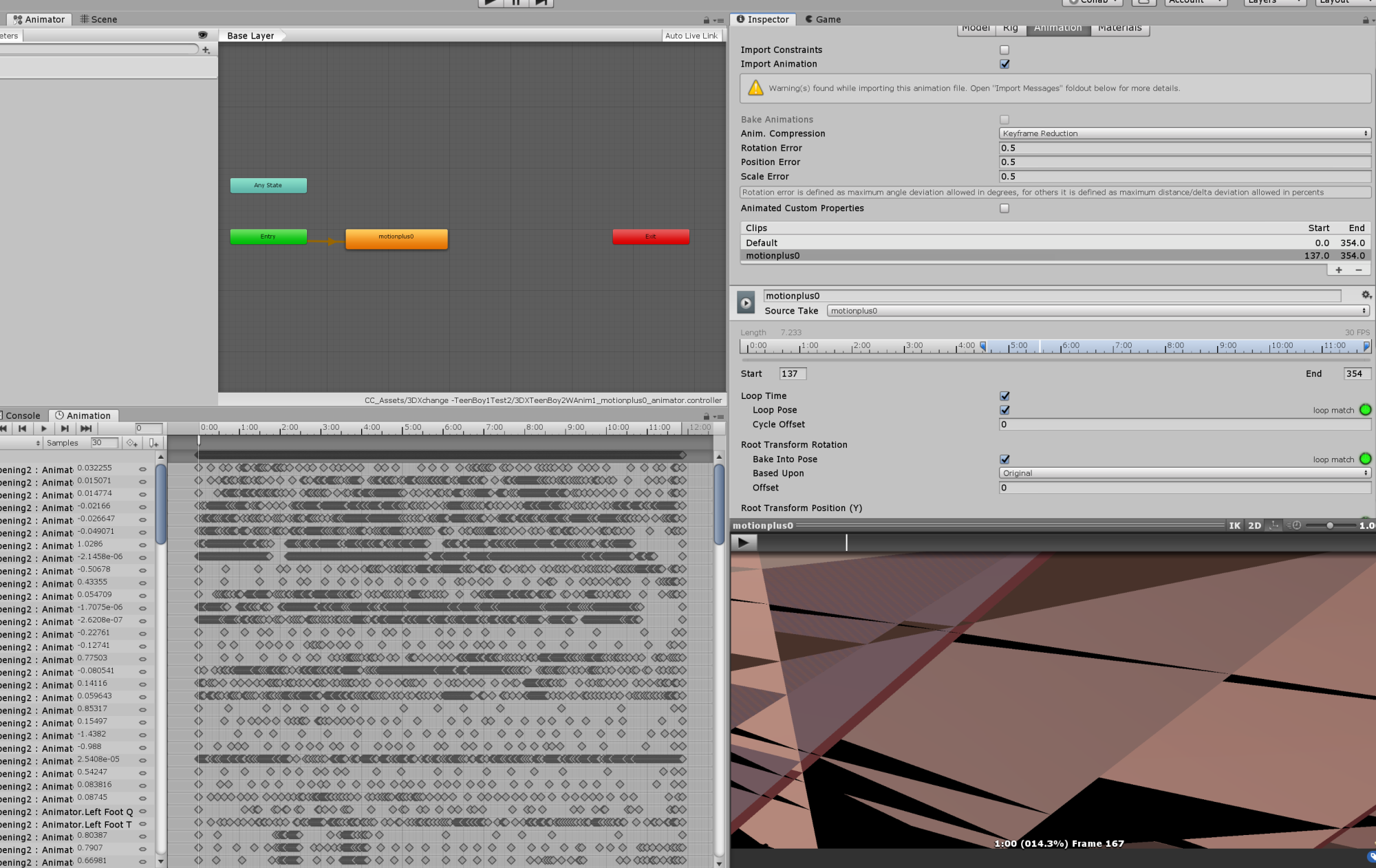
|