This particular issue has just appeared when applying the T-Pose from the "D:\Users\twoda\Public\Public Documents\Reallusion\Template\Character Creator 3 Template\DazResource\T_Pose" folder to any character in DAZ Studio.
Doesn't matter whether the character is Victoria 4, Michael 4, Genesis 1, Genesis 2, 3 or 8 I get the same error message "No importer for the file format can be found".
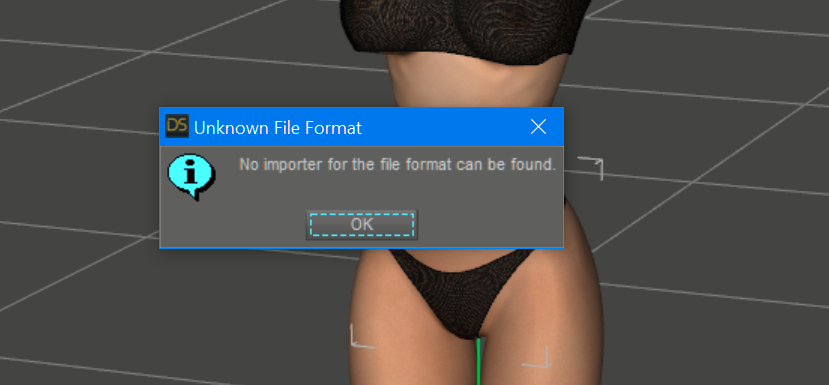
All am doing is dragging the appropriate T-Pose DUF onto the character as per the official Reallusion video on Youtube.
All was working weeks ago with no error, now, well I get the error.
I did uninstall all Reallusion apps that I have from my C:\, the reinstall on my D:\ drive a few days ago due to diminishing space on C:\. This is when the error first appeared.
Is there something I need to reinstall to DAZ Studio?
Any assistant would be greatly appreciated.
Cheers, Steve