I'm doing a looping style animation that requires me to move keyframes around to sync up the timing. This is frustrating because clicking on and dragging a keyframe works only about once every four attempts. The rest of the time the cursor jumps on the keyframe wherever I'm clicking, causing it to steal the focus on the keyframe - or the target area is WAY too small for the cursor to land on. The result is that although the keyframe is highlighted, I'm just dragging air most of the time because it remains in its original position.
The screenshot below depicts a "skid mark" where the cursor dragged on the keyframe, but it stayed in place.
Is there a reliable way to move keyframes or is this a design flaw that needs to be corrected?
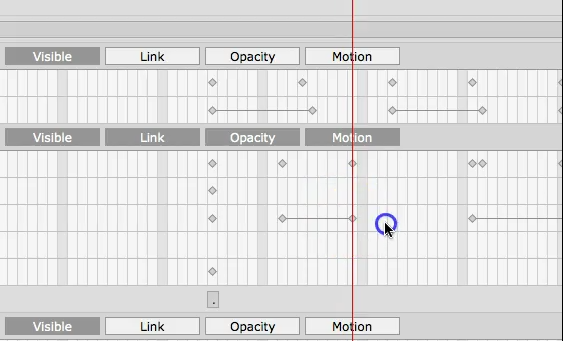 Mac Pro - Sierra - CTA3 Pipeline.