For starters, I tried to look for existing versions of this topic, but the search bar on this forum doesn't seem to work for me.
There seems to be an odd issue when exporting as an fbx and importing into Max. I get rather hard seams in the edges of my normal map even though it's perfectly aligned.
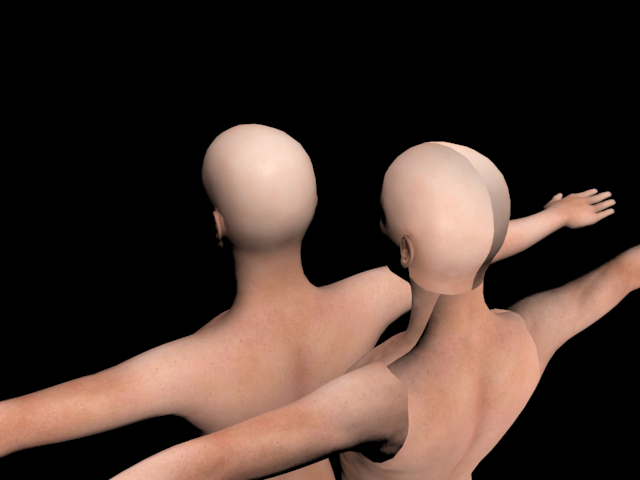
The model in front has no normal map. The model in back has the normal map set as a bump map exactly as it's imported from the fbx in exactly the way Character Creator exports it. No tampering, modifying or adjusting is involved. And I haven't tampered with the UVW map at all. This is a fresh, direct import. The only change was in taking the bump map modifier off the front model to show that it is in fact the normal map that is the cause, and not the diffuse.
Is there any way to fix this, or is this just a difference in the way Max and iClone work and can't be solved?