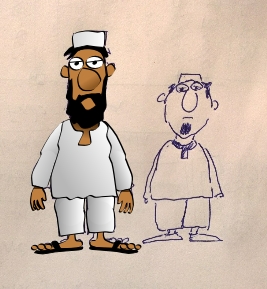
Hi there - I am attempting to create a new character based on the template file. I traced the image from a hand drawing in Serif Drawplus X6.
.
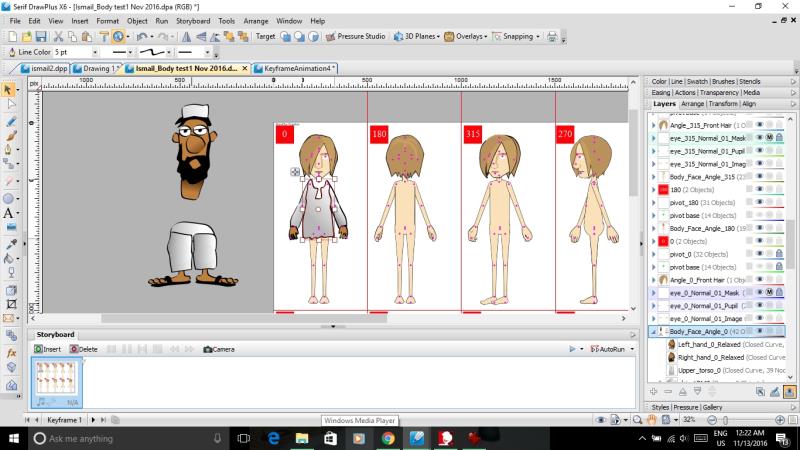
After that, I loaded up the template file for the G2 character and tried to replace each body part piece by piece, keeping track of the layer names. I started with angle 0 to make sure it worked.
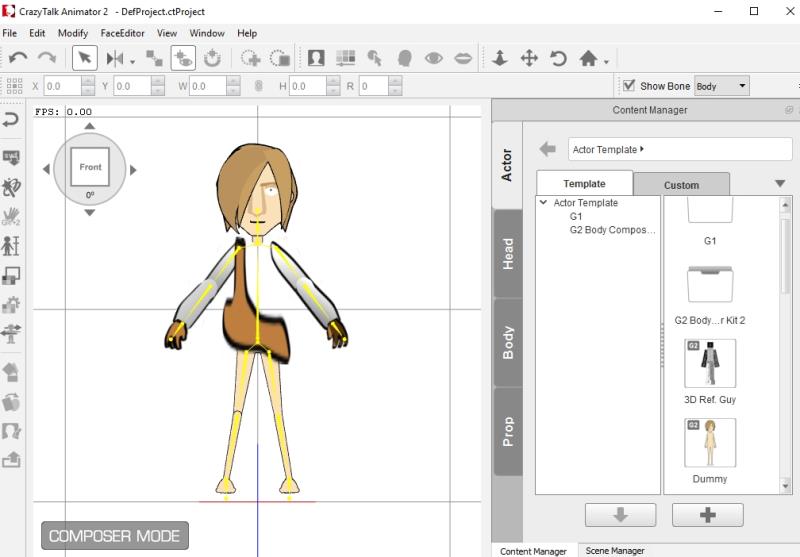
I got as far as the arms and hands. I soon as I tried to insert the Upper_torso_0, this is what the exported SWF file came into CTA2 as. There was no error report but obviously something is wrong. Do the drawings need to be completely symmetrical? Does linear shaded fill mess things up? Any idea what I am doing wrong? This has been frustrating me for weeks and so I am reaching out to the community for help as I am sure someone has run into this before.
Thanks in advance!