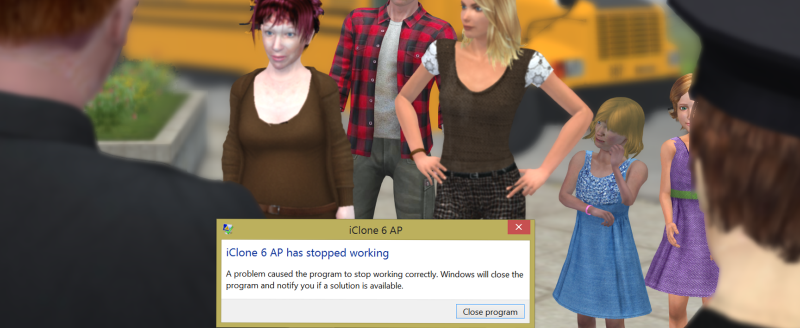
Okay, so I opened a support case in order to resolve this issue and received the following.
Instructions for a clean install are:
It appears that there is a problem with your installation of iClone 6 and/or the data stored in the system registry. To resolve this we have provided you with the 'iClone 6 Registry Remover'.
Please complete the following steps: -
1. Uninstall iClone 6.
2. Download and unzip the attached file.
3. Run "CleanReg.exe"
4. Then Go to "C:\Program Files\Reallusion\" and delete the iClone 6 folder
Note: When you run CleanReg you may get an "Access Denied" error message. If this happens, please right click the Cleanreg.exe and select "Run As Administrator". Thank you
Now download and install the latest full version of iClone 6 which is version 6.02. You can get this from your Member Account.
This may work for some but for me didn't not resolve my issue.
I resorted to a factory reset of my system and have only loaded the required software to continue rendering. I was experimenting with relocating system resources off of C: drive when things went wrong.... morale of this misadventure - get a bigger SSD !
 Haswell i7-5930K (3.5 GHz, 140W, 15MB Cache)
16GB RAM, 1.0TB SSD, 3.0TB HD
NVIDIA GeForce® GTX™ 980 (X3/SLI) 4GBx3