|
Jessica (RL)
|
Jessica (RL)
Posted Last Year
|
|
Group: Administrators
Last Active: Last Year
Posts: 14,
Visits: 132
|
Hello everyone! I'm Jessica, the Product Marketing Manager for CTA. Today, I’m excited to share Prosenjit Biswas's workflow as a demonstration for the 2D Animation Contest. When submitting your entries, don't forget to include a working progress video! For more information, please visit the contest rules page. Prosenjit Biswas is a freelancer from India, and he has been obsessed with animation, superheroes, and anime since he was a kid. That passion led him to become a 2D animator. He also teaches digital graphic design at his local school, helping aspiring animators and educators create fun educational content 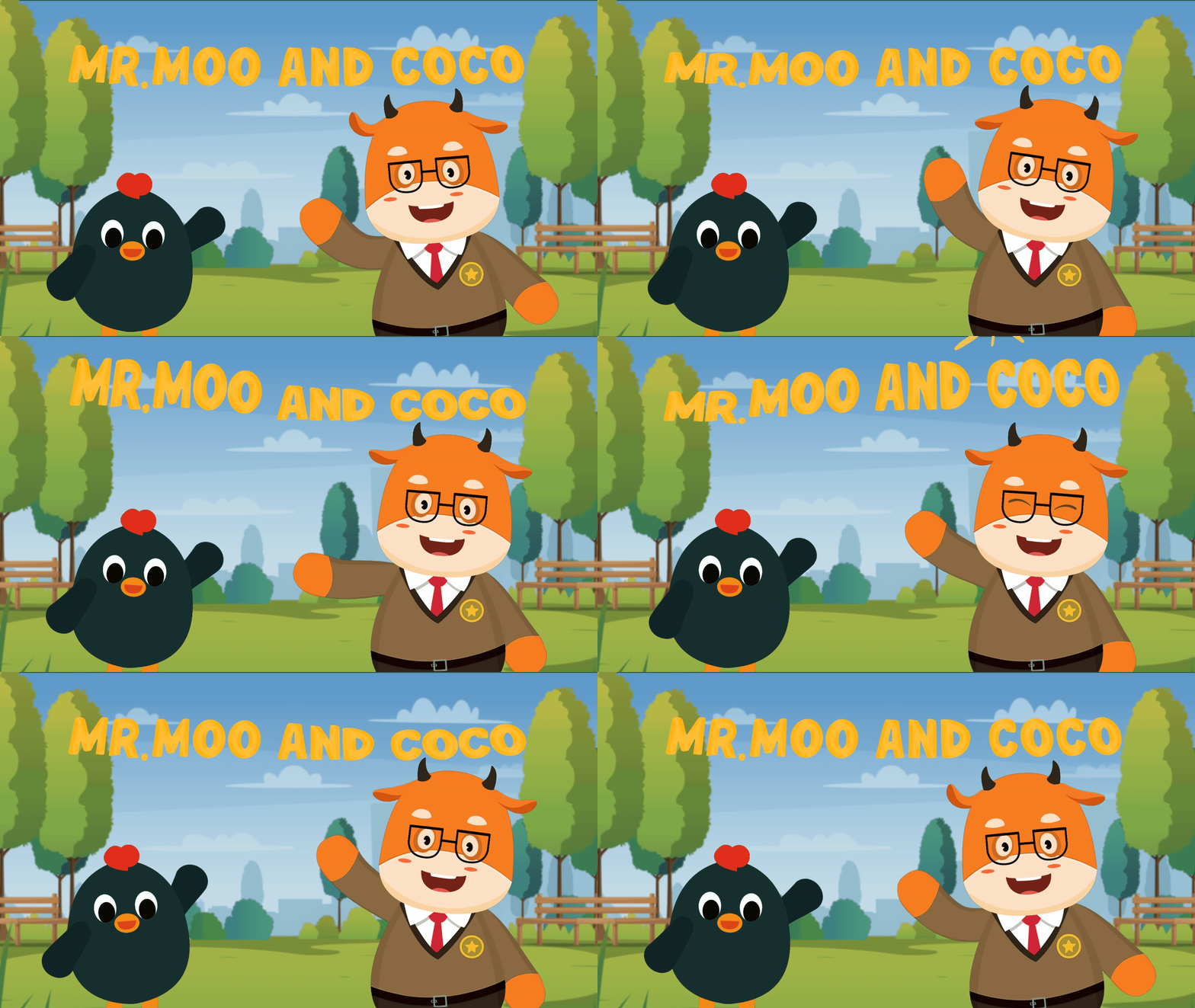
1. Storyboarding
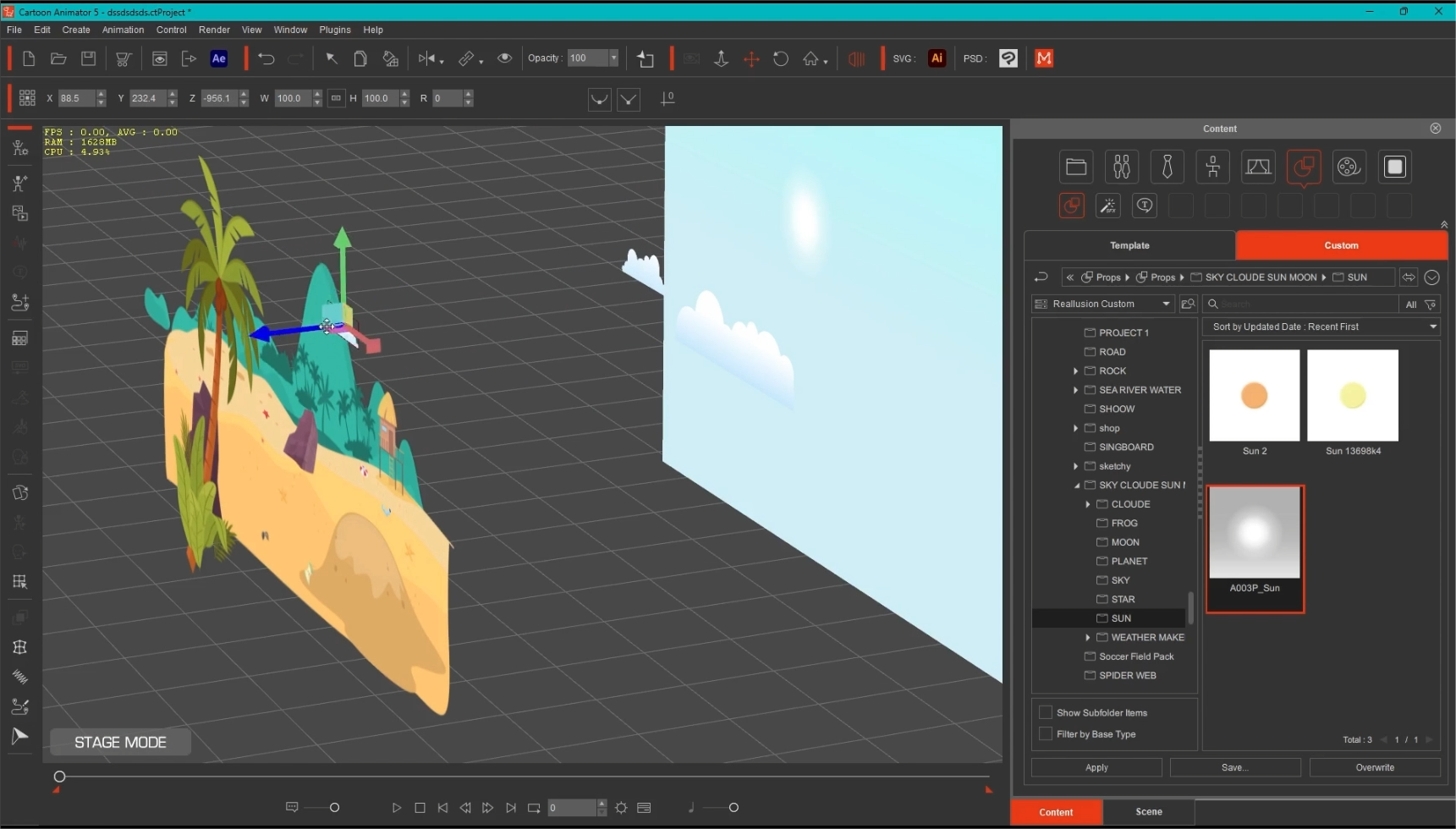
For complex animation projects, storyboarding is essential for him. It helps him plan camera angles and character interactions. For simpler animations, he might skip it, but it’s still handy for the detailed work. He uses Clip Studio Paint for storyboarding and composites in Filmora, but he can use any drawing tool or even pen and paper! 2. Sene making He starts by designing his scenes in a layered PSD file and then imports it into Cartoon Animator. The PSD layers become manageable scene elements in CTA, allowing him to arrange them with Z-depth easily. This way, he can achieve stunning 3D parallax effects using animated cameras!
|