I’ve been trying to import Daz talking animals to iClone for a long time. I always thought it was my fault I couldn’t get it to work. I was wrong. But, iClone has the best lipsync around, and Daz has a render time of 4 hours for 18 seconds of vid. I had to wring this process out for once and for all. Here I show you what I came up with.
Why Two Pieces?
If you pose them in Daz, iClone may crash when you try to import them. You need to pose them in iClone. That means you must import them in their default pose and leave them as a prop. If you convert the body to a Humanoid, iClone will replace the bones with its own simplified version, removing certain key pivot points, limiting your ability to pose them.
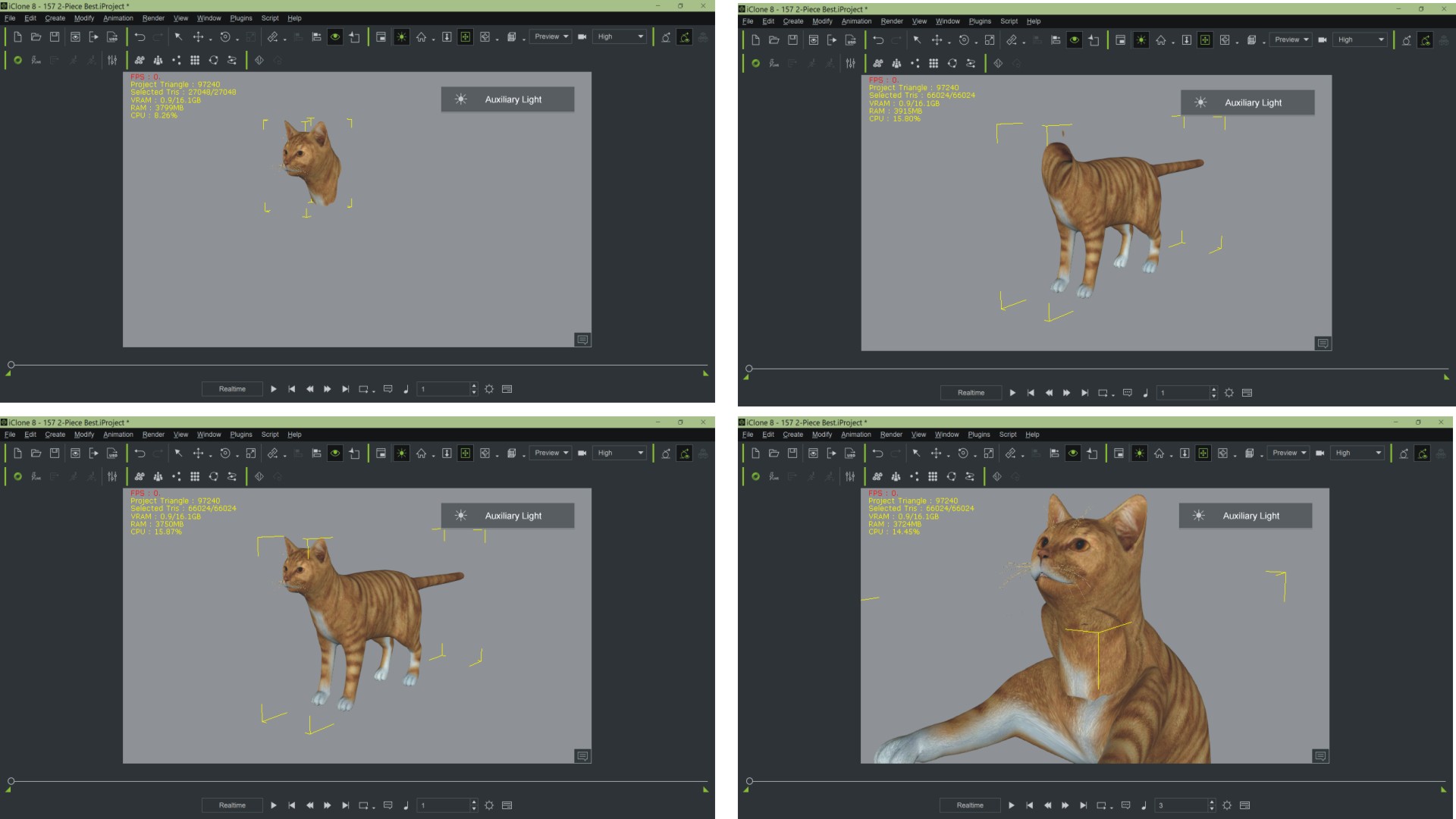
The head, on the other hand, must be a Humanoid in order to speak, hence two separate pieces. Generally, the opacity masks are easy to make in your bitmap editor. Link the head to the body. That way when you move the body, the head will come with it. Bring it into your set using Merge Project. You may need to readjust the head position a bit after applying a pose.
If both parts are selected at the same time, you can use the Duplicate function. Note that the head-body link must be re-established after Duplication.
 "Less clicks good, more clicks bad."