|
Betapuru Digital
|
Betapuru Digital
Posted 4 Years Ago
|
|
Group: Forum Members
Last Active: 9 Months Ago
Posts: 12,
Visits: 262
|
Here is my entry into iClone Lip Sync Contest 2021 based on my favorite music video "Bella Poarch - Build a B*tch"
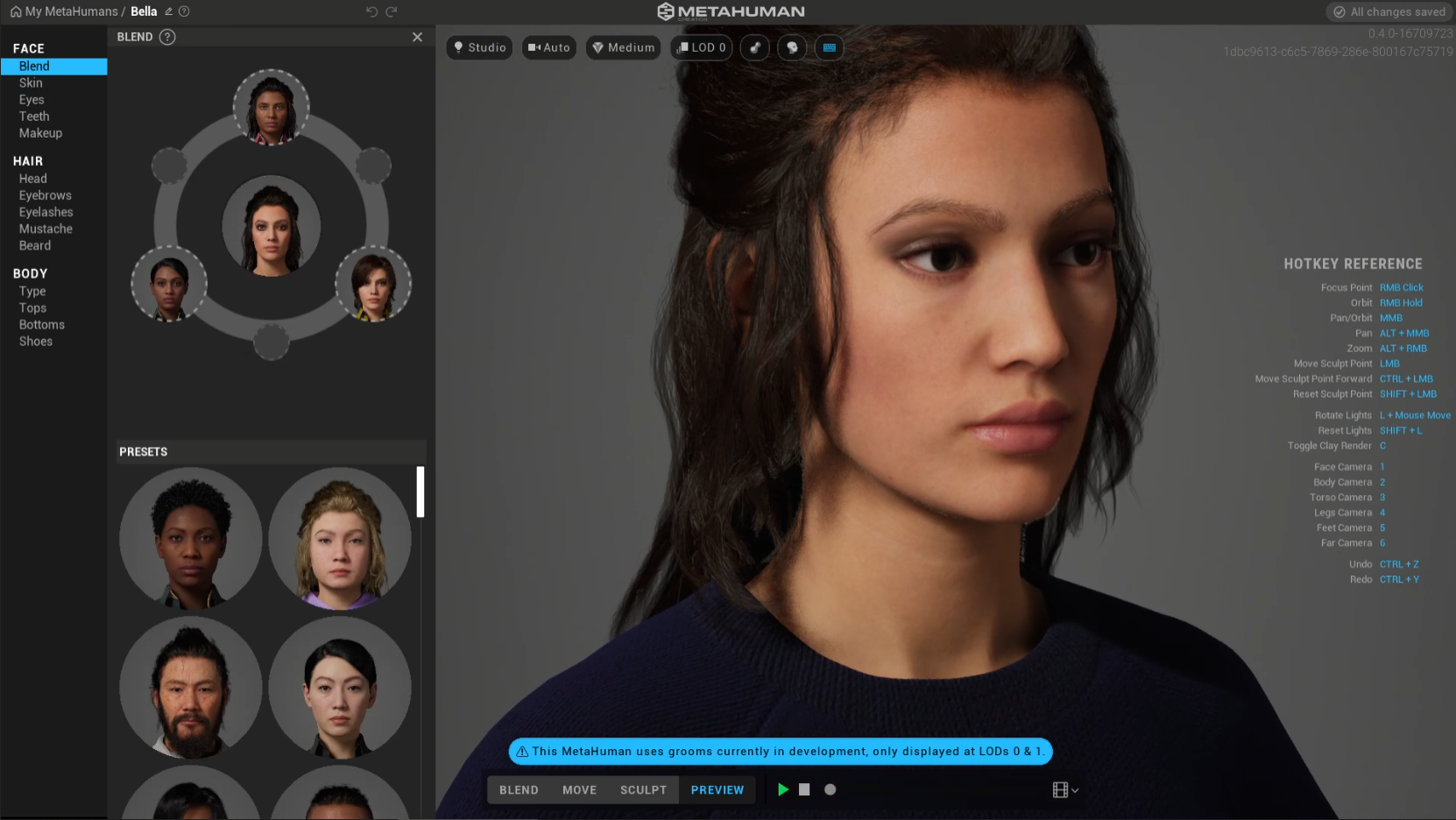
Firstly, I generate my avatar through Metahuman Creator.
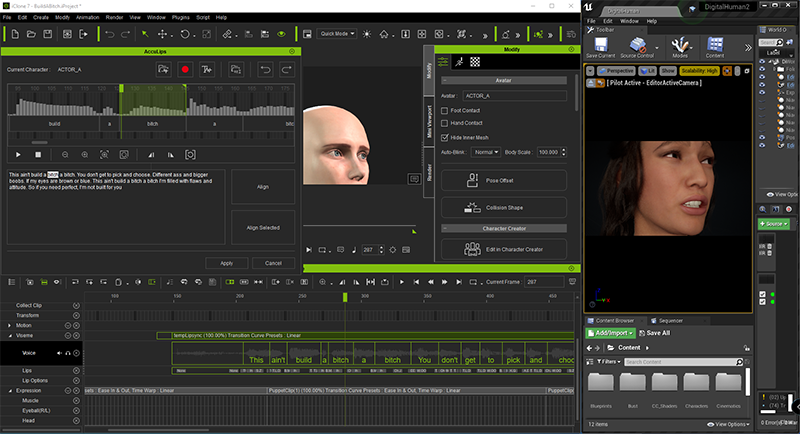
I downloaded the MV and convert it to mp3 format, I loaded it into iClone by using AccuLips feature and adjust the lyrics.
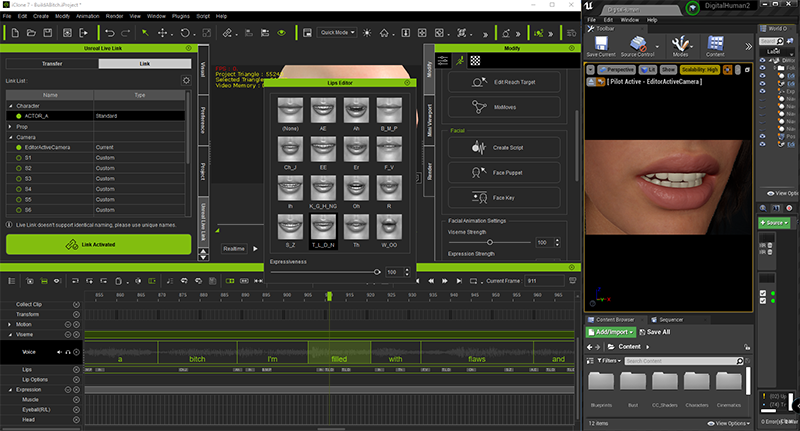
And then is the viseme part to make it more natural way to talk. I'm surprised on AI automatically adjust everything for you.
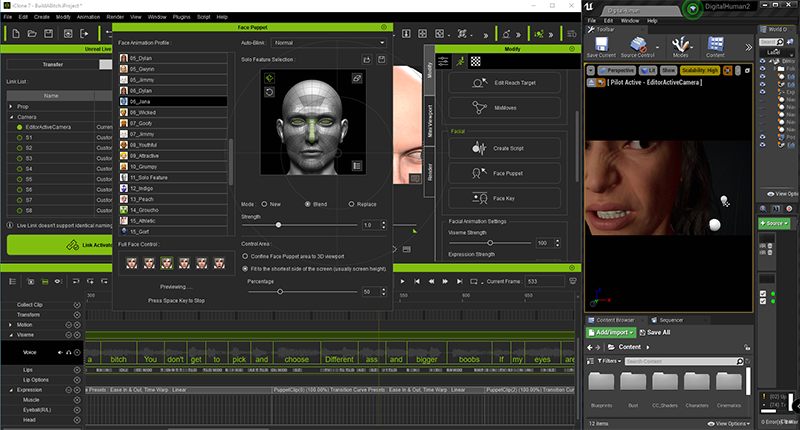
Next part is facial expression, it can be done by using Face Puppet feature, just choose the preset template and make any expression by moving your mouse cursor, the result very impressive!
Once all set, I start using iClone Live link to send animation to Unreal engine, this is what I get from first rendered (without face expression & voice).
Last part, I added the audio visualization effect to my project.
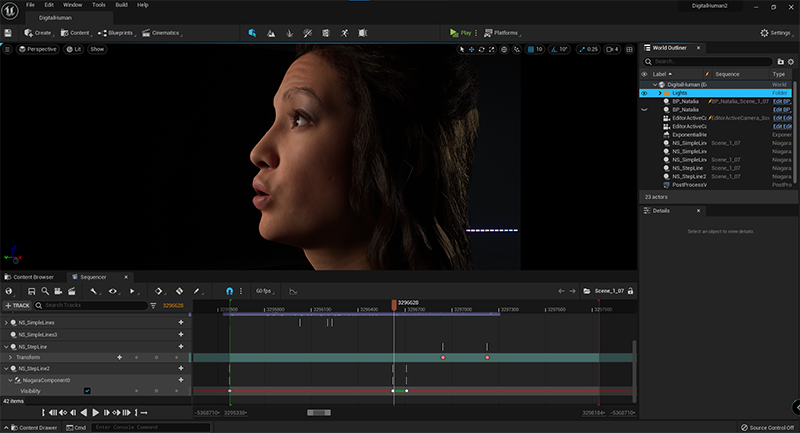
Below is the link for my final rendered video. Hope you guys like it.
Revised Version
|