Hi,
When I export a CC3 character through 3Dxchange as an FBX, along with animations, my animations are "offset" in unity from the position of the model. I first drag my iAvatar into 3dx, then I drag my animations into 3dx as iMotionPlus files. I add all to perform and export with Unity settings. The "Default" animation that is part of my iAvatar is fine (but empty, which is fine) in Unity.
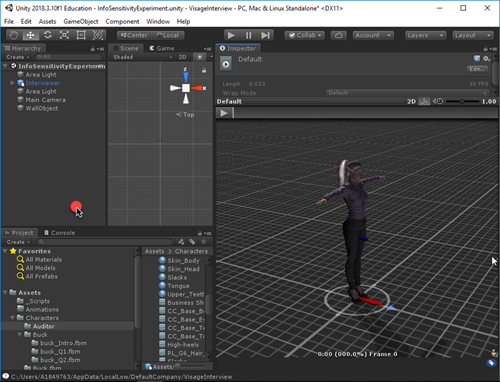
But my iMotionPlus animations are offset, like this:
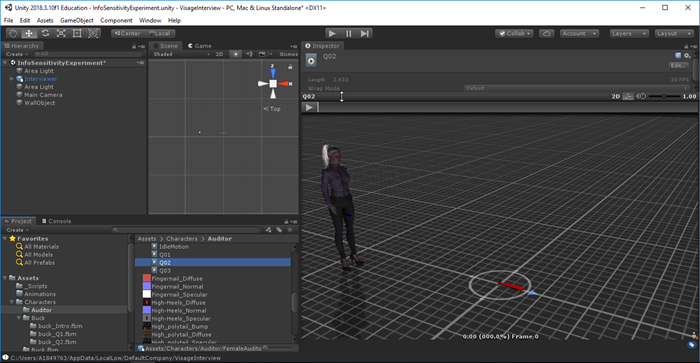
I created a separate iClone project for each animation, but exported the iMotionPlus clips the same way. I'm I doing something wrong in exporting the model and animations in this way? I uncheck the "Save One Take Per File" option when exporting. Is there a way in Unity to fix this offset? The problem is that before I start an animation, the model is in one position, but playing the animation shifts the models to another position.
Any help would be greatly appreciated. Thanks.