I have seen that making robots with spinning gyron in all directions and make boat move back and forth can become over-complicated. Because iClone base your keys by frames you need to manually calc the fps and apply each key with the value you want.
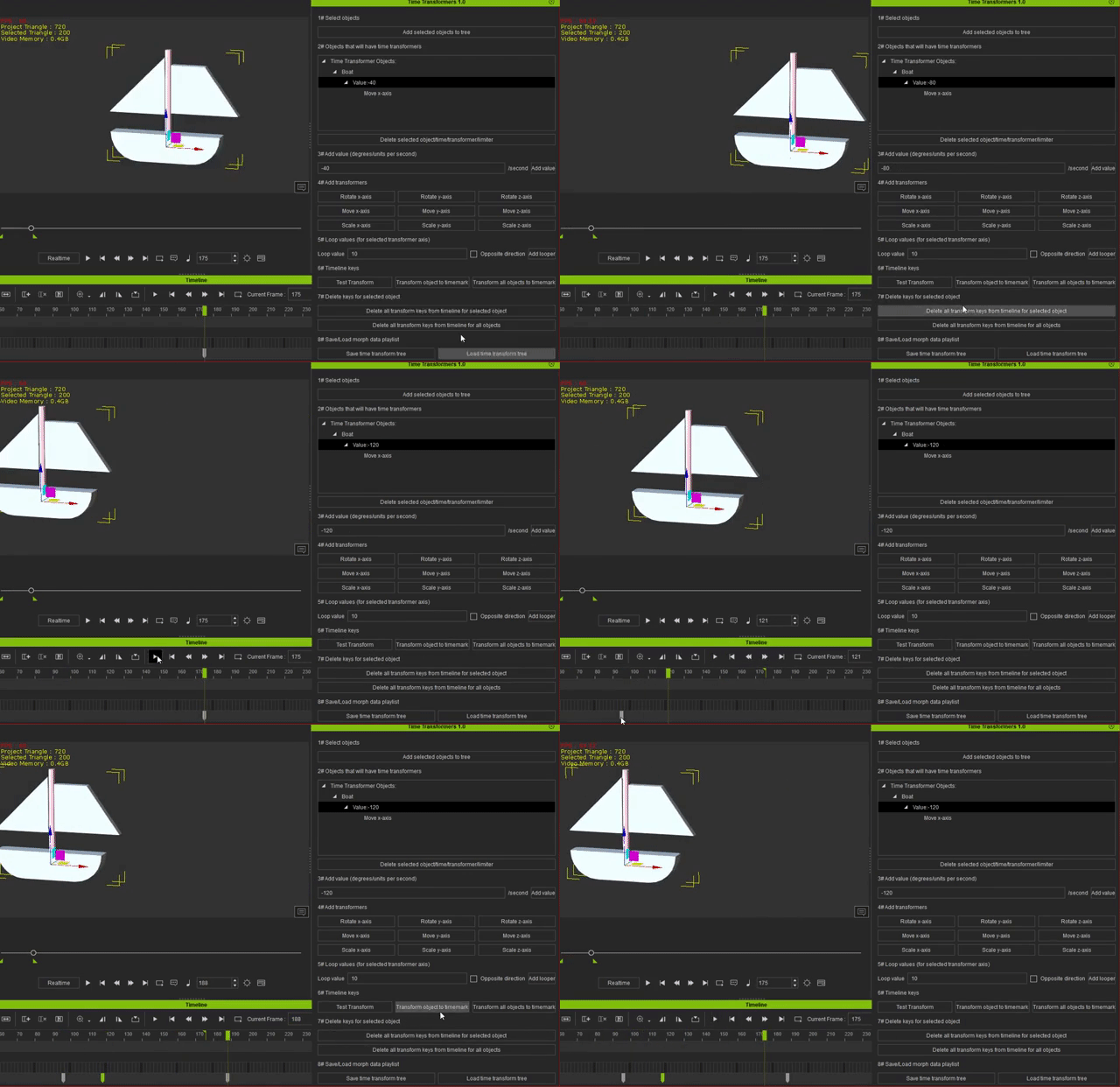
So this is a plugin that do basic rotation, move and scale changes/animations based on units per second instead. You can move the boat, stop it, and then move it again from the previous key in the timeline and it will maintain the speed you have set:
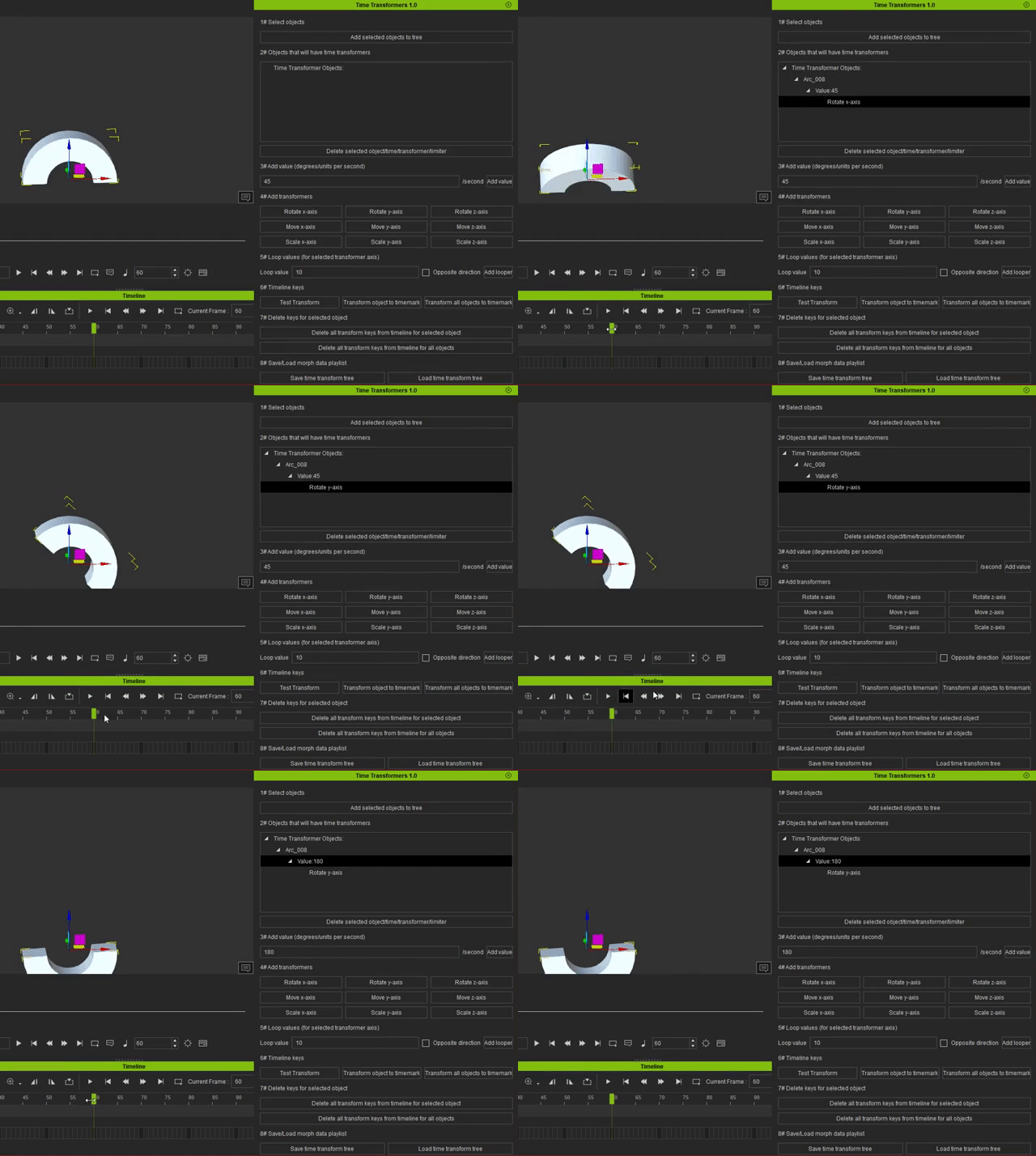
Ex here is a half-circle that I apply 45 degrees every second. If i want to change it to 180 degrees every second. I can just delete the old keys, change the value and apply the new keys to the timeline.
You can test individual transformers and fine tune each one. And then apply all at once:
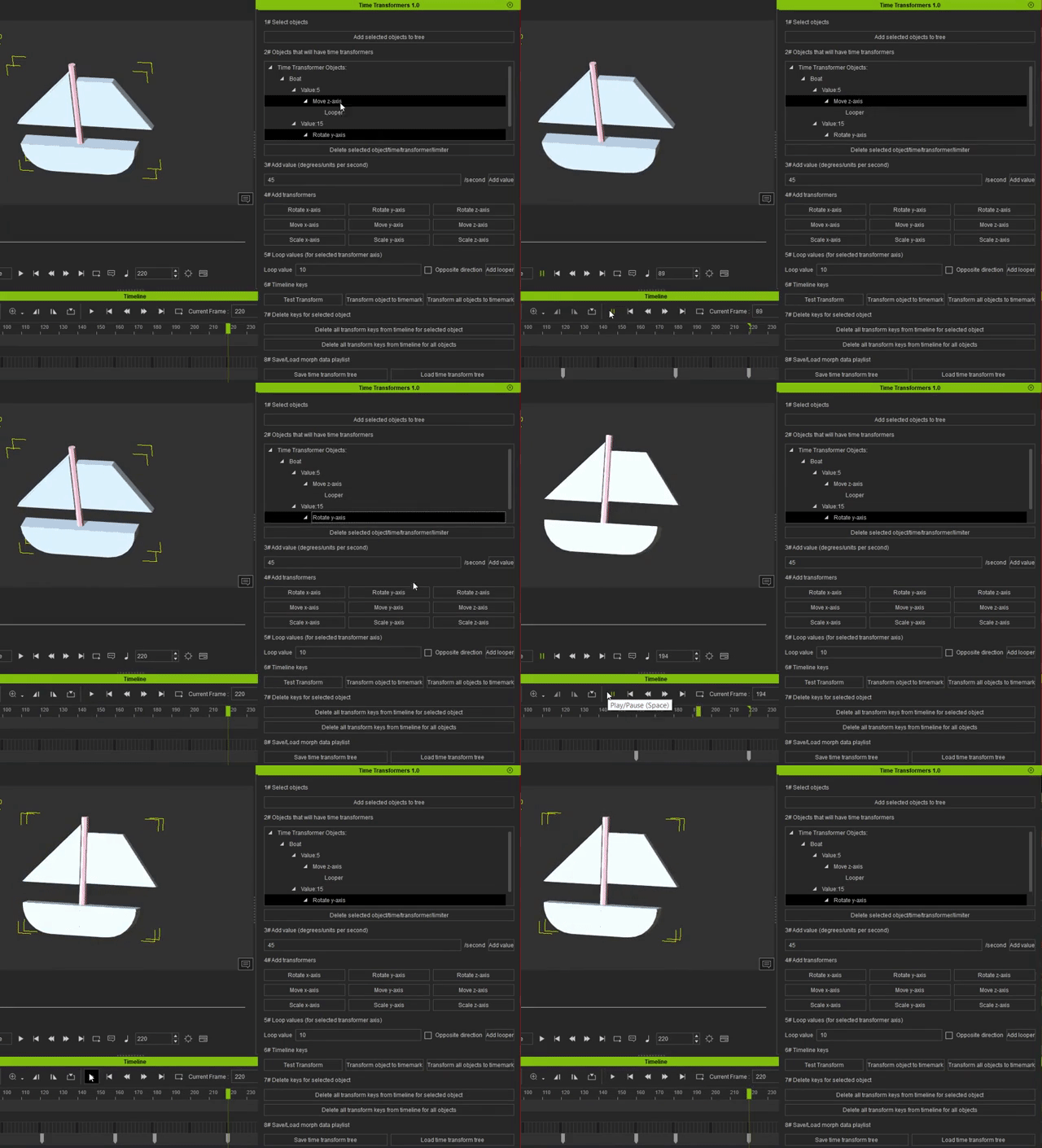
You can also make the change loop/patrol. Ex if your value is 0 at start and you apply 180 units per second and loop every 10 unit. You will make the object animate to 10 and then it will reverse back to 0, to 10, back to 0... in 180 units per second. If you have the same name for some objects, the same animation will be applied on all objects with that name. This will allow you to apply basic object animations on complex structures.
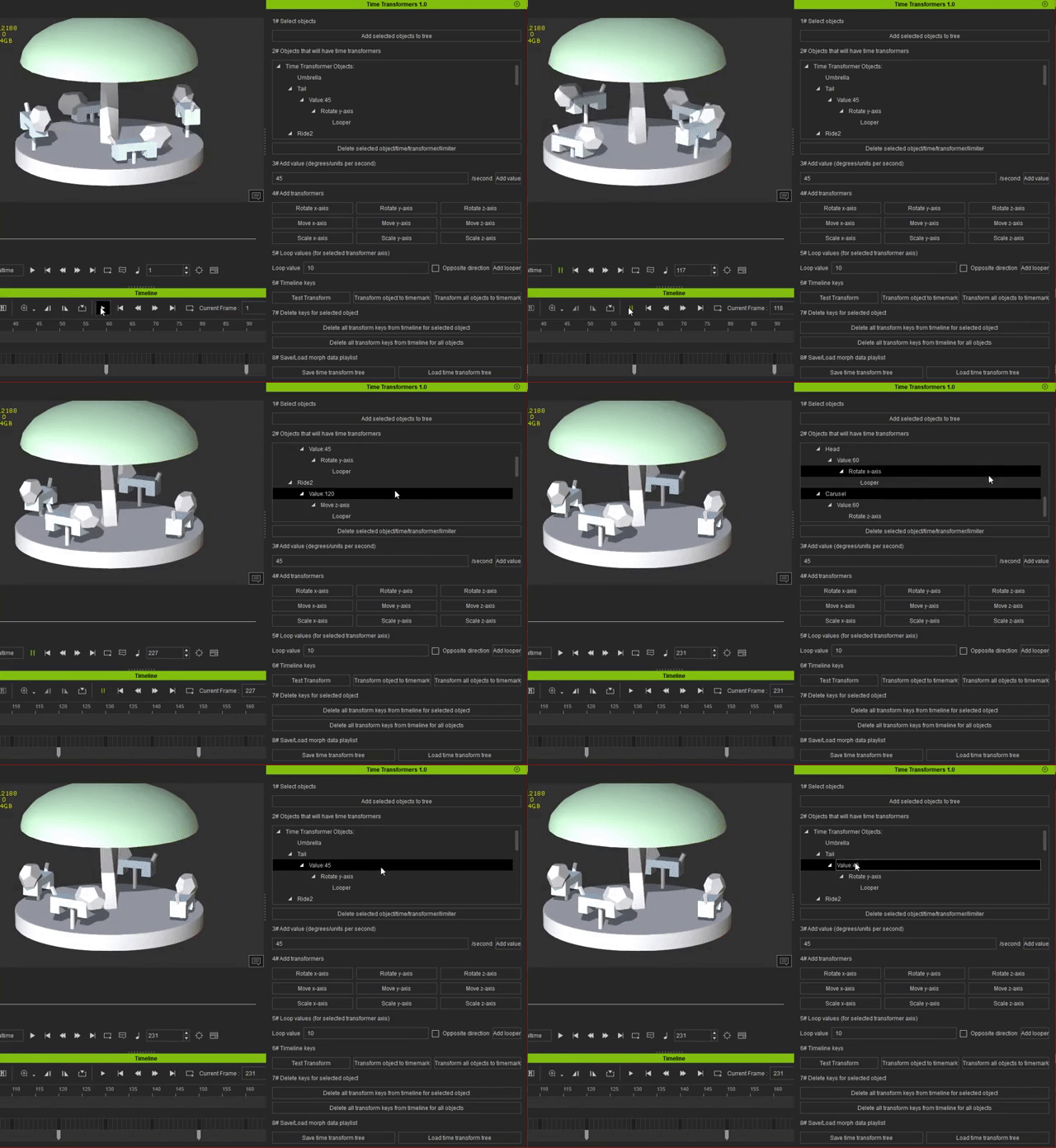
The tail and head is moving too, along with the rest:
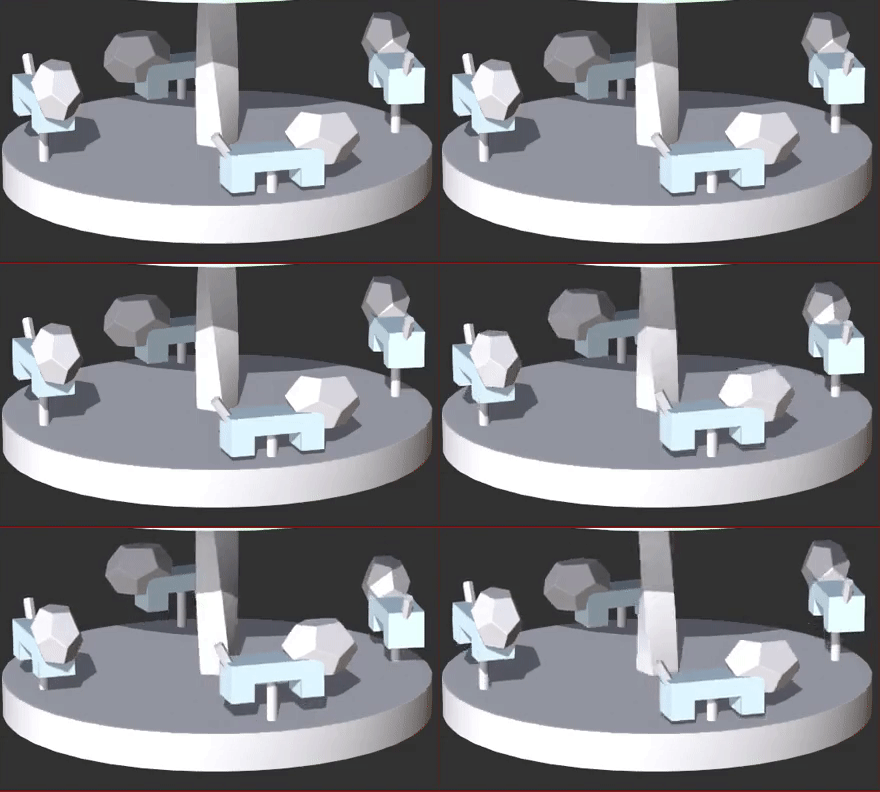
You can save the time transformer tree and load it to change your objects when you need. Or apply it in another project. Note that it is object name based. So your objects need to have the same name in the other project.
iClone 7, 3DXchange 7 Pipeline, CC3 Pipeline, CT8 Pipeline, Iray, Live Face, iPhone Xr, Win 10, i9 9900K ~5GHz, Nvidia RTX 2080 8GB, 16GB Ram, M.2 SSD