Hi,
I'm trying to export my animation with a transparent background for further work in AE. No matter how I try to do this, or what settings I choose I can't seem to get decent quality results. I've tried exporting as ProRes 4444 and as a PNG sequence and in both cases I get jaggy edges and/or fringing. I've also tried the green background approach and exported ProRes 422 but that leaves a green fringe around the characters after keying.
I've tried anti alias on and anti alias off. I've tried Super Sampling on and Supers Sampling off. I've tested this using the built in G3 characters and I get the same fringing.
I'm running CTA v 3.3 on a 2018 MacBook Pro i9 2.9GHz, 32GB with a Radeon Pro 560X. I also tried the PNG sequence export on a 2015 Surface Book running the latest Windows 10 - same result.
I've read every thread I can find on here on this topic and I've watched the YouTube video by Ibis Fernandez on this topic. I'm sure I'm doing what I'm supposed to - but am I doing something wrong or can CTA just not export very well with a transparent background?
Here's a transparent frame from a PNG export:
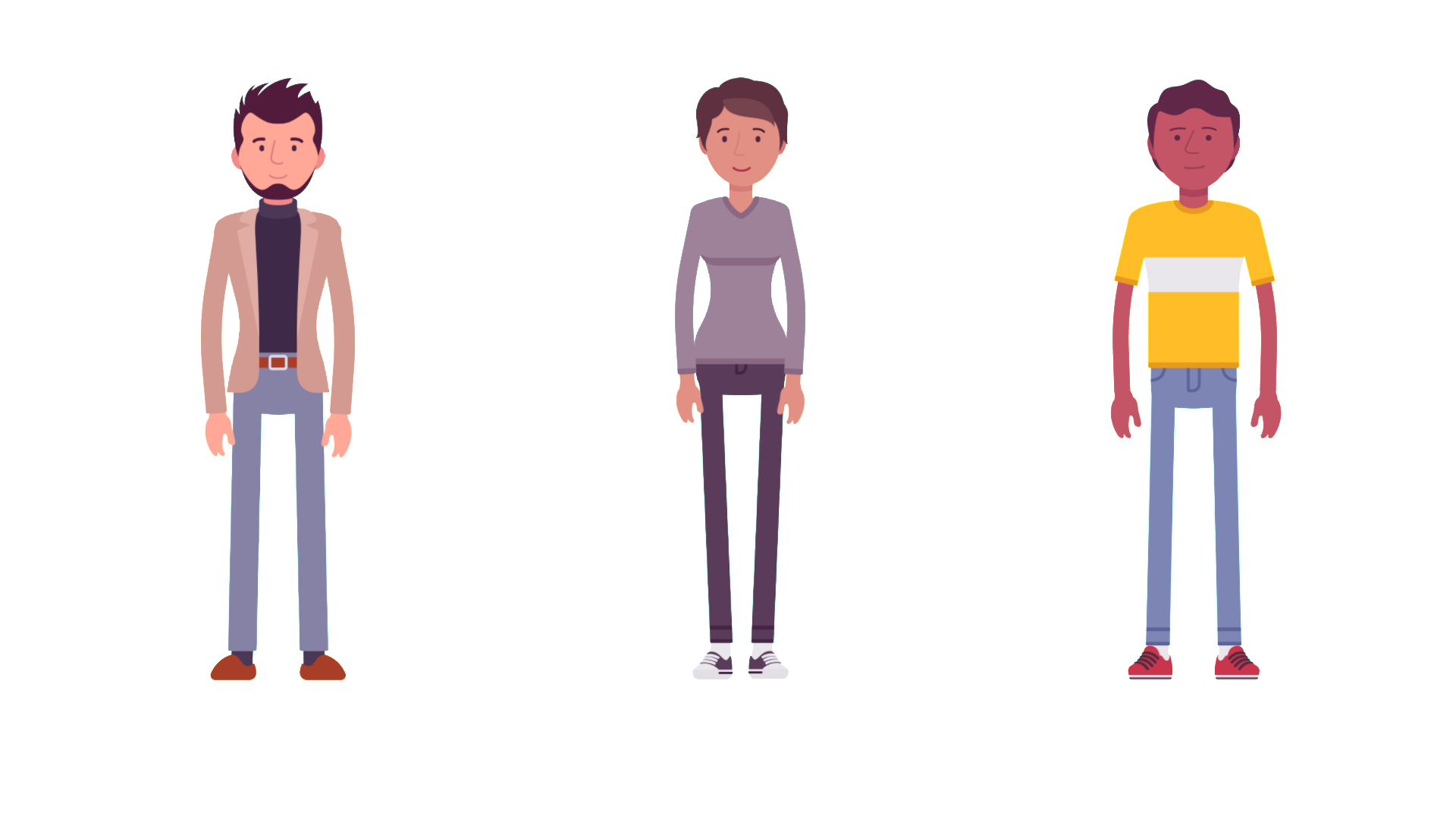
Here's the same frame with a dark background added, which shows off the fringing even more.

Any help would be much appreciated.
Barry