|
By music_20140911111126304 - Last Year
|
Using CC version 4.4, Unity 2021.3.20f1, and the 1.6.0 URP pipeline plugin.
When I use the plugin to import my character into Unity, from the plugin window he looks great:
50% of original size (was 1005x87) - Click to enlarge
But when I add the imported prefab into the actual game, this is what comes out:
50% of original size (was 1005x87) - Click to enlarge 50% of original size (was 1005x87) - Click to enlarge 50% of original size (was 1005x87) - Click to enlarge
The skin and clothes came out fine, but for some reason his hair and beard are all completely black and VERY pixelated. Not sure what I'm doing wrong - I assume it's probably a shader property I overlooked, since it looks fine in the preview window but not the actual game, but not sure what it is I overlooked.
|
|
By Victor.Soupday - Last Year
|
It's a lighting bug.it seems. If there are no realtime lights on the material (or the light intenisity is less than 0.001) the lighting colour returned by the core lighting functions is a large negative number, and as the final lighting result is all the lighting calculations added together it wipes out all the colour from the ambient light.
For now you can prevent it happening by adding a directional light to the scene with an intensity of at least 0.001. But I'm going to have to rework all the URP shaders and probably the built in too to sanitize the Light colour values.
|
|
By music_20140911111126304 - Last Year
|
|
Ah, yeah this is a horror game, so lightning is next-to-non-existent, lol, so that tracks. I'll play around with directional lights, thanks for the tip!
|
|
By music_20140911111126304 - Last Year
|
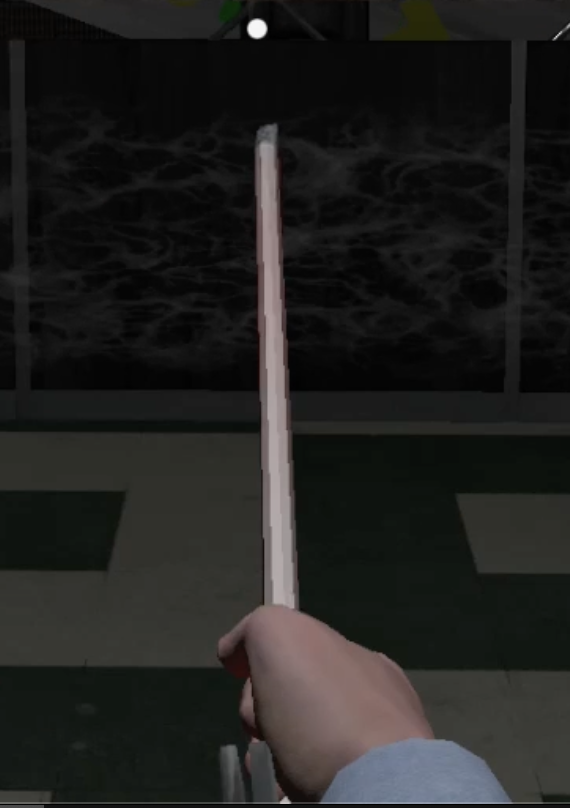
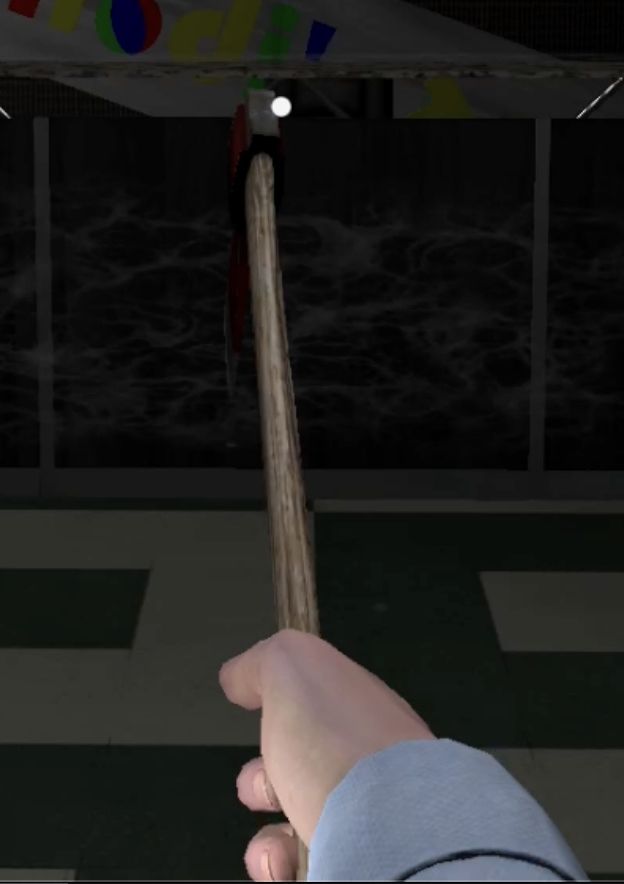
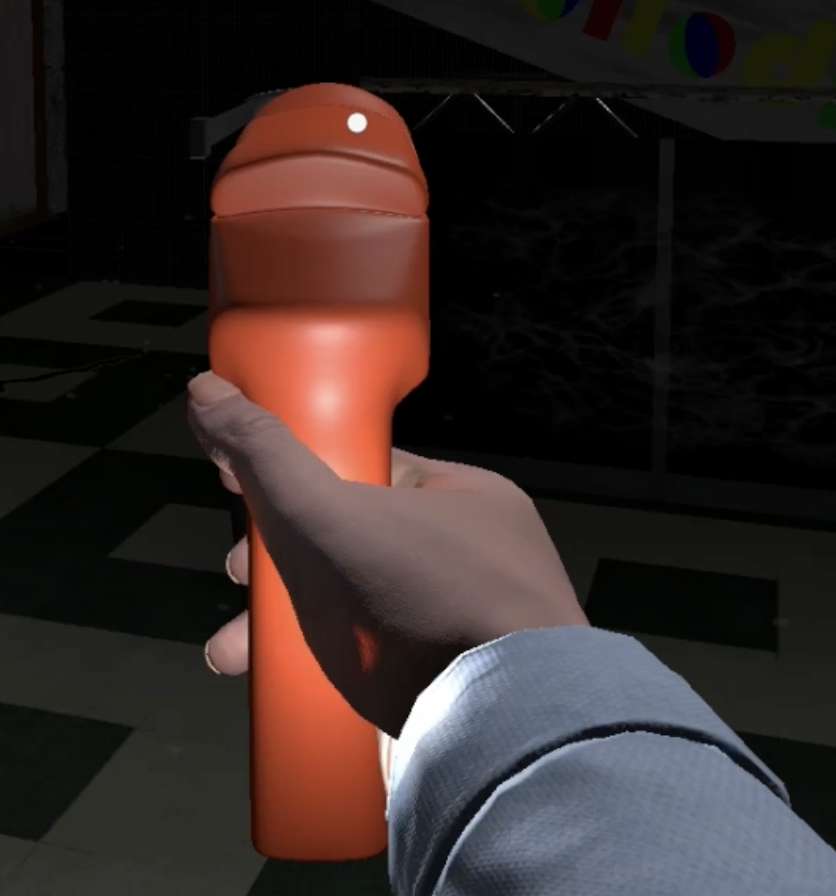
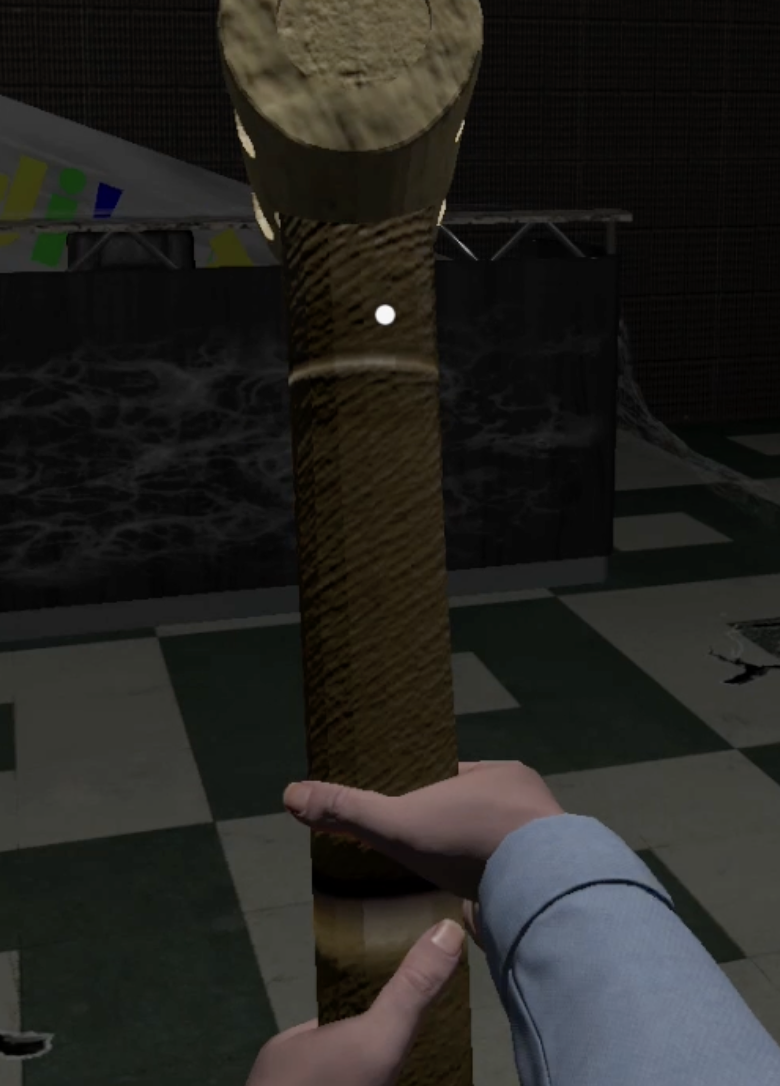
I suspect this may be a similar issue as the hair we discussed previously, but lighting doesn't seem to affect this one, so maybe not. For some reason, the character model's hands are disappearing during gameplay.
If you look at the hands in the Scene or Game view while editing, they appear as normal:
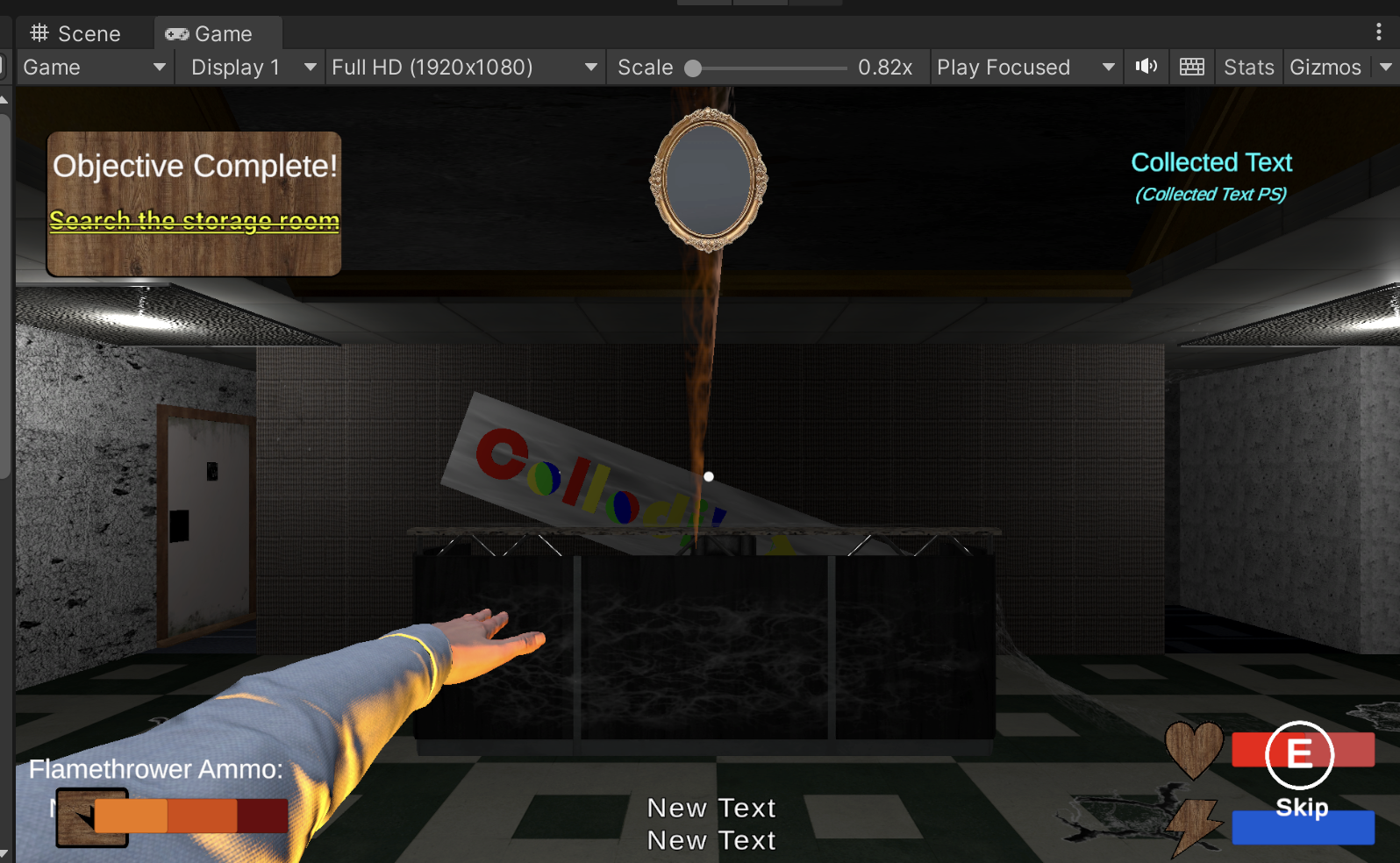
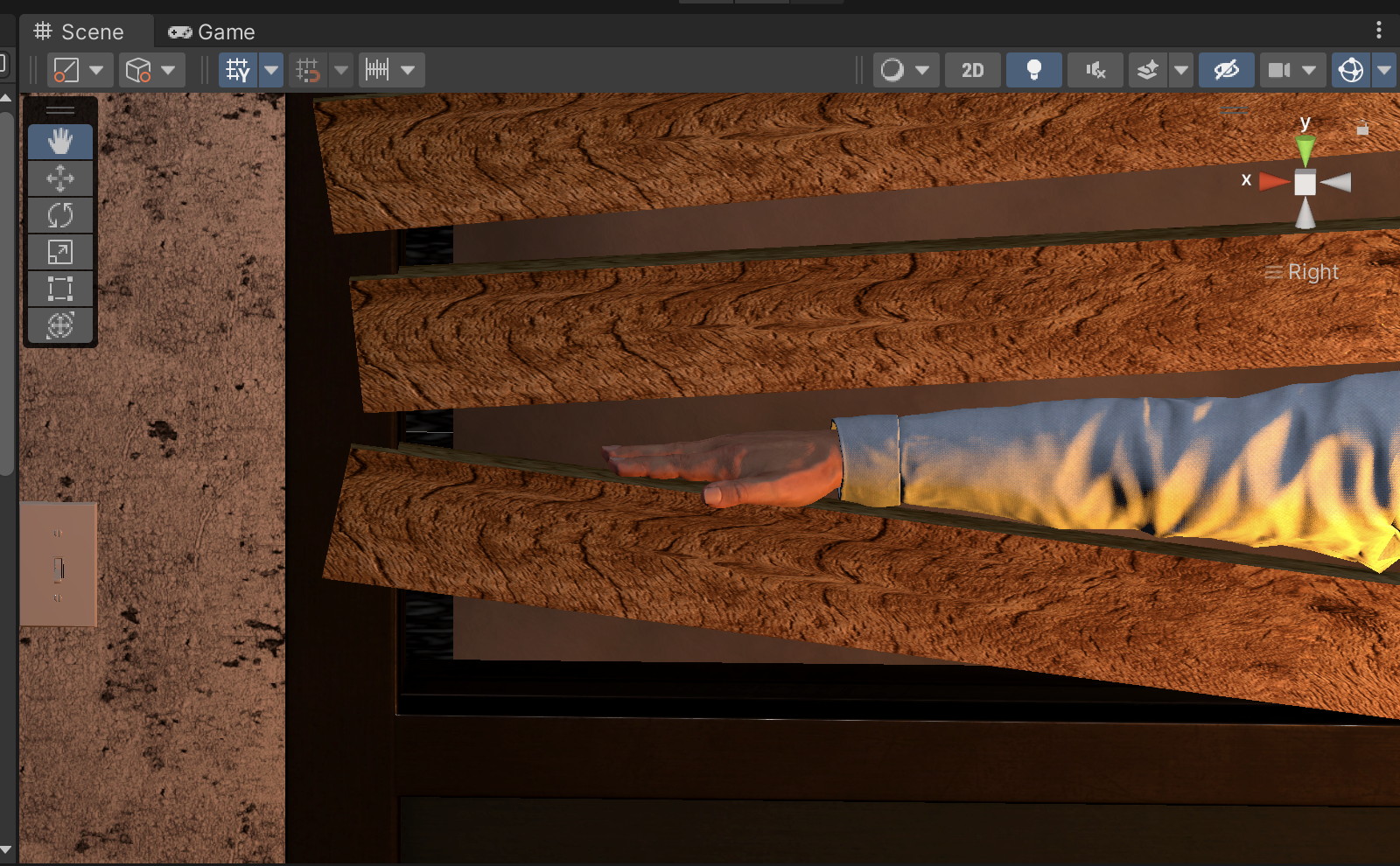
But once you start Gameplay mode, they disappear (both in Game View and Scene View):
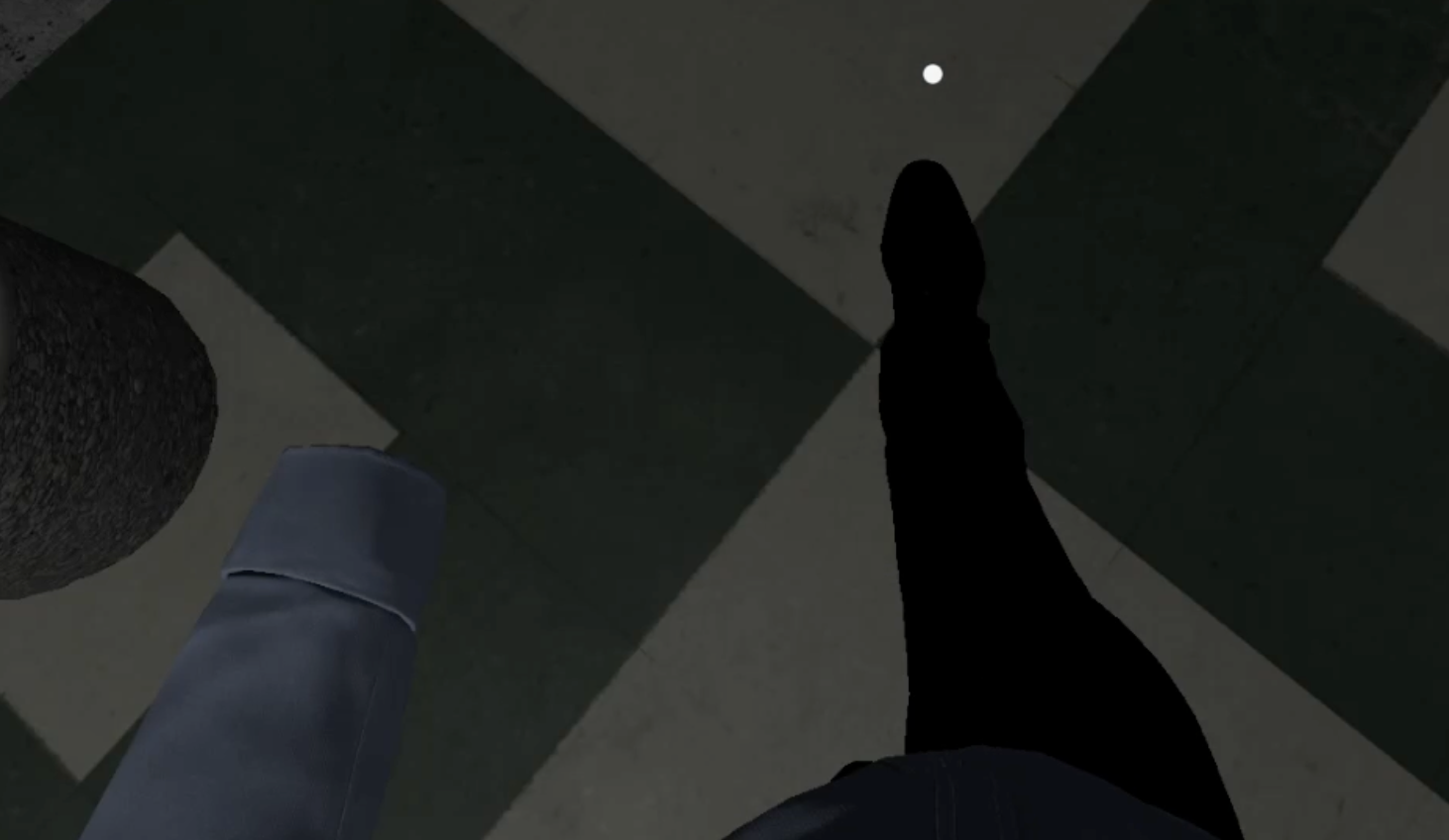
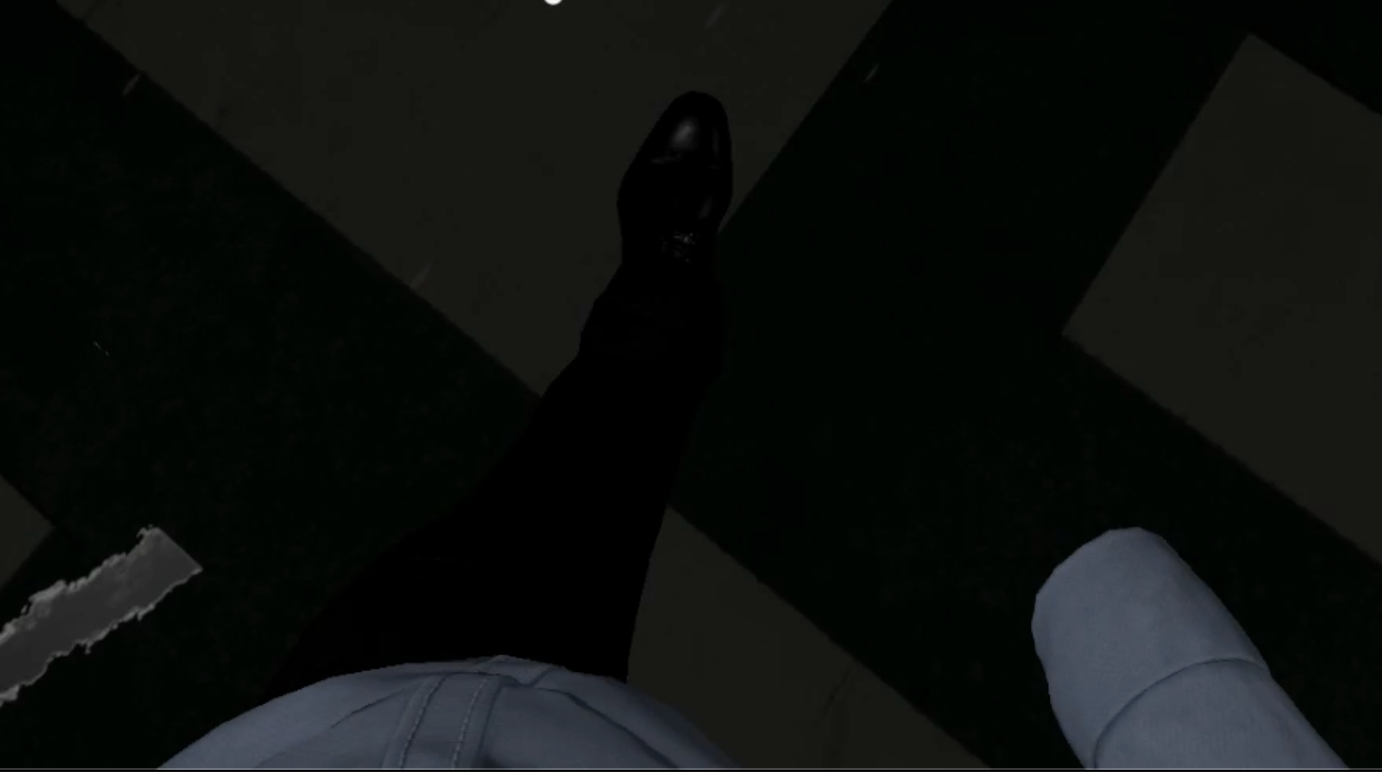
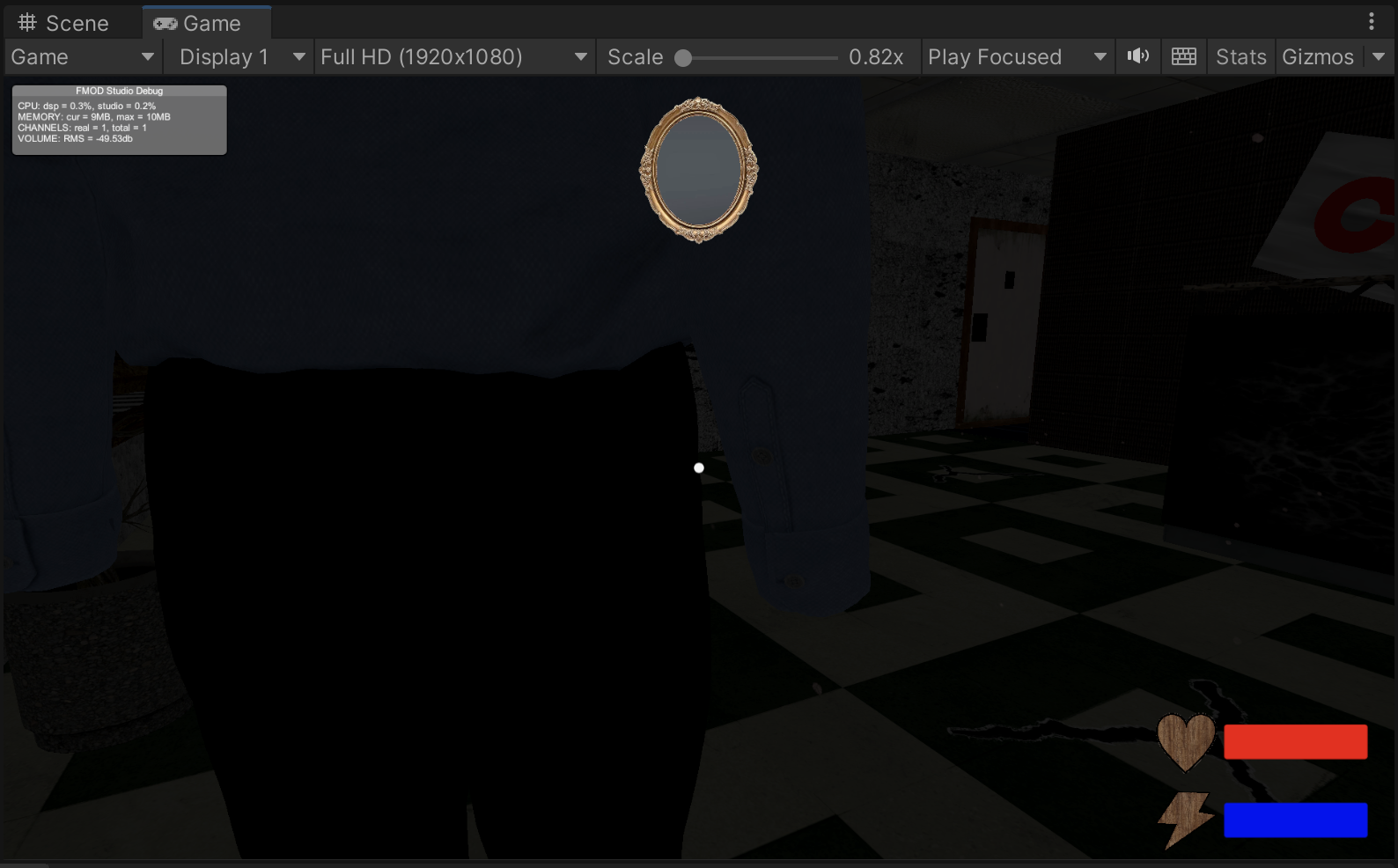
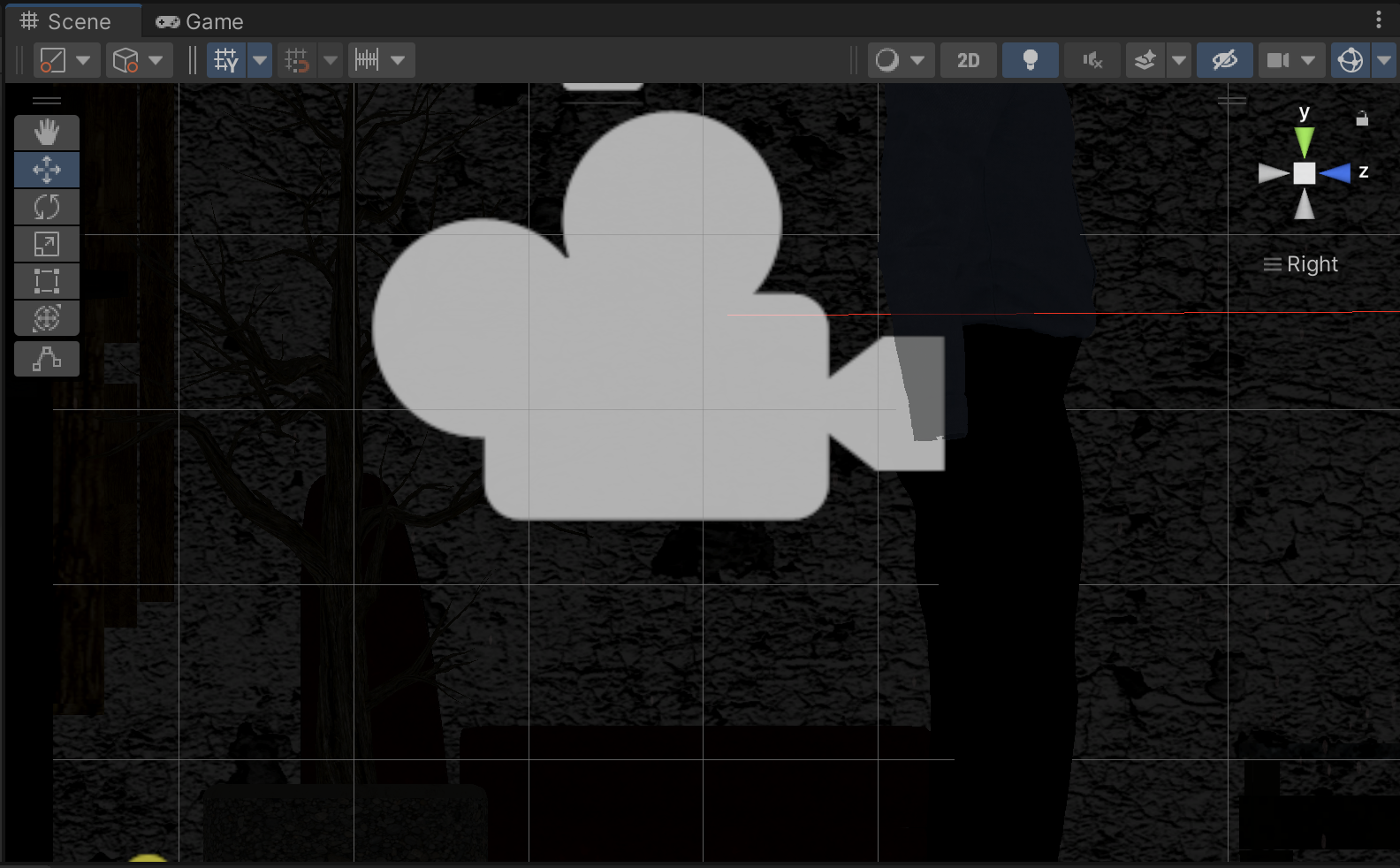
About three minutes into the following demo video is where you can see this animation in action:
I "chopped off" copies of each arm of the model to use for the in-camera arms (for holding weapons, tools, etc), and the hands appear on those models:
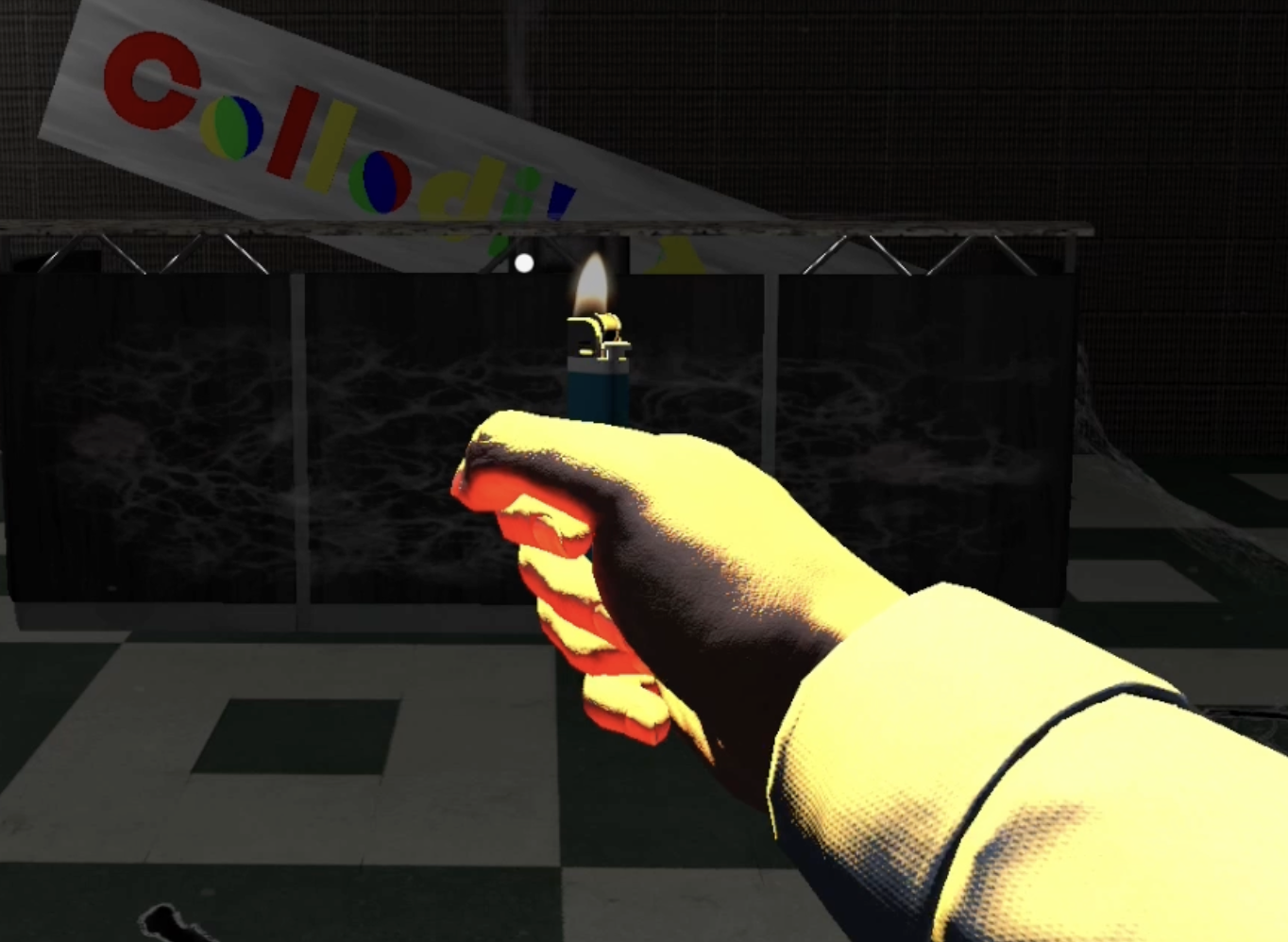
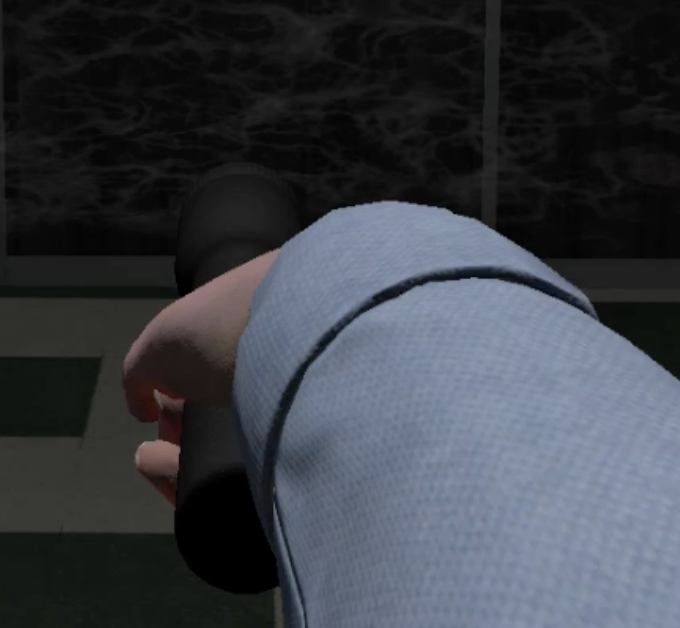     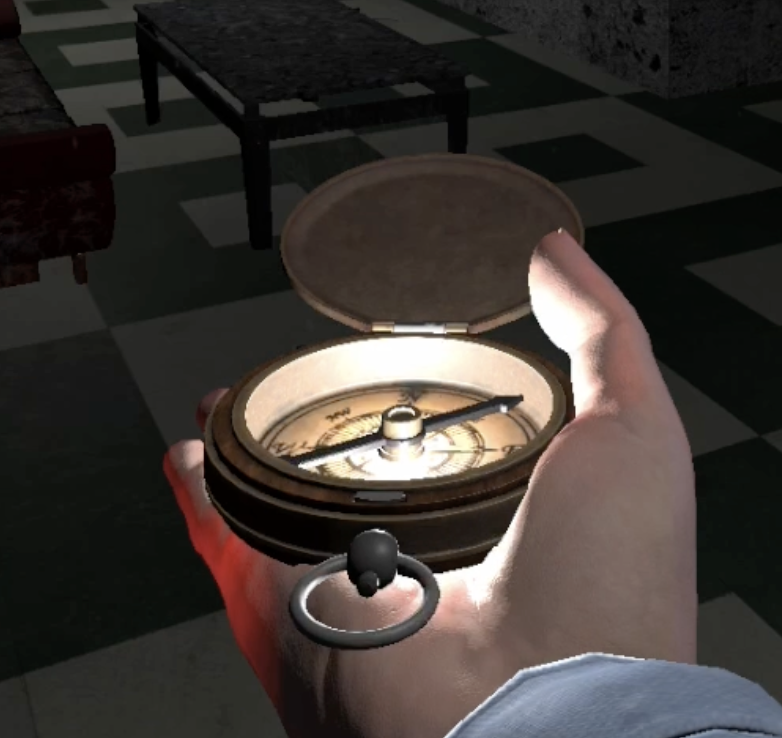
It's just the main model that they disappear from, so I'm a bit flummoxed as to what's causing this.
|
|
By Victor.Soupday - Last Year
|
Most likely getting culled due to bounding box issues with the camera being so close. It uses simple bounding box calculations to determine if an object is on the screen. But if the camera is very close and the object is a complex skinned mesh, it can get it wrong.
Easy way to tell: turn on "Update When Offscreen" in the skinned mesh renderer. See if that fixes it.
|
|
By music_20140911111126304 - Last Year
|
|
Yep, that did it. Thank you again!
|