|
By praxis_labs - 5 Years Ago
|
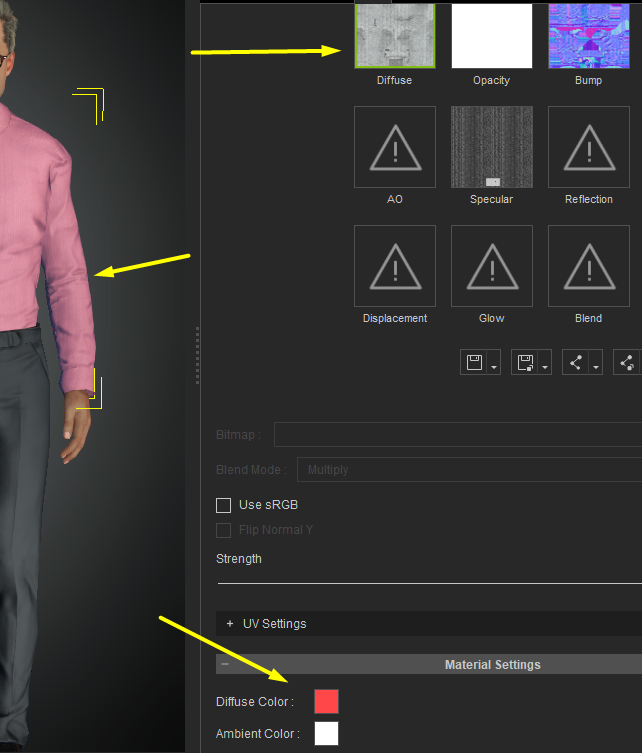
I have adjusted the color of various parts of my model using the Diffuse color for the material settings tab. When i export my Unity 3D Fbx its not getting baked into the diffuse map. Can I get some help in understanding better how to do that?
Below you can see the diffuse map is black and white and I'm adding color to the shirt using the Diffuse color picker box. It exports the diffuse map as is , just black and white.
|
|
By praxis_labs - 5 Years Ago
|
anyone would be able to chime in?
|
|
By michaelrbarton - 5 Years Ago
|
I don't know that much about Unity. Did you try and save the textures in a folder before exporting to Unity?
Did you unload Appearance Editor before exporting to Unity? Because it does gray out if you don't unload
Appearance Editor.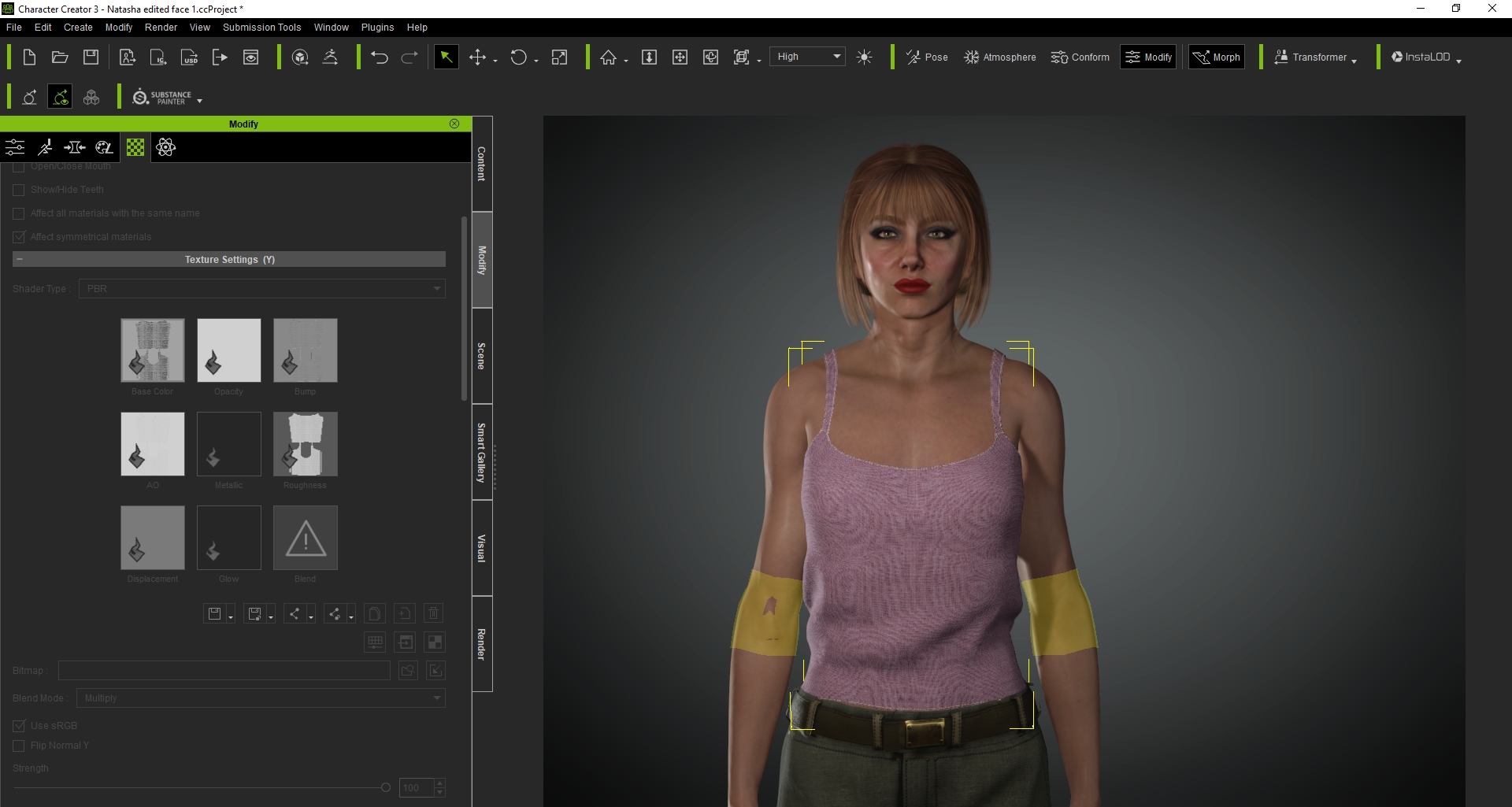
|
|
By michaelrbarton - 5 Years Ago
|
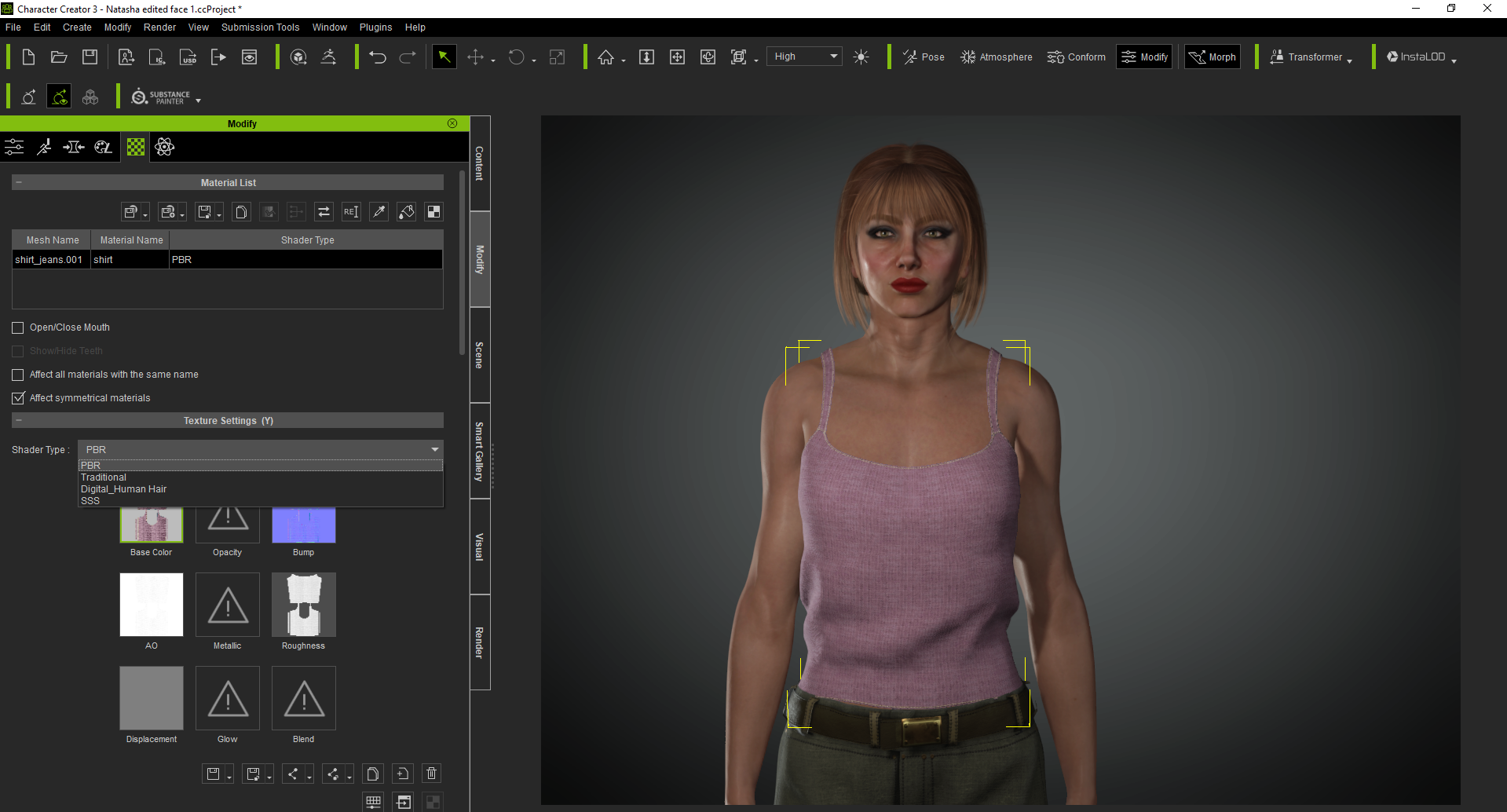 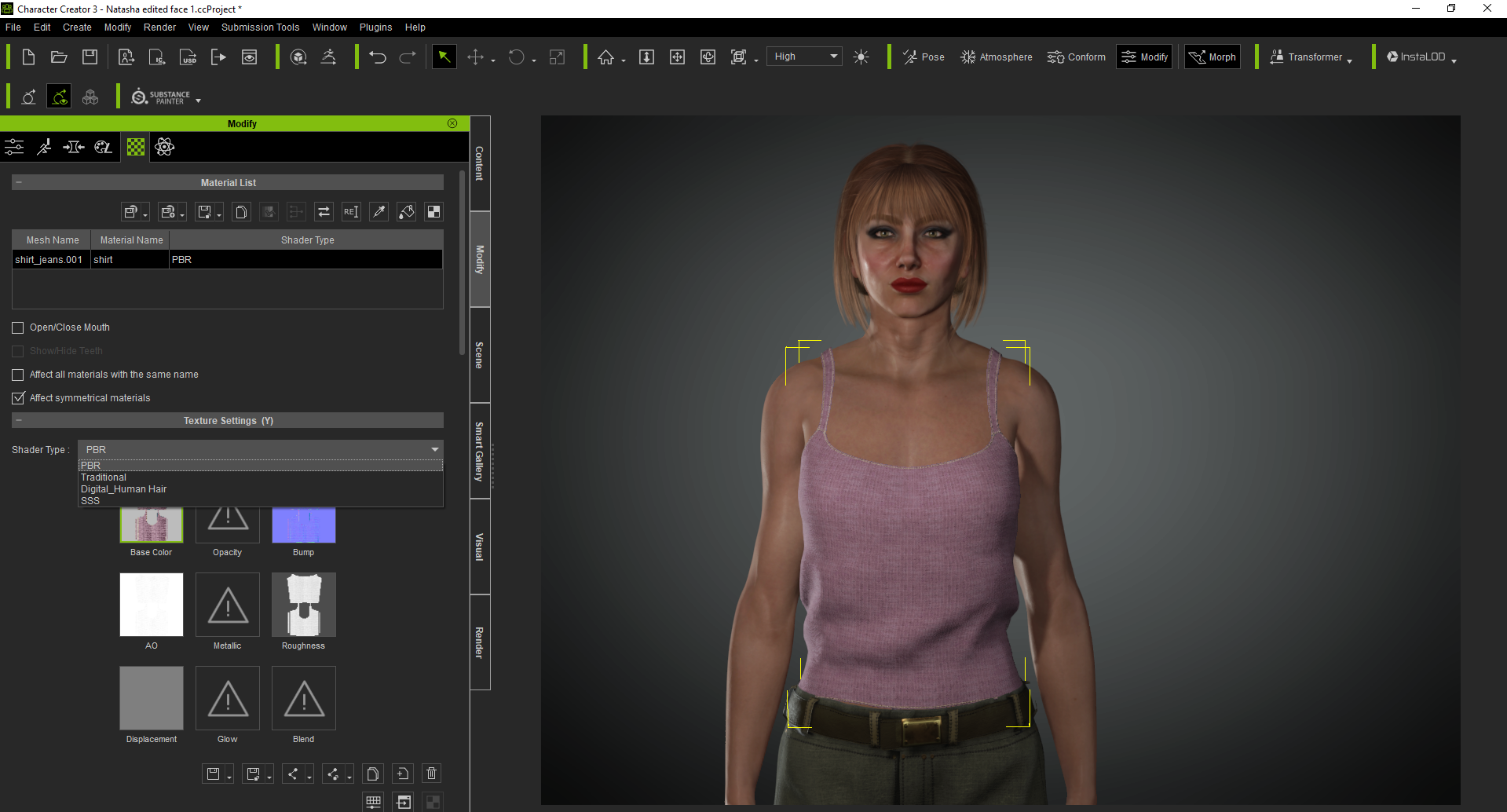 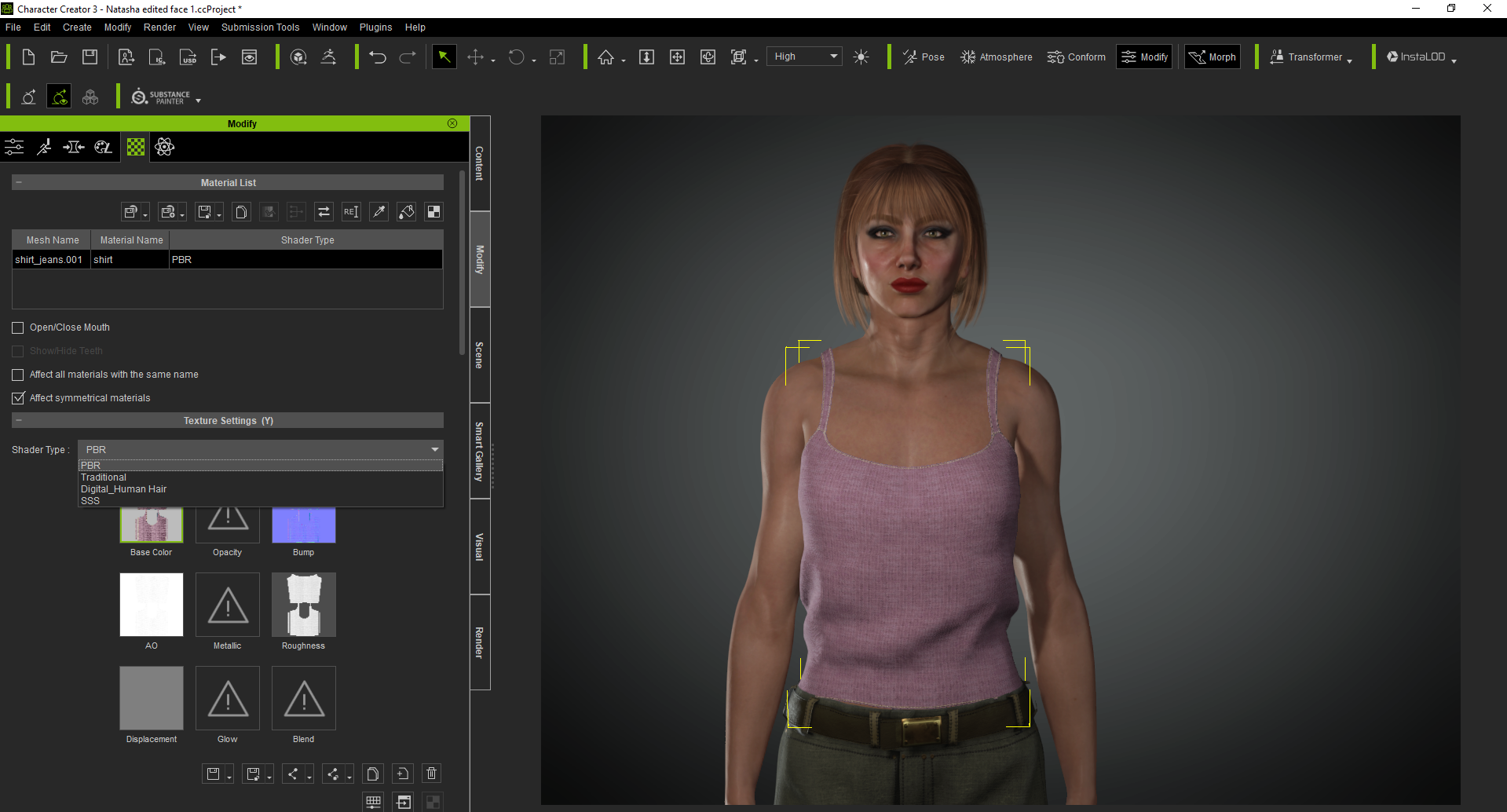 It looks like you are not using PBR shader. You must be using the Traditional shader, because it shows Reflection and Specular. It looks like you are not using PBR shader. You must be using the Traditional shader, because it shows Reflection and Specular.
I must have misclicked, because I only wanted 1 photo not 3.
|
|
By wetcircuit - 5 Years Ago
|
That color is not editing the texture map. Diffuse Color or Albedo Color is an independent setting. It's usually multiplied with the albedo texture.
The equivalent setting in Unity's standard shader is marked with an arrow:
|
|
By praxis_labs - 5 Years Ago
|
Thanks so much for your answer @wetcircuit I work with a dif type of shader. Ideally i'd like my maps to have the Diffuse color channel baked before export.
What is the purpose of a Diffuse color setting in CC3+ if it cant be baked or exported ? or can it be?
|
|
By dan_422114 - 5 Years Ago
|
+1 I expected it to be baked, especially when I use instalod to bake to a single texture/material
|
|
By animagic - 5 Years Ago
|
For PBR material it is better to adjust the Diffuse channel texture.
The Diffuse Color is a holdover from legacy ways to do materials, as it also works when there is no Diffuse texture at all.
|
|
By dan_422114 - 5 Years Ago
|
|
animagic (9/24/2021)
For PBR material it is better to adjust the Diffuse channel texture.
Small disagree, adjusting the diffuse is potentially destructive (once you multiply by black, there is no going back!) also only works if the textures are embedded.
|
|
By 4u2ges - 5 Years Ago
|
That is an interesting question. I do not expect it to be baked on export and original texture should not be destroyed, but the Diffuse color should be properly "routed".
You guys who work with Unity may want to address this question to Victor.
Victor's Unity thread: https://forum.reallusion.com/FindPost488356.aspx
Same thing is actually happening when exported to Blender. CC Diffuse color ended up as a Viewport Display color in Blender :w00t:.
But that color could be easily Multiplied with the texture using a couple of extra nodes in shader (same way as it is done in CC).
Victor's Blender thread: https://forum.reallusion.com/FindPost475005.aspx
|