|
By will2power71 - 6 Years Ago
|
I tested something out last night. I had a DAZ Character in my Iclone library. I loaded it and noticed that you can't convert its materials to the Digital Human shader. Does this mean that the new shader will not be available to custom content? It's kind of a let down if you can only apply it to CC3 characters. I hope that's not the case. If Reallusion were to at least create a guide to creating the right maps for these shaders for custom content it would be better than not having it at all for any of your custom content.
I'd love to be able to bring my own figures into Iclone and take full advantage of this, but it looks like something that is only available for Character Creator 3 content. I hope this is not the case forever.
|
|
By Peter (RL) - 6 Years Ago
|
|
Unfortunately the Digital Human Shader is only compatible with CC3 characters. It can't be used with custom characters brought in using 3DXchange 7. However you can bring in a Daz character using Transformer and then apply the Digital Human Shader to it.
|
|
By will2power71 - 6 Years Ago
|
Now that's really unfortunate. I hope Reallusion will change it's outlook on this. It's like no one at Reallusion kept in mind that people will want to create things that don't conform to what you can do in Character Creator 3. Not making the shader available for other meshes besides CC3 male/female. That means if I want to make a tail, I can't make one that will match the shader of the human I'm attaching to, so it will look like piecemeal garbage. Or if I want to import a character that you can't do in CC3 like a Satyr or a Dryad, when you render the scene, everyone with the Digital Human Shader will look fabulous, while the character you've created will look different --which is again, garbage.
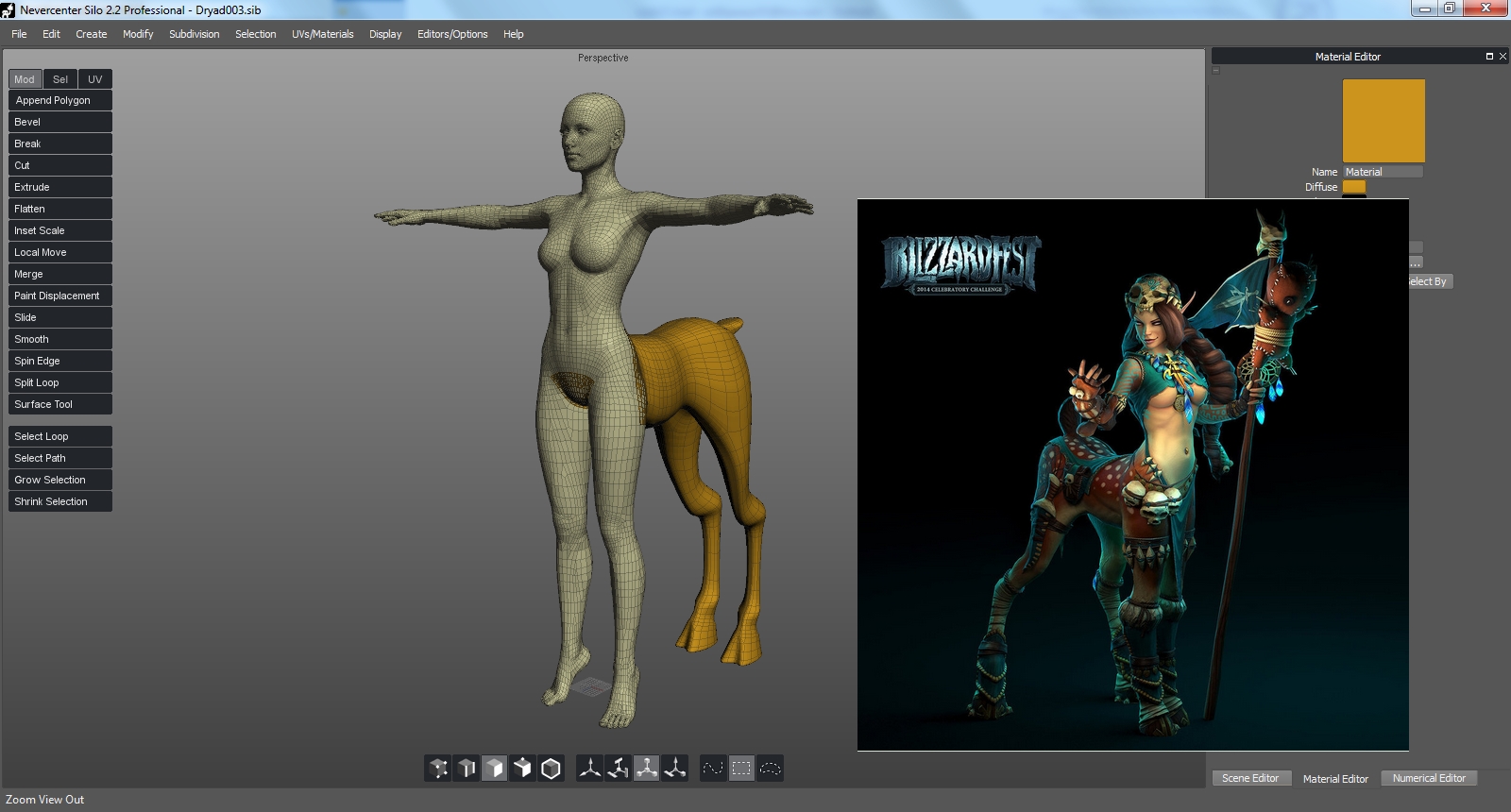
The key thing that I want to point out is that this way of thinking really crushes creativity. As an animator, I want to get the image in my head on the screen --which I want to look it's best, but when you are cut off from the best technology available or only given partial access to it, it's really disheartening. The Shader should be available for any use --not just the uses Reallusion thinks we should have. I'm not saying that you have to do it for us, but give us the capability to do it, and we can handle the rest. With all the tools available to us today, you can't honestly believe that we wouldn't be capable of applying it on our own if you show us how. The only thing you really have to do is write a guide to what's needed and stand back.
It seems like at every turn, I am running into limitations that aren't natural when it comes to this platform, whether it be blocking access to materials in speedtrees, this, taking away the ability to replace body parts, or the lack of animation tools for animating things other than bipeds.
I guess for now I'll just have to adjust my thinking when it comes to the Digital Human shader and only use it if I'm using CC3 characters. Still, it's very frustrating to be limited like this in taking advantage of new technologies.
|
|
By Peter (RL) - 6 Years Ago
|
|
Thank you for the feedback. I will pass this on to the iClone/Character Creator team.
|
|
By wildstar - 6 Years Ago
|
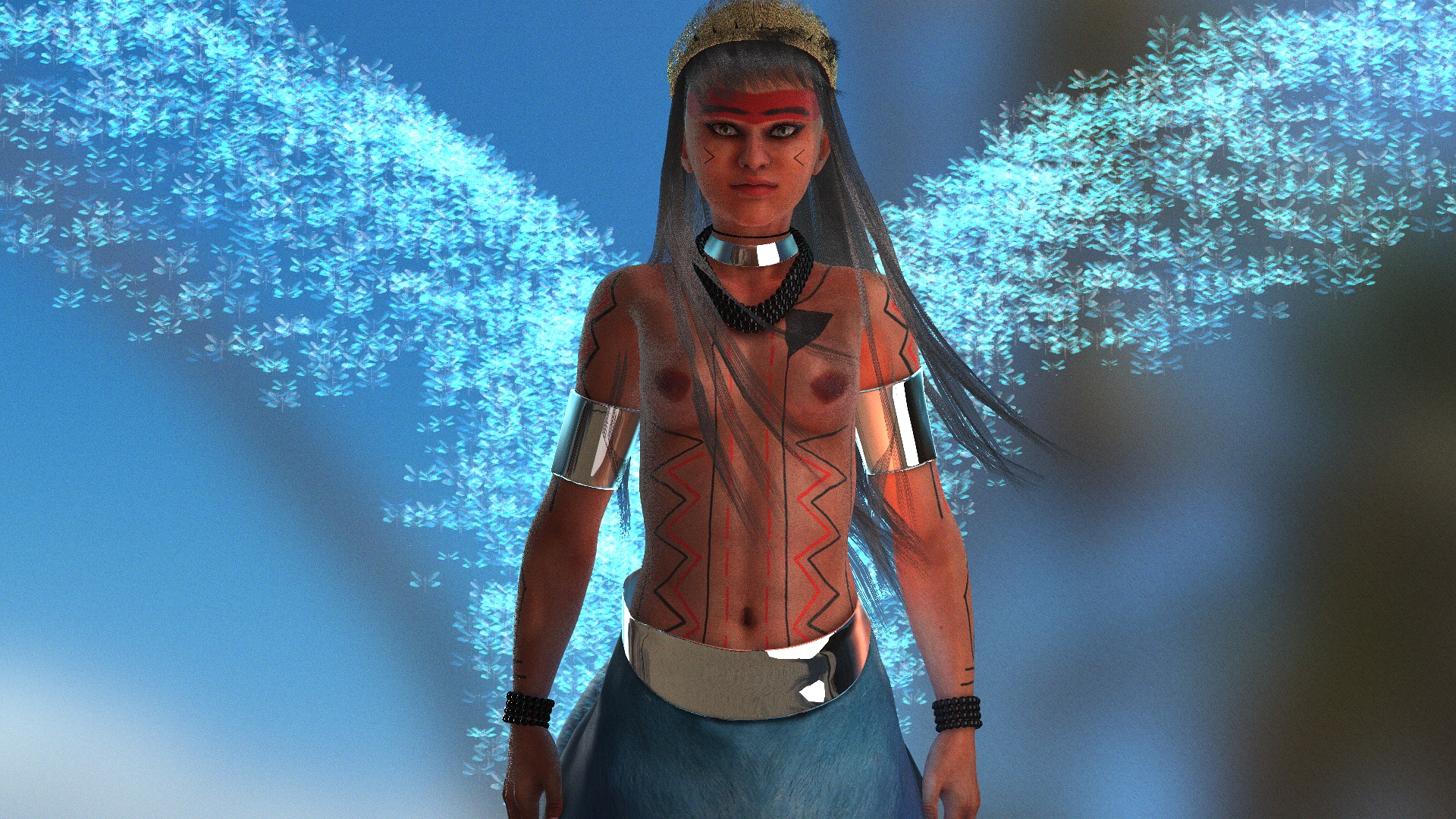
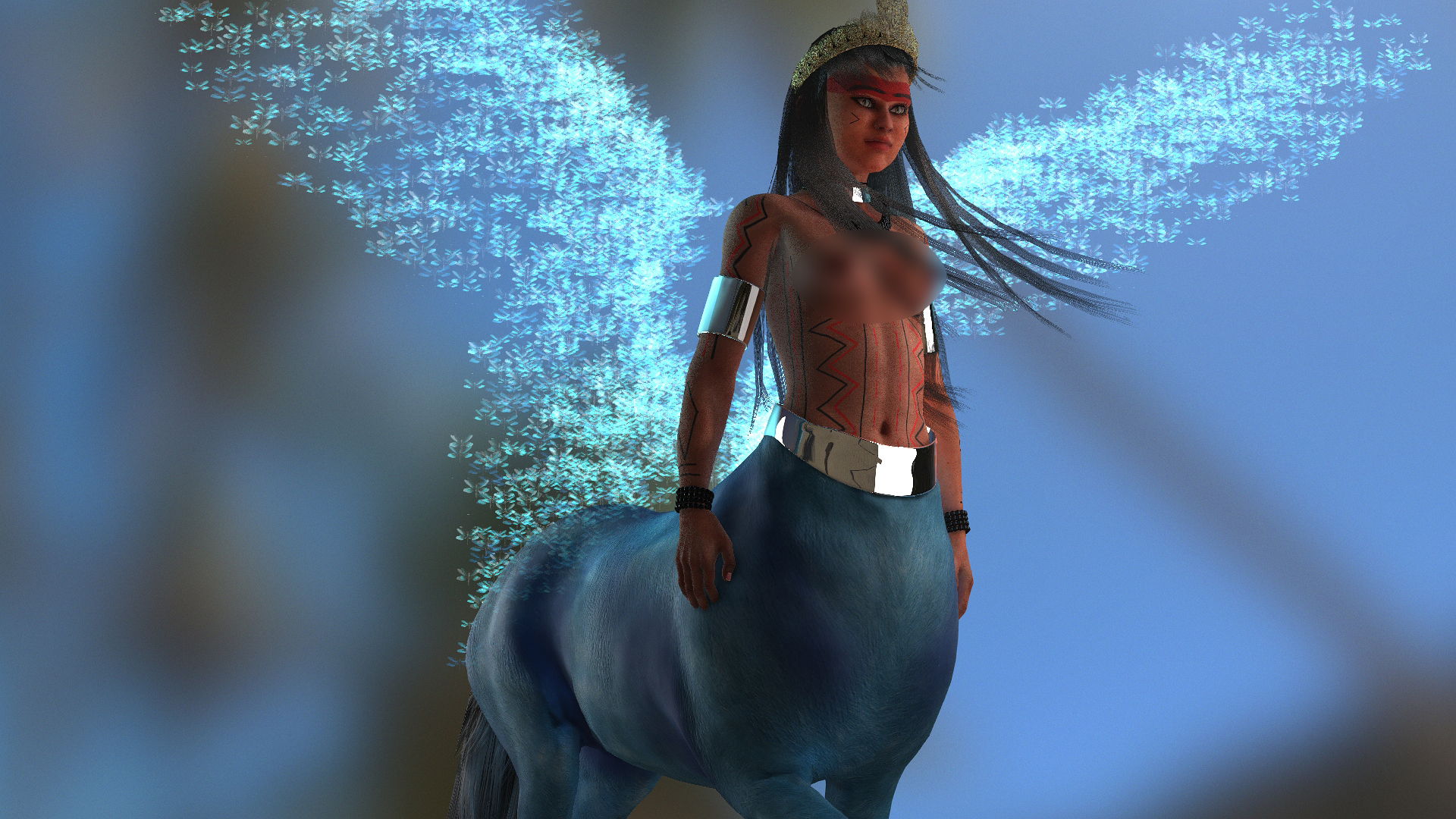
i working on a female centaur and i dont need custom figures for that :)
|
|
By will2power71 - 6 Years Ago
|
|
wildstar (11/23/2019)
i working on a female centaur and i dont need custom figures for that :)
Congratulations on your effort, Wildstar. The point I was trying to make was not intended as a knock on what you can already accomplish. There are plenty of examples of inventive ways like yours that work. The point I am trying to make is that there are those of us who, for whatever reasons of or own, don't want to use a CC3 asset. There are some things that you can just not get out of a Character Creator 3 asset, and if you are cut off from the DHS, then whatever asset you create is going to look out of place. It will draw the eye in a negative way because it doesn't look like the DHS characters and will affect the overall quality of what you are trying to achieve. I don't want my scene to look like piecemeal when it's put together, so when I start a project, I take care to model what I need or texture it so that they all look like they come from the same source. If needs be, I rig from scratch and I want to be able to make the end result look as good as it can possibly get. For those people who are content to work with stock content, this isn't a problem, but it's a big limitation to anyone who wants to do custom work. There are some limitations you can't get around like speedtrees --for now. But when you engineer something for animation, the idea is that you can't anticipate how someone will want to work something out, so it's better to build tools that you can apply without restrictions rather than thinking of one particular way of doing things. For instance, I like toons but there are some limitations with what you can do with CC3 because of topology. Iclone gives me the ability to characterize a custom skeleton precisely for that reason and it's a major attractant to working in Iclone. A shader should be the same way. When you think about it, a shader's just settings and maps --so there's no reason to restrict it to one kind of asset. The thing is, the only thing they have to do is remove the restriction of being only able to apply it to a CC3 asset. If they do that, then the rest will take care of itself. Someone will figure out how to create the needed maps by the tutorial they've already posted on Youtube:
So really the only thing I'm asking for is for them to get out of the way and let me use the shader with what I want. Something even more important that someone hasn't pointed out --is that you could use this with something like a standard prop and gain even greater control of how it's rendered just by creating the proper maps to go with it, like an alien metal or a greatly detailed magical tree. What I'm saying is that they've created this thing with great potential and all they have to do is remove the limiter on it and get out of the way. The Iclone community is filled with people who can take something like this and really surprise you with figuring out new uses for it. Right now the only think stopping someone from doing this is not being able to apply the shader to anything other than CC3 Figures.
|
|
By wildstar - 6 Years Ago
|
I only agree in part. Reallusion needs to focus on where it makes money, and ready-made content today is a way to make money, I know some artists today who live solely on creating content for the daz store. and I plan to open my store at reallusion and daz very soon. I'm currently very busy. but very soon. about the limitations of cc3 they are just for animals and talking things like this character I created for a client once. ps cc1 bases cant use human shader too
|
|
By TonyDPrime - 6 Years Ago
|
Will, could you situate the horsey back of a CC3 so that you get the shader, and the horsey?
Or do you need the full gallop, so it needs to be a full character.
I agree would be great to have Digital Shader expanded to objects and everything else. You could see in the Youtube tutorial, the one above with the shader, he talks about the jade subsurface...
You know he wishes he could be doing it on that sub-surface dragon every rendering engine uses to display sub-surface.
|
|
By animagic - 6 Years Ago
|
|
will2power71 (11/21/2019)
whether it be blocking access to materials in speedtrees
That's a limitation of the SpeedTree run-time license used for iClone and not RL's fault.
|
|
By justaviking - 6 Years Ago
|
|
Peter (RL) (11/20/2019)
Unfortunately the Digital Human Shader is only compatible with CC3 characters.
I don't understand why that would be the case.
I would think "a shader is a shader" and the geometry shouldn't matter.
Why not let us apply the DH Head shader to a horse, or a lampshade if we want to? Same with the Human Skin shader. When it renders using any of our "renderers," a polygon is a polygon, right? What am I missing?
|
|
By 4u2ges - 6 Years Ago
|
|
What am I missing?
The problem here Dennis is, that DH for CC3 is using around 40 custom made texture maps (Reallusion\Shared Templates\digital_human_shader_resource\CC3).
And unless the figure is unwrapped and divided precisely as CC3 character, those maps are not going to fall in place even if one use paint bucket and apply the material.
The head shader looks to be the most complex in a bunch.
But anyone with enough skills can go ahead and create/customize those to be suitable for any character (some of them like Micro normal can be reused though).
The DH is there and it is ready to be used, but with properly generated texture maps.
|
|
By will2power71 - 6 Years Ago
|
|
4u2ges (11/24/2019)
The problem here Dennis is, that DH for CC3 is using around 40 custom made texture maps (Reallusion\Shared Templates\digital_human_shader_resource\CC3).
And unless the figure is unwrapped and divided precisely as CC3 character, those maps are not going to fall in place even if one use paint bucket and apply the material.
The head shader looks to be the most complex in a bunch.
But anyone with enough skills can go ahead and create/customize those to be suitable for any character (some of them like Micro normal can be reused though).
The DH is there and it is ready to be used, but with properly generated texture maps.
That isn't a reason to prevent people from having access to it. In point of fact, you don't have to have your UVs match CC3 in order for a shader to work. If I have access to the maps, then I can make my own to fit the geometry I want to us because modern tools allow you to create maps at will. If I wanted to make a version of one of those texture maps, then all I need is Photoshop, the Clone Brush and the Spot Healing Brush. If you want to go a step further, You can use the free version of Mari, or Wrap 3.4, or Autodesk Maya's map transfer to re-align the texture maps to a different UV set. And it doesn't matter if the object isn't the same topology as long as the shapes are similar, you can always project the map over the new geometry, which Reallusion already does in the Character tools for transferring characters from DAZ/Poser to CC3, so your point doesn't make any sense. You could even make the conversion tool work in reverse since the mechanism already exists --the only thing you would need to change is the direction of the transfer. Or you can use Substance Painter or Zbrush and just projection paint whichever map onto the geometry you want to use it with. I learned that years ago with a five minute tutorial. You speak as though the tools or knowledge to transfer a map between pieces of geometry or create a map from scratch is impossible. Yes, it's a lot of work --and Yes, people will do that work if it benefits them. I'm not asking Reallusion to do the work for me. I'm asking them to allow me access to apply the shader to anything I want, rather than restricting it to just the CC3 figures.
|
|
By Rampa - 6 Years Ago
|
You can use the paint bucket to apply the shader to whatever you want in iClone. Then you just need to make the masks you need. So go ahead and paint the skin shader on something else, then change the maps as needed.
You can just delete all the maps and make a reasonable transmission map. That should get you going.
|
|
By 4u2ges - 6 Years Ago
|
|
You speak as though the tools or knowledge to transfer a map between pieces of geometry or create a map from scratch is impossible. Yes, it's a lot of work --and Yes, people will do that work if it benefits them. I'm not asking Reallusion to do the work for me. I'm asking them to allow me access to apply the shader to anything I want, rather than restricting it to just the CC3 figures.
Where did I say it is *impossible*? I said out of the box applying DHS would not produce expected result because indeed maps produced by RL are for CC3 characters in response to Dennis' question.
But the funny thing is, that you wrote all that just reiterate my point which I had in just one sentence:
<But anyone with enough skills can go ahead and create/customize those to be suitable for any character (some of them like Micro normal can be reused though)
The DH is there and it is ready to be used, but with properly generated texture maps.>
Suppose you should have read my post to the end....
|
|
By will2power71 - 6 Years Ago
|
4u2ges (11/24/2019)
You speak as though the tools or knowledge to transfer a map between pieces of geometry or create a map from scratch is impossible. Yes, it's a lot of work --and Yes, people will do that work if it benefits them. I'm not asking Reallusion to do the work for me. I'm asking them to allow me access to apply the shader to anything I want, rather than restricting it to just the CC3 figures.
Where did I say it is *impossible*? I said out of the box applying DHS would not produce expected result because indeed maps produced by RL are for CC3 characters in response to Dennis' question.
But the funny thing is, that you wrote all that just reiterate my point which I had in just one sentence:
<But anyone with enough skills can go ahead and create/customize those to be suitable for any character (some of them like Micro normal can be reused though)
The DH is there and it is ready to be used, but with properly generated texture maps.>
Suppose you should have read my post to the end....
I did read it I just don't see it as a problem. You answered him like it would be too difficult to accomplish because it's a complex shader, which I don't agree with.
|
|
By will2power71 - 6 Years Ago
|
|
Rampa (11/24/2019)
You can use the paint bucket to apply the shader to whatever you want in iClone. Then you just need to make the masks you need. So go ahead and paint the skin shader on something else, then change the maps as needed.
You can just delete all the maps and make a reasonable transmission map. That should get you going.
Rampa, thanks for pointing this out. I just tried it and it did make it possible for me to apply the shader to a different object. That solves a lot of problems for me --thanks!

|
|
By 4u2ges - 6 Years Ago
|
|
I did read it I just don't see it as a problem. You answered him like it would be too difficult to accomplish because it's a complex shader, which I don't agree with.
Matter how you perceived the post..
|
|
By Rampa - 6 Years Ago
|
|
You can certainly get it working, but remember it is not officially supported, so your on your own..... Or rather, with the forum help! :)
|
|
By justaviking - 6 Years Ago
|
Thanks, all, for the responses and discussion.
Yeah, any auto-generated maps would be a problem, but as long as we have access to them, we could make the ones we need. Around forty? Uff da, that's intimidating. Not sure I'm quite that motivated.
It's interesting we can use the "paint bucket" to copy the skin shader to a prop. So if that's the case, why not also expose the shader in the dropdown list?
My main two motivations for this are: a) SSS for things like candles and jade statues and stuff, and b) The anisotripic shine effect that's in the hair shader.
No complaints, though. I want to be clear about that. No complaints from me. This is "v1.0" of the new skin and hair shaders, so we have time to refine and adapt them to other uses in the future. So maybe not exactly the "Head" shader, but something like it for general use on props or things would be a good addition. I assume they've done the heaving lifting, having written the new shaders, so it seems like making a variant or two from them would be a reasonable next step.
|
|
By 4u2ges - 6 Years Ago
|
I second that JAV.
RL came up with Substance PBR 200+ after PBR introduction. Hope we are looking forward to get Substance DPS (Digital Prop Shader) ... well at least 50+ :)
And some universal, customizable DPS shader, which would utilize appropriate controls and maps currently present in various Digital Human Shaders.
|
|
By Rampa - 6 Years Ago
|
|
The hair shader is the one you will get in the drop-down after you convert the shader with the convert button. The paint bucket of the skin shader is borderline "hack". ;)
|
|
By justaviking - 6 Years Ago
|
|
Rampa (11/25/2019)
The hair shader is the one you will get in the drop-down after you convert the shader with the convert button. The paint bucket of the skin shader is borderline "hack". ;)
But you don't get the Hair Shader listed in the drop-down if you select something like a shirt. You only have Traditional and PBR.
I don't believe there's some fundamental mathematical reason why you couldn't use the hair shader on a silky blouse or wherever else you thought it would look cool. It wouldn't violate the laws of physics. So I'd like to see that sort of capability available to us in the future. I'll have to write up that request in Feedback Tracker.
|
|
By CtrlZ - 6 Years Ago
|
justaviking (11/25/2019)
Rampa (11/25/2019)
The hair shader is the one you will get in the drop-down after you convert the shader with the convert button. The paint bucket of the skin shader is borderline "hack". ;)But you don't get the Hair Shader listed in the drop-down if you select something like a shirt. You only have Traditional and PBR. I don't believe there's some fundamental mathematical reason why you couldn't use the hair shader on a silky blouse or wherever else you thought it would look cool. It wouldn't violate the laws of physics. So I'd like to see that sort of capability available to us in the future. I'll have to write up that request in Feedback Tracker.
I realize I have no knowledge about this lol but could you temporally change the blouse as hair and then use the drop down?
I know I know I'm stupid right :D
|
|
By animagic - 6 Years Ago
|
|
justaviking (11/25/2019)
I don't believe there's some fundamental mathematical reason why you couldn't use the hair shader on a silky blouse or wherever else you thought it would look cool. It wouldn't violate the laws of physics. So I'd like to see that sort of capability available to us in the future. I'll have to write up that request in Feedback Tracker.
To protect RL from legal claims in case the world does end, there should be a disclaimer that applying the DHS other than intended is at the user's own risk...:P
Seriously, I can see a friction here between simplicity and versatility.
|
|
By will2power71 - 6 Years Ago
|
Problem Solved. I commented on the Youtube Channel and got this reply from Reallusion:
|
|
By Kelleytoons - 6 Years Ago
|
Now let's hope they do the same for the hair shader.
Here's what happens -- you apply the hair shader to a beard that is weighted as hair. Makes sense, right? But you also need head hair, so you turn the beard and head hair into accessories and merge them and reweight them as hair. All good and fine but... they now have to have the shaders reapplied because once they turn into accessories Hair shader isn't available.
As Dennis says, the universe doesn't end when you do this, so why can't the hair shader still be available if the item is an accessory? (Or, anything, really). Just an unnecessary extra step.
|
|
By Peter (RL) - 6 Years Ago
|
To confirm.
From the next update you will be able to fully use the Digital Human Shader for props and non-standard characters. :)
|
|
By Warped Reality VFX - 6 Years Ago
|
Hello, guys in case you missed this I created a tutorial on how to create the maps and apply the shader to other characters and objects.
|
|
By Joevolve - 6 Years Ago
|
I feel like my predicament might be a bit trivial here but here goes, the Digital Human Shader actually works wonders and provide characters with impressive looks,
but ever since CC3 came out, the appearance editor has being greyed out for character skin texture editing, which am trying to live with, but after recently updating to 3.2
reallusion provided DH skin for four characters but all of them are Caucasian skin, I was wondering if Reallusion would be so kind to provide at least 2 DH characters
1 male & 1 female for negro skin characters, cause frankly I don't have any texturing skills
|