|
By mmapoodle - 2 Years Ago
|
Greetings all,
I'm having an issue with hair and I'm wondering if this is a user error or a bug.
I'm following Realillusion's tutorial here: https://courses.reallusion.com/home/iclone/pipelines/omniverse?v=iclone-cc-omniverse-connector-tutorial-how-to-render-realistic-humans-in-omniverse
The issue is my character's hair. Kali quickly become Khaleesi.
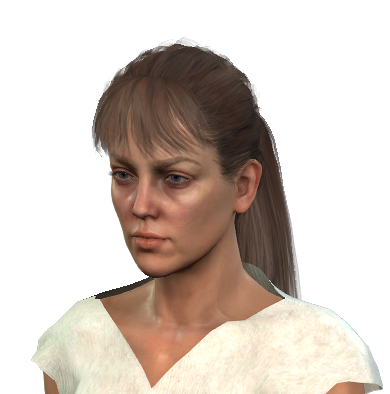
(Render from iClone8.51)
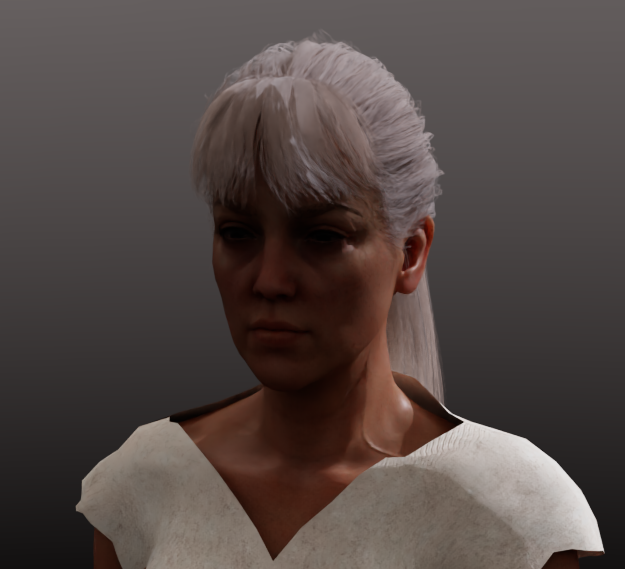
(Render from Omniverse Interactive Path Tracing)
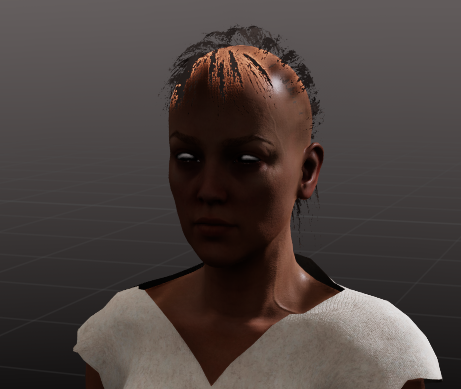
(Render from Omniverse RTX Real Time)
The path tracing render results in hair that's way too light and despite going through the options - I can't figure out how to get the hair back to its original color that's from iClone.
I've tried transferring via Live Link as well as exporting the character as its own .usd file, the results are the same.
Has anyone else experienced this issue? Any help would be greatly appreciated.
|
|
By mmapoodle - 2 Years Ago
|
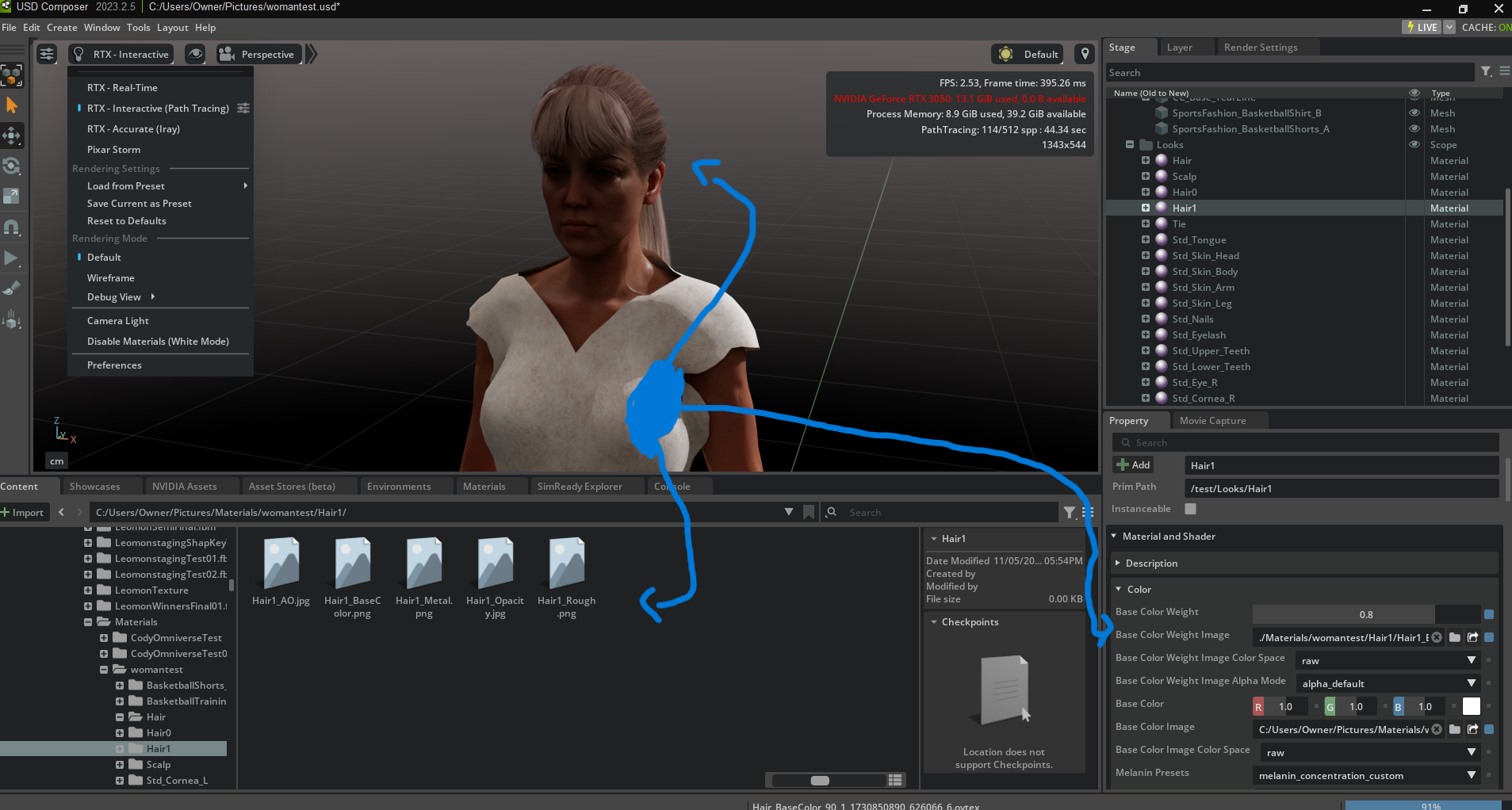
Update:
Found the culprit.
The Base Color Weight Image and Diffuse Weight Image aren't mapping to the Material and Shader upon exporting from iClone8.51 but the Opacity and Roughness are. What's up with that?
|