|
By basphi - 4 Years Ago
|
Hey there!
I modeled a T-Shirt for my character which looks great and works with soft physics as well. I saved it as a template but as soon as I try to apply it to the same character in the same position the shirt is in the wrong position and moves super strangely.
Does anybody know why that could be and how I could fix that? (*the file upload rotated my images, sorry for that)
Appreciate any help!
Philipp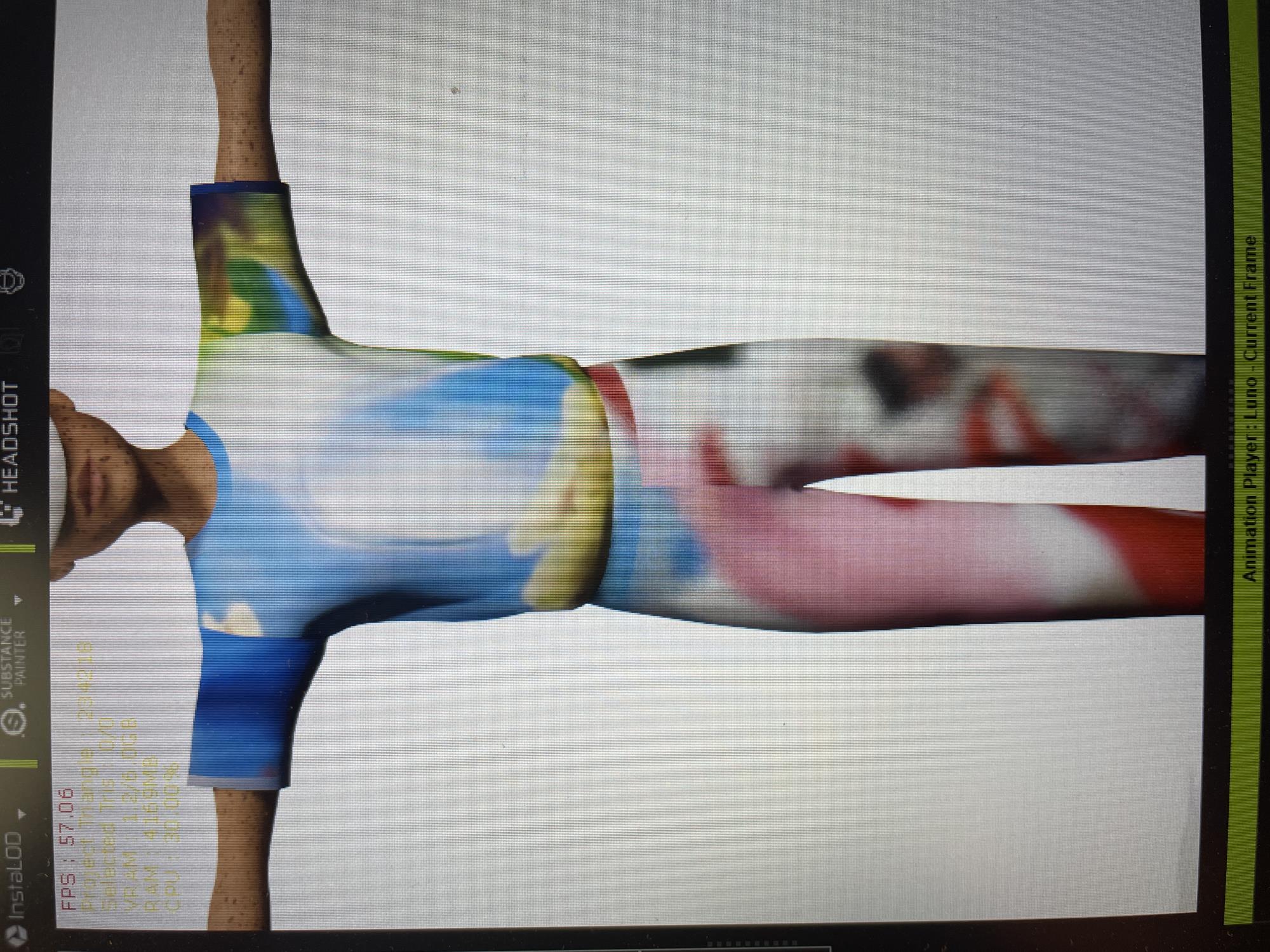 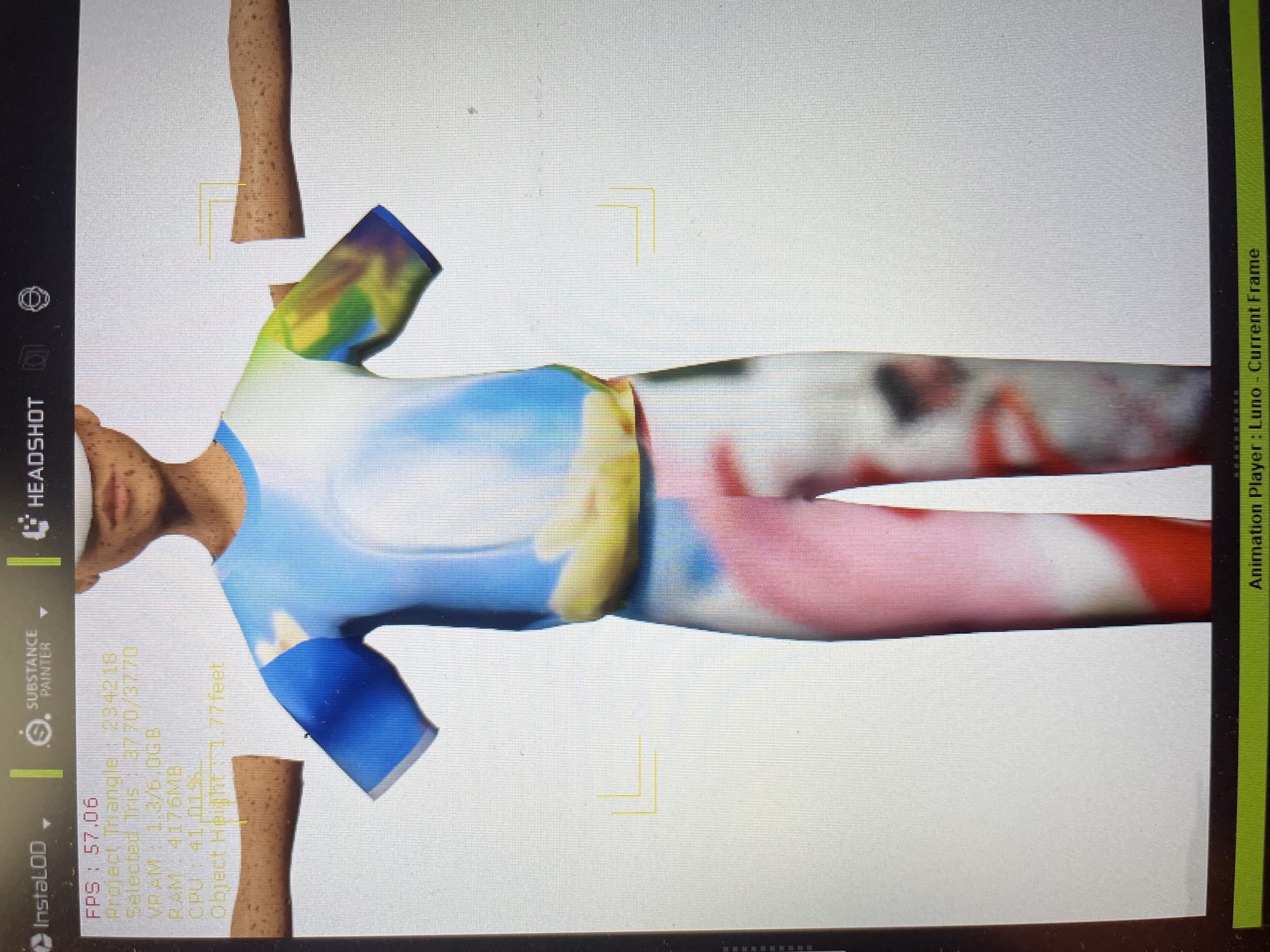
|
|
By Peter (RL) - 4 Years Ago
|
Hi Philipp
Can you confirm that that you are working with a Standard CC3 or CC3+ character and you have carefully followed the video tutorial HERE or the written instructions HERE? This is important because you can't create and save clothing for Non-Standard (Humanoid) characters
If you are using a Standard CC character and the problem persists, please ensure you have updated your graphics drivers and please let us know your full system specs including graphics card. Thanks.
|
|
By basphi - 4 Years Ago
|
Hi Peter,
thank you so much for your help with this.
Yes, it's a CC3+ character and I followed exactly the instructions from the video/manual. I saved three other parts of clothing until now which all work perfectly fine. It's only happening with this shirt. If there's no real solution to this I probably have to import it and skin it again I guess?
I have checked and it says that I have the newest graphics drivers for NVIDIA GeForce RTX 2060.
Those are my specs:
Nitro AN515-55
Intel(R) Core(TM) i7-10750H CPU @ 2.6 GHZ 2.59 GHZ
32GB RAM
Thank you!
Philipp
|
|
By Peter (RL) - 4 Years Ago
|
Thanks for explaining more.
If you would like to send me a download link for the shirt via private message, I'll happily take a look for you to see if there's a problem with the shirt itself.
|