|
By theLight - 3 Years Ago
|
Hi,
These are my export settings inside CC3 - I'm exporting to UE5.
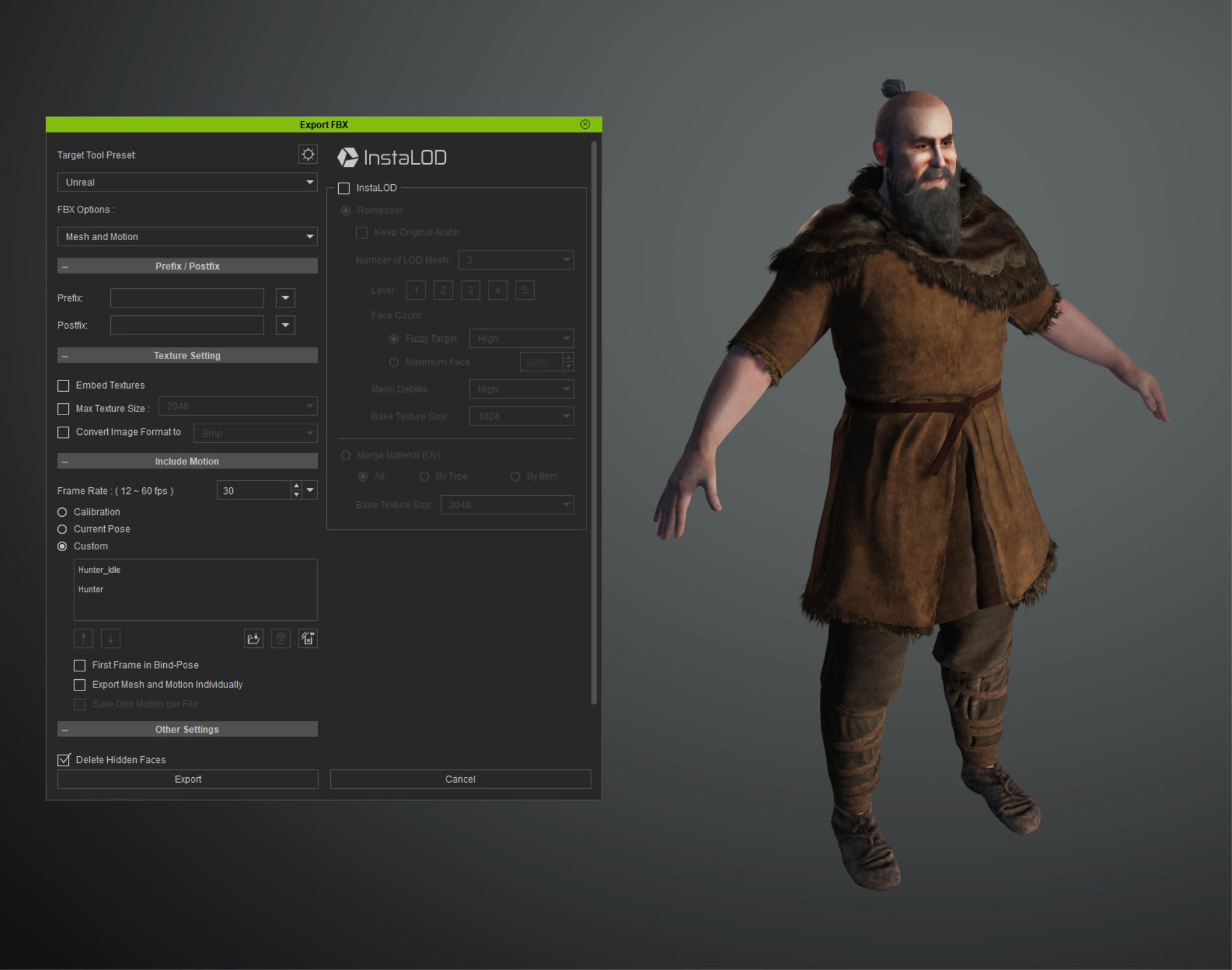
I have installed the most recent Auto-Setup and placed the new folders into my project. (the old setup had hair and beard issues once imported, but also didn't import the animations).
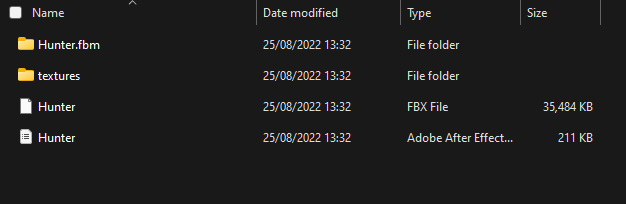
My exported folders/files look like this.
I drag the FBX into my UE5 project and import with the following settings (Same settings that are recommended in the CC3 documentation)
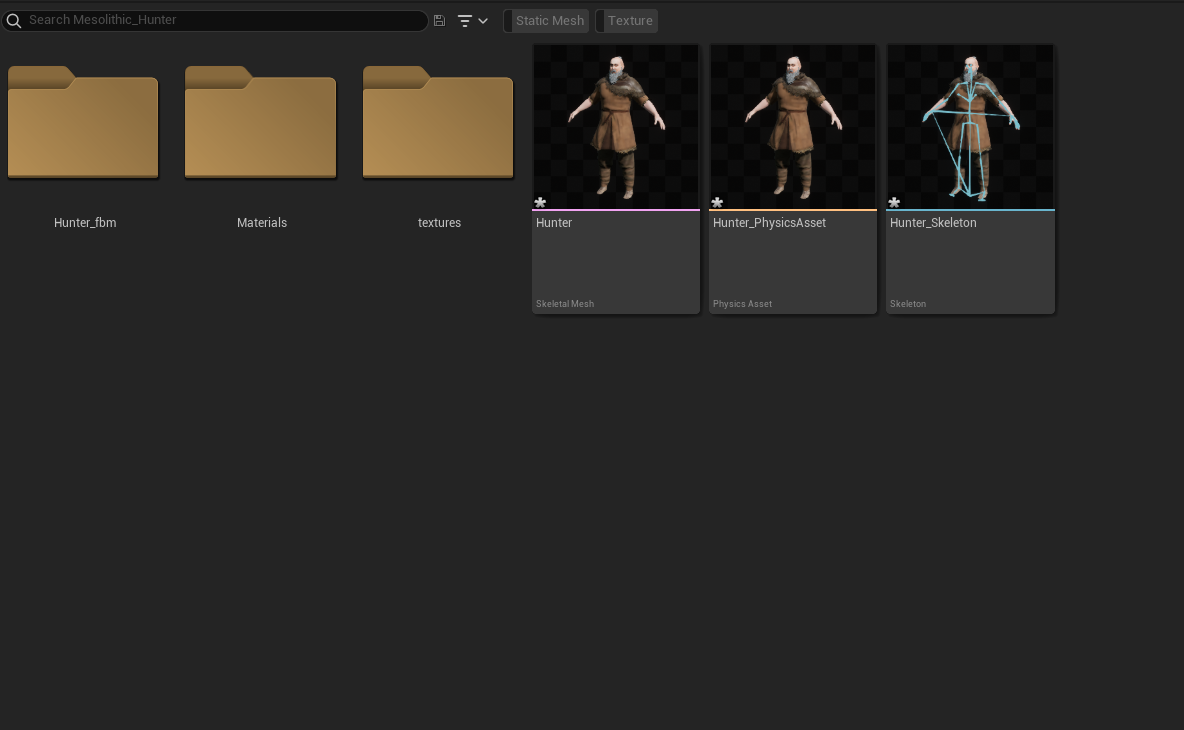
These are the files I get after importing into UE5. (I had the same files in the earlier Auto Setup version but the only difference was that the hair and beard was a total mess!!)
I have tried to export the animations separately but that doesn't work either!!
What have you done to the animations??? why can't I import these anymore!! Please help!!
|
|
By theLight - 3 Years Ago
|
I've just tried to export the animation directly from iClone.
This is the folders and files it generated.
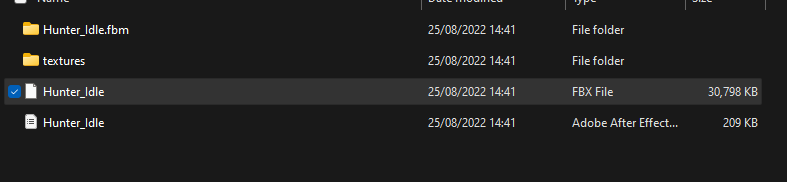
I dragged the FBX file into UE5 and once again used the same settings as can be seen on ALL the videos you have as tutorials, such as this! (13) iClone 8 & CC4 Tutorial - Auto Character Setup for Unreal Engine 5 - YouTube
This software spends most of its time not working and the rest of the time being bloody expensive. Please reply and fix this!!
|
|
By Wilby - 3 Years Ago
|
|
Did you manage to make this work? Did you try bypassing iClone and found another way to make animations still work for your CC3 character in Unreal 5?
|