You have to use an image editor such as GIMP to create an opacity map layer for the legs opacity texture channel in iClone. Point the preferred image editor to the GIMP program from iClone. Open & use the diffuse texture map as a reference base layer. Create a new layer & create your black & white opacity map. Do not overwrite the defuse map instead export the opacity map as a png then drag & drop to the leg opacity channel in iClone.
paulomara (6/5/2022)
Hi
Can anyone help me please. I need to animate some fashion garments. I am quite proficient in iClone & Character Creator but just can't work this out
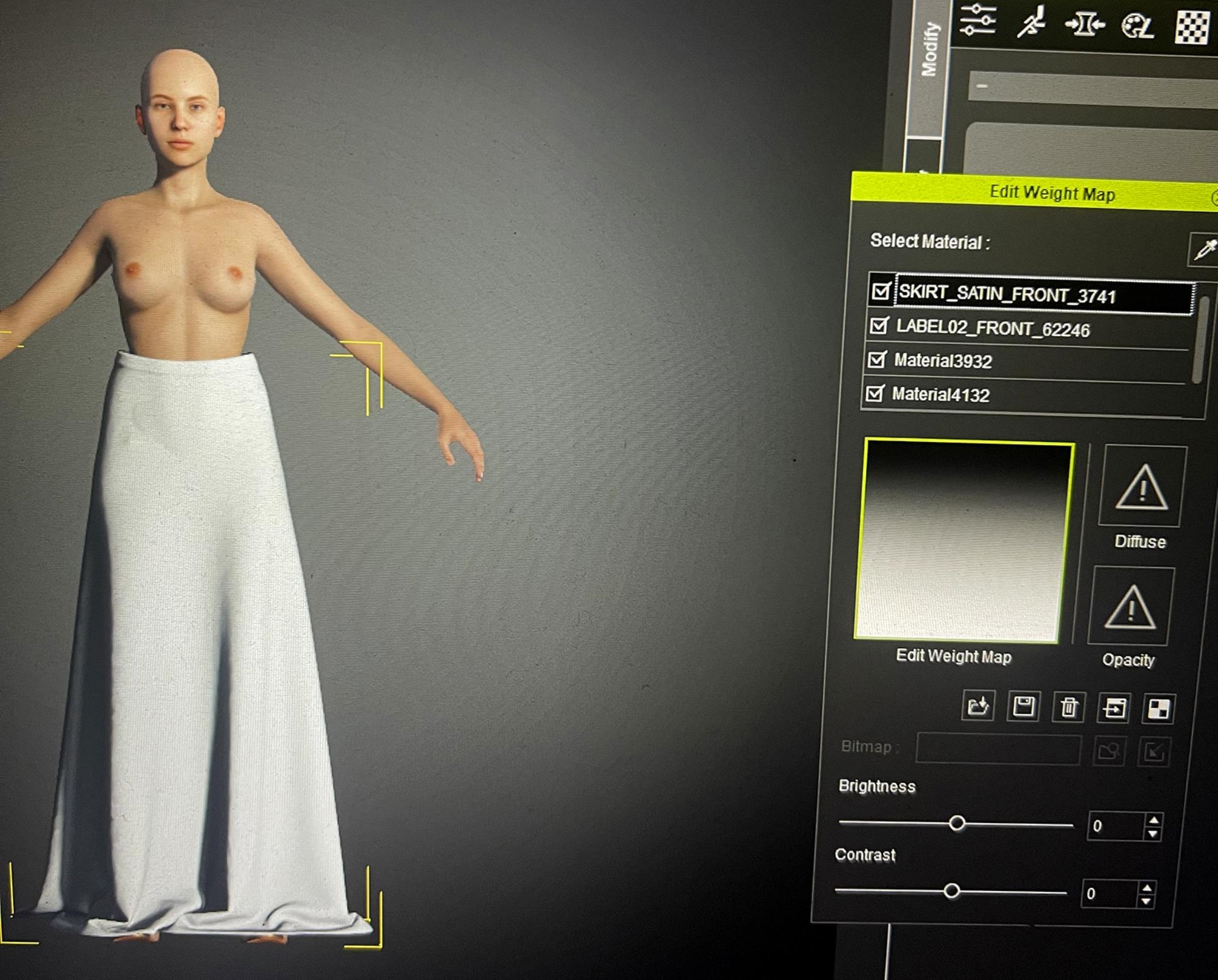
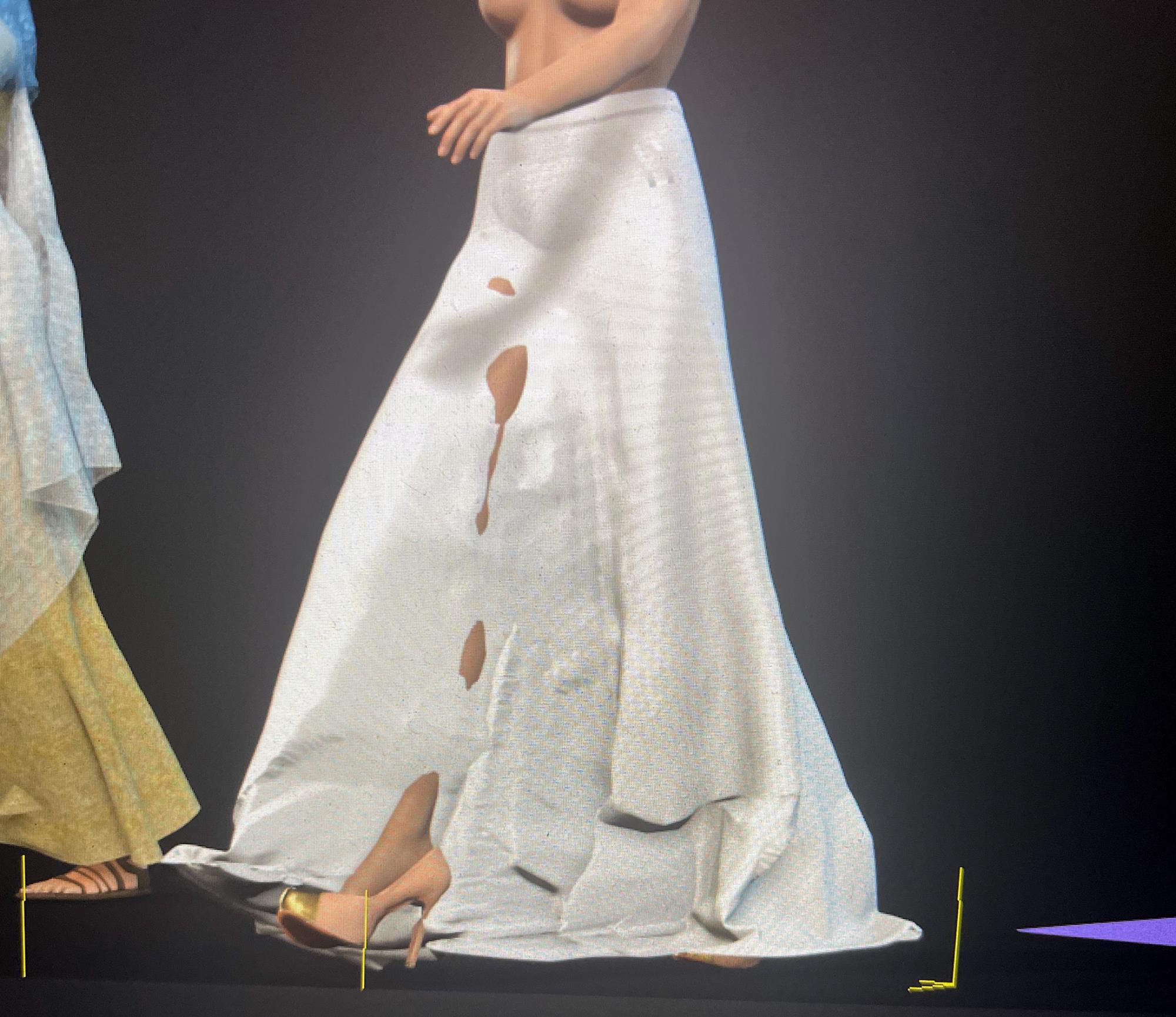
If you look at the screenshots this is a drapey satin like skirt, I haven't looked at poke through etc yet I just want to get it working. I have played around with all the settings, weight maps, fabric presets & jut can't seem to simulate a fluid fabric like quality where the weight hangs around the bottom. It always remains as a blocky crunchy looking garment as in the other pic?
Any help gratefully received this is driving me nuts
Thank You
Paul