|
By wowlol - 4 Years Ago
|
Hello,
To test the pipeline process, I export the default character to substance painter.
I followed the directions. However, there are seams everywhere.
To solve this problem, I put a lot of effort but couldn't figure out it.
Please help me.


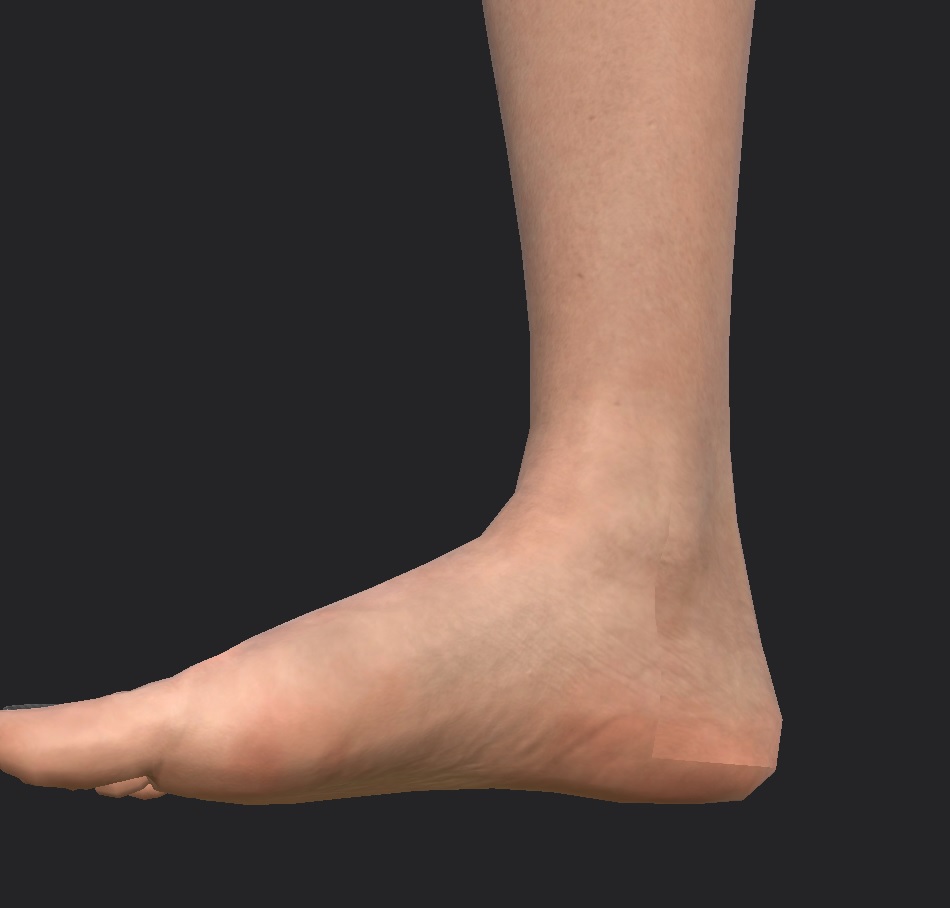
|
|
By Slayerazazel - 4 Years Ago
|
|
Switch the normal map in substance painter from Auto or Direct3d to OpenGL. That should hopefully fix the issue.
|
|
By wowlol - 4 Years Ago
|
most of the trial was with OpenGL. And I applied it substance paitner, marmoset toolbag and 3ds max. I also tried in my home PC and Co-PC, However, the result was same.
Don't you have any problem with default textures?
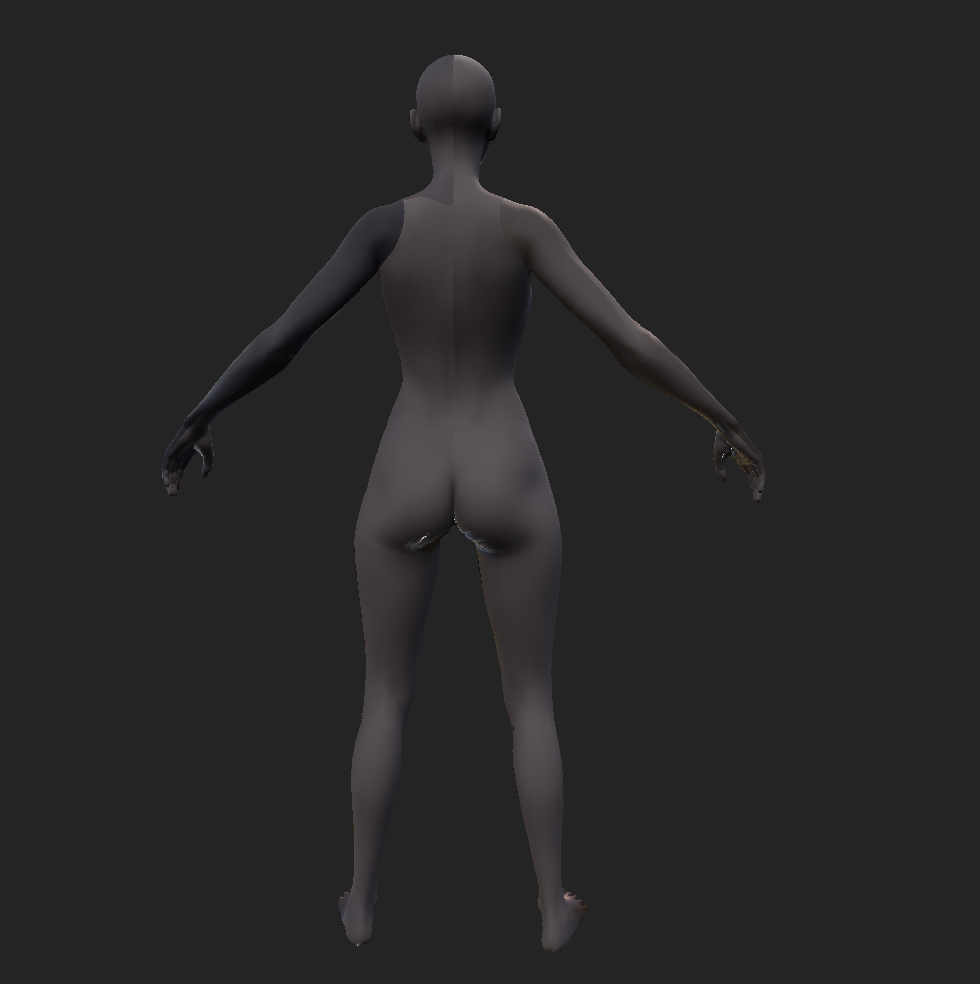
|
|
By Slayerazazel - 4 Years Ago
|
Did you follow the following tutorial and guides for character creator to substance painter workflows?
https://www.youtube.com/watch?v=p_81SXzHpVU
https://forum.reallusion.com/456462/09-Substance-Painter-Workflow-New-in-CC-v331
The only thing I found that needed to be done extra was the Normal Map after you have imported it in and set it up to switch it to OpenGL from the dropdown box (Down Arrow, where the normal map texture is. Not just starting the project as openGL) I was having visible seam issues and this resolved that. I'm not sure about marmoset or any other program, but this works completely fine in substance painter (Or at least my version. I'm still using an older perpetual licence purchased just before adobe bought allegorithmic, I will be updating to the newest version soon so i'll be able to see if it still works in the future)

Seams With Auto

Seams with normal map set to OpenGL

|
|
By wowlol - 4 Years Ago
|
omg... Thank you very much...
I spent a week researching.
Finally!!
God bless you always. :)
ps. If you know the way that I can export a normal map which no need to change to OpenGL in substance painter.
|