|
By planetstardragon - 4 Years Ago
|
The video tutorial does this
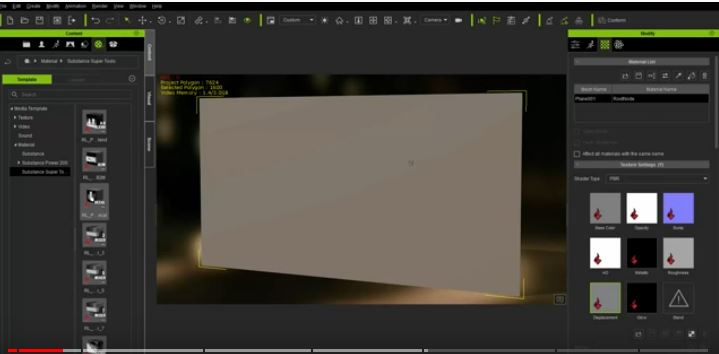
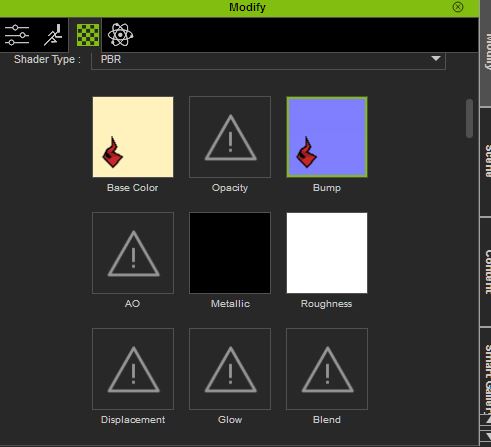
when I drop it in on the same prop it does this and does absolutely nothing.
|
|
By 4u2ges - 4 Years Ago
|
I forgot all about those. Never used it as the matter of fact.
But it works and is pretty cool. Did you try to apply some maps to decal layers?
BTW. Someone was asking about rotating texture the other day. Here is a chance to rotate and animate it.
|
|
By planetstardragon - 4 Years Ago
|
yes but it's completely broken, if you look at the image I posted, the substance file isn't latching on to the other graphs - no substance fire symbol or interaction, on displacement, metallic, ao etc - and as a result the whole substance fails. same with other aging substance.
I was hoping someone can verify if it's the substance file, or if I need to re-install iclone.
|
|
By 4u2ges - 4 Years Ago
|
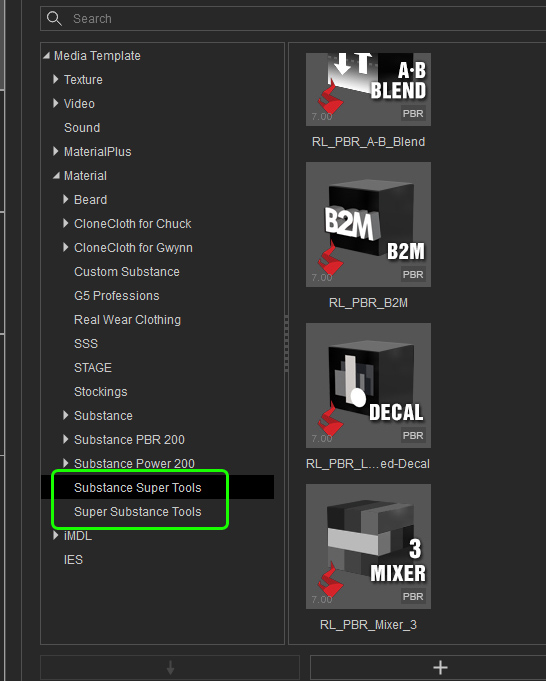
Ahh yes. It's a bit confusing. I have 2 folders with tools!
One is "Super Substance Tools" which does exactly as you said (looks like older one for Traditional).
And the other one is "Substance Super tools", which has all tools marked as PBR. Those work correctly and all channels are flagged.
I do not remember how I downloaded them, but maybe you need to update.
|
|
By planetstardragon - 4 Years Ago
|
ok, thank you. :)
this is so confusing, i'm just going to look for another solution.
|
|
By planetstardragon - 4 Years Ago
|
and just to double check - the "traditional" tool is in fact broken aside from the non pbr factor, no options to update to pbr other than to buy it again lol.
|
|
By sombat.khruathong - 4 Years Ago
|
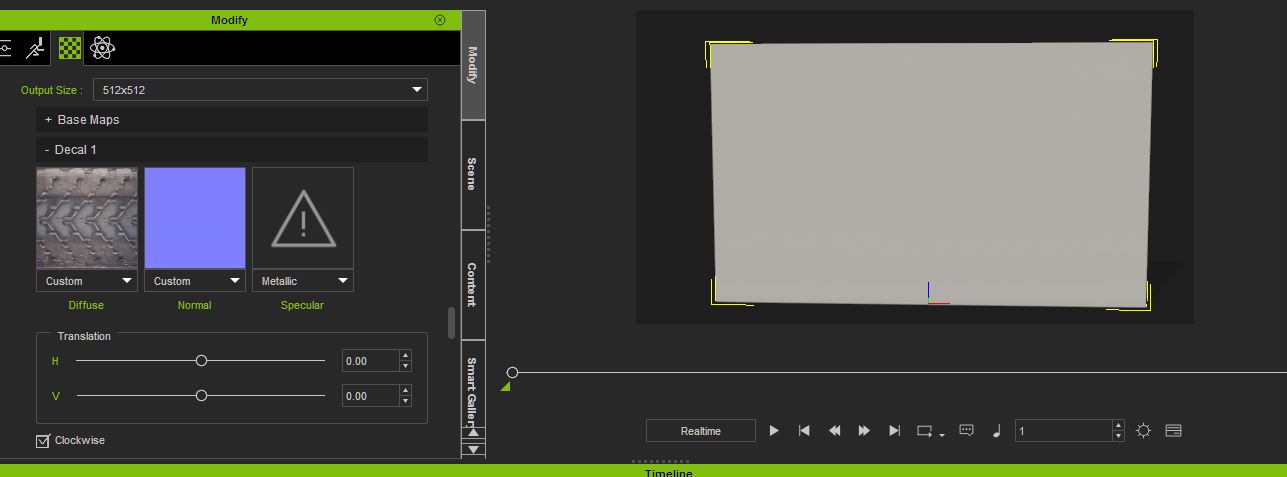
I have the same issue.
I got a result like shown in the picture.
I hope that this will be fixed as fast as possible.
|