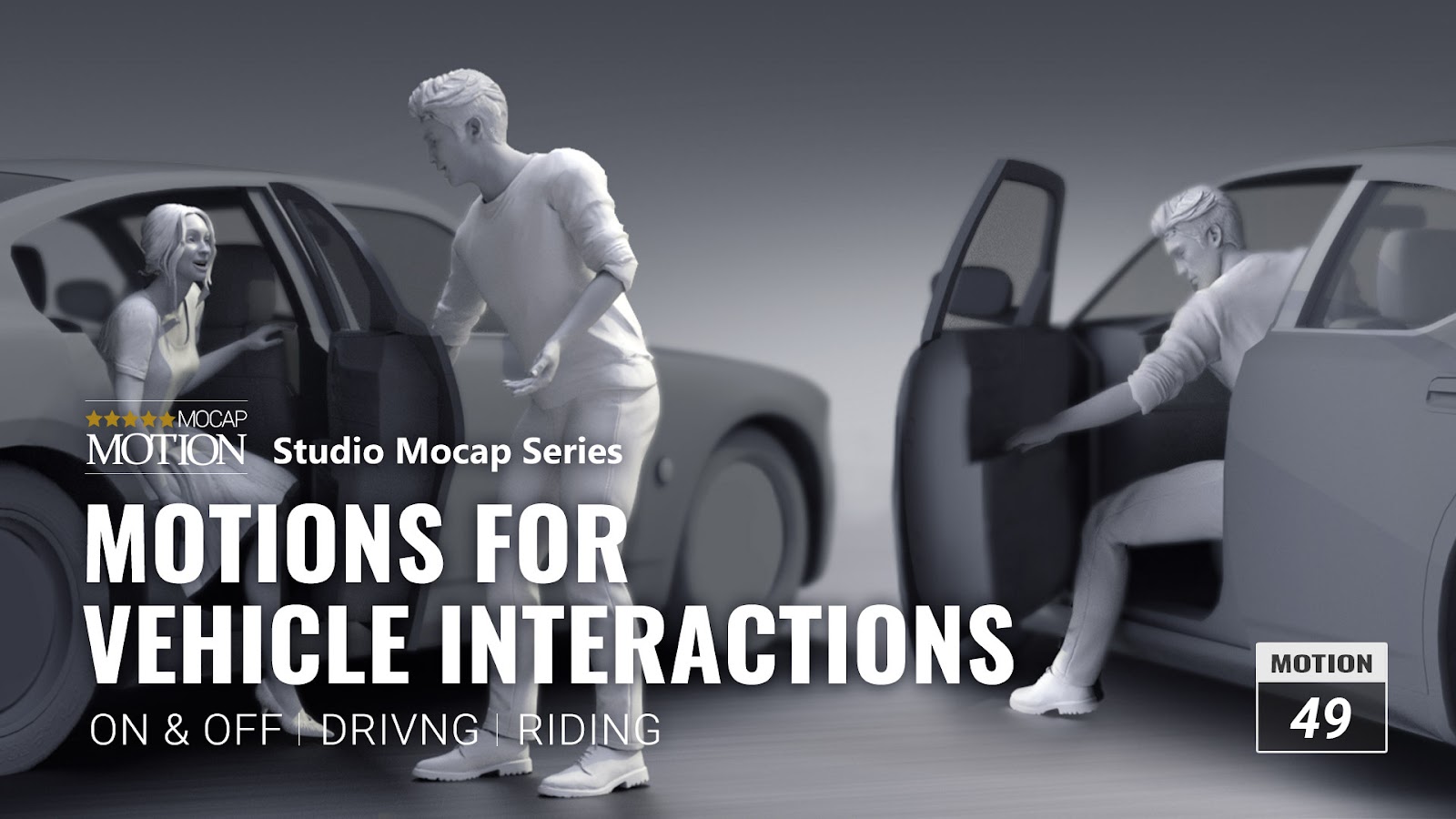
Motions for Vehicle Interactions - Now Available
On & Off | Driving | Riding
Link: Motions for Vehicle Interactions
Based on common driving scenarios, this pack includes motions like getting in or getting out of a vehicle, idling, controlling the steering wheel, and more. You can also apply multiple types of interactions between characters and vehicles like SUVs, motorbikes, and pickups.
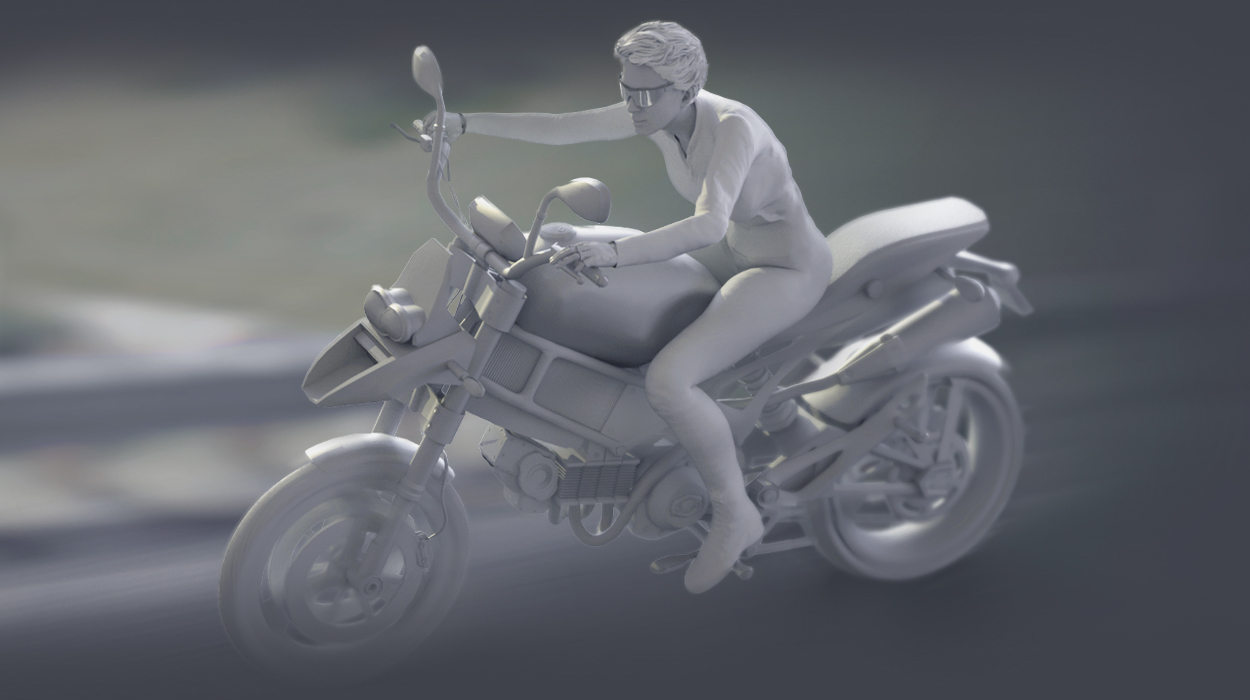
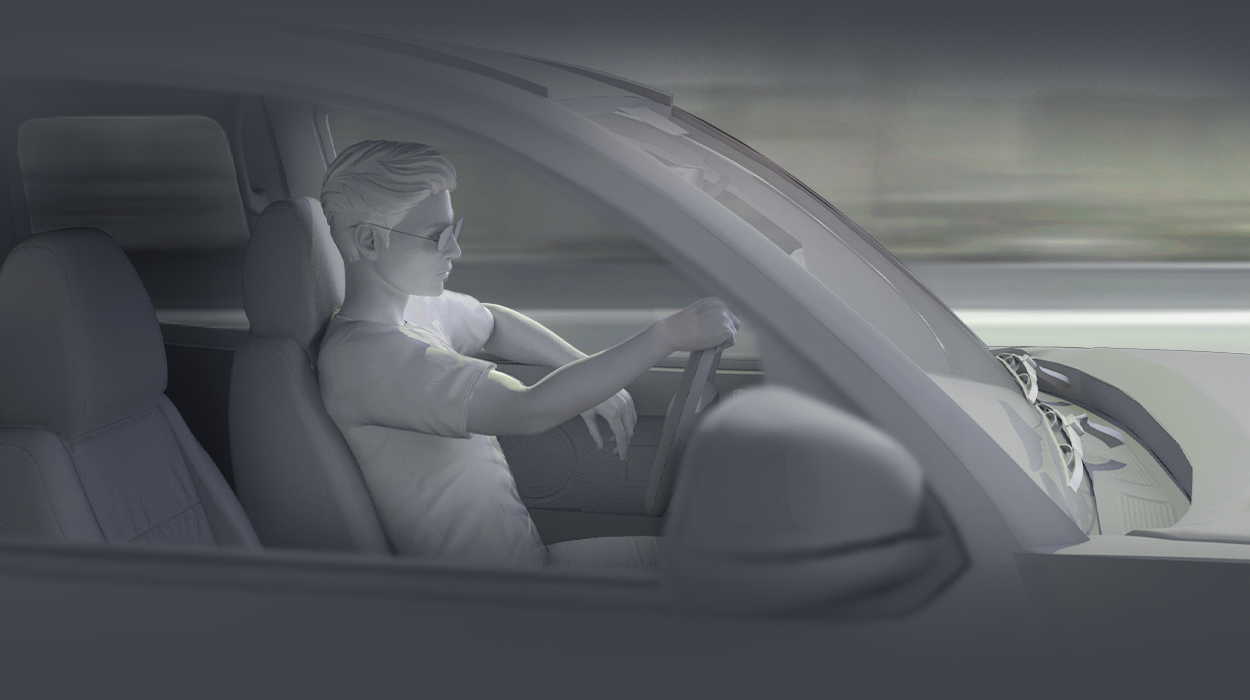
Feel free to apply these 49 motions with your customized cars.
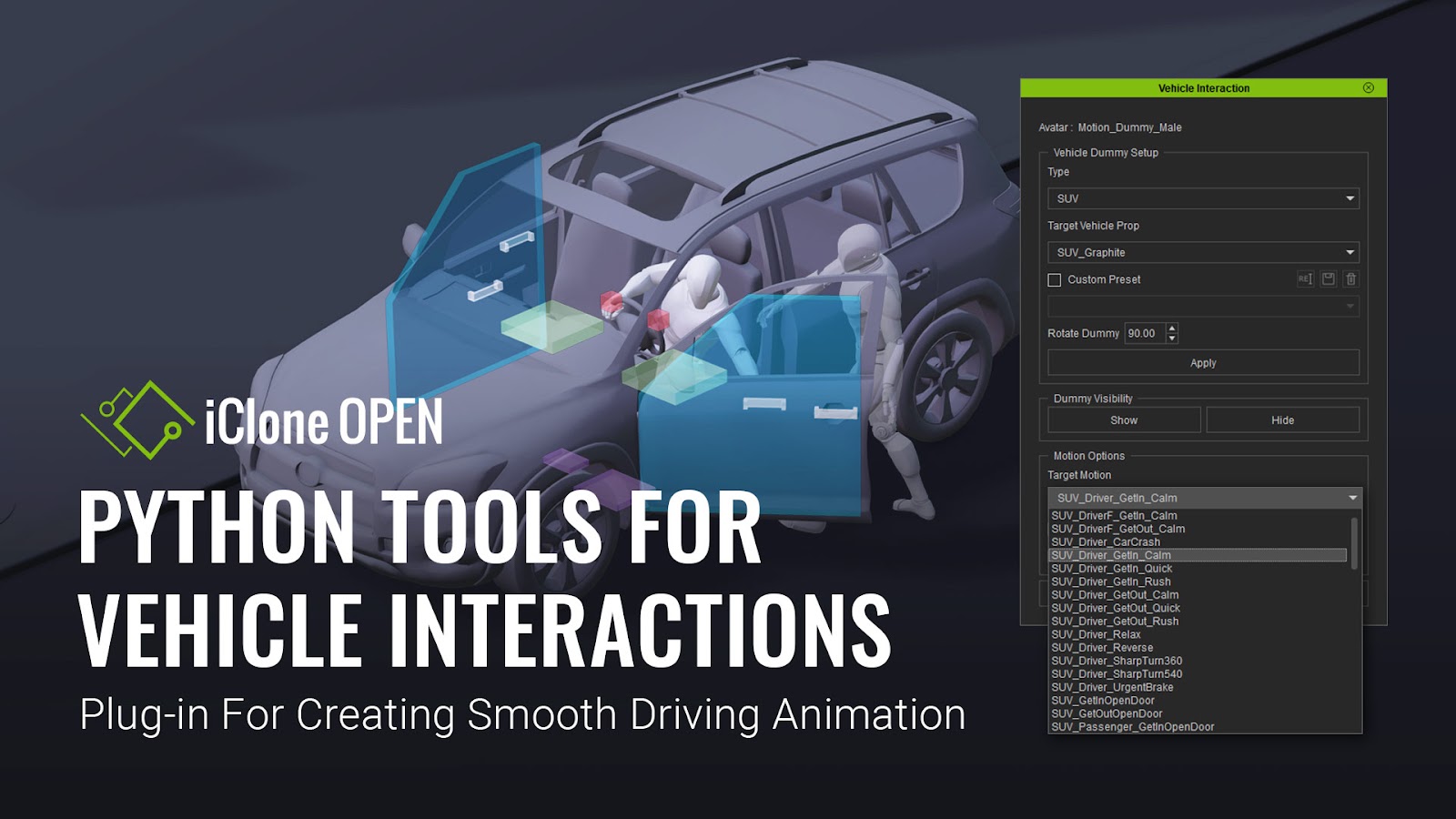
Free bonus for iClone users only (iClone 7.93 and above): Python Tool for Vehicle Interactions to create vehicle animations with ease. This Python Plugin is specially designed for both “Motions for Vehicles Interactions” and “Vehicle Interactions for Action Movie” and it’s free with the purchase of either pack.
All motions are 100% royalty-free and can be exported as FBX or BVH for use in real-time game engines like Unity, Unreal, CryEngine, Game Maker, and others.
*Please check Vehicle Interactions for Action Movie for more animation possibilities.
*If you wish to purchase some of the additional assets that were used for display, please see the links: Modern Cars Combo.
*Install the Python Plugin:
1. Download the plugin installer (Vehicle_Interaction.zip file) from your Order History, and execute the installation. It will automatically install the plug-in to your iClone Python folder.
2. You can also download the python plugin from the Smart Gallery.
3. Check the info page to watch the tutorial about using the python plugin.