|
By Data Juggler - 4 Years Ago
|
I added some new grayscale features to my site https://pixeldatabase.net, so I made this video as a demo / tutorial.
The grayscale is real simple to use.
Update
Set Grayscale
There are also some optional parameters:
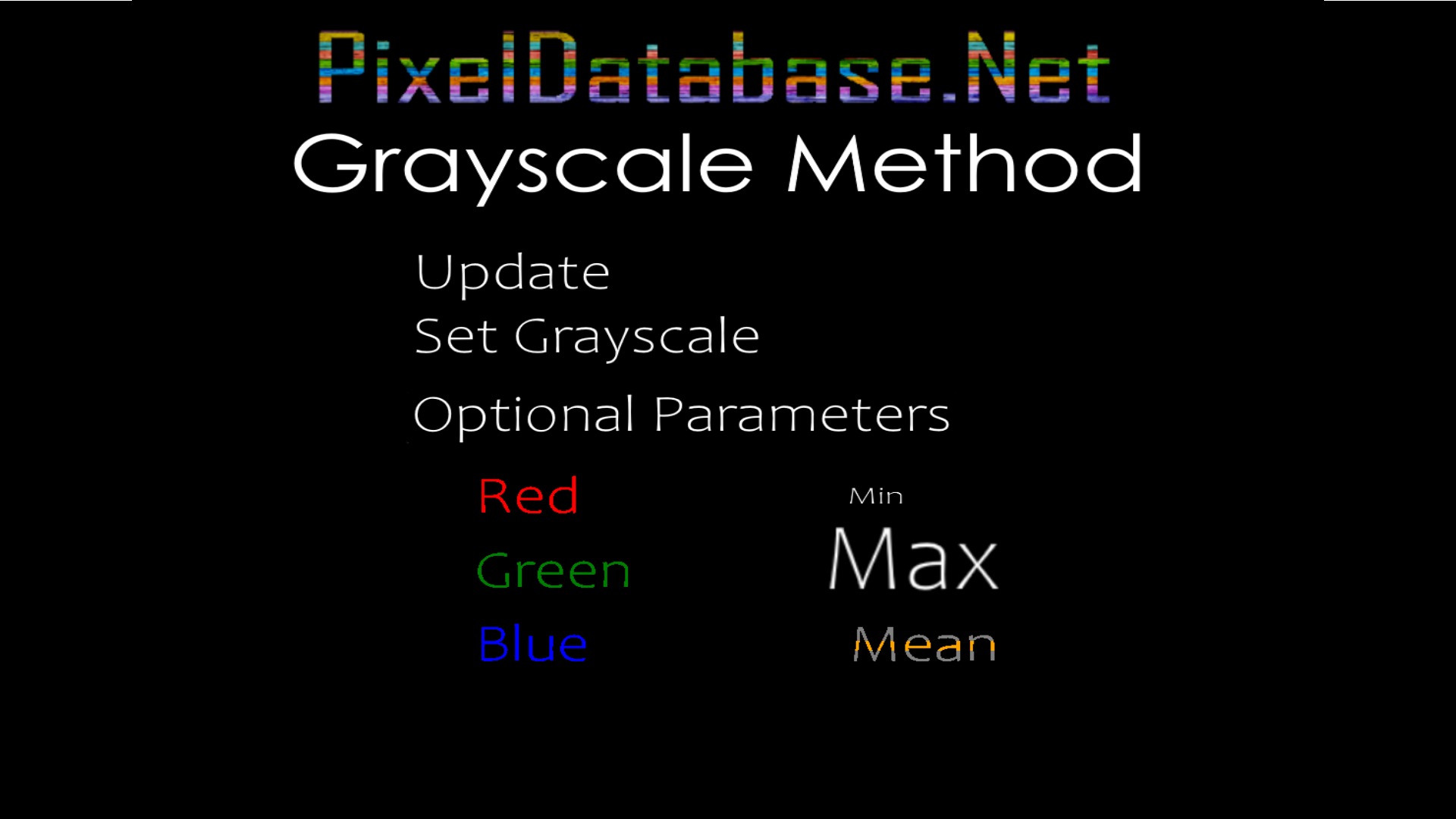
To use any of the optional parameters, just add it after Set Grayscale
Update
Set Grayscale Mean
The middle value of red, green or blue will be used to set the grayscale pixel value.
You can also use a where clause with the query, so only certain parts of an image are set to grayscale.
Update
Set Grayscale Red
Where
Total > 200
In the above query, only pixels whose total (red + green + blue) are greater than or equal to 200 will be set to grayscale, where all pixels matching that criteria are set to the red value.
|
|