IClone 7.9 - How can I modify only the X-axis of a character motion clip? It worked in 7.8
Home
»
Archive
»
iClone 7
»
General
https://forum.reallusion.com/Topic501793.aspx
Print Topic
|
Close Window
By shubi
-
5 Years Ago
Hey.
I have a problem with adding position-keyframes to an imported motion clip. While it was not an issue until IClone 7.8, it produces awkward movements in 7.9.
Steps to reproduce the issue with a new project:
1. Add standard avatar
2. add a motion clip
3. animate the horizontal axis (X) of the hip
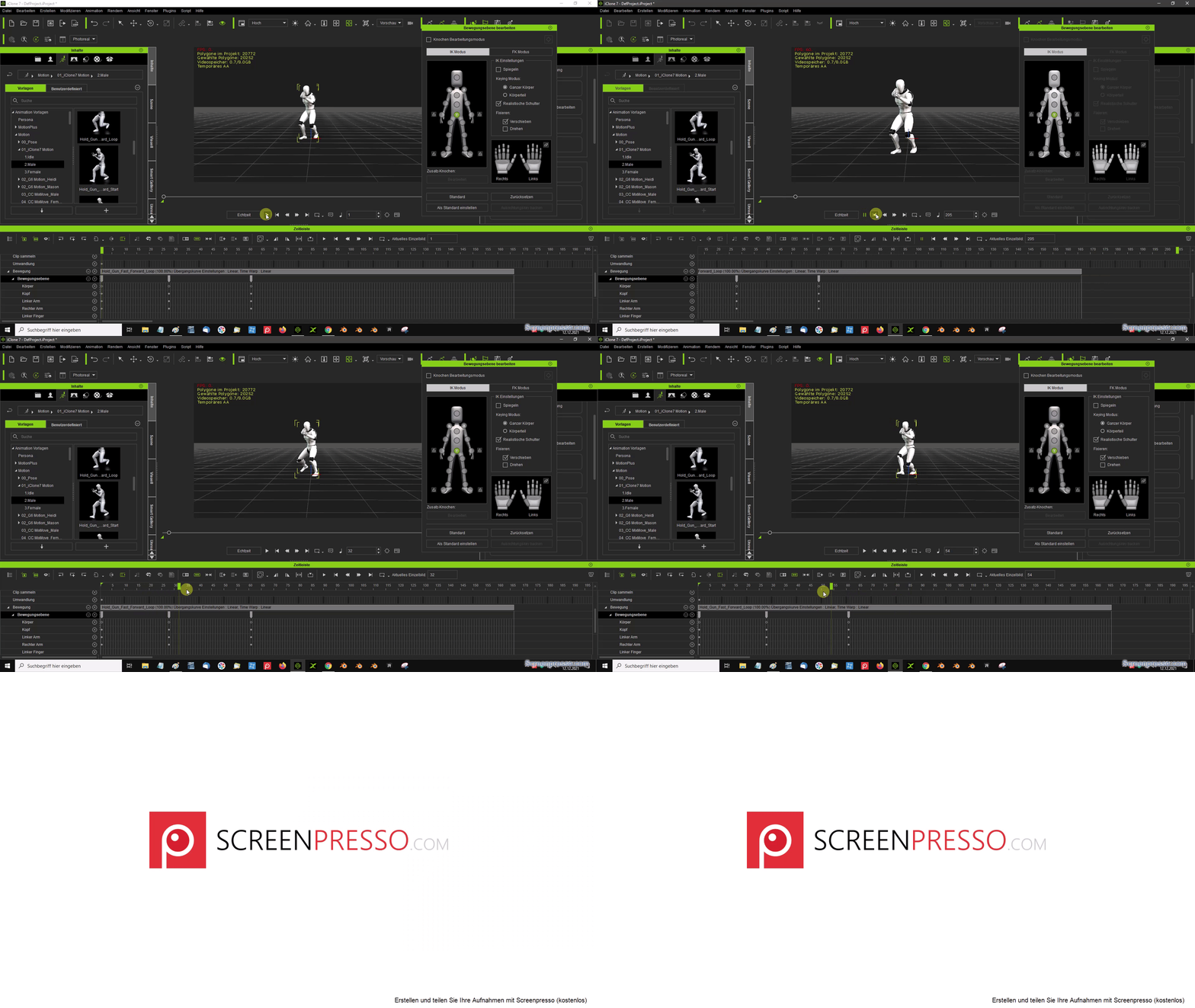
You would expect animation on the horizontal-axis (X) only, but it totally messes up the whole animation. It moves the character randomly and "wobbly" along the Y-axis as well.
I tried to set the keyframe-interpolation to linear, with no effect. Also this wobbly motion on the Y-axis is not visible in the curve-editor.
Here is a video which shows the issue:
https://youtu.be/hv4fIGUbnTs
There you can see the unwanted movement on the Y-axis.
Maybe some can help or has a workaround =)
Thank you
By mark
-
5 Years Ago
Does adjusting the Avatar's "Transform" track, instead of the Motion Layer track, not do the type of adjustment you are trying to do?
By toystorylab
-
5 Years Ago
I have no idea why you would want to do what you did, makes no sense for me...
Though when you do this, delete the motion after setting those keyframes,
leave the keyframes (!) and reapply that motion...
That should work better.
By rosuckmedia
-
5 Years Ago
I suspect you have before the update.
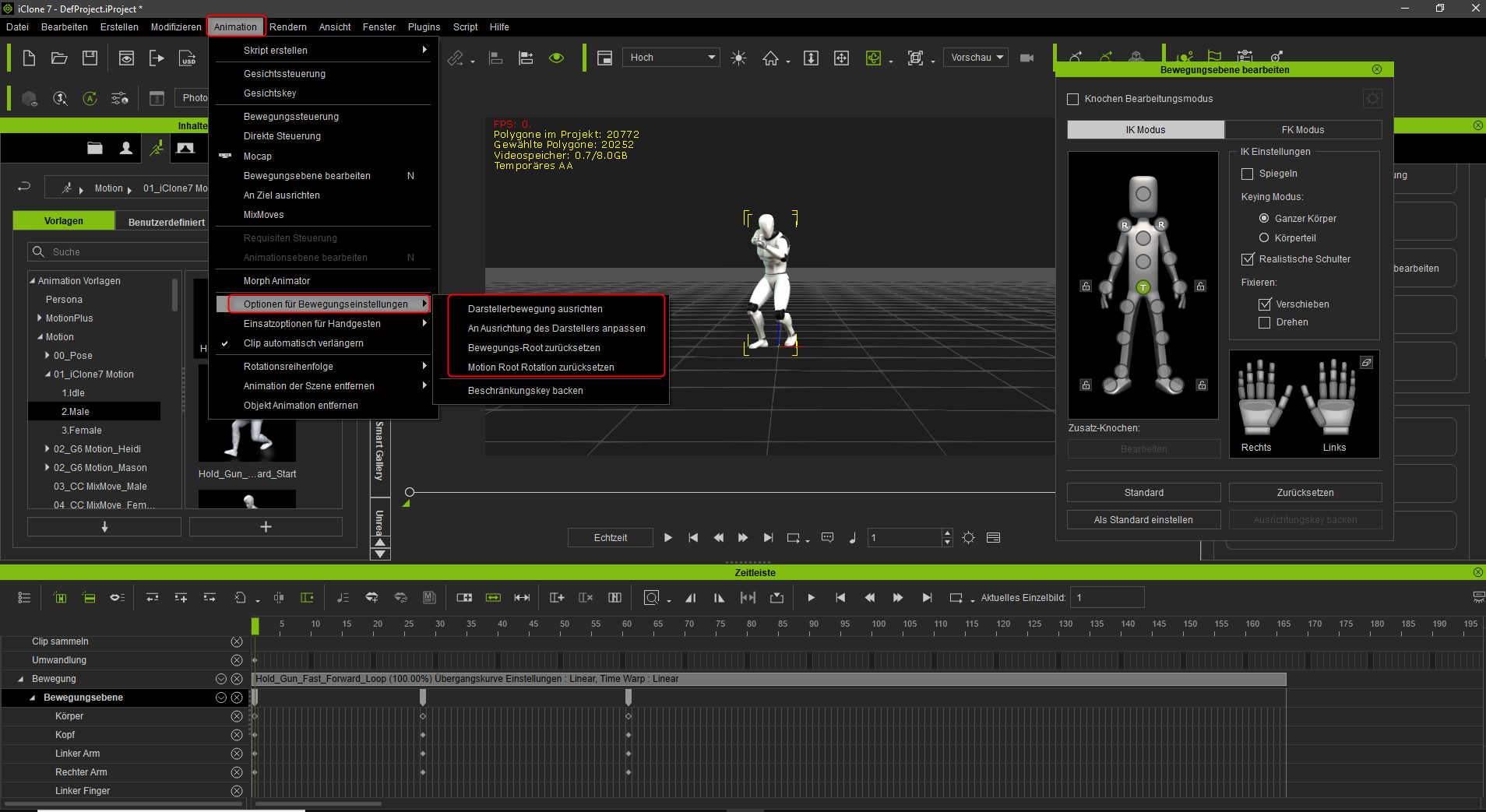
All checkmarks unchecked. see photo
Greetings rosuckmedia
By shubi
-
5 Years Ago
Thank you so much. Unchecking those options solves the problem =)