Hi
As 4u2ges Suggested, it is best to send your characters to Blender
with the animation already attached.
I have a video (using an older version of CC3) that details that process.
Now on the matter manually posing posing a CC3 Character on blender
it is worthwhile to learn to do this as you may want/need to
adjust an animation or a still pose for a single image render.
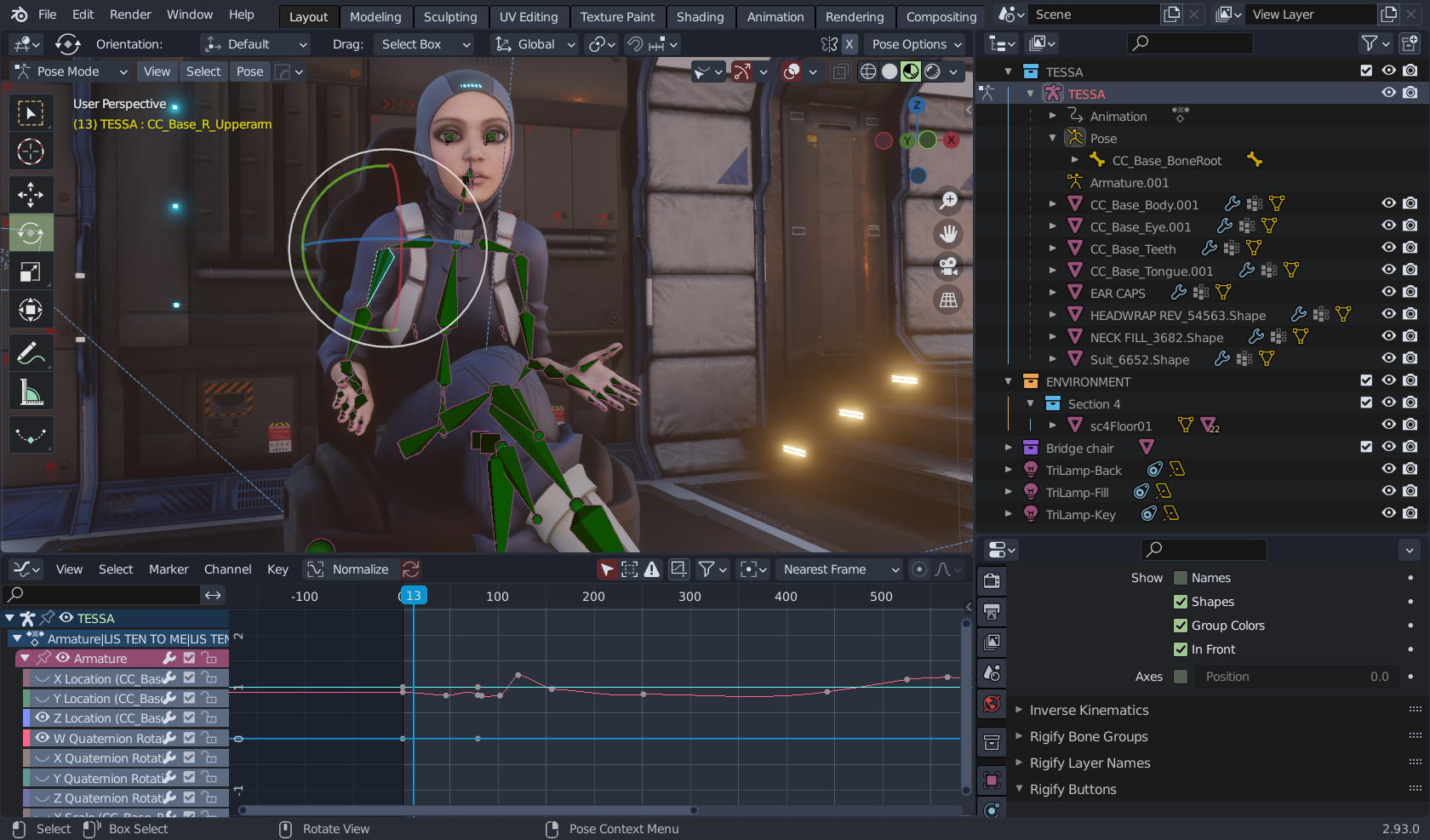
To do this you must first select the CC3 rig in the blnder outliner
and switch blender to "Pose mode"
you have to then select the actual bone and use the viewport gizmo
to rotate them manually as you would in iclone.
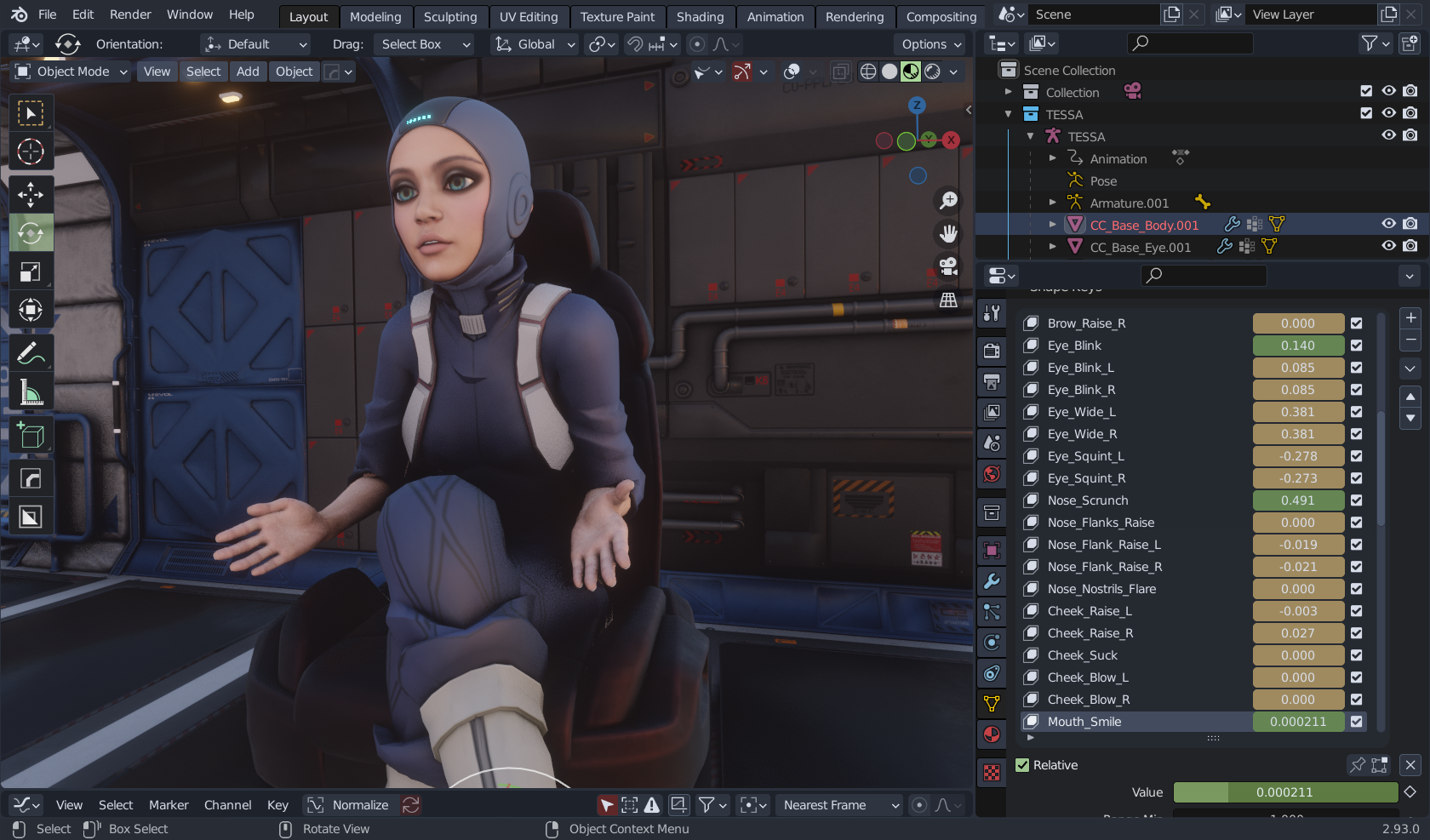
you can access the facial expressions of your imported CC3 figure by selecting the base mesh
Blenders graph editor is far more advanced than Iclones
and thus worth learning also.