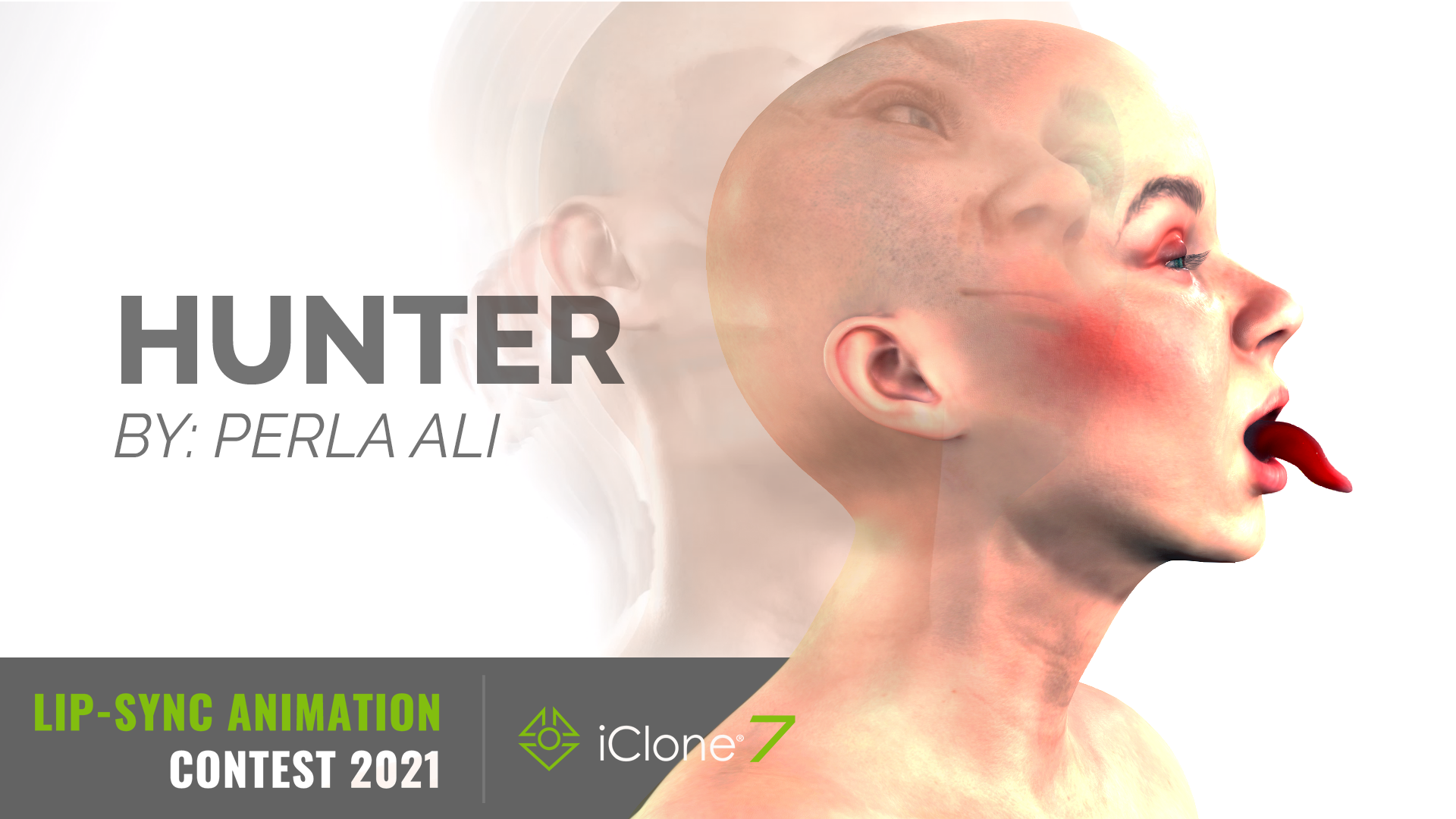
2021 iClone Lip-Sync Animation Contest - (Hunter - Bjork)


https://forum.reallusion.com/Topic496009.aspx
Print Topic | Close Window

By Perlalia - 5 Years Ago
Link of the project: 
https://www.youtube.com/watch?v=nrluzxYgLvE

Work In Progress:
https://forum.reallusion.com/uploads/images/b9d33748-6cc5-4a28-b1e8-4415.png

Process 

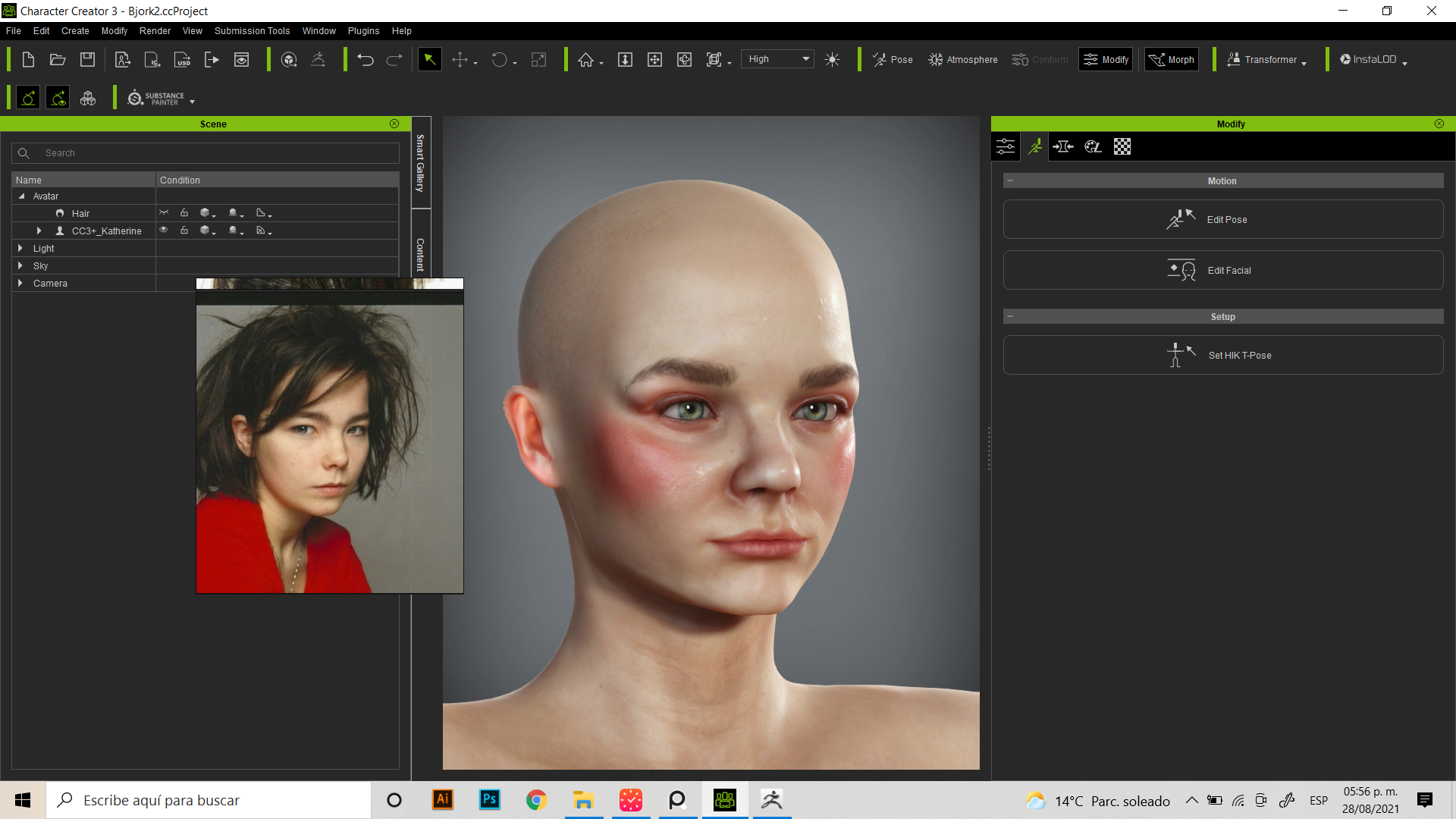
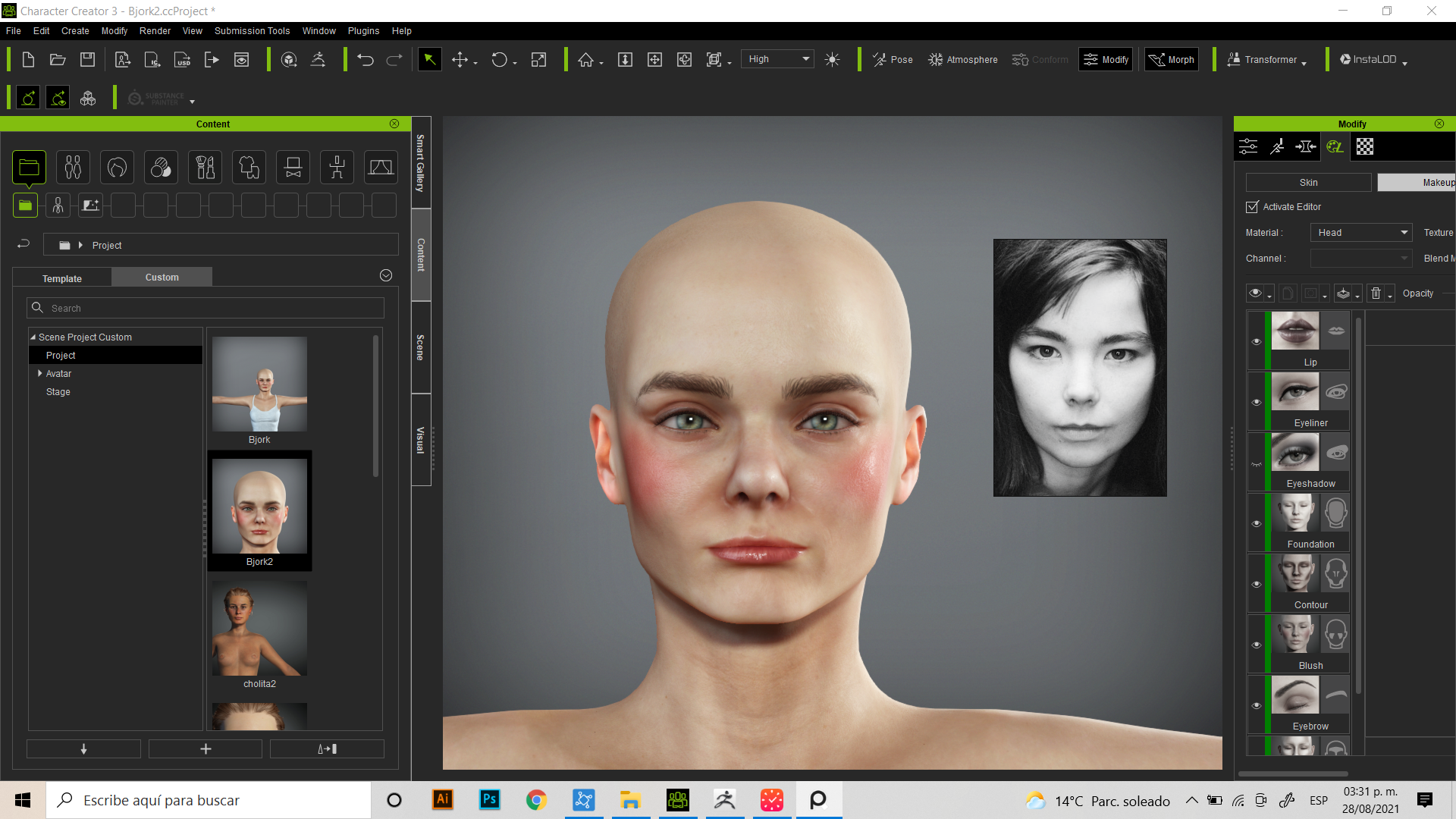
1. I created Bjork in Character Creator 3 with a photo reference. 
https://forum.reallusion.com/uploads/images/77e115a8-7ede-4cae-8043-128b.png

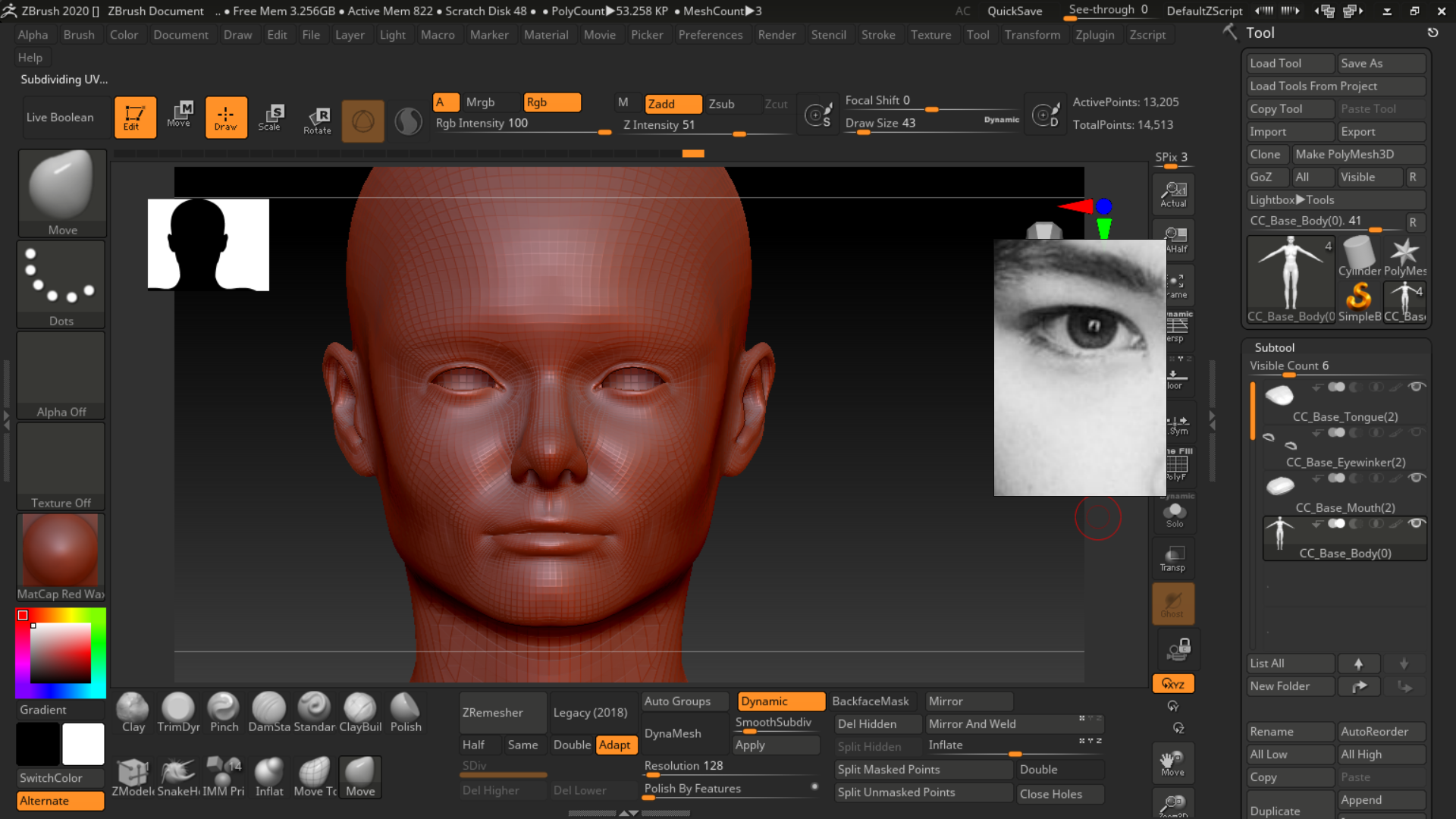
Then I edited the mesh in ZBrush. 
https://forum.reallusion.com/uploads/images/f8117960-2605-4775-b0f1-54f2.png

The character is done! 

https://forum.reallusion.com/uploads/images/334600bc-ff26-45f3-b17b-b878.png
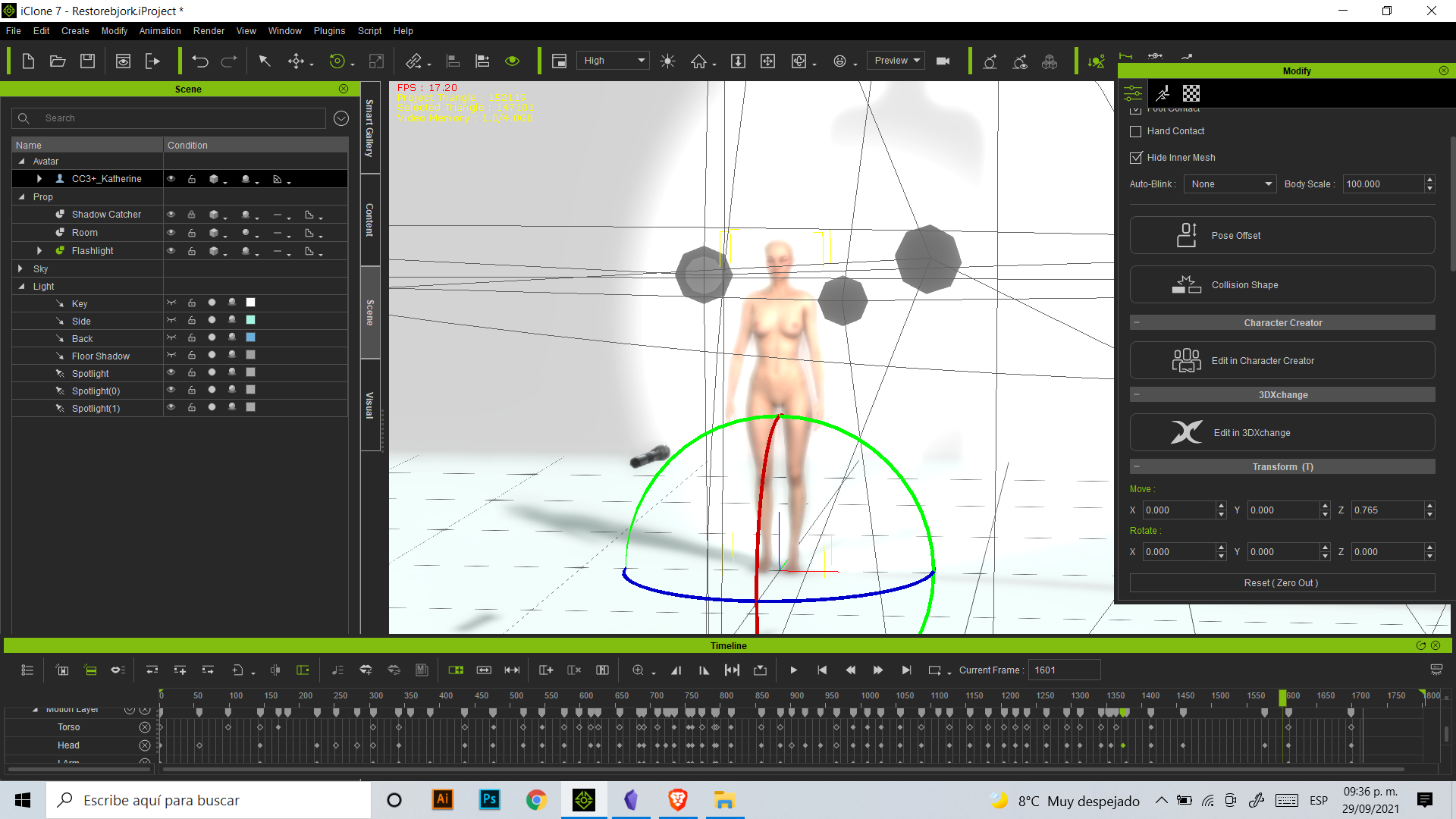
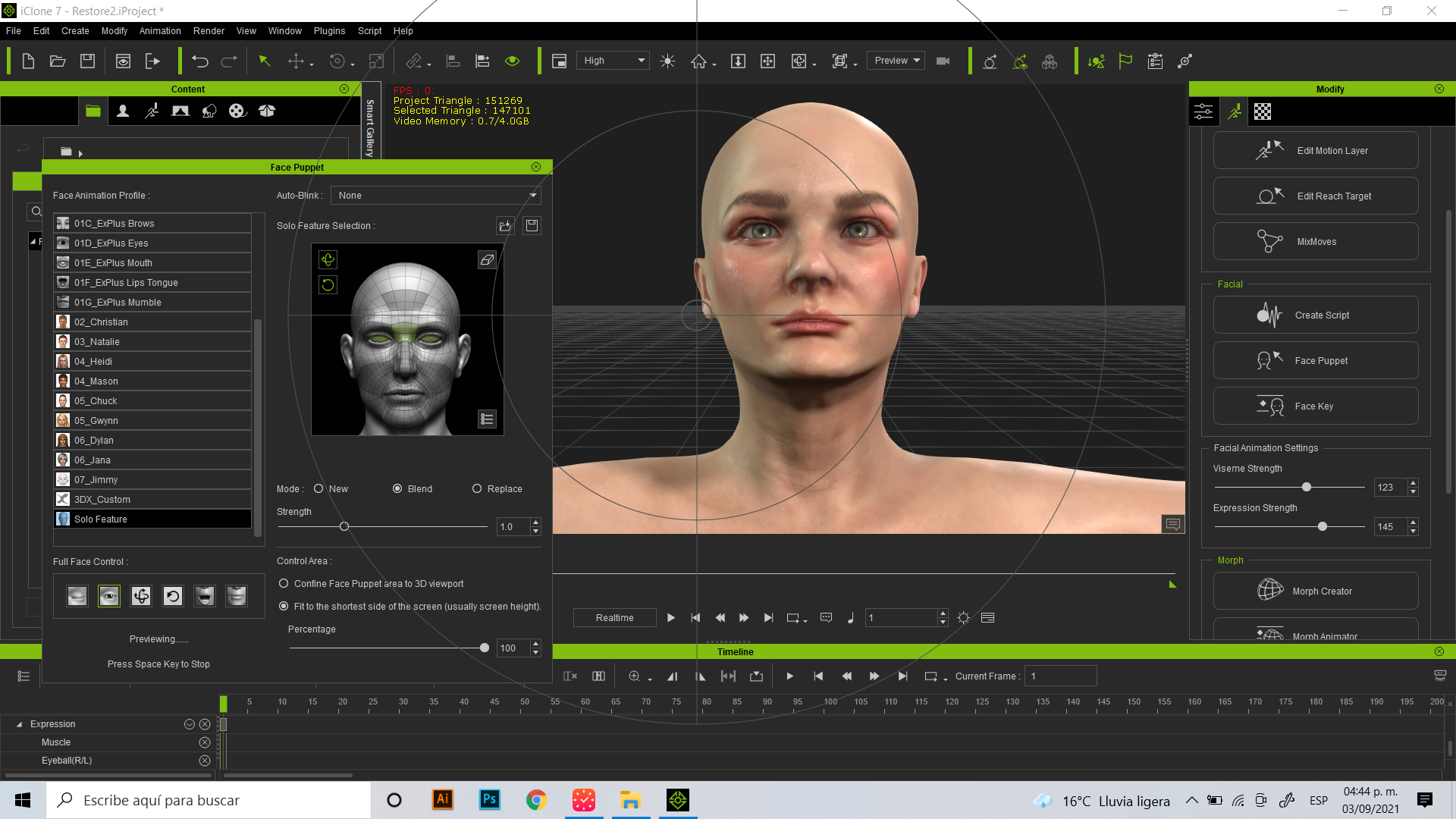
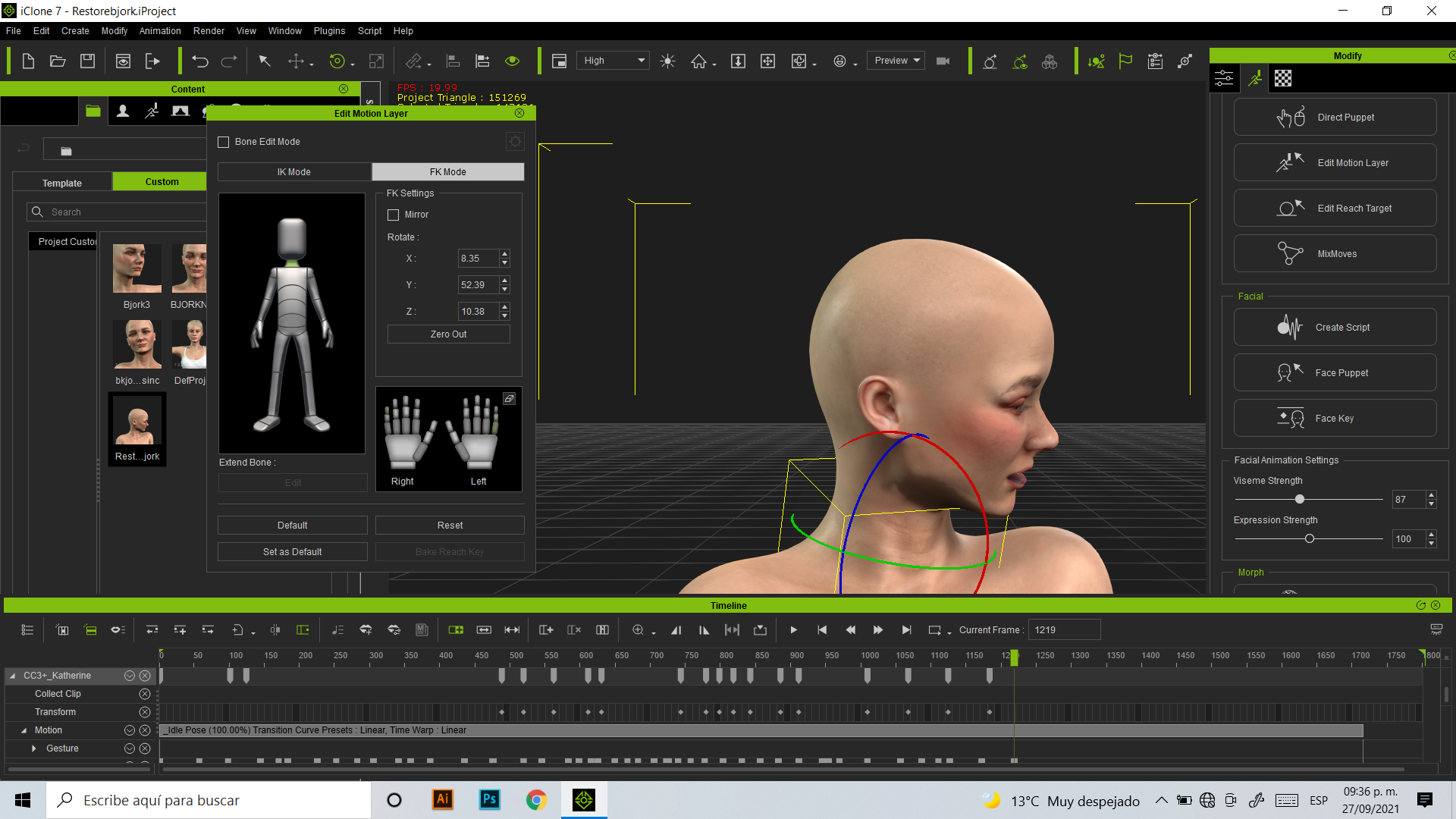
After that, I learned how to use Iclone with tutorials and with some practice! I used "Face Key" to animate the face. 
https://forum.reallusion.com/uploads/images/af2400ac-d194-4f2b-8a55-b9ae.png
Mistakes, mistakes...practice, practice 
https://forum.reallusion.com/uploads/images/308513c3-1c39-46cd-b850-895a.png
It's almost done....
https://forum.reallusion.com/uploads/images/307539f5-efb0-49c6-b065-17f7.png
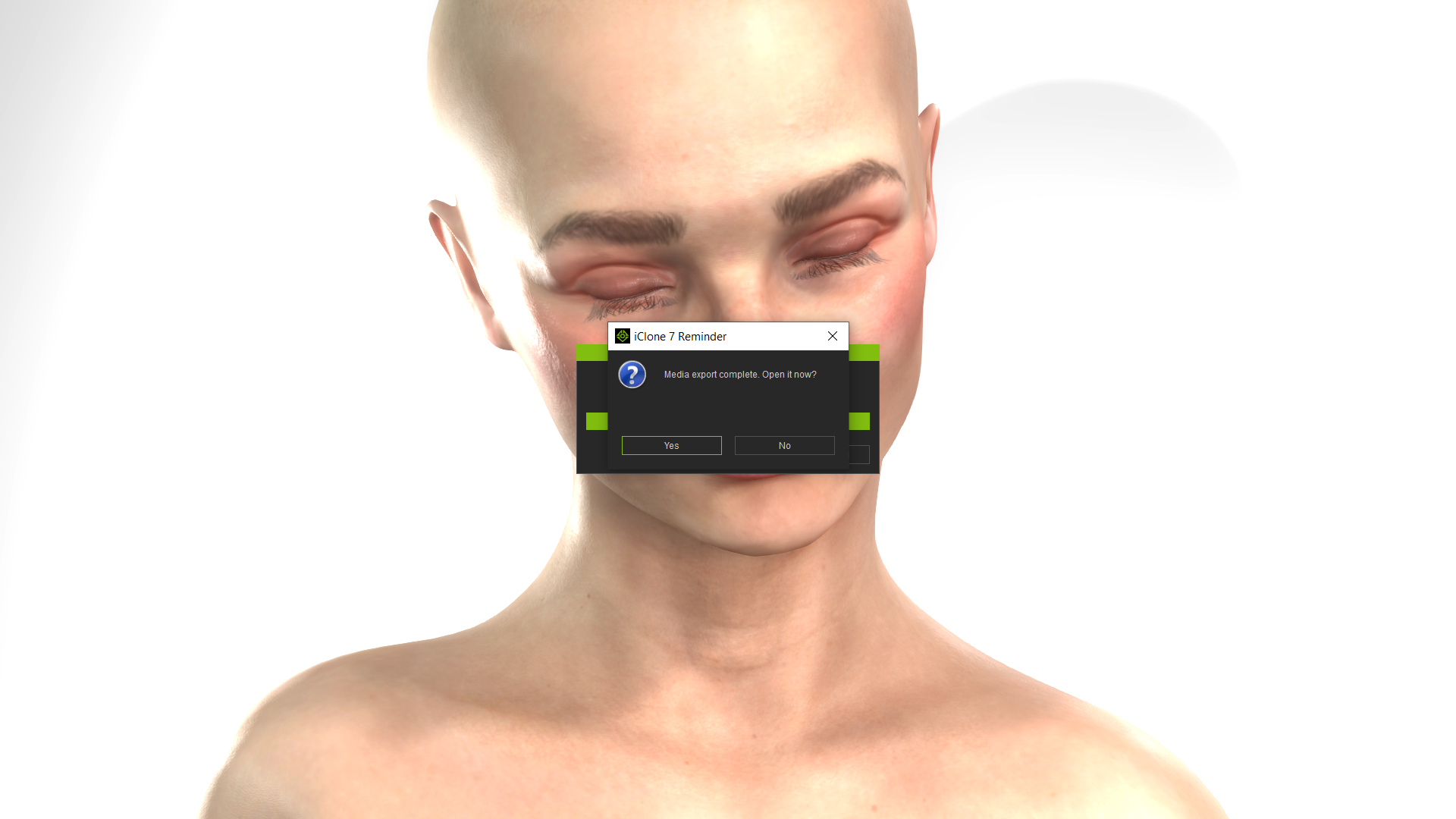
It's time to render, I use Iclone to Render the video and put some lights and effects there. 
https://forum.reallusion.com/uploads/images/2408e6e9-8ed1-420f-b3a9-b63a.png
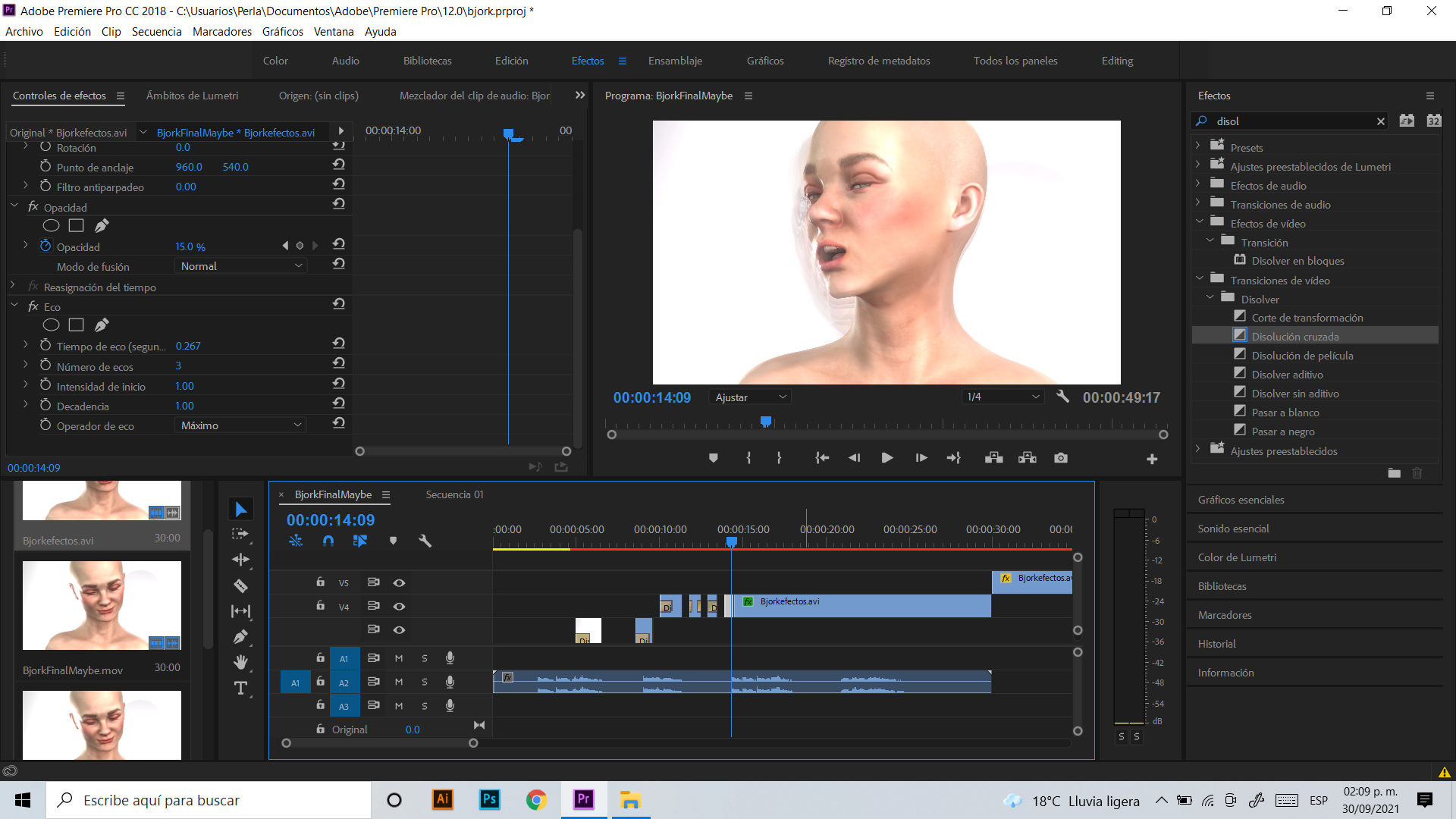
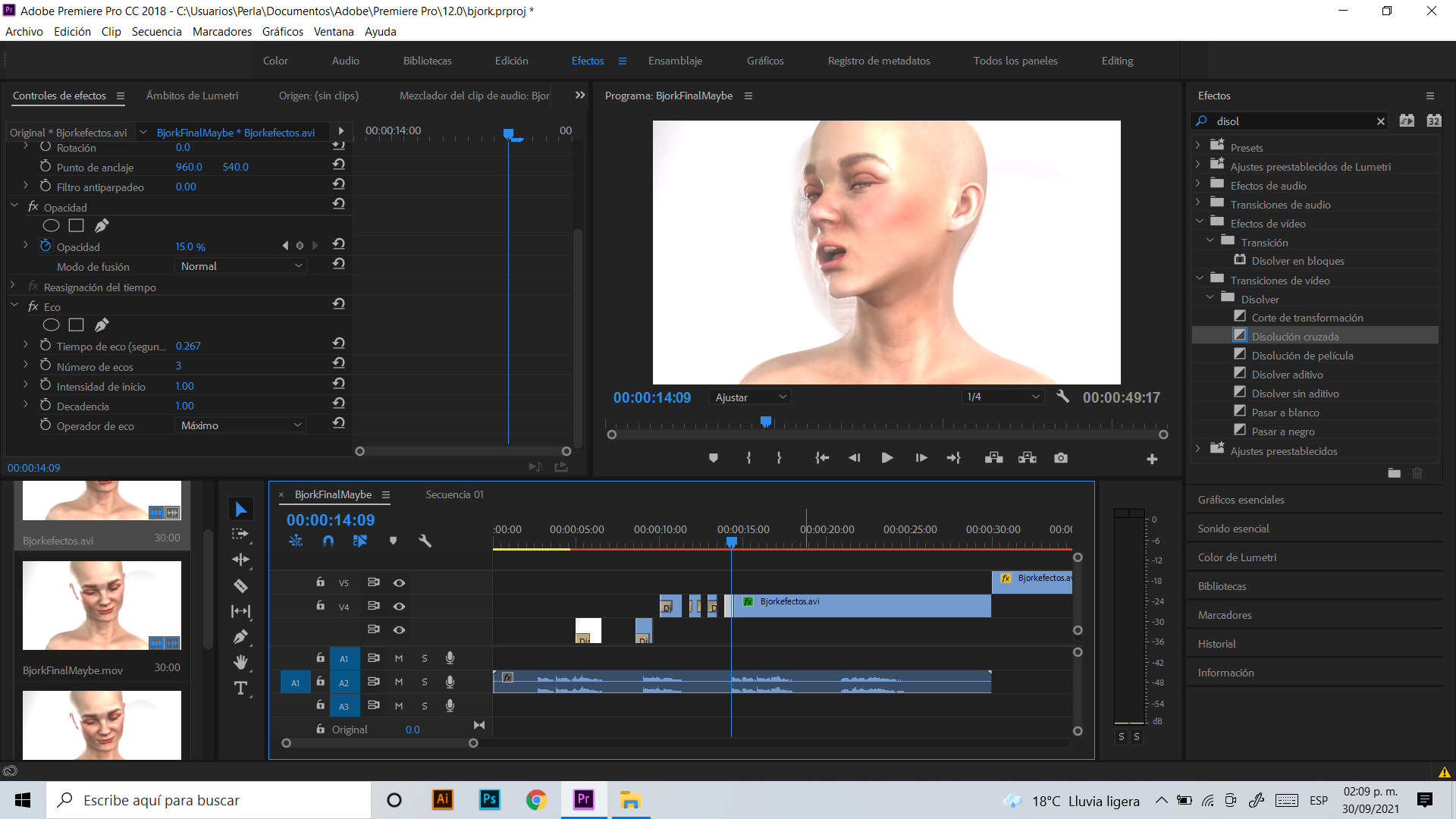
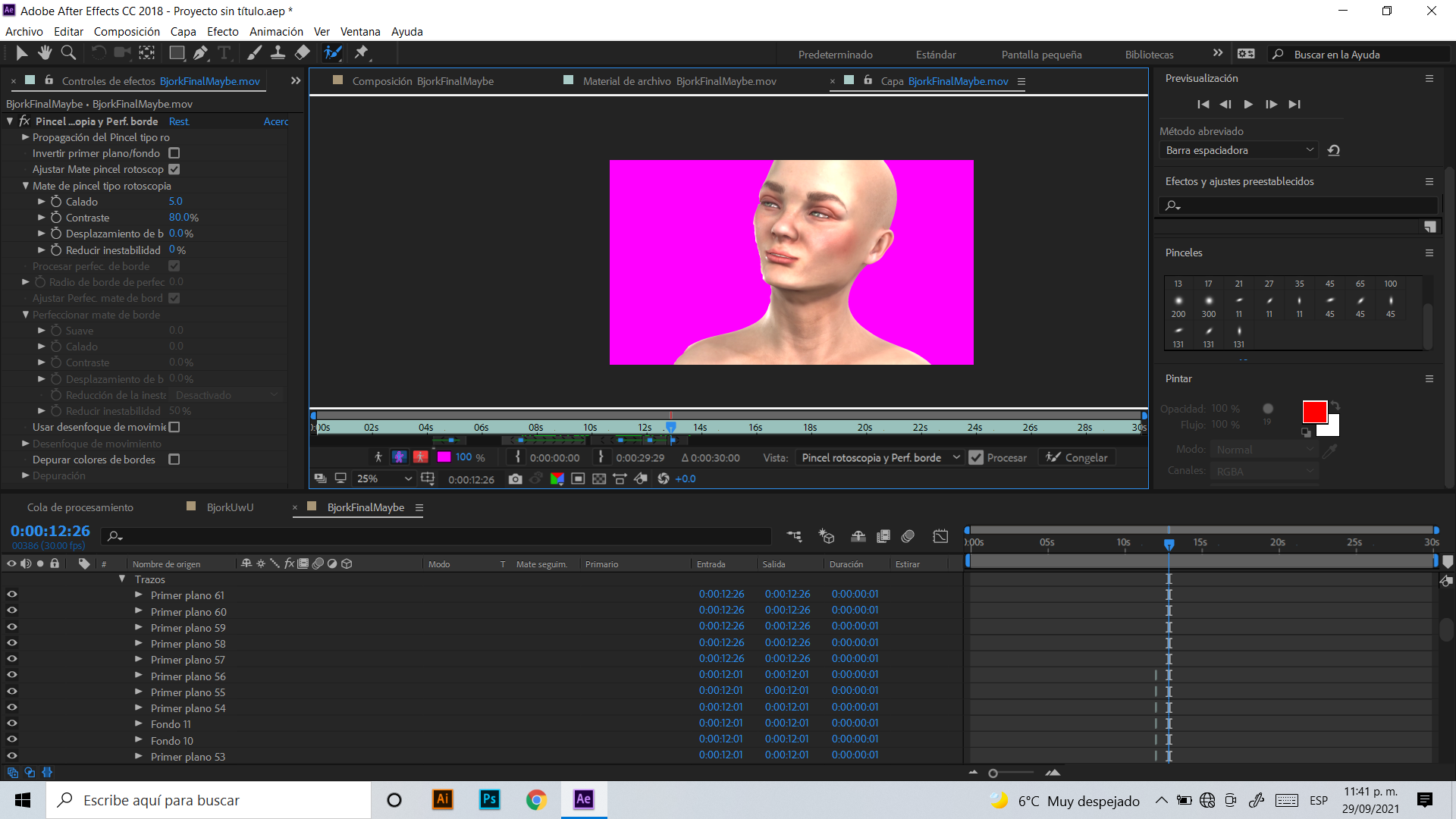
The video was edited in After Effects and Premiere! 
https://forum.reallusion.com/uploads/images/d1ac25f1-f801-4cda-aac7-c5c4.png
https://forum.reallusion.com/uploads/images/249da01d-75ec-4548-b898-de9a.png
https://forum.reallusion.com/uploads/images/d1ac25f1-f801-4cda-aac7-c5c4.pnghttps://forum.reallusion.com/uploads/images/754ee3b0-a8d1-4d08-948b-f52f.pngThis is the final result!
https://youtu.be/nrluzxYgLvE

By Perlalia - 5 Years Ago
Artstation Post


By toystorylab - 5 Years Ago
Nice... ;)