|
By Bridgette_RL - 5 Years Ago
|
If you would like to apply your own Humanoid motions to the ActorCorecharacter in Unity, you'll need to disable the Character Creator & iClone Auto Setup first and convert the character to a Humanoid. For more details, please refer to the following instructions:
1. Go to Tools > Character Creator & iClone Auto Setup in Unity.

2. Disable Auto-Processing.

3. Select the ActorCorecharacter's FBX file model and convert it to Humanoid.
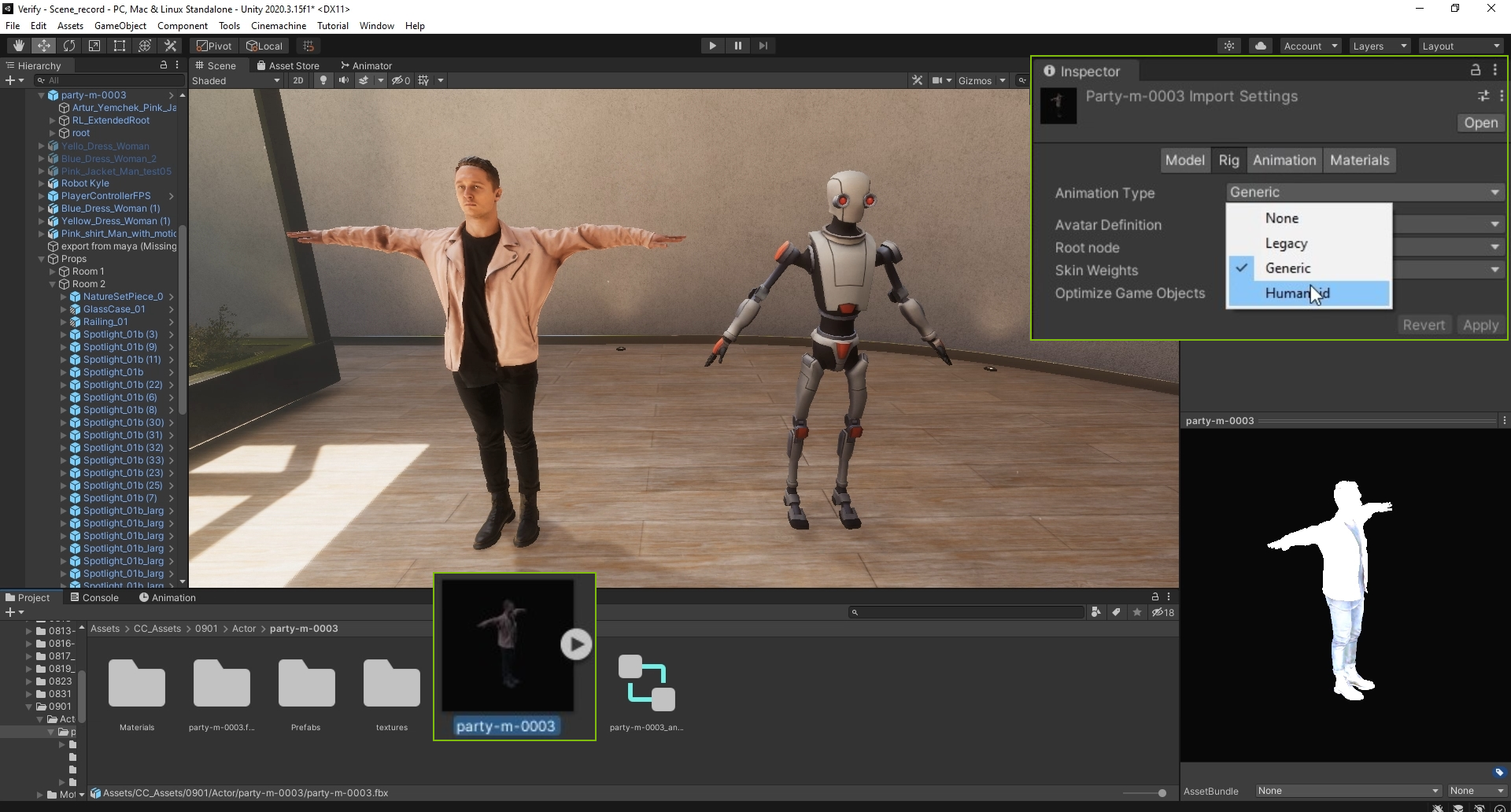
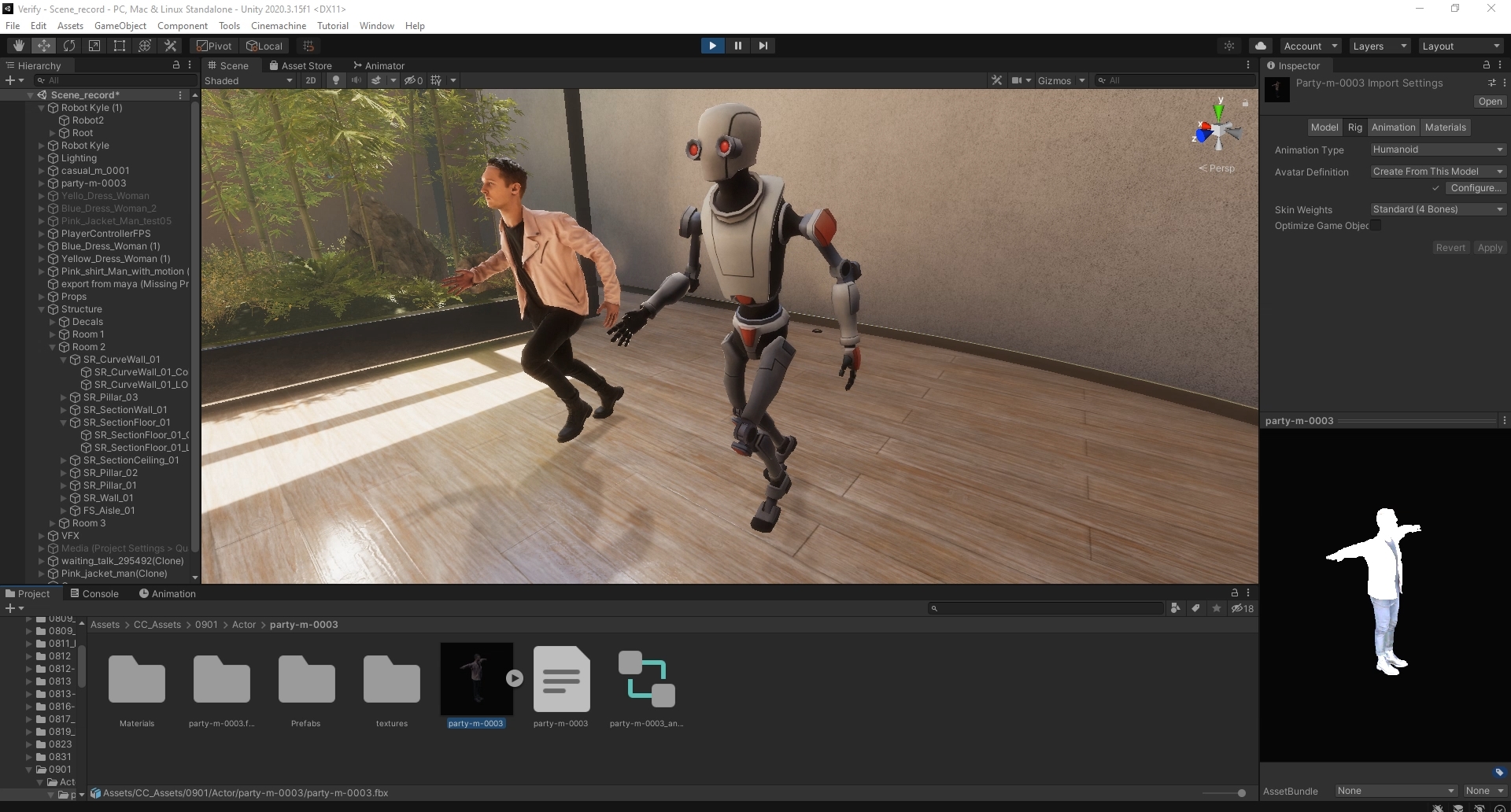
4. After this, you can simply apply your Humanoid motions to ActorCorecharacters using the Controller in Unity.
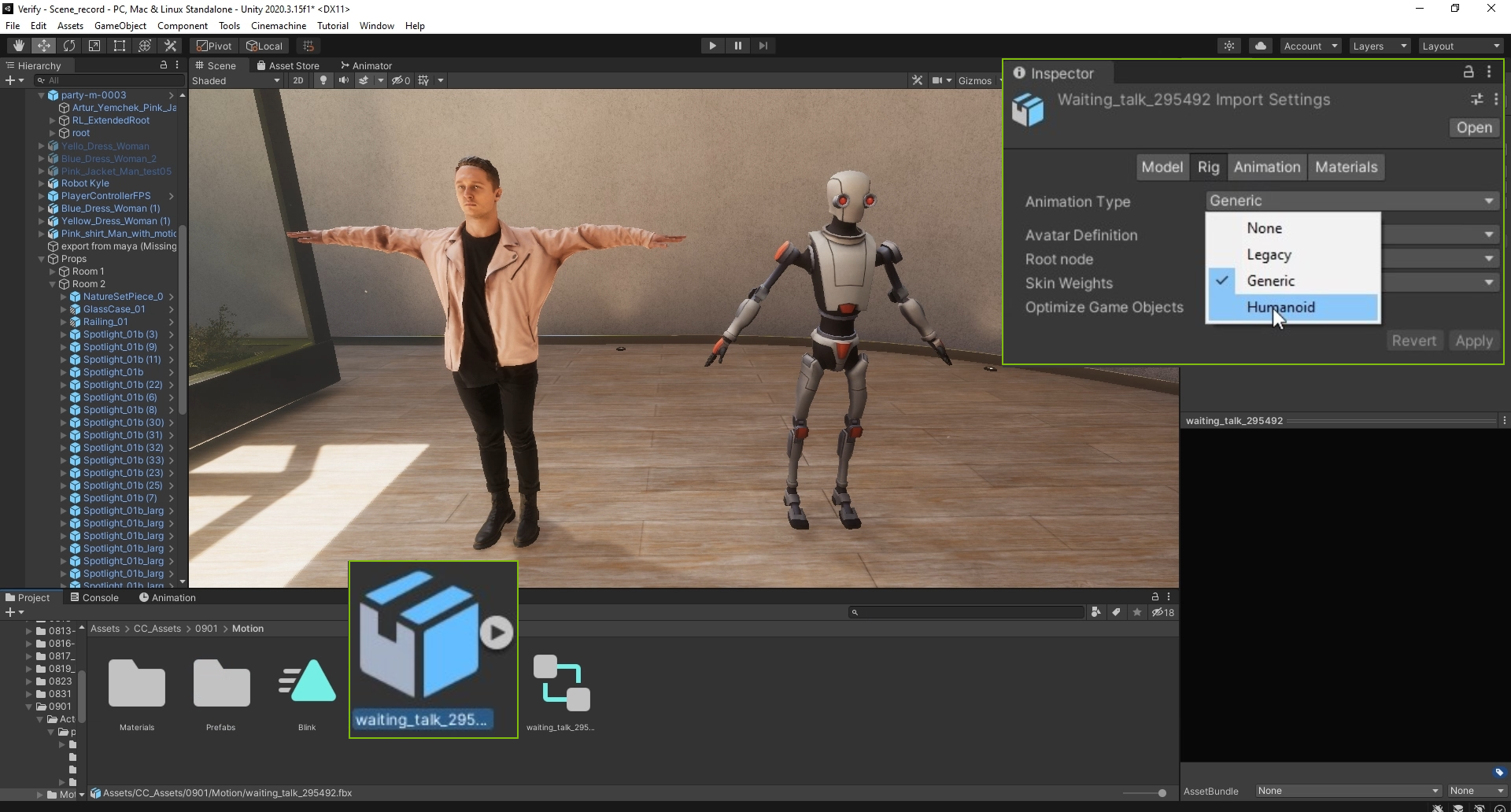
Note: If you want to apply ActorCoremotions, please make sure you convert ActorCoremotions to Humanoid as well, otherwise you'll get an error result.
|
|