|
By RealizeNow - 5 Years Ago
|
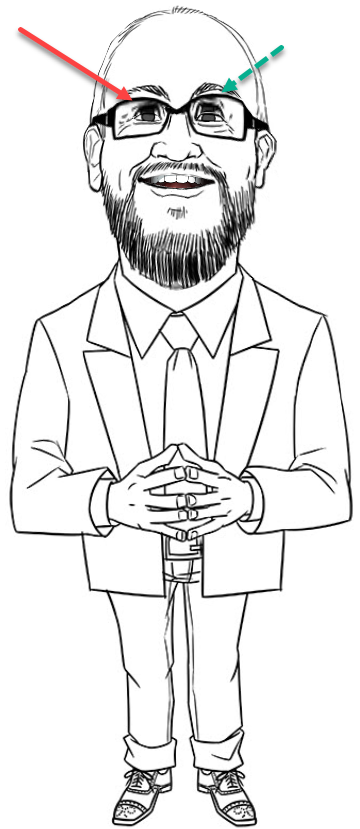
I have these hand drawn character that I have tried to circle the eyes to avoid this but to no avail - I just want to have the character NOT BLICK at all. What are the setting to stop the character from blinking the eyes.
This does not look natural as the video plays after unloading an audio
Thank You
***Dale***
|
|
By RealizeNow - 5 Years Ago
|
|
Please Note - This is in Crazy Talk 8
|
|
By Peter (RL) - 5 Years Ago
|
Hi...
Once you have applied your audio script, just go to the Animation tab in Content Manager and apply the Idle Motion > _Blank2D clip. This will remove any auto-motion for your character including blinking. Now if required you can record some other facial animation using Face Puppet but remember not to click the mouse button which will add a blink with each click.
|
|
By RealizeNow - 5 Years Ago
|
|
Thank you for your help Do yo have that File _Blank2D clip? I cannot find it on my system - Thank You ***Dale***
|