|
By planetstardragon - 5 Years Ago
|
I love this style of animation, and i'm trying to guess how they did it, some of it is obviously 2D - which could be done with CTA - but some of it looks 2 1/2 D in that the characters look like they have a little depth - like if you took a 3D character and flattened it in iclone
what tools / approach would you use to recreate this video ? - I already have an idea of how to do it, but I want to be open minded and see how others think / analyze it. I'm trying to do this with iclone tools only (vegas and hitfilm for post )- i'm pretty sure this video was done in adobe after effects.
to me it's just ultimately looks like mixed media, some concept art, some game engine, some 2d and lots of compositing, what has me unsure is the 2.5D look where i can't tell if it's a 3D character mixed with 2D footage or a specially lit 2D character.
|
|
By cinemyscope - 5 Years Ago
|
This is done in a compositing software. Probably After Effects, but it could also have been done in Nuke or Fusion. Advantage of the first is that it's easier to use the advantage of the other two is that they support 3D objects, though you don't need that to do this. You can do this with flat 3d plates in AE. These are all just animated paintings and there is some matte painting with photographs too. Here is a good book on how to do this:
https://www.amazon.com/Digital-Matte-Painting-Handbook/dp/0470922427
For some reason it's really expensive now. If you search youtube you'll also find a lot of good videos on Matte painting. The tools you'll need are:
Some painting software like Procreate for ipad.
Adobe Photoshop
Adobe After Effects
|
|
By planetstardragon - 5 Years Ago
|
oh ya, I love matte painting - what i especially enjoy about this video is the mixed media aspect of it, truly artistic work of blending everything to make one video- i'm really just trying to share some art that I find fascinating that has a ton of techniques and mixed media created by some of the best cg artists in the game industry - I found it inspiring and wanted to share that :)
some of those techniques are hard to pinpoint, i suppose there's an AE plug in for everything, but i don't have ae and I'm trying to come up with different techniques to get that look ( it's how i learn more techniques )....for example I have a software I got from a humble bundle package - sprite illuminator that gives sprites that 2.5d look
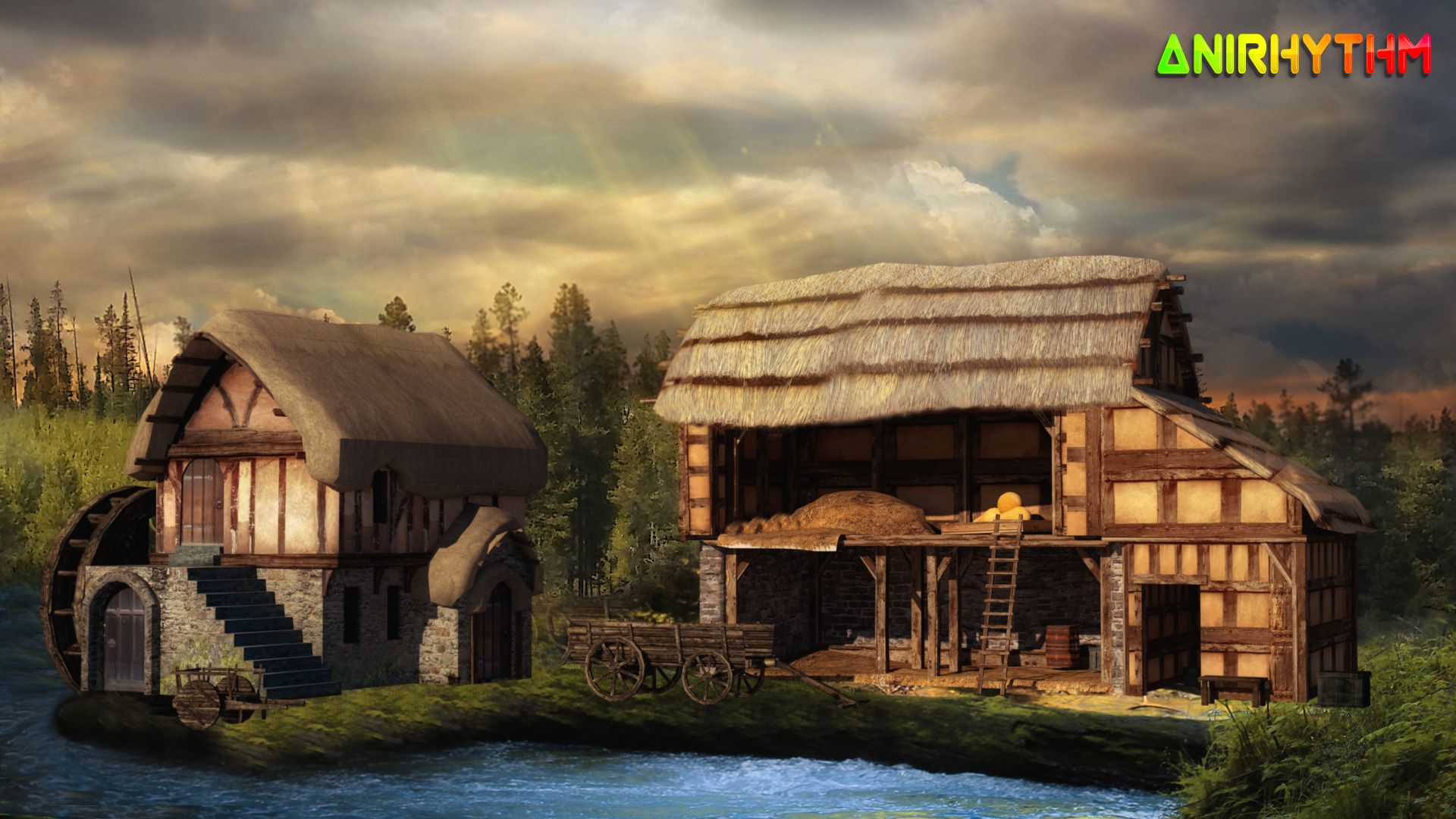
a matte painting I made with mixed media
|
|
By jlittle - 5 Years Ago
|
Wow, that truly is a work of art.
It had a little bit of everything in there, Mattes, 2D, 3D, Particle Effects and lots of compositing and very detailed drawings.
Thanks for sharing.
Jeff
|
|
By charly Rama - 5 Years Ago
|
|
Yes, it could be achieved by compositing. After effect , hitfilm , combined with green screen video. Great work on this video, a real artist.
|
|
By planetstardragon - 5 Years Ago
|
My pleasure, I can see this done with CTA and Iclone - but the real artistry is how they put it all together to make a story. - they made simple things look epic, i can imitate the looks but the overall vision of how it was assembled is intimidating to me lol
|
|
By jlittle - 5 Years Ago
|
|
planetstardragon (2/16/2021)
I can see this done with CTA and IcloneYes, I agree, but also with some Hitfilm and Particle Illusion (or PFx) thrown in.
but the real artistry is how they put it all together to make a story. They made simple things look epic Definitley!
... but the overall vision of how it was assembled is intimidating to me lol Very intimidating.
Jeff
|
|
By cinemyscope - 5 Years Ago
|
As an alternative to AE you could use Natron:
https://natrongithub.github.io/
Natron is (as far as I know) a free clone of Nuke.
Blender also has a compositor built in and is also free:
https://www.blender.org/
Drawback is that Blender and Nuke (and I suppose Natron have a steep learning curve)
You can also use Fusion which is now part of DaVinci Resolve:
https://www.blackmagicdesign.com/products/fusion/
There is a free version with some exceptions, but the full version is reasonably priced and its a one-time fee with free upgrades from there on. No monthly payments like Adobe.
I'm disagreeing with Charly Rama though. There is no green screen footage in this. The only time you shoot green screen is to composite a live shot with another background. I do not see any live shots in there. It's all painted and some is matte painting utilizing some photographs. No live action that was for chroma keying in this at all. The compositing of this is actually very simple and easy to do. The hard part is all the painted content.
|
|
By planetstardragon - 5 Years Ago
|
thank you cinemy! One of my hobbies is exploring off broadway type softwares, Natron looks really interesting! I do the same with music. It helps build a unique toolset that can give you a signature look ( or sound ).
Last I heard Nuke has a free version https://www.foundry.com/products/nuke/non-commercial as does davinci- but from the few tutorials I've seen it's learning curve is a time eater. I'm using hit film, and mainly the plug ins it has for Vegas at that - https://fxhome.com/hitfilm-express truth be told I avoid the time consuming things because my first goal is music, and I started learning cg / animation to have an art department lol
My current style is focused on drafting up nice looking ideas fast "Good enough" - i can certainly get into more detail but I haven't seen an occasion for it yet. So far I've made it a point to develop more techniques than mastering any one software, there's still more in iclone I haven't even begun to touch yet - videos and - thought exercises like this thread help me figure out what techniques to use or learn - basically training my eyes to notice details I'd need to recreate. What i really want to learn from this video in particular - is the creative style of how they put everything together, not so much the technical but the way they took simple stuff and presented it to look larger than life - it's hard to pinpoint because part of the coolness of that video is pure editing and how they arranged the shots. - like if you watched that video and called out what software or technique to use as it plays out ...it would probably sound like - 2d animation over matte painting, crossfade with an overlay, particle effect in 3D, particle effect in overlay, 2D, crossfade with overlay to game engine 3D over matte painting - I get dizzy just trying to map that out lol!!
I've seen behind the scenes footage from arena net in how they make these videos, in the end it's the sum of a very talented art department each chipping in parts and ideas. in reality we are watching the sum creation of a small army of very creative minds.
A lot to learn from simply guessing how they made each shot and our own methods of how we could create same.
|
|
By cinemyscope - 5 Years Ago
|
|
I’m fine editing in DaVinci Resolve and also color grading. Fusion and Fairlight inside Resolve I have not mastered yet but as a musician I’d assume you’d be fine with Fairlight as it’s “just” another DAW. It’s my understanding that if you know Fusion you will also know how to work Nuke as the node system is similar. You can get a full license of DaVinci Resolve on eBay for less. Since Blackmagic gives away the licenses with their cameras a lot of people have extra than and sell them online. You can even purchase a license that’s half a decade old, re-register it under your name and do lo the latest version. That’s what I did. The only thing is that Resolve needs a beefy video card. Preferably Nvidia but I’d assume you have that as you are working with animation.
|
|
By planetstardragon - 5 Years Ago
|
you know what scares me about that ? that I know I can learn it and once I'd get the hang of it, I won't stop till I master it heh!
when I first started learning, i went into this phase of learning a little bit of everything, because I was so new to iclone and at the time - version 3 , i felt limited - so i started collecting softwares from sales / bargains / blackfridays over the years ...each one had an omg amount of hours just to do something simple ...this forum has some serious talent - though you may not see it on the face - but many people don't post what they can really do here ...but when you get them to open up - the knowledge and talent is immense. in a sense I'm the pesky little black sheep bro in the forum because they all in a sense shared what they know and I learned - but what made me bad is I always blatantly cheated - my mesh topology was a trainwreck and they would laugh when I'd make it work anyways - they knew how bad it was under the hood, I didn't care and the public who just wanted to watch animation was none the wiser rofl!! So i kinda upset them a little by not going all the way! - my thing is while I was spending all this time learning the finer details of animation...Nyam cat got over 200 million views and was licensed by Nissan!
I was like, nyam cat doesn't even have edge loops and is 8 bit! I can learn to make the most incredible detail anywhere, but Nyam cat made the money! - well. ..since then my eyes have been fixed on what makes things entertaining, so i study things like the above video in this thread - because it was powerfully entertaining, yet simple, not at all photorealistic also stuff like "Alien TV" on Netflix - you can make those easy on iclone ....my point being is my workflow is designed to focus more on understanding what is entertaining vs fine detail. thus being able to draft something nice up quickly is very important to me. I need a ton of ideas that will fail so i can find one that will win!
another example ....this video - 3 Billion views. 12 million likes - and this is so iclone, low poly, low detail - high entertainment - the frog became a meme celebrity! seriously!
|
|
By cinemyscope - 5 Years Ago
|
I know what you mean planetstar. I cheat a lot too. Partially because I don't know how to get there otherwise. In the professional world there is a guy for everything which makes things very expensive as many of them are specialized to do one thing really well in one software. As to the AE video. A friend of mine worked on some stuff for Graphic India. They post a lot of animated comic book stuff on youtube you may like:
http://graphicpop.com/
|
|
By planetstardragon - 5 Years Ago
|
ahh, very cool site!...yeah, I noticed India is actually quite big on art and animation - for that matter I've noticed asia in general are exceptional with the graphic arts .... Namely - India China Russia Japan - it stands out most to me on art station where you can see art from all around the world side by side. - thank you for sharing :D
|
|
By 3DChick - 5 Years Ago
|
I just saw this--that video is sooo cool! It feels like some of the "cartoons" from the 70s (my childhood), when either from they didn't have the tech to easily make what we do with animation today or an overall 70's trippy design ethic, there'd be those cool 2d flashes and transitions and overlays. (I wish I could think of an example, there's one hovering in my memory, but not quite close enough).
But I think I see what you're looking at with it, @planetstardragon, they did it very carefully to enhance the drama and story. I would love to figure out how to get that painterly feel out of animations in iClone, but I suspect that's even harder than good 'toon shading, without going over every single frame in another program.
That video felt like a...visual poem. Definitely worth rewatching and trying to figure out.
|
|
By planetstardragon - 5 Years Ago
|
"Visual Poem" - I couldn't have said it better myself.
Here's a behind the scenes video on how they make them :)
|
|
By 3DChick - 5 Years Ago
|
@planetstardragon: Wow, wowow. Sooo not a one-click solution, lol.
But very cool. I'm not a gamer, but it makes me want to play just so I can see more of that world. Sooooo cool!
|
|
By 3DChick - 5 Years Ago
|
This made me want to play with trying to get some of the feel of the original video, so I took a render I did last night and messed around with it in DaVinci Resolve's Fusion page. Note: I have no idea what I'm doing in there--I just started trying different things, till I got something I liked.
This is too dark, and since I was just playing something I'd already done, I didn't customize the render first (like I'd take out or turn down the bump on the armor, brighten everything up), then render it in an image sequence to alpha the background. Then it could be composited with cool parallax planes for background, and flames or dragons or whatever else the scene needed.
I just wanted to see what could be done--relatively easily, ahem--to see if it was even possible at my skill level. I'm terrible in Photoshop but keep wanting to get a painterly look for some of my book covers--epic fantasy wants a painted look, for example. And I bought Filter Forge when it was on sale a couple weeks ago--you can get super cool things from that --but have haven't yet figured out a way to batch the effects. I don't have the patience to run 1800+ frames through anything individually, lol.
Anyway, my first attempt at a painterly look:
And here's the original version--with a shout-out to 4u2ges's AWESOME pupil and iris sliders!
Happy Thursday
Nicole
|
|
By planetstardragon - 5 Years Ago
|
Nice! - I'm the same way, I like to experiment, but avoid things that are time monsters so i collect a variety of different tools I find in alpha beta and beyond, I have some really strange kittens in my collection!! I even have a few games that I use as 3D modelers - where basically you model an item in the game to play with, but the game allows you to export the asset - ie - spores ...but there are others!
here's a software you may like, that I just discovered, courtesy of another thread on this forum doing tests with it - I could really get into this because I have a very cool selection of unusual paint programs - that Im hoping can use with this https://ebsynth.com/
and here's another artsy video I think you will appreciate - I think with ebsynth and iclone - I may be able to do a similar style - I'm a big fan of this animation style too....
|
|
By mrl - 5 Years Ago
|
Ebsynth is a great option! I'm preparing to launch an animation channel, and I'm doing exactly this. Animating and exporting from Iclone, painting over the resulting frames, and then running things through ebsynth to get a more organic, hand drawn look.
It's a lot of work, and it's not perfect, but I think it creates some pretty interesting results. I'm hoping to launch the channel in a few more weeks and I'll be sure to mention on here when I do, but for now, here's a few preview shots so you can see what I'm up to (all animated with iclone and painted w/ photoshop and ebsynth)
|
|
By planetstardragon - 5 Years Ago
|
wow, very nice work, the color scheme really sets a strong mood! well done!
I wonder if Reallusion can put something like Ebsynth directly in iclone - that would be some next level stuff!
|
|
By mrl - 5 Years Ago
|
Thank you! Having the ability to paint over the frames gives me so much extra freedom in not only customizing the look and feel of the scenes, but hiding little errors (clothing peek-throughs, etc.) as well.
|
|
By 3DChick - 5 Years Ago
|
@planetstardragon--wow on the Prada video. That was very cool and somewhat disturbing somehow.
And @planetstardragon and @MRLon the EBSynth. Holy moly! Hi Rabbit Hole! Here I come!
Found this in their tutorial section and now another person to subscribe to...
MRL: I will be super excited to see the new channel! Do let us know. Loved what I've seen so far--it's like Twilight Zone only animated. Super cool!
|
|
By planetstardragon - 5 Years Ago
|
agreed on the prada video being disturbing - but that's sort of what makes it fine art - the contrast of a Beautiful Horror. it plays on the meme cliche' "The devil wears prada" - prada ran with it and made it artsy lol - alot of fine art focuses on the yin yang contrast - for example ...the first video I posted on the thread - in concept if you step back, it's all about war and battle, and these monstrous beasts killing others - the beautiful song and pretty colors mixed with the horrors of war and fantasy of monstrous beasts evokes emotion - thus making it a "fine" art so to speak - the mona lisa is both ugly and beautiful at the same time - she has no eyebrows, and there are even rumors that it was a male model :w00t:
https://news.artnet.com/exhibitions/mona-lisa-leonardos-lover-salai-479783
|
|
By mrl - 5 Years Ago
|
|
MRL: I will be super excited to see the new channel! Do let us know. Loved what I've seen so far--it's like Twilight Zone only animated. Super cool!
Thanks! That was exactly the sort of thing I was inspired by. Hopefully I'll be able to share it all in just a few more weeks!
|
|
By planetstardragon - 5 Years Ago
|
here's a cool app that could work well with iclone and ebsynth,
https://www.itoon.net/
|
|
By mrl - 5 Years Ago
|
Interesting! Here's another tool I've been experimenting with for tooning live action footage:
https://www.redgiant.com/tutorial/getting-started-with-universe-toonit/
|