|
By Kimmie777 - 6 Years Ago
|
Does anyone in here know how to evenly animate wing props?
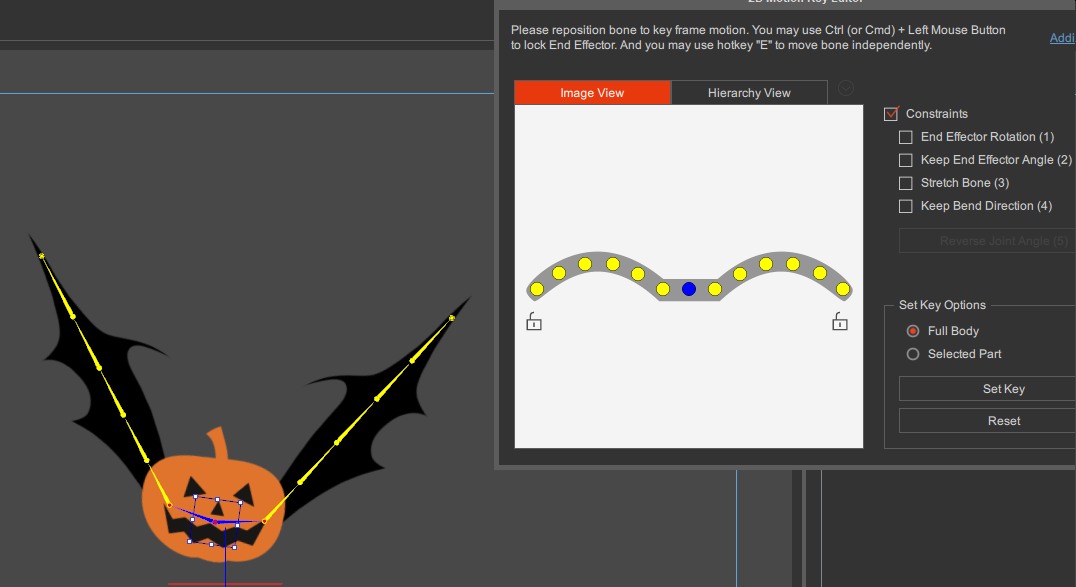
I cannot find a way to 'mirror' the bone edit on these.
I wish the rotation numbers of bone edits showed up. :-P
That would make it easy, because then I could just punch in the numbers to match it. :-)
So how do I evenly animate each side to move in sync with each other?
Or is there no way to really do this except by guessing and playing it back and just getting it as even as I can?
We really want perfectly even movements in here on both sides.
Thanks...
~ Kimmie

|
|
By r78zj99 - 6 Years Ago
|
hi Kimmie777
symmetry is the word you are looking, well the good news mirroring is allow in hand puppeteering as a tick box
there are two other work rounds
1. use a motion
2. move one half in it's actions then copy the repeat on the other side
oh, lord. oh lord it is that easy
from Alan
|
|
By Kimmie777 - 6 Years Ago
|
I don't think anyone sells a motion that will go with these wings.
So we are going to create our own.
Do you mean to say that each of the bones will show up individually in the timeline?
If they will, then I can copy symmetrically.
Then yes, it really is that easy.
Thank you, Alan!! You just saved me an entire day of work on this. :-D
I will look for that in the timeline this evening. :-)
I was all set to create some rulers and other measuring tools to load into the scene so I can get them exactly right together.
That would've taken some time that I did not need to spend. :-D
I wonder how detailed the bones show up in the timeline...
...If they are detailed enough, then yeah... :-)
* The humans only show "arm" for shoulder, elbow, wrist, instead of showing each as separate, for example.
What would the wings show?
~ Kimmie
|
|
By r78zj99 - 6 Years Ago
|
hi again Kimmie777
just been messing about done in 10 mins
see below examples
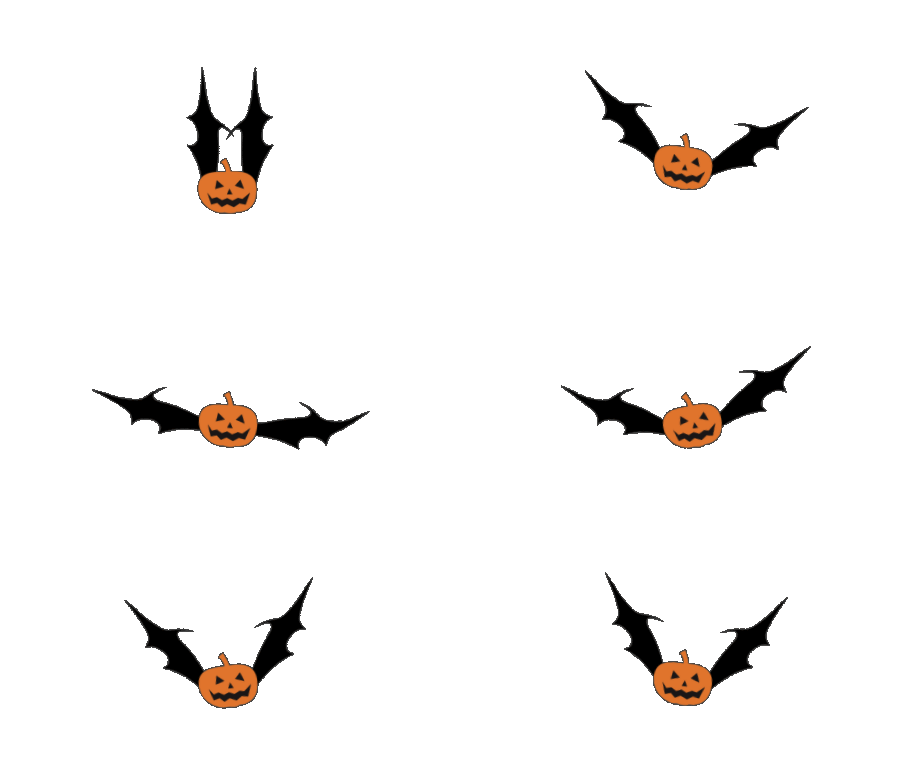
by substitution who knows where is will take you, hope you don't mind but below is another example
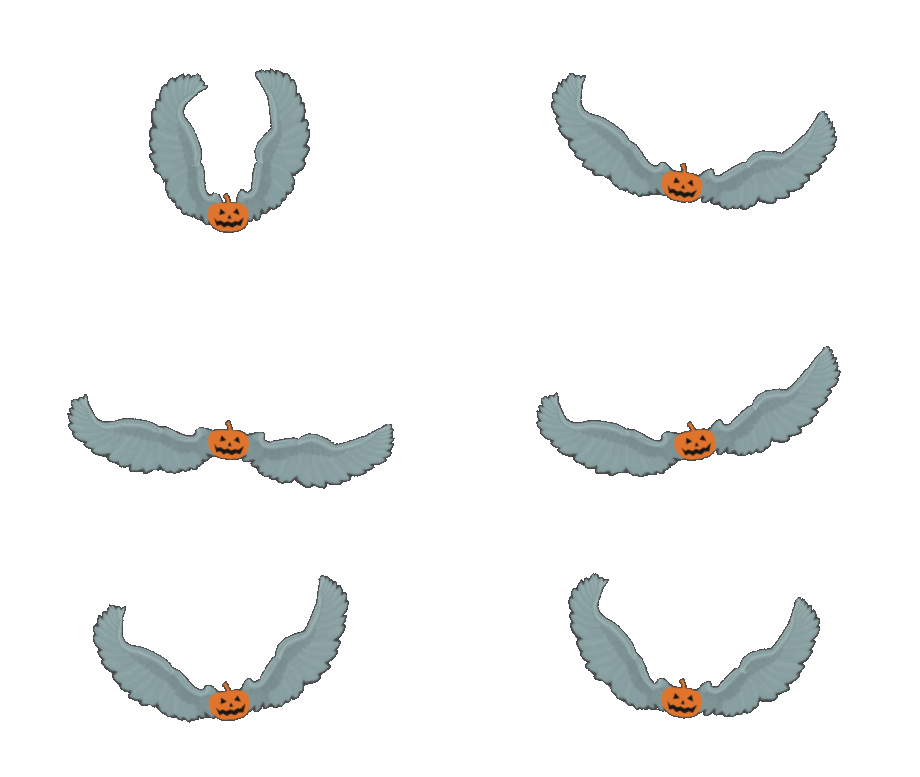
look under wings for motions!
from Alan
|
|
By Kimmie777 - 6 Years Ago
|
Negative. It only gives me one animation layer for the whole thing.
- No left, no right, or anything specific.
So I am going to have to make myself some measuring tools for this and line it up on the grid.
Thanks, though... My wings are different.
But we are wanting some very realistic wing movements anyway.
~ Kimmie
|