Re: CC to Mixamo
This is my study so far.
・Mixamo has its own Auto-Rigger for the uploaded skeleton, thus,
Characterizing of the CC3 model at the 3DXchange is not used in my test.
・The FBX, OBJ and ZIP format are selectable at the uploading.
1. At CC3, go to File/Export/FBX.
Fig1. CC3: File/Export/FBX(Clothed Character)
2. CC3: Use Maya for Target Tool Preset. (need more study for other Tools)
Fig2. Export FBX
3. Upload to Mixamo:
Fig3. Drag and drop the FBX file to the drop zone.
4. Mixamo: Preview the CC3 model
Fig4. Mixamo: Static Image of the CC3 model
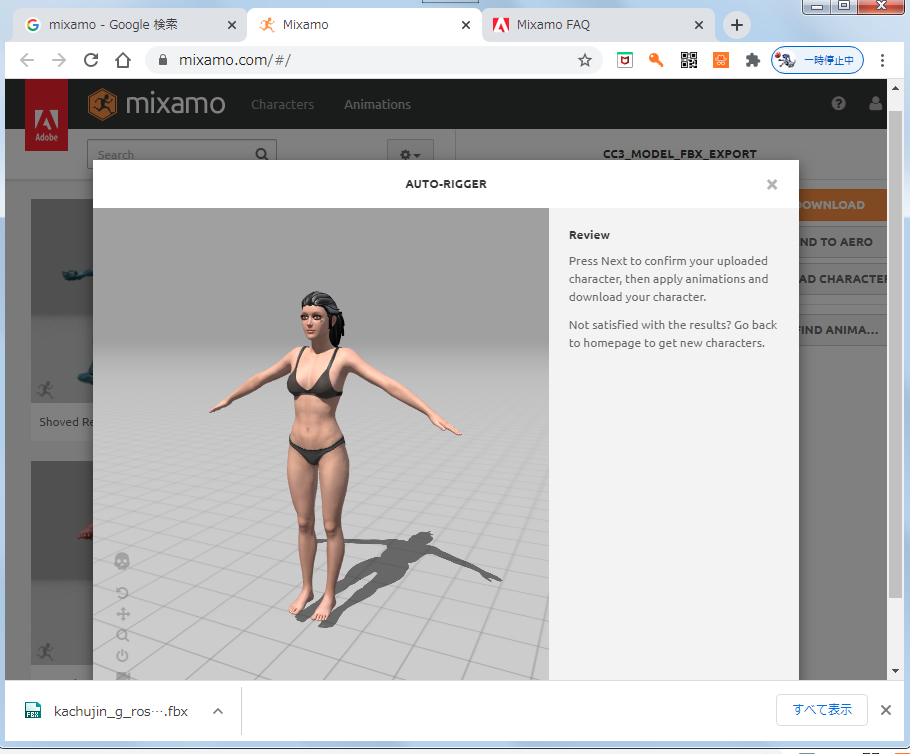
Fig5. Mixamo: Skeleton View of the CC3 model.
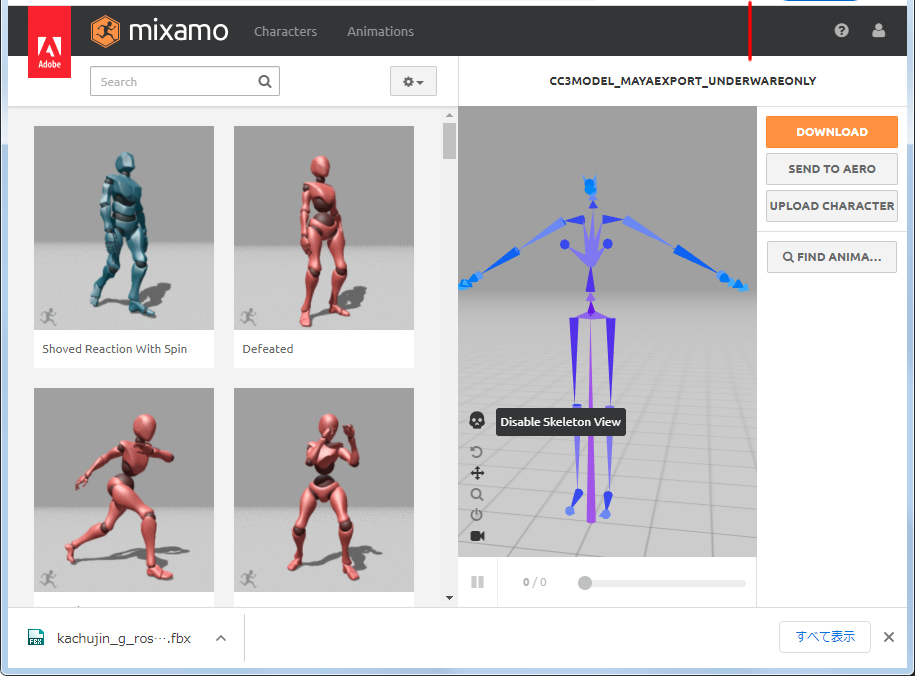
5. Apply Animation Motion is not confirmed.
Thank you,
Hiro